Choosing the right tool
A quick guide to which CamClo AI tool to reach for, based on what you have and what you want to make.
CamClo AI gives you two connected workspaces: the AI Suite for creating and editing visuals, and Ad Studio for turning a product into finished, ready-to-run ads. This page helps you pick the right starting point. Every tool draws from the same shared credit balance, so you can move a result from one tool straight into another.
At a glance
- AI Suite
- Virtual Try-On, Model Swap, Smart Edit, Image to Video
- Ad Studio
- Image Ads, Video Ads
- Make product photos
- Start with Virtual Try-On
- Make ads fast
- Start with Image Ads
- Credits
- One shared balance across every tool
- Chaining
- A result from any tool can feed the next
If you sell a product, the simplest first move is a Virtual Try-On shot or an Ad Studio ad. Both work from a single product photo.
The two workspaces
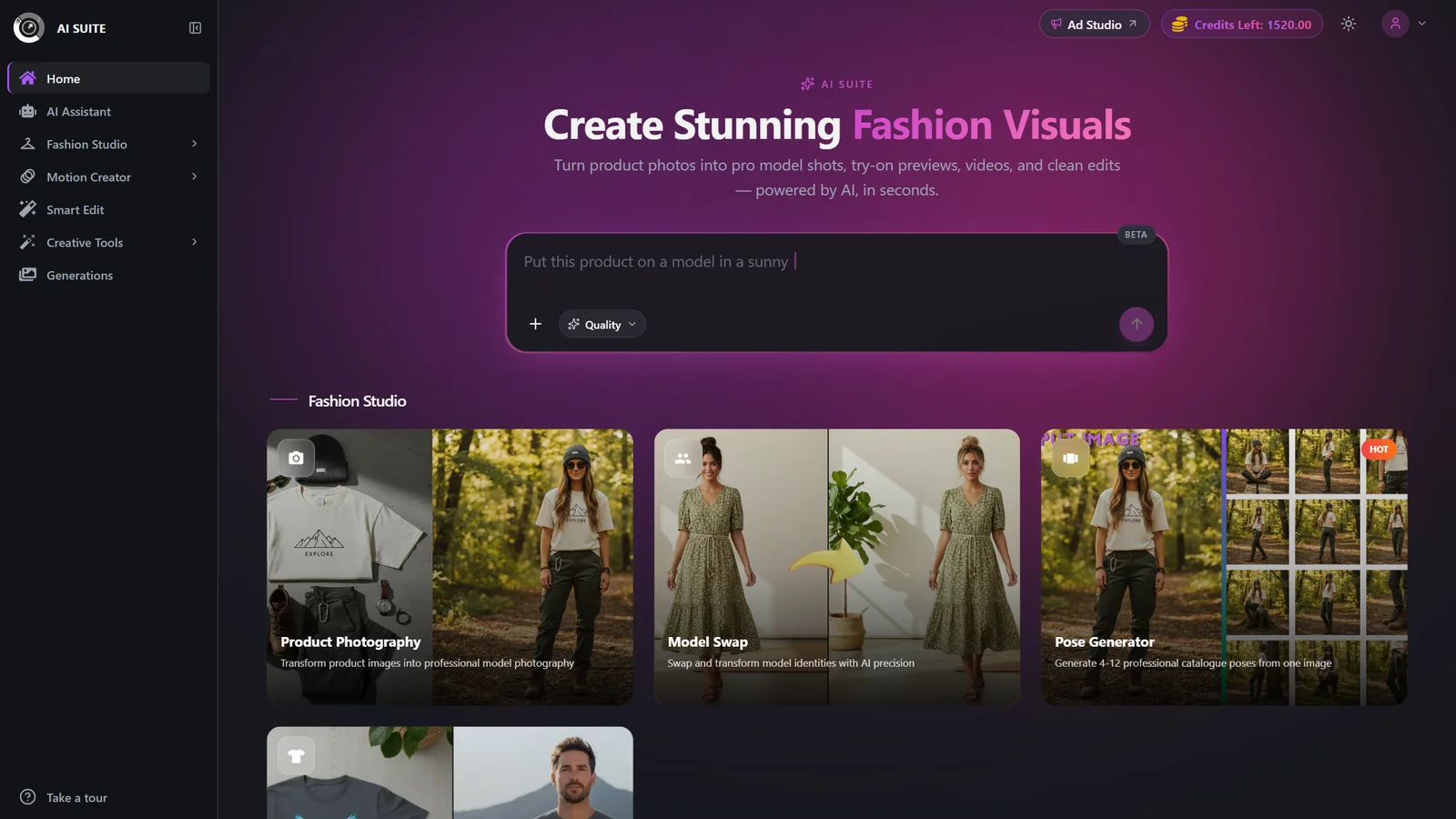
AI Suite is where you create and refine individual visuals. You bring an image (a garment, a product, a model shot) and the suite dresses it on a model, restyles it, edits it with a text instruction, or animates it into a clip. Think of it as your production studio for raw creative.
Ad Studio is where those visuals become ads. You register a product once, then generate static image ads or short video ads that come with platform-ready copy, aspect ratios, and campaign goals baked in. Ad Studio is the fastest path from a product photo to something you can actually run.
Many people use both: create a clean on-model shot in the AI Suite, then build a campaign around it in Ad Studio.
The tools, and when to use each
| Setting | Options | What it does |
|---|---|---|
| Virtual Try-On | AI Suite | You have a flat garment photo and want to see it worn by a model, no photoshoot. Turns a packshot into an on-model catalog image. From 2 credits per image. |
| Model Swap | AI Suite | You already have an on-model image but want a different-looking model wearing the same clothes. Priced by mode and resolution (1 to 3 credits); a face reference adds +2. |
| Smart Edit | AI Suite | You want to change something in an image by describing it: swap a background, restyle, combine images, add or remove elements, and get several variations. Cost depends on the model you pick, from a flat 0.5 credits up to higher-detail tiers. |
| Image to Video | AI Suite | You have a still and want a short motion clip with optional sound. Choose from several video models. From 2 credits, scaling with length and resolution. |
| Image Ads | Ad Studio | You want finished static ad creatives (single images or carousels) with auto-written platform copy, sized to a goal and aspect ratio. 1 credit per image. |
| Video Ads | Ad Studio | You want a full, scripted video ad (UGC, Commercial, Unboxing, and more) with native audio, sized for Reels, TikTok, Shorts, and feeds. Priced by duration and resolution, 3 to 40 credits. |
Which tool should I use?
I have a garment photo and no model shot to start with Virtual Try-On.
I have an on-model shot but want a different model to use Model Swap.
I want to change or clean up an existing image with a text instruction to use Smart Edit.
I want to animate a still into a clip to use Image to Video.
I need static ads with copy, ready to run to use Image Ads in Ad Studio.
I need a scripted video ad with sound to use Video Ads in Ad Studio.
Image Ads and Video Ads both start from a registered product. If you have none yet, register one (with a few clean photos and real selling points) before you generate. AI Suite tools work directly from an uploaded image, no product setup required.
Chaining tools together
The tools are designed to hand off to one another. A common end-to-end flow:
Create an on-model shot in Virtual Try-On.
Optionally restyle it in Smart Edit or put it on a different model with Model Swap.
Animate it into a clip with Image to Video.
Register the product and build finished ads in Ad Studio.
How credits work across tools
Every tool spends from the same credit balance, and the Generate button always shows the exact cost before you commit. Rough guide:
- Virtual Try-On: 1 to 3 credits per image by generation mode and resolution.
- Model Swap: 1 to 3 credits by mode and resolution; face reference adds +2.
- Smart Edit: from a flat 0.5 credits up to higher-detail tiers, per output image.
- Image to Video: from 2 credits, up to 40 by model, length, and resolution.
- Image Ads: 1 credit per image.
- Video Ads: 3 to 40 credits by duration and resolution.
Free accounts pay more on some tools and receive watermarked output; watermark-free exports and higher-quality tiers are paid-plan benefits.
Best practices
Start cheap, then commit. Preview a look in a low-cost mode or resolution, then re-run your favorite at full quality.
Do image work in the AI Suite, then move to Ad Studio. Clean up the visual first so your ads start from the best possible shot.
Register products well. Richer product photos and real selling points produce noticeably better ads.
Match the tool to what you already have rather than forcing one tool to do everything.