Products
Register a product once, then reuse it across unlimited image and video ads.
Products is your catalog inside Ad Studio and the required starting point for every ad. You register a product once (by uploading photos or importing from a URL), it gets auto-analyzed into a name, description, category, and selling points, and then it is ready to pick from inside Image Ads and Video Ads.
At a glance
- You provide
- Product photos or a product page URL
- You get
- A saved, auto-classified product ready for ads
- Best for
- Setting up before you generate any ad
- Image formats
- JPG, PNG, WebP · up to 5 images per product
- Cost
- Free to register, edit, and import
- Free plan limit
- Up to 5 products (unlimited on paid plans)
How it works
- 1
Open Products
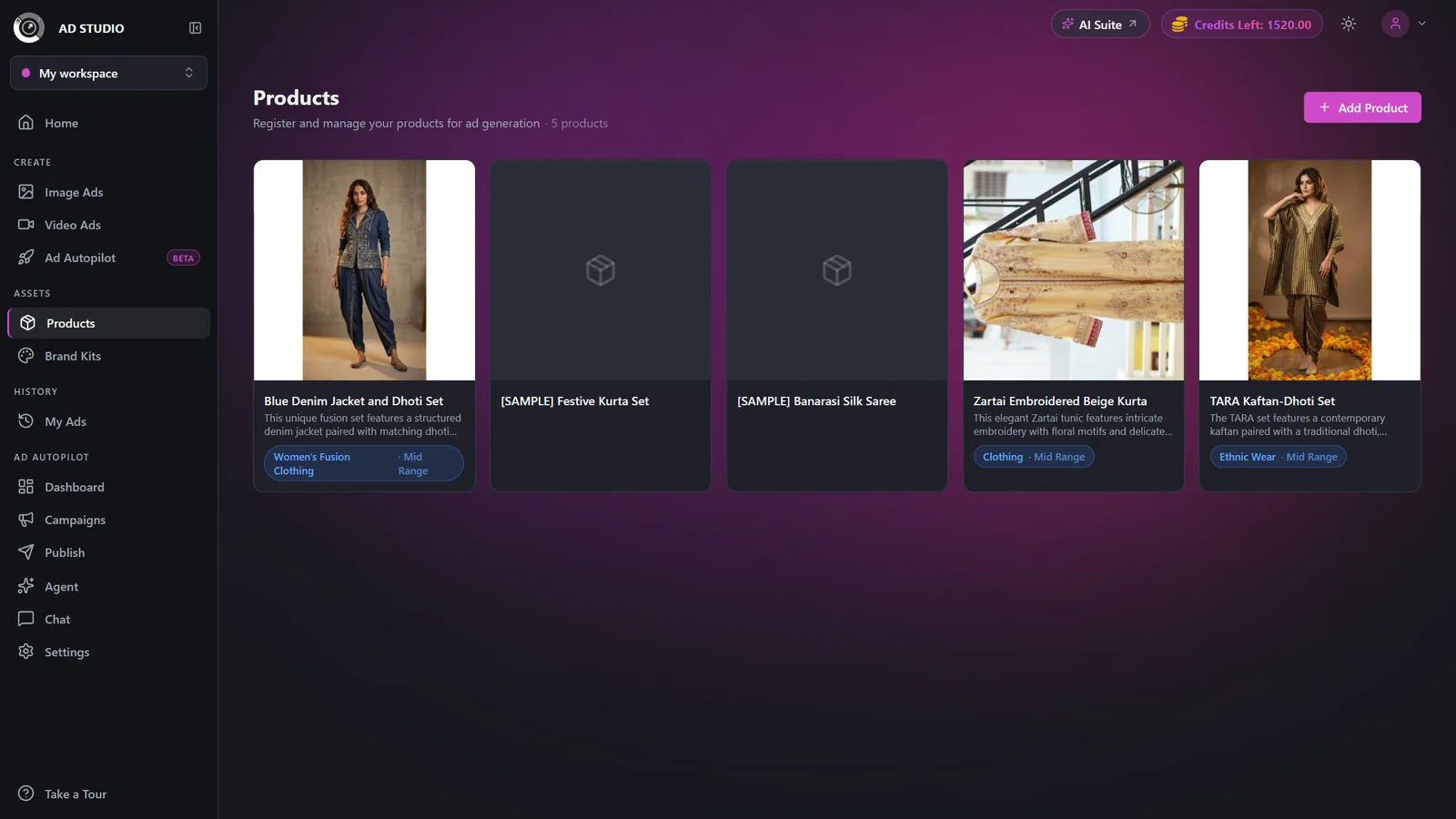
Find Products in the Assets section of the Ad Studio sidebar.
- 2
Add a new product
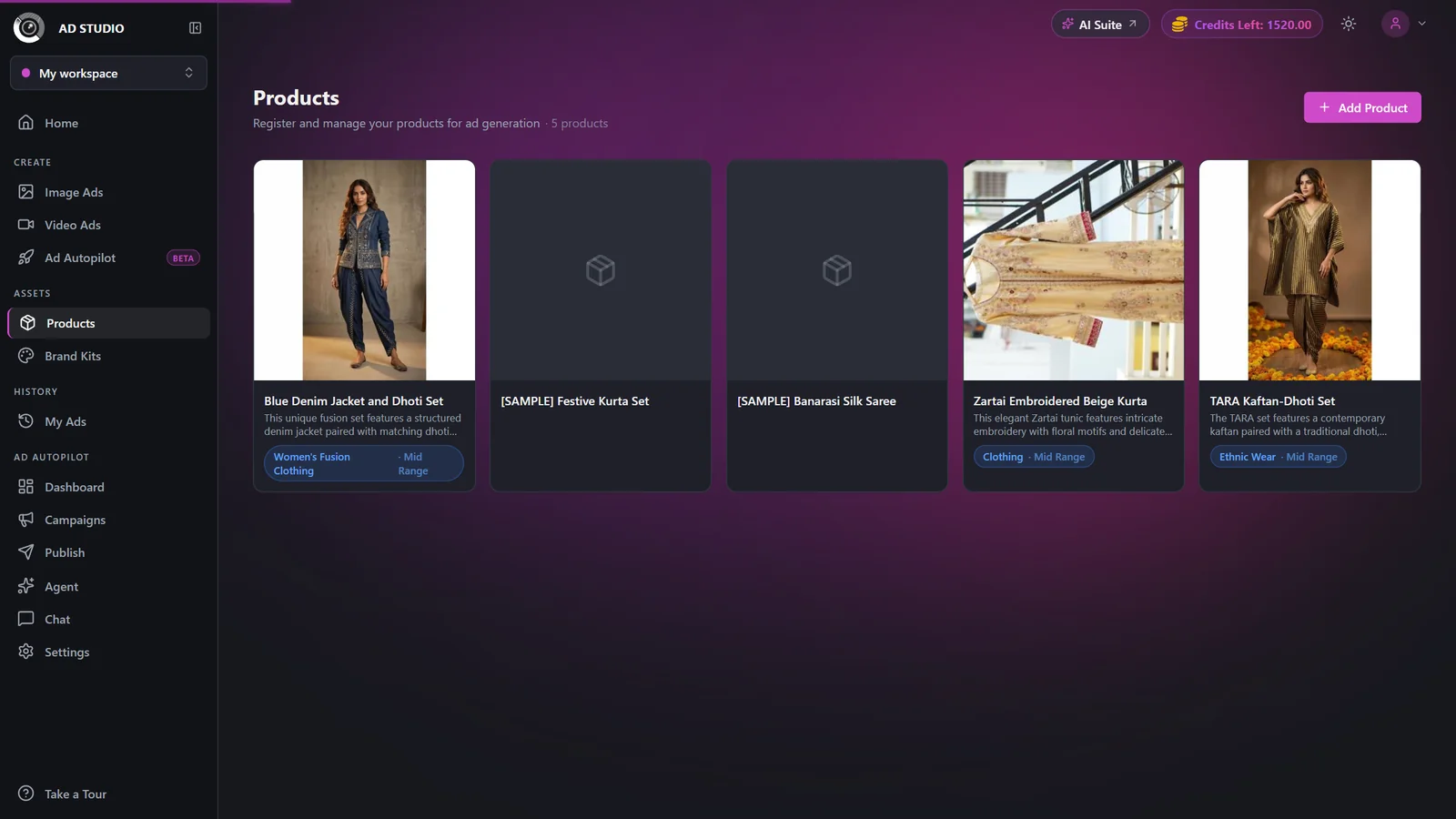
Click Add / New Product, then choose a tab: Upload images or Import from URL.
- 3
Upload images, or import from a URL
On the Upload tab, add up to 5 photos (the first is the primary) and optionally set the name, description, price tier, and selling points. On the Import from URL tab, paste a product page link and let it auto-import the details and imagery.
- 4
Submit and let it process
The product enters a Processing state while it is auto-analyzed into a category, target demographic, key attributes, and visual style, plus a suggested name, description, and selling points. It then becomes ready.
- 5
Edit anytime
Open any product later to fix the name, description, category, or selling points, or to swap images.
Settings & options
| Setting | Options | What it does |
|---|---|---|
| Input method | Upload images (up to 5) or Import from URL | Upload accepts JPG, PNG, and WebP. The first image is marked Primary. URL import pulls details and imagery from a product page. |
| Name / Description | Free text (optional) | Auto-detected from the images if you leave it blank. You can always override it. |
| Price Tier | Budget · Mid-range · Luxury | Influences how premium the resulting ads feel. |
| Selling Points | Up to 8 short bullet points | Used across variations and carousel slides. The more specific they are, the better the ads. |
Best practices
Upload multiple clean angles. More reference photos give the generator more to work with.
Write real, specific selling points (materials, benefits, differentiators) instead of generic phrases.
Set an accurate price tier so luxury items get premium-looking ads.
Use URL import for a fast start, then edit the auto-filled details for accuracy.
Troubleshooting
The page auto-polls every few seconds and classification usually finishes quickly. Refresh the page if it lingers.
Free accounts cap at 5 products. Delete an unused one or upgrade for unlimited products. See Plans & pricing.
Some product pages block automated reading. Switch to the Upload tab and add photos manually.