What is Ad Autopilot
An AI media buyer for Meta ads that plans, launches, monitors, and optimizes your Facebook and Instagram campaigns.
Ad Autopilot is a Meta (Facebook and Instagram) campaign manager paired with an AI media-buyer agent. You give it your website, creatives, budget, and a goal; it builds a strategy, launches the campaign, watches performance, and proposes or applies optimizations over time. It lives inside Ad Studio at /ad-studio/autopilot, and the Ad Autopilot section (marked BETA) appears in the left navigation once a Meta account is connected.
At a glance
- You provide
- A website, ad creatives, a budget, and a goal
- You get
- A live Meta campaign managed by an AI agent
- Works with
- Meta ads (Facebook and Instagram)
- Lives under
- Ad Studio, at /ad-studio/autopilot
- Access
- One-time request, approved by our team
- Launch state
- Campaigns publish PAUSED; nothing spends until you Activate
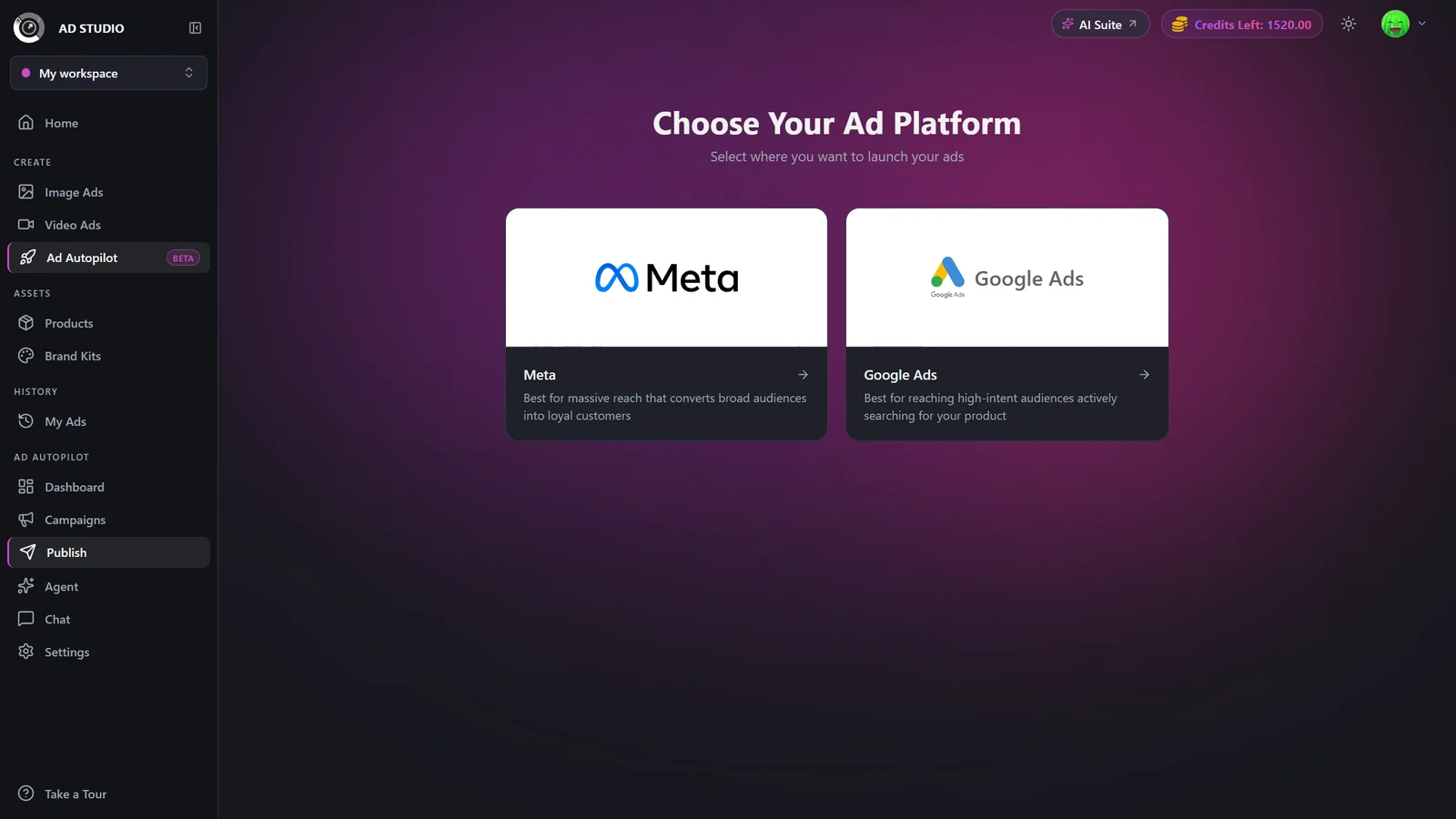
The section is labelled BETA and manages Meta campaigns today. A separate Google Ads platform is marked "Coming soon" and is not part of this guide.
What the agent does for you
Think of Ad Autopilot as a media buyer that never sleeps. Once a campaign is live, the agent runs on a schedule and can:
Plan a strategy from your website and goal, with benchmarks anchored to your main market.
Launch and structure the campaign, ad sets, and one ad per creative.
Monitor performance and flag safety alerts, underperformers, and things only you can fix.
Optimize budgets, creatives, and targeting, either proposing changes for approval or applying low-impact ones within your guardrails.
Refresh and localize creatives for new markets and languages when you allow it.
How it works, end to end
- 1
Request access
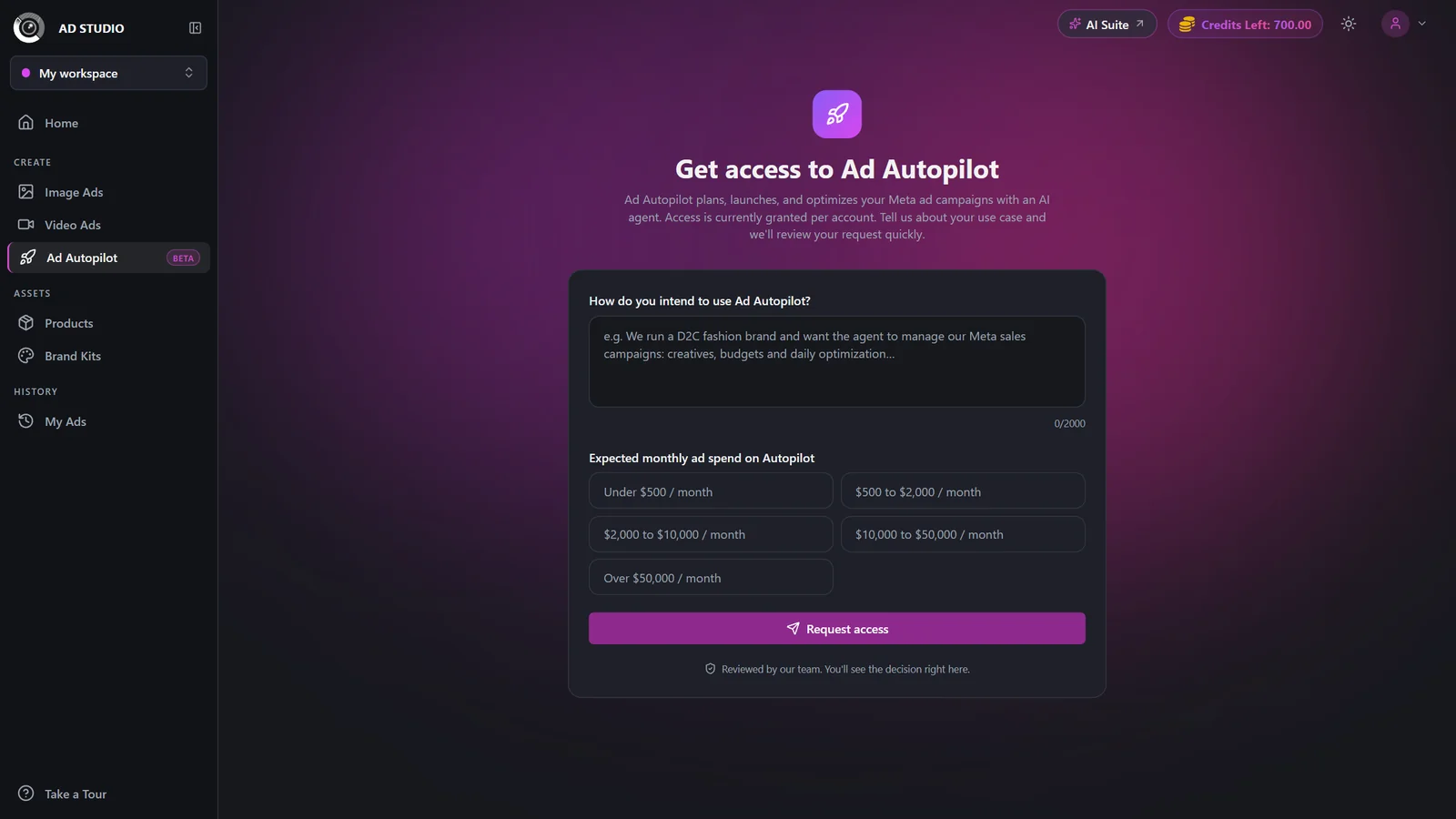
The whole Ad Autopilot section is gated. The first time you open it, you fill in a short one-time form describing how you plan to use it and your expected monthly ad spend. Our team reviews it and unlocks your account. See Get access to Ad Autopilot.
- 2
Connect your Meta account
Once approved, you connect a Meta ad account and Facebook Page. This is what makes the Ad Autopilot section (Dashboard, Campaigns, Publish, Agent, Chat, Settings) appear in the sidebar. See Connect your Meta account.
- 3
Publish a campaign
A step-by-step wizard turns your website, creatives, budget, and goal into a Meta campaign. The campaign is created PAUSED and a strategist builds its plan in the background a couple of minutes later.
- 4
Choose how hands-on the agent is
During publishing you pick an autonomy mode (Observe first, Co-pilot, or Autopilot) and the categories the agent must always ask you about. See the comparison below.
- 5
Activate and let it run
Nothing spends until you hit Activate on the campaign. From then on the agent works on a schedule, and you manage everything from the Agent Console: approvals, activity, guardrails, and what the agent has learned.
How much control you keep
You decide how much freedom the agent has. You can start cautious and move to more automation once you trust it. This is set per campaign when you publish and can be revisited later.
| Setting | Options | What it does |
|---|---|---|
| Observe first | Analysis only | The agent watches and reports for the first two weeks without changing anything. Good for building trust on a new account. |
| Co-pilot | Every change needs approval | The agent proposes changes but nothing is applied until you approve it in the Agent Console. |
| Autopilot | Low-impact changes auto-apply | Low-impact changes apply automatically within your guardrails. High-impact changes (like targeting) always ask first, plus any categories you add to "always ask me before". |
You can protect a specific ad, tell the agent to avoid an angle, or set cost-per-result and ROAS limits. Guardrails appear in the Agent Console and can be removed anytime. Platform safety rails are separate and stay on.
What it costs
- Requesting access is free. No credits are needed to request or receive access.
- Publishing a campaign charges a flat launch fee, shown on the Publish button before you confirm. This also covers the strategist run that builds your plan.
- Ongoing management renews at 80 credits every 30 days per campaign.
- Localized creatives cost 1 credit each when generated, refunded automatically if a generation fails.
- Some approved actions (like a creative refresh) spend their own credits; the exact amount is shown on the Approve button before you confirm.
Best practices
Start in Observe first or Co-pilot on a new account, then move to Autopilot once you trust the agent.
Put your primary market first when you publish; it anchors the agent's research and benchmarks.
Let the website analysis pre-fill your business details, then correct anything wrong before continuing.
Set clear guardrails early (cost-per-result and ROAS limits, ads or angles to protect) so Autopilot stays inside your comfort zone.
Remember campaigns start PAUSED; review the strategist's plan, then Activate when you are ready to spend.
Troubleshooting
The section only appears once a Meta account is connected. First get access, then connect your Meta account.
Your account is not approved yet. Fill in the request form and leave the pending page open; it refreshes itself and unlocks automatically once approved.
This is a transient error on the first check. Refresh the page.
Campaigns publish PAUSED. Open the campaign and click Activate to start delivery.