Publish a campaign
Use the launch wizard to turn your website, creatives, budget, and goal into a live Meta campaign the agent then plans and manages.
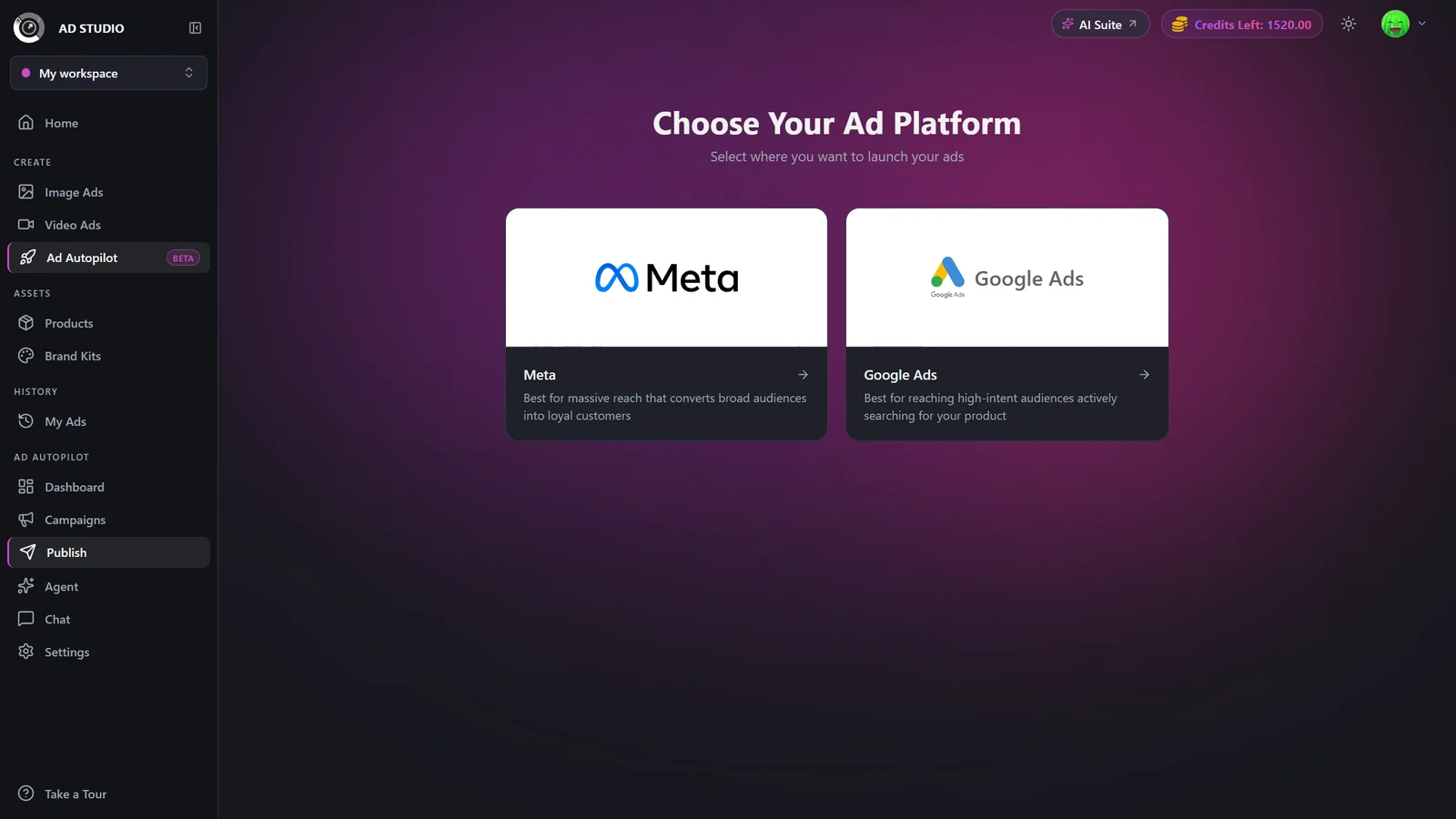
Publish a campaign is a step-by-step wizard that takes your website, creatives, budget, and goal and creates a live Meta campaign across Facebook and Instagram. Reach it from New campaign, Publish, or the Publish your first campaign empty state. Every campaign is created PAUSED, so nothing spends until you Activate it, and the strategist builds its plan in the background right after you publish.
At a glance
- You provide
- A website, creatives, a budget, and a goal
- You get
- A live Meta campaign, created paused
- Best for
- Launching a new Meta (Facebook and Instagram) campaign
- Reached from
- New campaign, Publish, or the empty-state button
- State on publish
- PAUSED until you Activate it
- Launch cost
- A flat charge shown on the Publish button
- Ongoing cost
- 80 credits every 30 days per campaign
The Ad Autopilot section appears in the left nav once a Meta account is connected. Publishing a campaign requires that connected account and the ad account plus Facebook Page it manages.
How it works
- 1
Website
Enter your site URL and continue. The page is analyzed to pre-fill your business details so you do not start from a blank form.
- 2
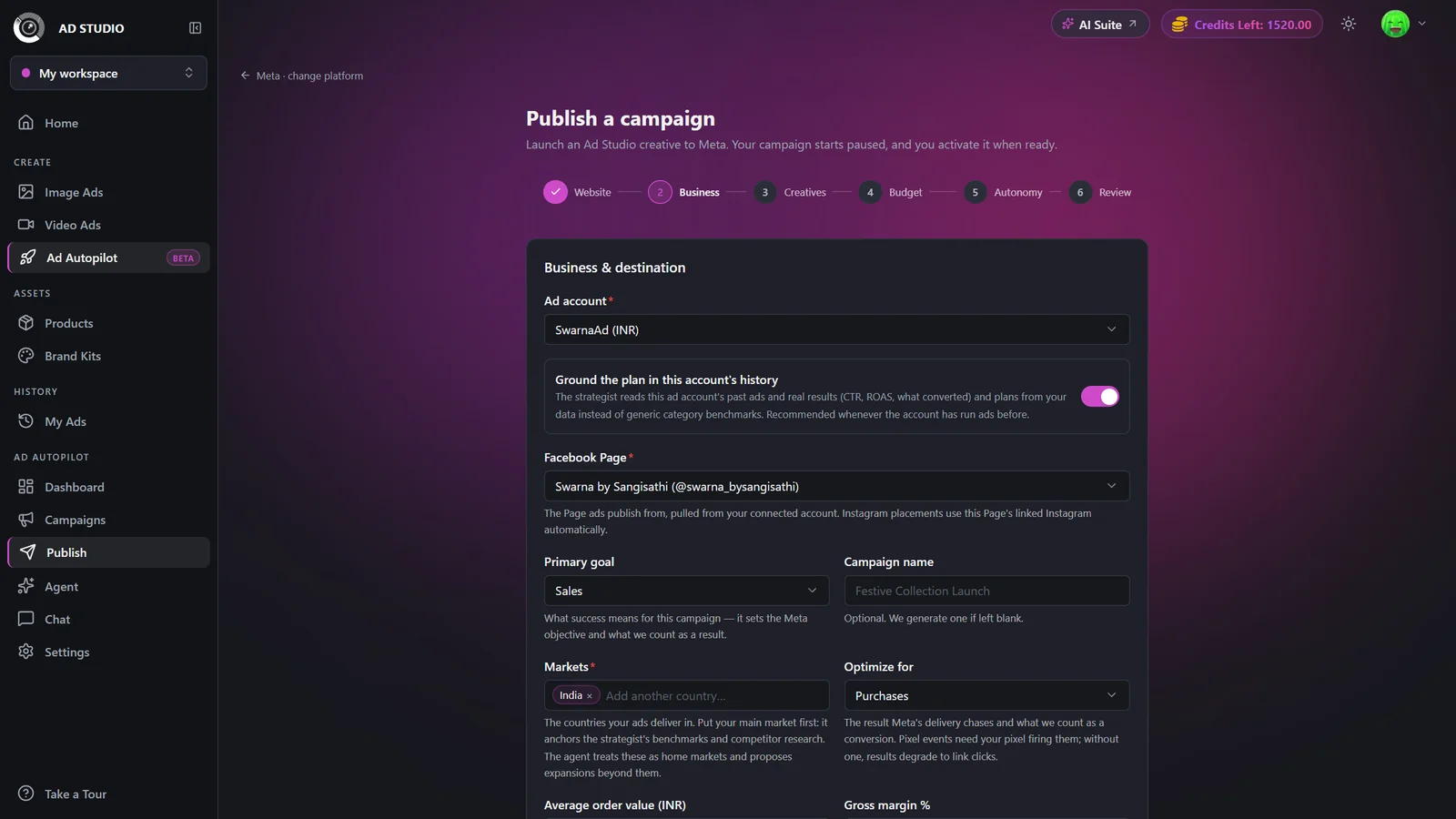
Business
Pick the ad account and Facebook Page, confirm the auto-filled brand info, then set your Primary goal, your Markets (countries, and optionally states or cities inside them), and Optimize for (the result event that counts). Put your main market first.
- 3
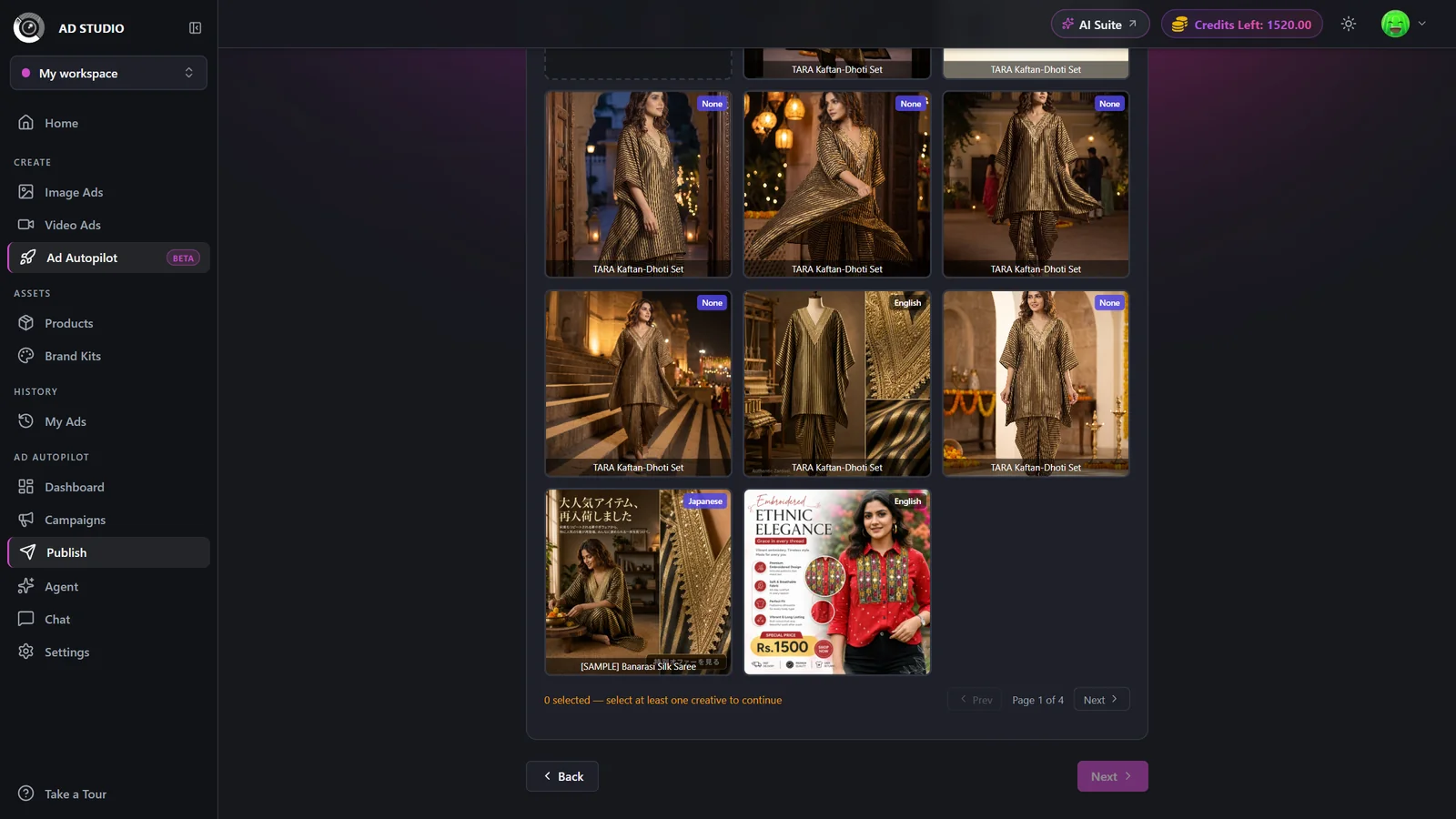
Creatives
Pick one or more finished ad creatives (each becomes its own ad) or upload your own. Set each ad's destination URL, or toggle send everyone to my website. Uploads are analyzed and selected automatically.
- 4
Budget
Set the starting daily budget, the agent's min and max budget range, and Max cost per result. For sales campaigns you also set Target ROAS. A live preview shows whether multi-market budgets will split into separate ad sets.
- 5
Targeting (manual mode only)
If you chose Manual targeting instead of Smart, review and adjust age, gender, interests, and placements. Smart mode skips this step.
- 6
Autonomy
Choose how the agent operates: Observe first, Co-pilot, or Autopilot. Set the always ask me before categories.
- 7
Review and publish
Confirm everything and click Publish. The campaign is created PAUSED and the strategist builds its plan in the background. You land on the campaign detail page, where you Activate it when you are ready to spend.
Settings & options
| Setting | Options | What it does |
|---|---|---|
| Primary goal | Sales, Leads, Signups, Traffic, Awareness, Engagement | Sets the Meta objective and what counts as a result. Awareness optimizes for reach and Engagement for post engagements, so neither shows a result-event picker. |
| Optimize for (result event) | Sales: Purchases, Add to cart (proxy), or Link clicks. Leads: Leads. Signups: Registrations or Leads. Traffic: Link clicks. | Pixel-based events need your pixel firing. Without one, results degrade to link clicks. |
| Markets | Countries, states or cities, with your main market first; a country with places picked delivers only in those places | Anchors the strategist's benchmarks. The agent may later propose expanding into new markets. |
| Where do leads go (Leads goal only) | My website (pixel Lead) or an Instant Form on Meta | Instant Form leads land in your in-app Leads inbox. That option only appears when enabled, and needs a privacy policy URL plus a one-time Meta Lead Terms acceptance on the Page. |
| Creatives and destinations | Select finished creatives or upload, per-ad landing URL or one website toggle | Multiple products means one ad per creative. Uploaded creatives are analyzed and selected for you. |
| Daily budget plus agent min and max | Numbers in the account currency | The starting budget must sit between the agent's min and max. Min and max auto-scale from the starting budget until you edit them. |
| Target ROAS (sales with purchase only) | Multiplier, default 5x | Defines what counts as winning and steers the agent's decisions. It does not change Meta's bidding. |
| Max cost per result | A money cap per purchase, lead, click, and so on | Auto-derived from average order value and Target ROAS for purchase campaigns. Hidden for Awareness, since reach has no per-result cost. |
| Mode | Smart (Advantage+) or Manual targeting | Manual adds a Targeting step for age, gender, interests, and placements. |
| Autonomy mode | Observe first, Co-pilot, or AutopilotDefault: Choose per campaign | Observe runs analysis only for two weeks. Co-pilot requires approval for every change. Autopilot auto-applies low-impact changes within your guardrails. |
| Always ask me before (Autopilot) | Pausing or changing creatives, budget increases, creative refresh, and more | High-impact changes such as targeting always ask for approval regardless of these toggles. |
| Auto-localize (multi-market) | Per-language toggle plus optional market price text | Generates native-language versions of creatives for markets whose language no creative speaks. Prices are shown verbatim and are never converted unless you opt in. |
- Launch: a flat charge on publish, shown on the Publish button and disclosure, that also covers the strategist's first planning run.
- Management: 80 credits every 30 days per campaign.
- Localized creatives: 1 credit each when generated, refunded if generation fails.
Nothing on Meta spends until you Activate the campaign.
Best practices
Start in Observe or Co-pilot on a new account, then move to Autopilot once you trust the agent.
Put your primary market first, since it anchors the strategist's research and benchmarks.
Let the website analysis pre-fill your intake, then correct anything wrong before continuing.
Keep the agent's min and max budget sensible relative to your starting budget so it is not strangled from day one.
Remember the campaign is paused on publish, so review it and Activate only when you are ready to spend.
Troubleshooting
Adjust the three budget numbers so the starting budget falls between the min and the max.
Use Retry, or type the numeric Page ID. If it persists, reconnect the account and grant Page access in Settings.
A Page admin must accept Meta's Lead Ads Terms at facebook.com/ads/leadgen/tos, then re-check.
The full read may not have finished. Continue and it retries, or fill the fields manually.
Raise the budget so markets can split into their own ad sets, drop a market, or continue anyway (some markets will then run in the wrong language).
What to do next
After you publish, review the campaign and let the agent take over: