Smart Edit
Edit or transform any image with a plain-language instruction, and pick the editing model that fits the job.
Smart Edit changes an image from a text instruction: swap a background, restyle a look, combine several images, or add and remove elements. Upload one or more images, describe the edit, choose an editing model, then generate a few variations to pick from. Different models trade speed, price, and control, so you can iterate cheaply and finish on the highest-fidelity option. The default model is GPT Image 2.
At a glance
- You provide
- One or more images and a text edit instruction
- You get
- One to four edited image variations, downloadable
- Best for
- Background swaps, restyling, combining images, adding or removing elements
- Image formats
- JPG, PNG, WebP up to 10 MB each
- Input images
- Up to 10 on some models, up to 4 on others
- Outputs per run
- 1 to 4 (2 on some models)
- Default model
- GPT Image 2
Jump to Choosing an editing model for a full comparison with strengths and trade-offs.
How it works
- 1
Upload your image(s)
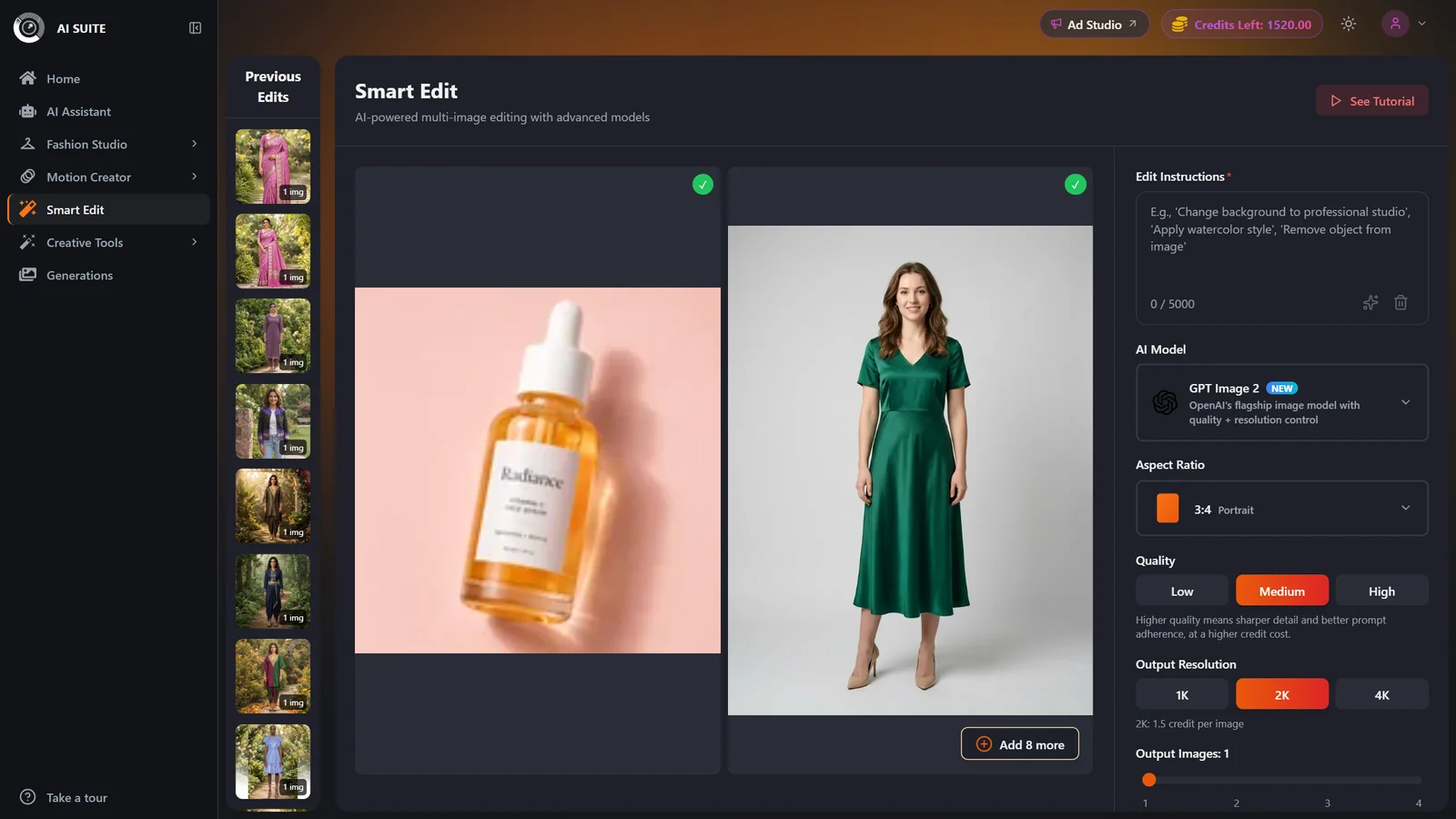
Drag and drop or Browse Files. Add more images up to the selected model's limit (up to 10 on some models, up to 4 on others). JPG, PNG, or WebP up to 10 MB each.
- 2
Write your edit instruction
Describe exactly what should change, for example "replace the background with a plain studio grey and keep the product sharp." The prompt is required and has a built-in optimizer to help sharpen it. See the prompting guide for tips.
- 3
Pick an editing model
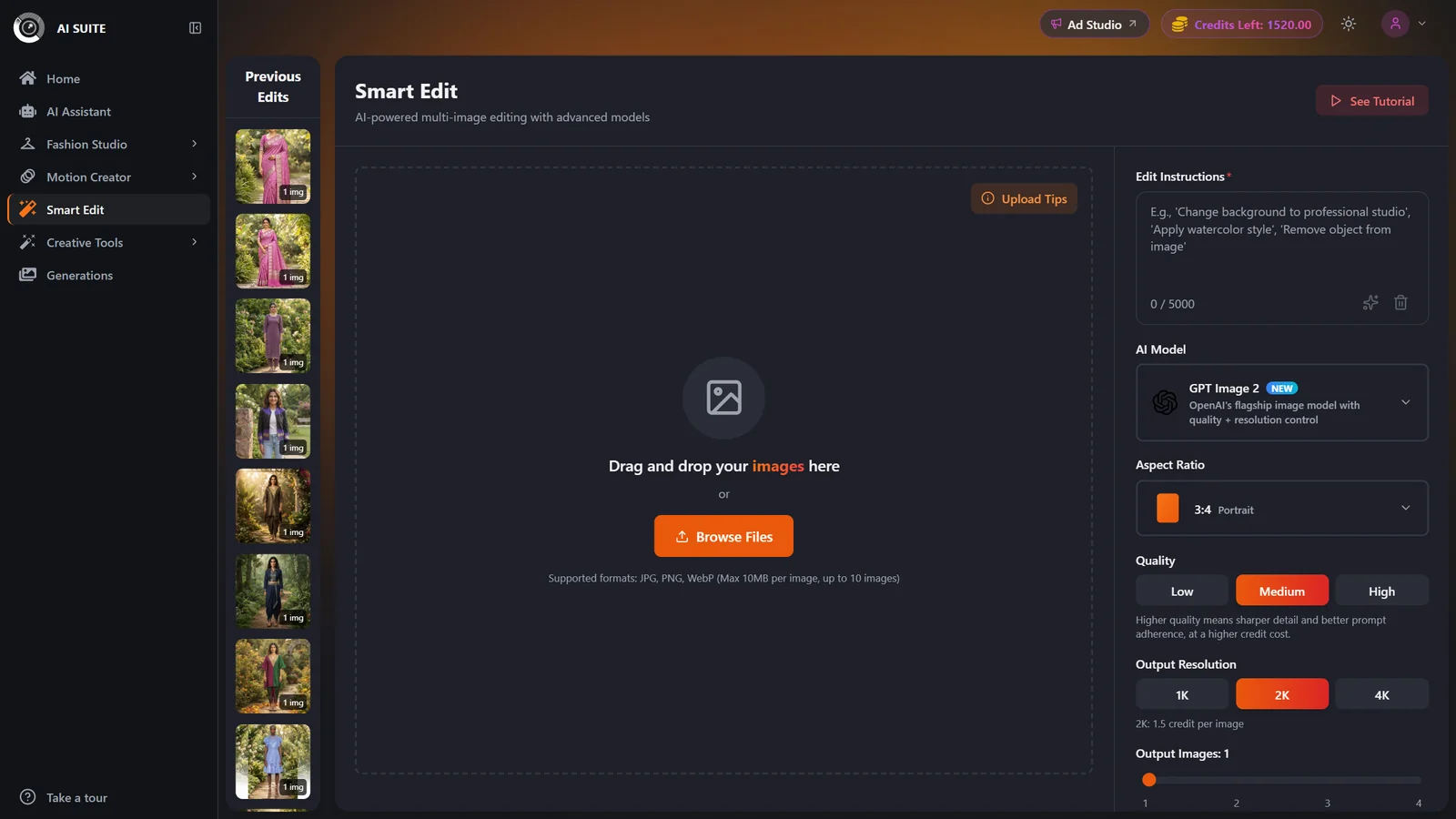
Open the model selector and choose the model that fits your goal (see the comparison below). The default is GPT Image 2.
- 4
Set the model's options
Set the controls the chosen model exposes: Aspect Ratio, and where available Output Resolution (1K, 2K, 4K) and Quality (Low, Medium, High on GPT Image 2). Only the controls that model supports are shown.
- 5
Choose how many outputs
Use the slider to set how many variations to generate, from 1 up to the model's maximum (2 or 4). More outputs multiply the credit cost.
- 6
Generate
The Generate button shows the live credit cost first. Click it and you are taken to the results page while your edits render. Finished images are saved to Previous Edits and your Generations history.
Choosing an editing model
These are the actual models in the selector. Each trades price, speed, and control differently. Match the model to what this specific edit needs.
GPT Image 2
DefaultHighest-control edits with adjustable quality and resolution.
- Quality control: Low, Medium, High
- Resolution control: 1K, 2K, 4K
- Up to 10 input images
- Up to 4 outputs per run
- Priced by quality times resolution, so High or 4K costs the most
- No Match input aspect ratio (needs an explicit ratio)
- Free plans limited to Low quality and 1K or 2K
Nano Banana 2
Widest ratiosFast, high-quality edits with the widest set of aspect ratios and resolution control.
- Widest aspect-ratio choice, including 1:4, 4:1, 1:8, and 8:1
- Resolution control: 1K, 2K, 4K
- Up to 10 input images
- Up to 2 outputs per run
- No Match input aspect ratio
- 4K costs more than 1K or 2K
Nano Banana Pro
Premium edits with resolution control and many reference images.
- Resolution control: 1K, 2K, 4K
- Up to 10 input images to combine or transfer from
- Match input aspect ratio available
- Up to 2 outputs per run
- 4K costs more than 1K or 2K
Nano Banana 2 Lite
Fixed 1024pxQuick, lightweight edits at a fixed 1024px output.
- Flat 0.5 credits per output (paid)
- Up to 4 outputs per run
- Fast, batch-friendly
- Fixed 1024px output, no resolution control
- Up to 4 input images
- No Match input aspect ratio
Nano Banana
Lowest costLightning-fast everyday edits at the lowest cost.
- Flat 0.5 credits per output (paid)
- Up to 4 outputs per run
- Match input aspect ratio available
- Up to 4 input images
- No resolution control
Seedream 4.5
ArtisticCreative, artistic, dream-like transformations with resolution control.
- Flat 0.5 credits per output (paid), any resolution
- Resolution control: 2K, 4K
- Up to 4 outputs per run
- Match input aspect ratio available
- Up to 4 input images
- Cheap iteration? Use Nano Banana, Nano Banana 2 Lite, or Seedream 4.5 (flat 0.5 per output).
- Most control over quality and resolution? Use GPT Image 2.
- Unusual aspect ratios like 8:1 or 1:8? Use Nano Banana 2.
- Combining many reference images? Use Nano Banana Pro or GPT Image 2 (up to 10 inputs).
- Artistic, stylized transformation? Use Seedream 4.5.
Settings & options
| Setting | Options | What it does |
|---|---|---|
| Edit instruction (prompt) | Free text | Describe the change you want. Required. A built-in optimizer can refine it for you. |
| Model | GPT Image 2, Nano Banana 2, Nano Banana Pro, Nano Banana 2 Lite, Nano Banana, Seedream 4.5Default: GPT Image 2 | Drives the price, the available controls, and the input and output limits. |
| Aspect Ratio | Per-model list such as 1:1, 2:3, 3:2, 3:4, 4:3, 4:5, 5:4, 9:16, 16:9, 21:9 (Nano Banana 2 also adds 1:4, 4:1, 1:8, 8:1) | The available set depends on the model. Nano Banana, Nano Banana Pro, and Seedream 4.5 offer Match input; GPT Image 2, Nano Banana 2, and Nano Banana 2 Lite need an explicit ratio. Switching models may reset the ratio if the new model does not support it. |
| Output Resolution | 1K, 2K, 4K (GPT Image 2, Nano Banana 2, Nano Banana Pro); 2K, 4K (Seedream 4.5) | Shown only on models with resolution control. Nano Banana 2 Lite and Nano Banana output at a fixed size. Higher resolution can raise the cost on some models. |
| Quality | Low, Medium, High | GPT Image 2 only. Higher quality means sharper detail and better prompt adherence at a higher cost. |
| Output Images | 1 up to the model's max (2 or 4) | How many variations to generate. Cost scales linearly with the number of outputs. |
Cost is per output image, multiplied by how many outputs you request. The Generate button always shows the live total first. Paid-user prices per output:
- GPT Image 2 (quality times resolution): Low is 0.5 at any resolution; Medium is 1 at 1K, 1.5 at 2K, 2 at 4K; High is 2 at 1K, 4 at 2K, 6 at 4K.
- Nano Banana 2 and Nano Banana Pro: 1 at 1K or 2K, 2 at 4K.
- Nano Banana 2 Lite, Nano Banana, and Seedream 4.5: a flat 0.5 per output.
Free users pay about double these amounts and receive watermarked images.
Free vs paid
Free accounts pay roughly 2x the credits per output on every model.
Free outputs carry a watermark. Watermark-free exports are a paid-plan benefit.
On GPT Image 2, free plans are limited to Low quality and 1K or 2K resolution. Medium and High quality and 4K are paid-only and show with a lock.
See Plans & pricing to unlock the paid options.
Best practices
Give a specific, single-goal instruction. One clear change per run reads cleaner than several at once.
Upload multiple reference images on models that support it to combine elements or transfer a style.
Iterate cheaply on a flat 0.5 model (Nano Banana, Nano Banana 2 Lite, or Seedream 4.5), then finish on GPT Image 2 at higher quality.
Only raise Quality or Resolution once the composition is right, since both cost more.
Generate a few outputs and keep the best variation.
Troubleshooting
Medium and High quality and 4K are paid-only on GPT Image 2. Upgrade to unlock them, or stay on Low quality at 1K or 2K. See Plans & pricing.
You have hit the selected model's input limit (4 on some models, 10 on others). Remove an image, or switch to a model with a higher input limit.
Each model supports a different ratio set, and some have no Match input option. Reselect a ratio the new model supports.
Watermarks apply when only free credits are used. Use a paid plan or purchased credits to remove them.
What to do next
Once your edit looks right: