
Instagram ad mockup generator
Free. Runs in your browser, nothing is uploaded.This free Instagram ad mockup generator shows how your image or video ad looks in Instagram Feed, Stories and Reels (and on Facebook), including where your caption is cut to "more", and saves the preview as a PNG. It runs in your browser, so your files are never uploaded.
Image or video
Drop an image or video here
JPG, PNG, WebP or GIF, or an MP4, MOV or WebM video
Brand
Meta is gradually replacing the Sponsored label with Ad, so either may appear.
Text
149 characters. Meta recommends 125 characters for Instagram feed, and text can be cut sooner on some devices.
Instagram feed preview: the first 125 characters show, the rest hides behind "more".
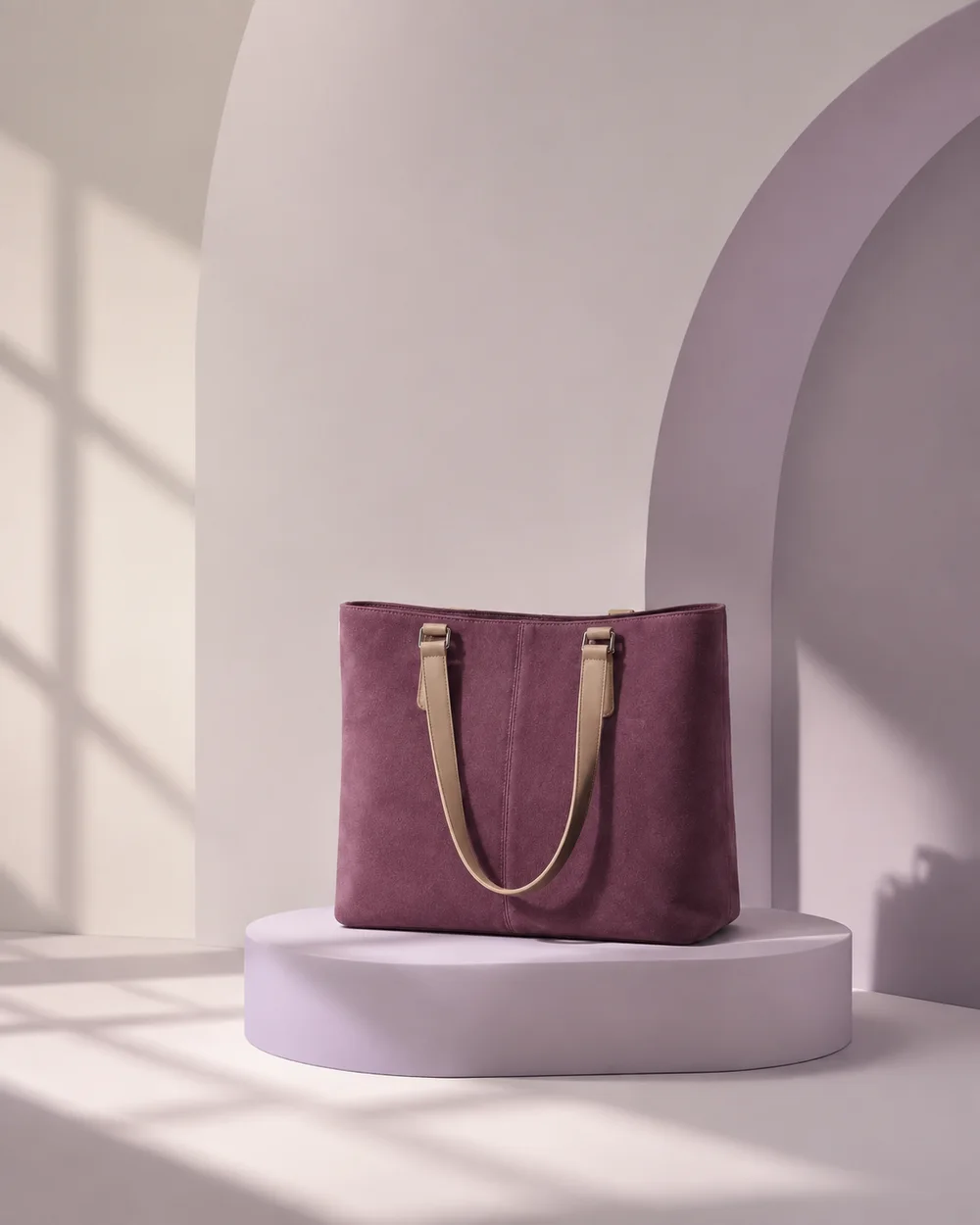
Meet the Everyday Tote in plum suede. There is room for a laptop, a water bottle and the rest of your day, and it still feelsHidden: light on your shoulder.
25 characters. Meta recommends 40 for Instagram feed, but this preview does not show the headline there.
24 characters. Meta recommends 25 for most placements. Shown in the Facebook feed preview.
Button and link
The buttons Meta offers for Sales and Traffic ads that link to a website. Which ones you get depends on objective, placement and industry.
Shown above the headline in the Facebook feed preview.
- Your 4:5 image matches Meta's recommended ratio for Instagram feed.
PNG at 2x resolution.
This is an approximation drawn with generic shapes and icons. It is not made or endorsed by Meta, and real layouts change with the device, app version and ad settings. Check the preview in Meta Ads Manager before you publish.
How to preview an Instagram ad
- Upload the creative. Choose or drop an image or a video. Videos play in the preview. The file is read in your browser and never leaves your device.
- Add the account details. Upload a profile picture and type the brand name. Instagram layouts show it as a single lowercase handle, so the mockup does the same.
- Write the caption and pick a button. Type the primary text (Instagram shows it as the caption), then choose a call-to-action button and, for Facebook placements, a headline and description.
- Switch placements. Instagram Feed opens first. Stories and Reels show a full-screen 9:16 card, and the Facebook layouts are one click away. Turn on "Show safe zone" to see which parts of a Stories or Reels creative the interface can cover.
- Save it. Pick a light or dark screen, keep or remove the phone frame, and download a PNG at 2x resolution to share for feedback or sign-off.
The small label under the handle can read Ad or Sponsored. Meta is replacing Sponsored with Ad gradually, so the mockup offers both.
Instagram ad sizes and caption lengths
Caption and headline lengths are recommendations: longer text may be truncated, and cut further on some placements and devices. The image ratio range, file size and minimum width are technical requirements.
| Placement | Recommended media | Primary text (caption) | Other guidance |
|---|---|---|---|
| Instagram Feed, image | 4:5, 1440 x 1800 px, JPG or PNG | 125 characters | Headline 40 characters. Up to 30 hashtags. Image ratio must be between 4:5 and 1.91:1, with 1% tolerance. At least 500 px wide, up to 30MB. |
| Instagram Feed, video | 9:16, 1080 x 1920 px, MP4, MOV or GIF | 125 characters | Up to 30 hashtags. 1 second to 60 minutes, up to 4GB. |
| Instagram Stories | 9:16, 1440 x 2560 px | 125 characters | Image ads may show for 5 to 16 seconds. Videos of 16 seconds or more may be split into separate cards, with one to three shown automatically. |
| Instagram Reels | 9:16, 1440 x 2560 px | 44 characters | Video from 0 seconds to 15 minutes, up to 4GB. Meta lists no headline for this placement. |
For Instagram Feed images, 1:1 also works, but 4:5 fills more of the screen, which is why Meta recommends it. Stories and Reels also accept 1.91:1, 16:9, 1:1 and 4:5 (Reels adds 2:3), but Meta recommends 9:16 so the ad fills the screen.
The same numbers for Facebook placements, plus carousel and collection specs, are in our Meta ads specs guide.
Instagram ad caption tips for the "more" cut-off
- Lead with the reason to tap. In Feed, the handle comes first on the caption line, then your text, then "more". Meta recommends 125 characters, but a phone may show fewer, so the first few words matter most.
- Write Reels captions like a headline. Meta recommends 44 characters for Instagram Reels. That is one short sentence; anything after it is hidden.
- Put the offer on the creative for Stories and Reels. Meta lists no headline for Instagram Stories or Reels, so a price, discount or deadline that lives only in a headline field may not be seen there.
- Hashtags go last. Feed ads allow up to 30, but each one spent before the cut is a word of your message that gets pushed behind "more".
- Pick a button that matches the page. Shop now for a product page, Sign up for a form, Book now for a booking page. Which buttons you can use depends on your objective, placement and industry.
How to check an Instagram ad before launch
- Keep key elements inside the safe zone. For 9:16 Stories and Reels ads, Meta suggests leaving roughly 14% at the top, 35% at the bottom and 6% on each side free of text, logos and key elements, so the profile icon and button do not cover them. For Feed ads in 1:1 or 4:5, keep the bottom and side edges clear.
- Treat 9:16 feed video like a Reel. 9:16 video ads in Instagram Feed follow the same safe zone guidance as Reels and Stories. The mockup shows the center 4:5 of a 9:16 video in Feed, because Meta does not publish how much appears before someone taps.
- Plan for tall screens. On phones taller than 9:16, Meta may zoom the creative, which crops outside the safe zone, or show it at 9:16 with black space around it.
- Leave room for disclaimers. If a Reels ad carries a disclaimer, Meta recommends keeping the bottom 40% free of text, logos and other key elements.
- Check light and dark mode. Switch the mockup's screen to dark and make sure a white product or white text still stands out.
- Confirm in Ads Manager. The mockup is for drafts and approvals. The preview in Meta Ads Manager, including any automatic crops, is what will run.
Make Instagram ads and run them with CamClo AI
To make the creative, Image Ads in CamClo AI turns a product photo into finished image ads sized for the placement you choose: 4:5 for Instagram Feed, 9:16 for Stories and Reels, or 1:1. You can make a single image or a carousel and add text on the image.
To run it, Ad Autopilot plans, publishes and manages Meta and Google Ads campaigns within limits you set: campaigns publish paused for your review, budget changes move in steps of 20% or less, spending never goes over your daily and monthly caps, and bigger moves wait for your approval.
Make the Instagram ad, not just the mockup
Image Ads turns a product photo into image ads sized for Instagram Feed, Stories and Reels, as single images or carousels.
Try Image AdsQuestions
Is this Instagram ad mockup free and private?
Yes. It is free with no sign-up and no watermark. Your image, video and text are processed in your browser and are never uploaded.
What size should an Instagram ad be?
Meta recommends 4:5 at 1440 x 1800 pixels for Instagram Feed images, and Feed images must be between 4:5 and 1.91:1. For Feed video it recommends 9:16. For Instagram Stories and Reels it recommends 9:16 at 1440 x 2560 pixels.
How long can an Instagram ad caption be before it is cut off?
Meta recommends 125 characters of primary text for Instagram Feed and Stories and 44 characters for Instagram Reels. These are recommendations, not limits: longer captions are cut with "more", and text can be cut further by placement and device.
What is the safe zone for Instagram Stories and Reels ads?
Meta suggests keeping roughly 14% at the top, 35% at the bottom and 6% on each side of a 9:16 creative free of text, logos and other key elements, so the profile icon and call-to-action button do not cover them.
Can I preview an Instagram video ad?
Yes. Upload a video your browser can play, such as an MP4, and it plays inside the mockup. The PNG download captures the frame on screen when you click.
Why does the mockup say Ad instead of Sponsored?
Meta is gradually replacing the Sponsored label with Ad, so both appear for now. You can switch the mockup to either label.
Guides on this topic
- Meta Ads Specs 2026: Sizes, Ratios and Limits for Every Placement
- Ad Creative: What It Is, Formats, Examples and AI Tools (2026)
- What Are UGC Ads? Formats, Examples, Costs and Rules (2026)
- Best AI Ad Generators in 2026: 8 Tools for Image and Video Ads
- Facebook Ads Automation in 2026: What Meta Does and the Best Tools