
AI Photo Editor: Edit Images With Text Prompts
Type what you want changed and AI edits the photo. Change backgrounds, recolor clothing, dress models in new outfits, or fix expressions, all from one prompt. Built for ecommerce and fashion product photos.
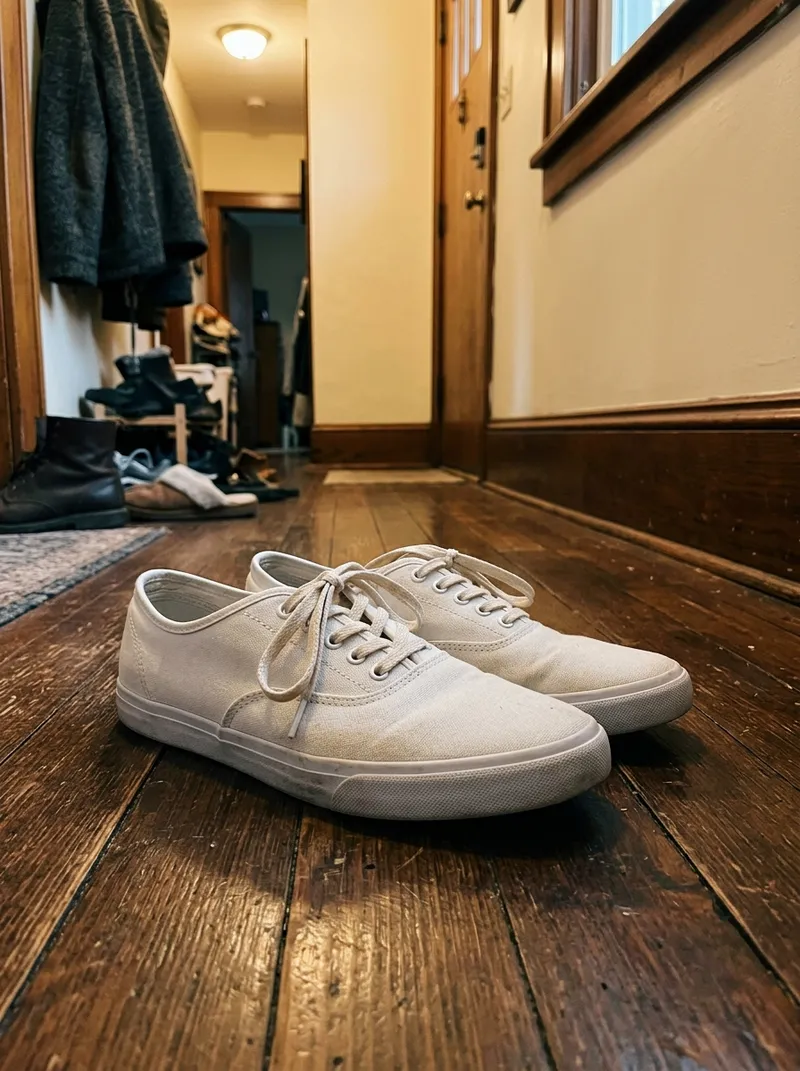
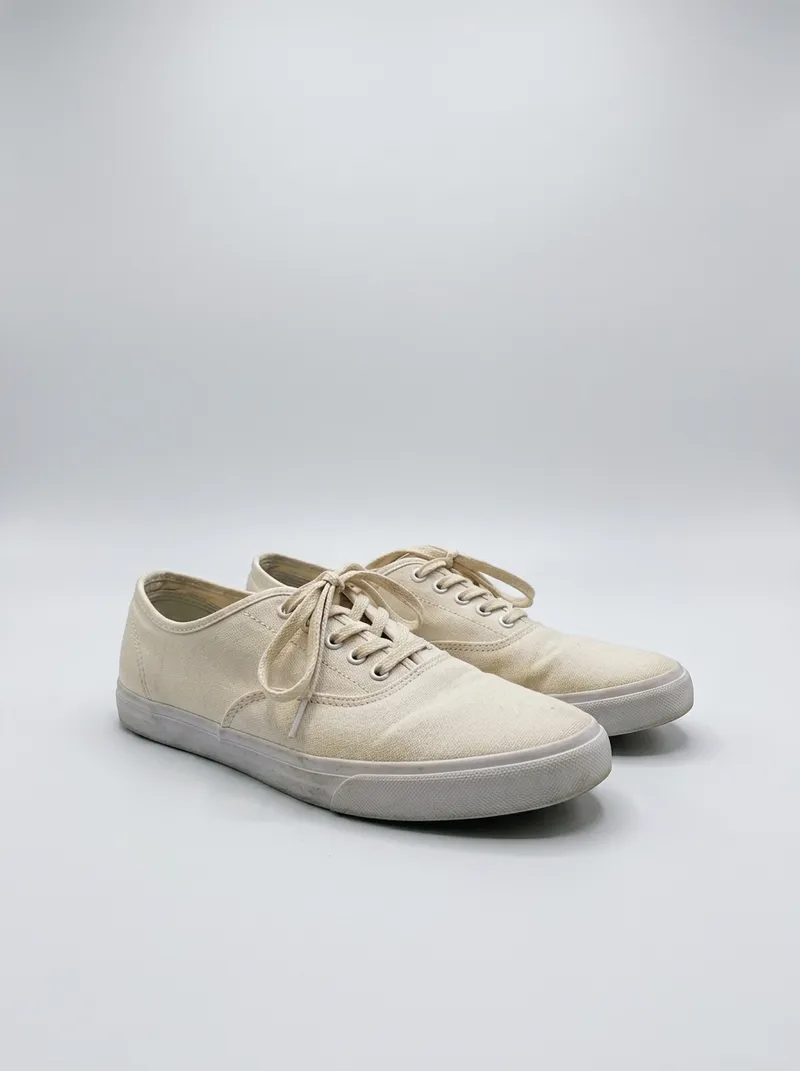
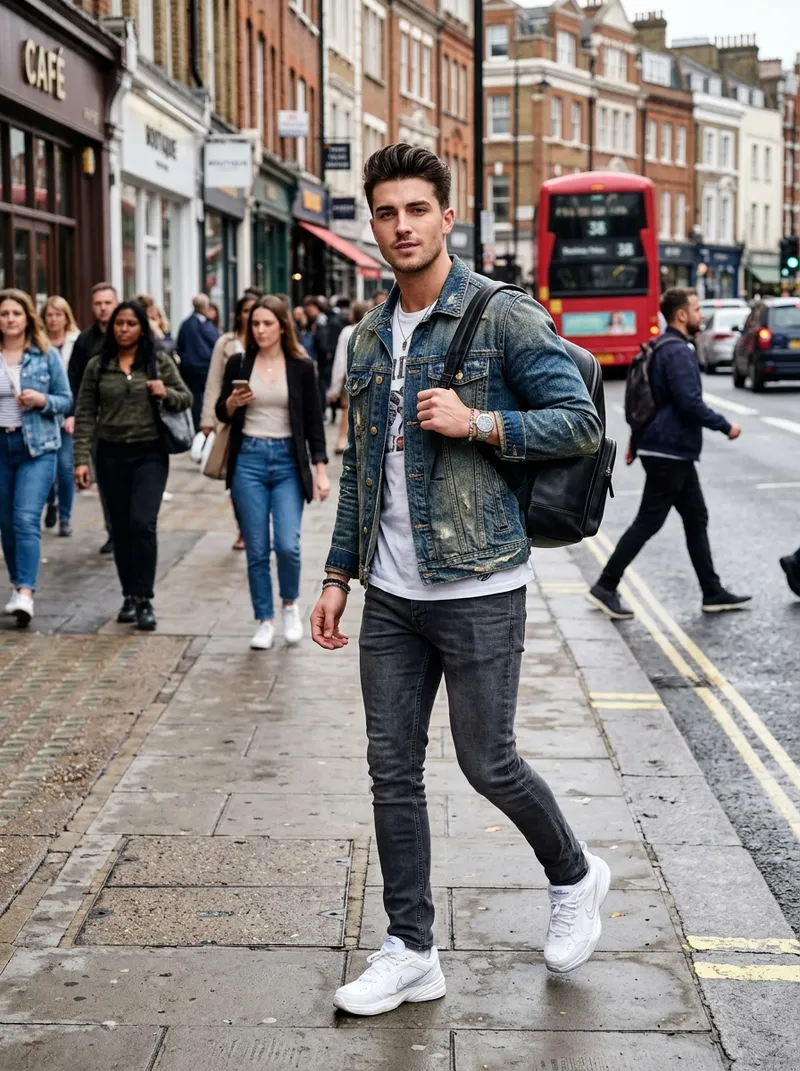
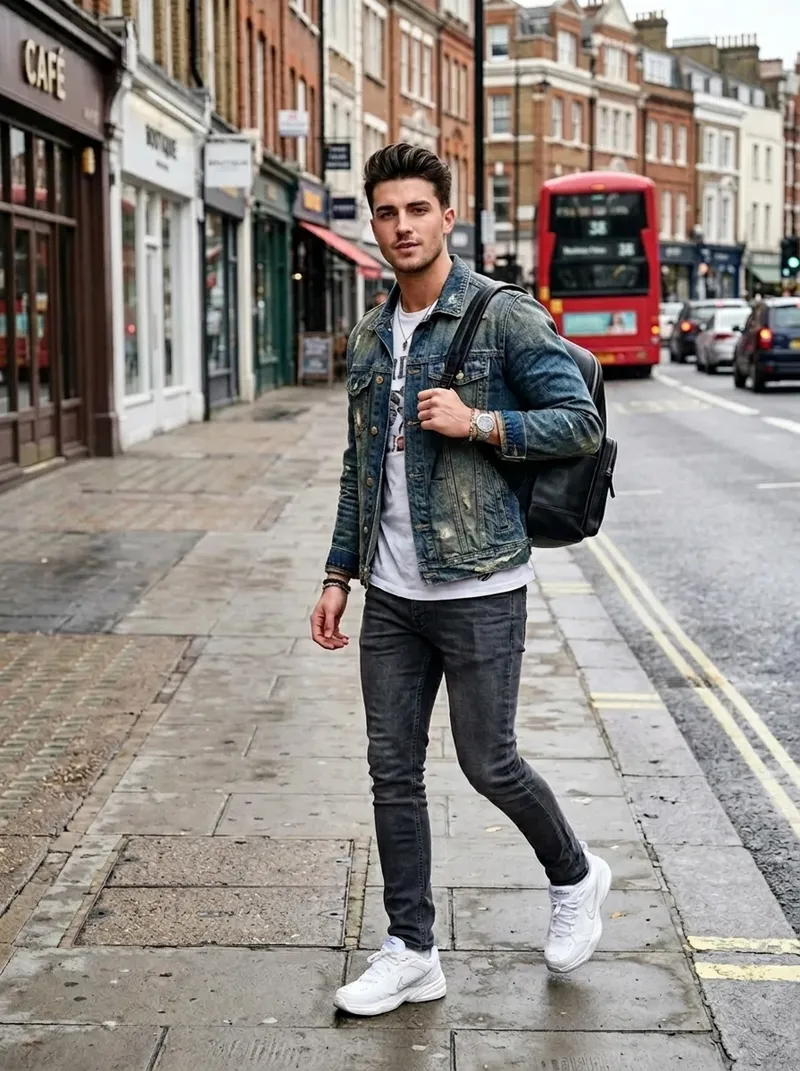
What Is AI Smart Edit?
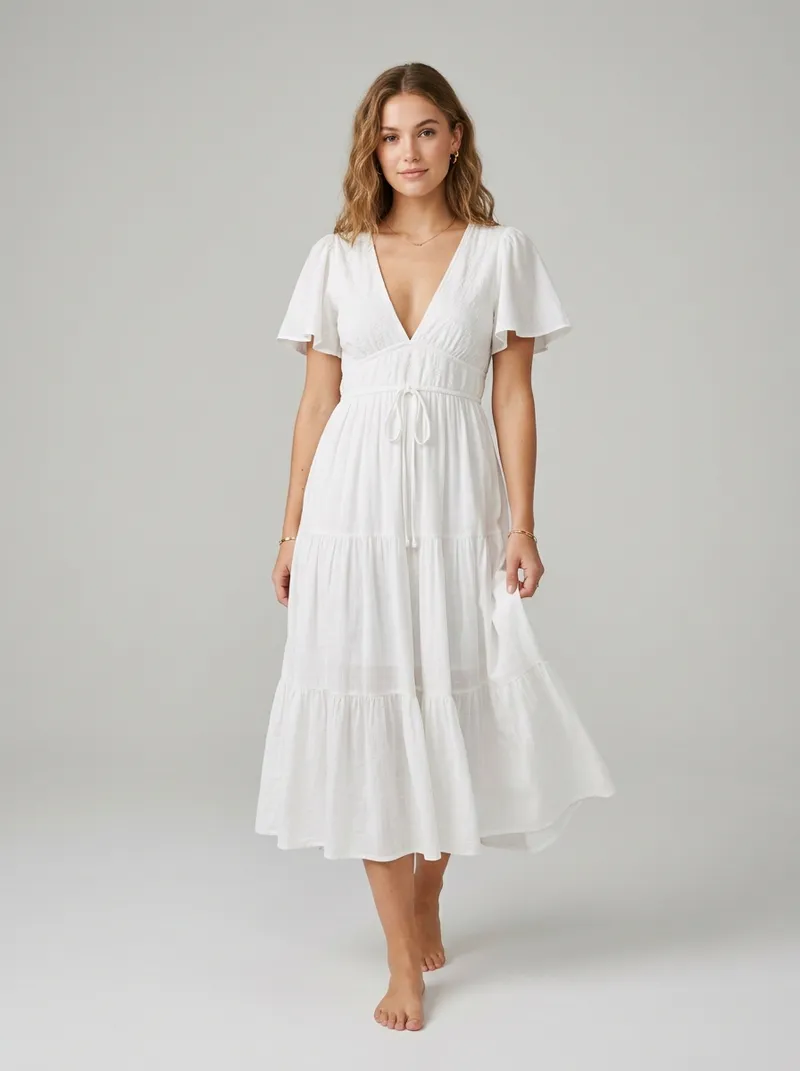
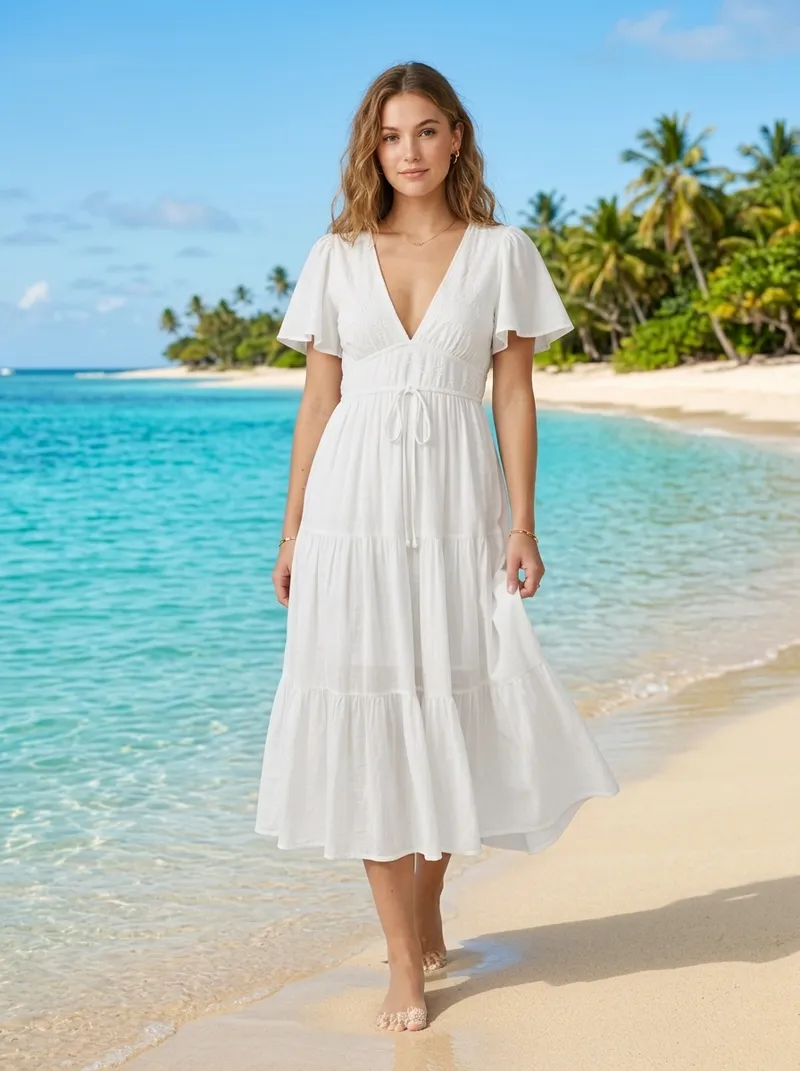
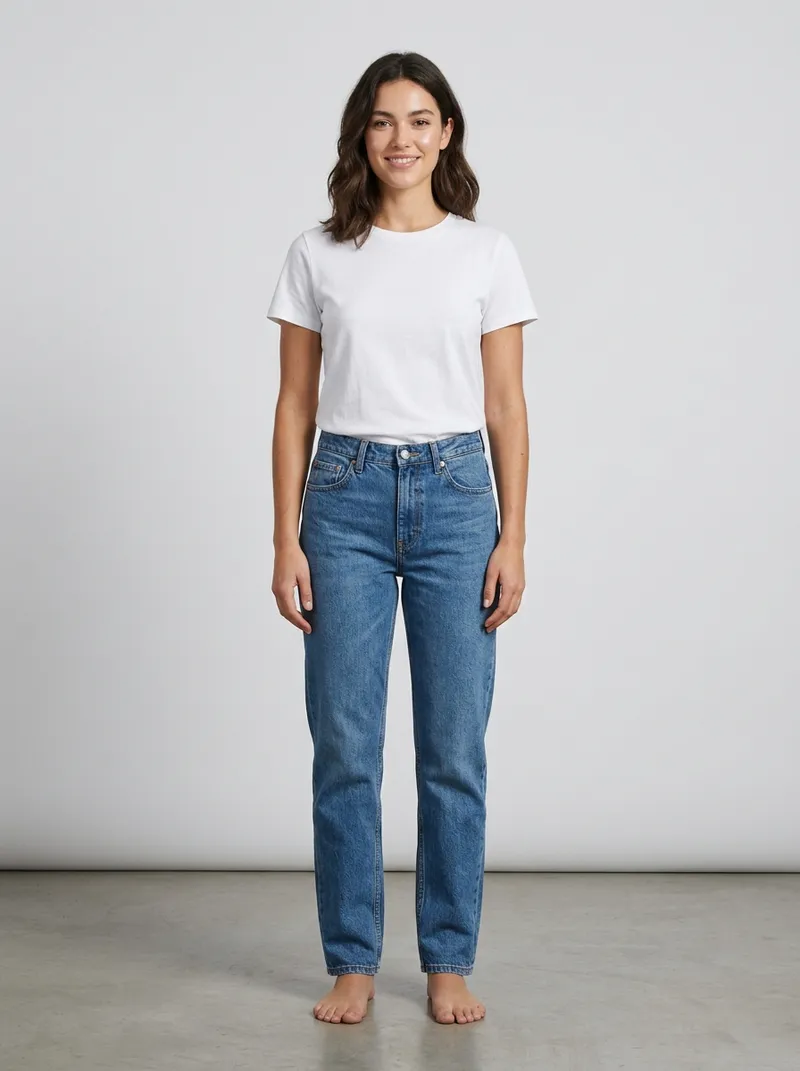
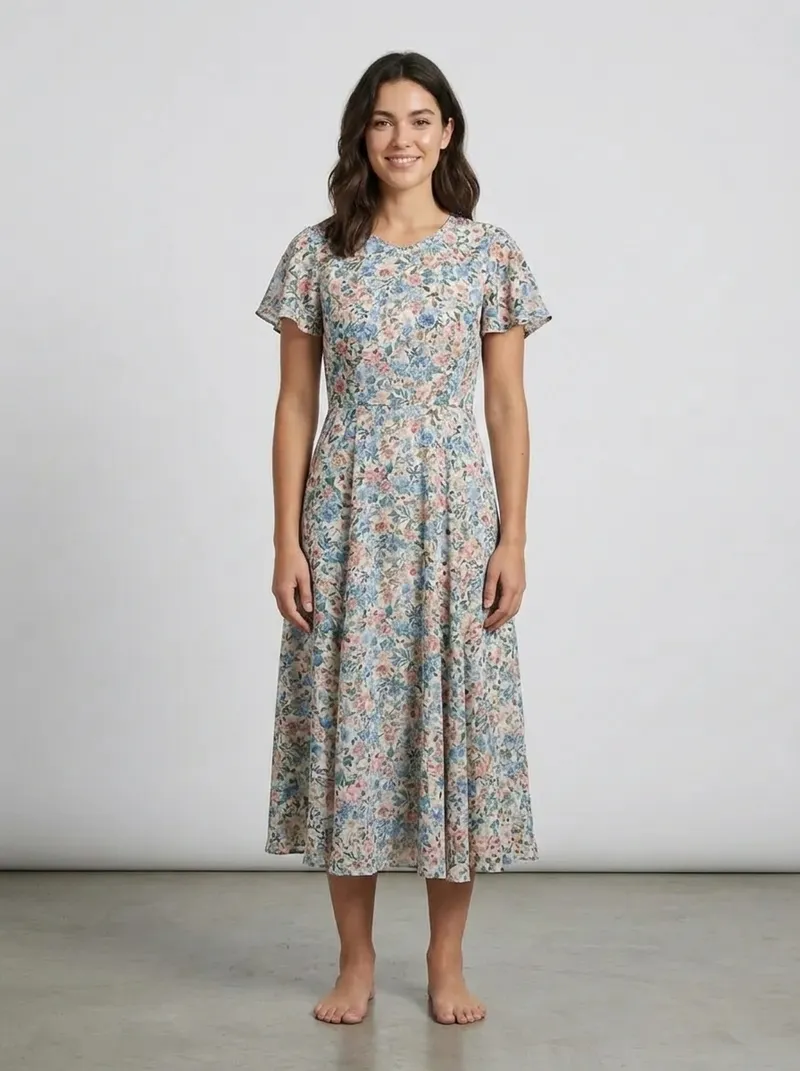
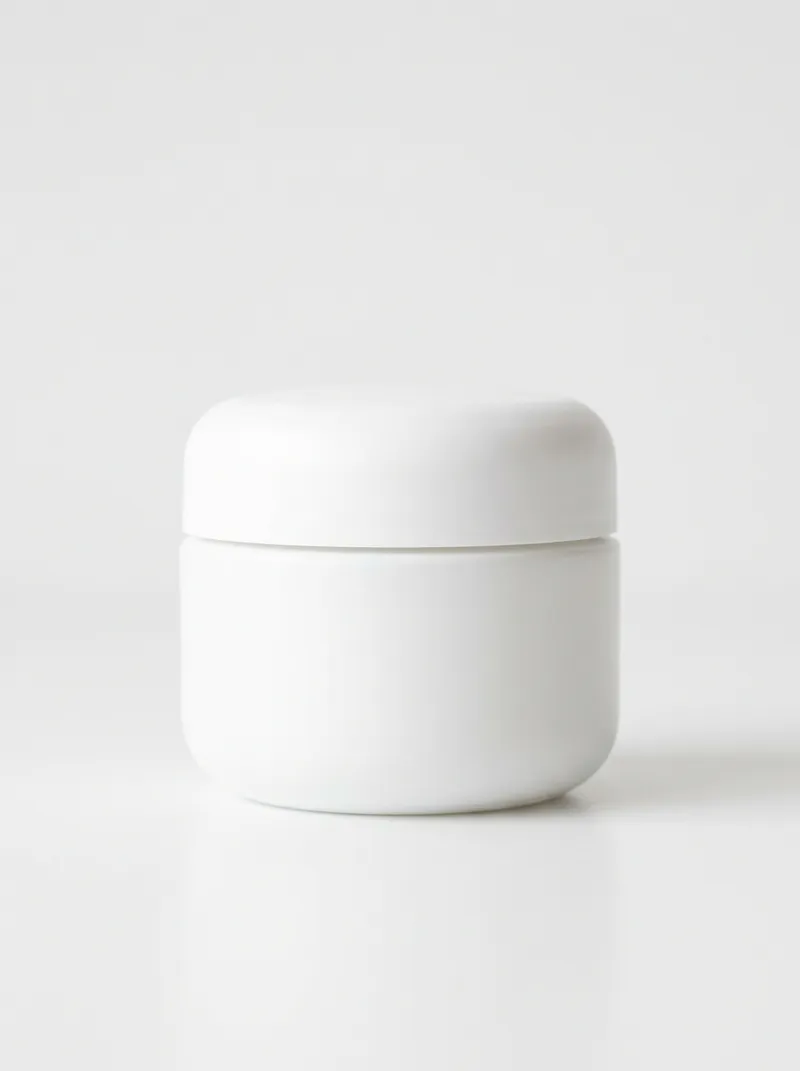
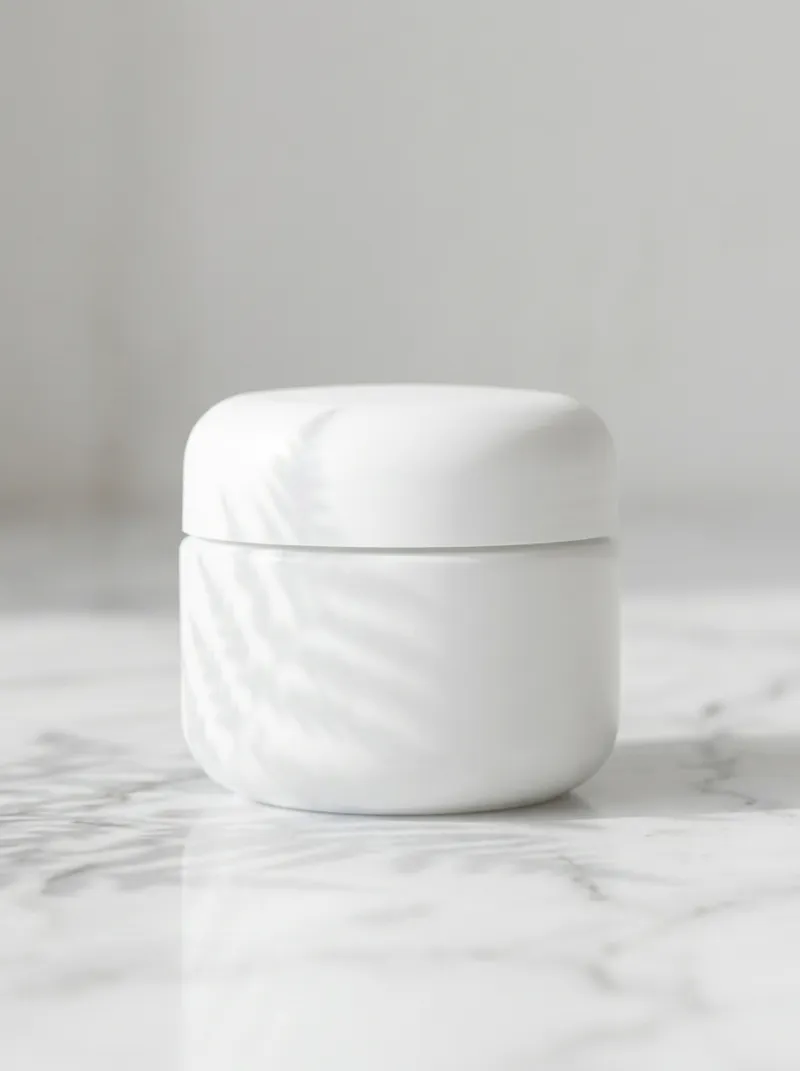
AI smart editing (prompt-based photo editing) is a technique where you describe a change in plain text, like "change the background to a beach" or "make the model smile", and an AI model such as Nano Banana or GPT Image 2 regenerates only that part of the image, preserving the original lighting, perspective, and detail.
- No Photoshop skills, no layers, no masks
- 5 frontier models in one editor, switchable per edit
- Results in 5 to 60 seconds, up to 4K resolution
See Smart Edit in Action
Pick a photo and an instruction, and watch the edit appear. No sign-up needed to play.
Results pre-generated with CamClo AI Smart Edit. Your own photos render live in seconds.
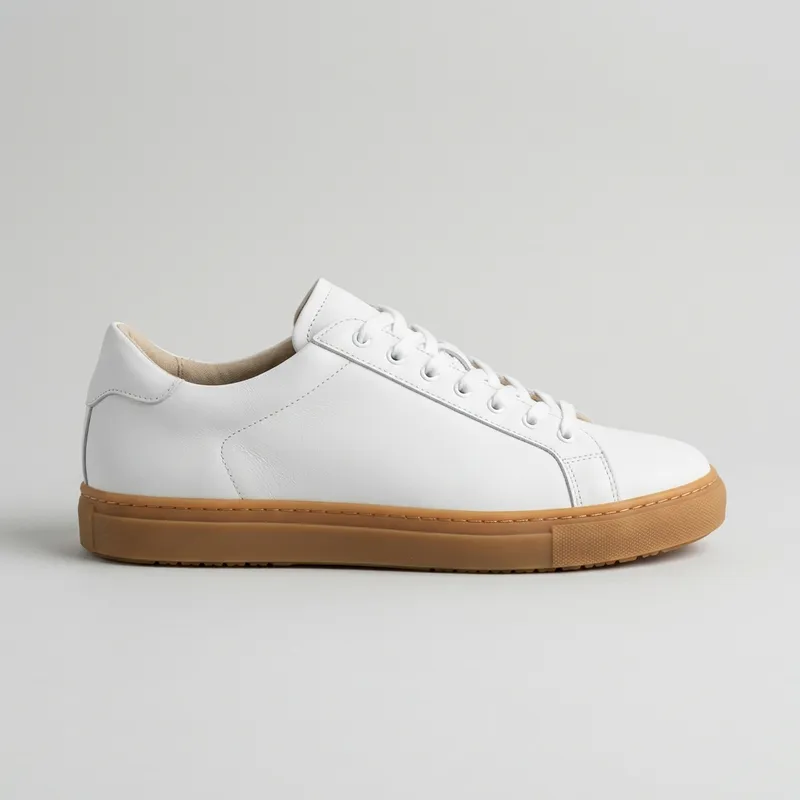
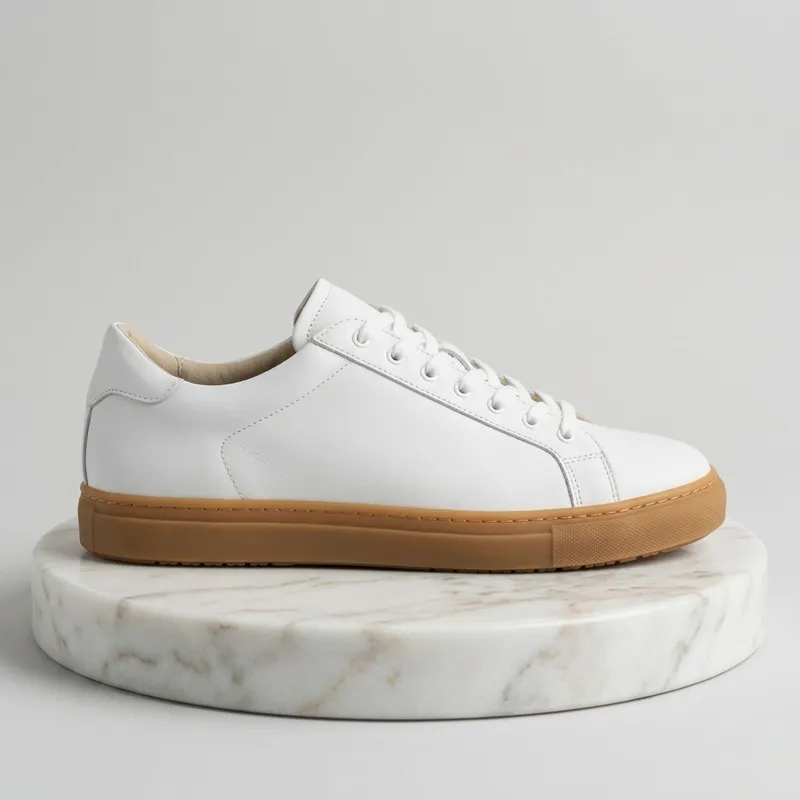
Edited in seconds with Smart Edit
How to Edit a Photo with AI in 3 Steps
No design skills, no tutorials. Upload, type, download.
Upload your photo
Drag in a product or model photo. Add up to 10 images when you want the AI to combine references.
Upload Photos
Drop up to 10 images
Type the edit
Describe the change in plain English and pick a model: GPT Image 2 for fidelity, Nano Banana for speed, Seedream for style.
Edit Instruction
Recent edits
 GPT Image 2
 Nano Banana 2
 Seedream 4.5
Download in up to 4K
Get up to 4 variations in 5 to 60 seconds. Pick the best, download in high resolution, and list it.
Generating...
One Editor for All Your Catalogue Needs
Smart Edit is the all-in-one AI photo editor, powered by some of the best image models ever built: GPT Image 2, Nano Banana Pro, Nano Banana 2, and Seedream 4.5. If a specialized tool can do it, a prompt can do it here. No Gemini account, no API keys, no watermark workarounds.
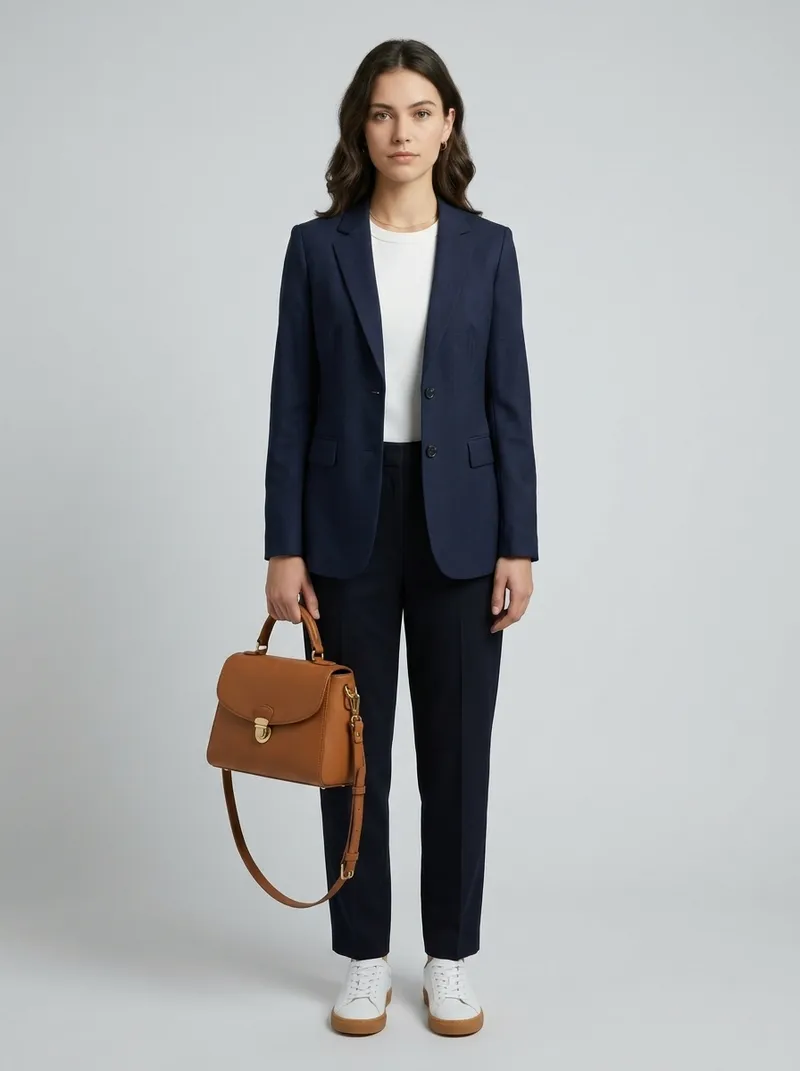
Dress models in your garments
like Virtual Try-OnStage products in studio scenes
like Product PhotographyErase objects & people
like Magic EraserSwap or rebuild backgrounds
like Change BackgroundUpscale to crisp 4K
like Image UpscalerCreate colorway variants
Smart Edit exclusivePowered by frontier models
GPT Image 2
OpenAI
Highest fidelity with full quality control
Nano Banana Pro
Google · Gemini 3 Pro
Premium edits with subject consistency
Nano Banana 2
Google · Gemini 3.1 Flash
Newest model, extended aspect ratios
Nano Banana
Google · Gemini 2.5 Flash
Fastest and cheapest for quick iterations
Seedream 4.5
ByteDance
Artistic restyling and creative looks
Want the deep dive? Read our guide to Nano Banana Pro and Gemini 3 image generation.
What You Can Do with a Single Prompt
Every edit below is one typed instruction. No masks, no layers, no selections.
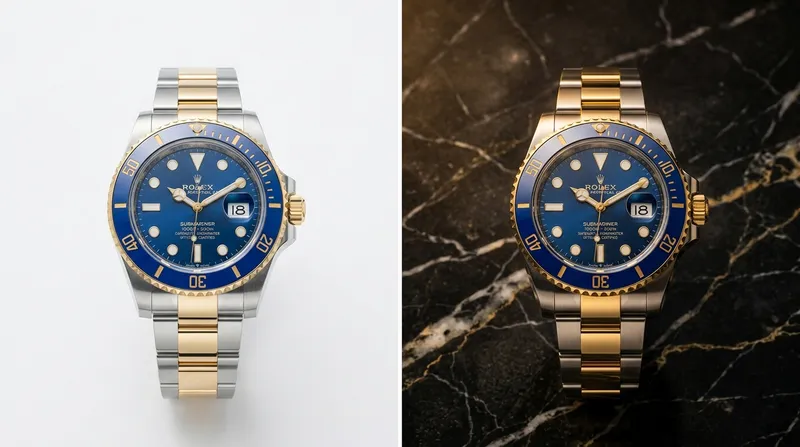
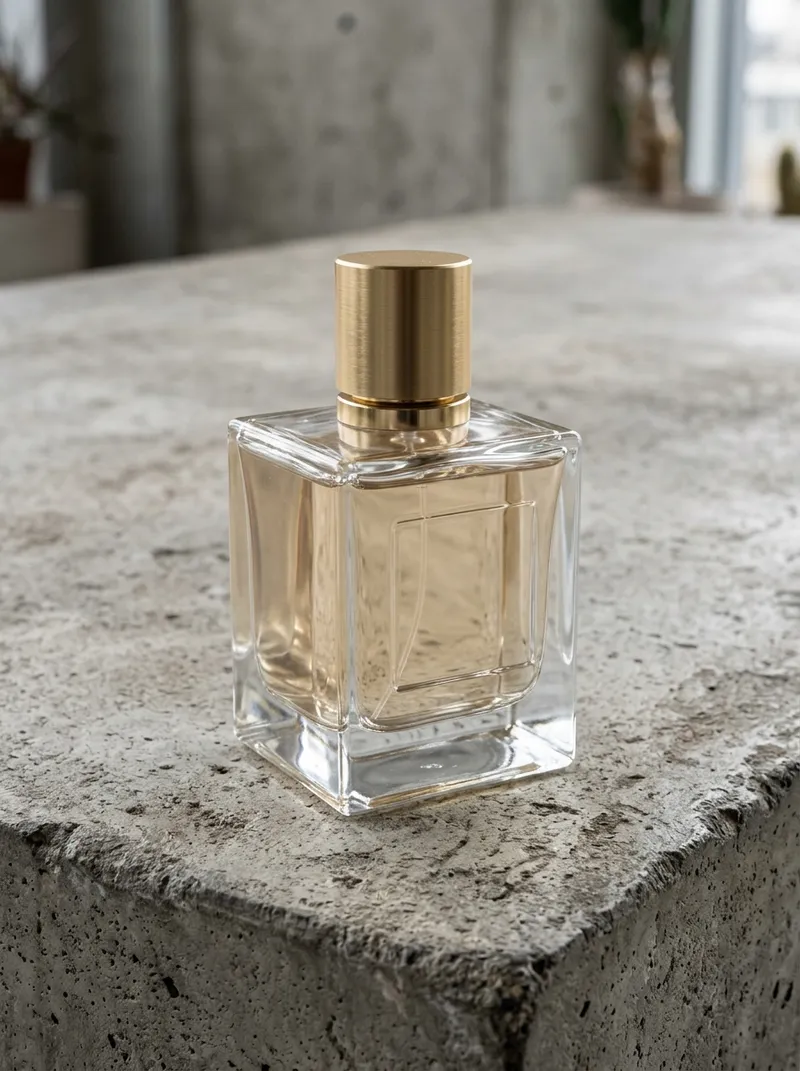
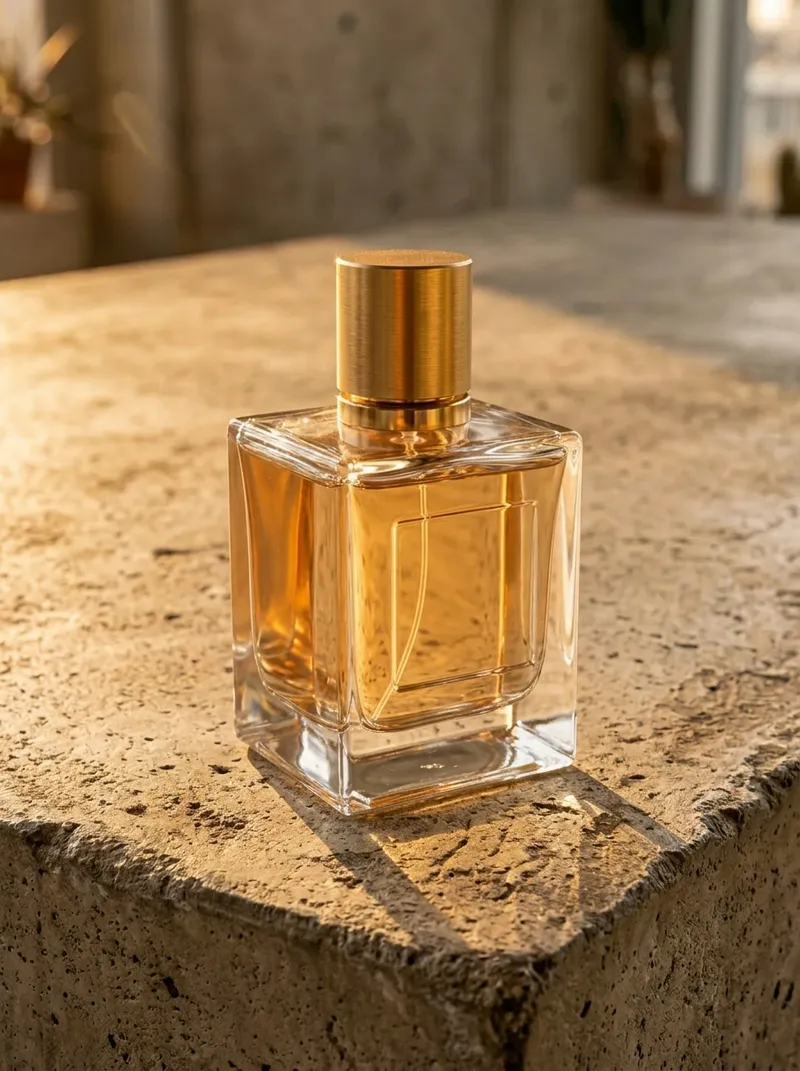
Change Image Background with AI
Swap any backdrop for a studio, lifestyle scene, or marketplace white while keeping product lighting and shadows intact.
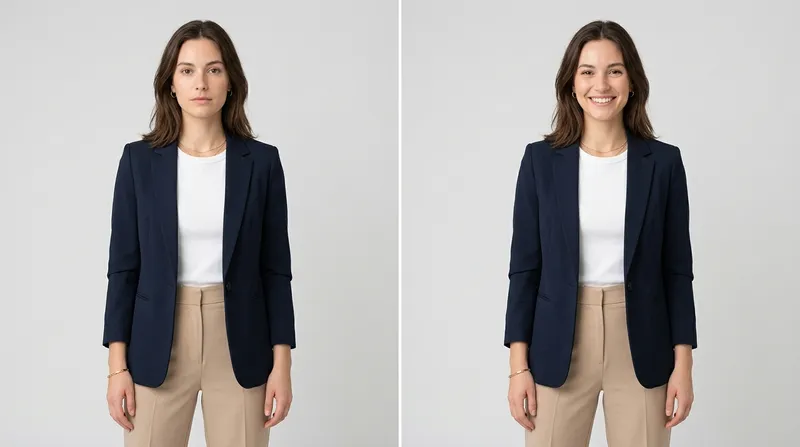
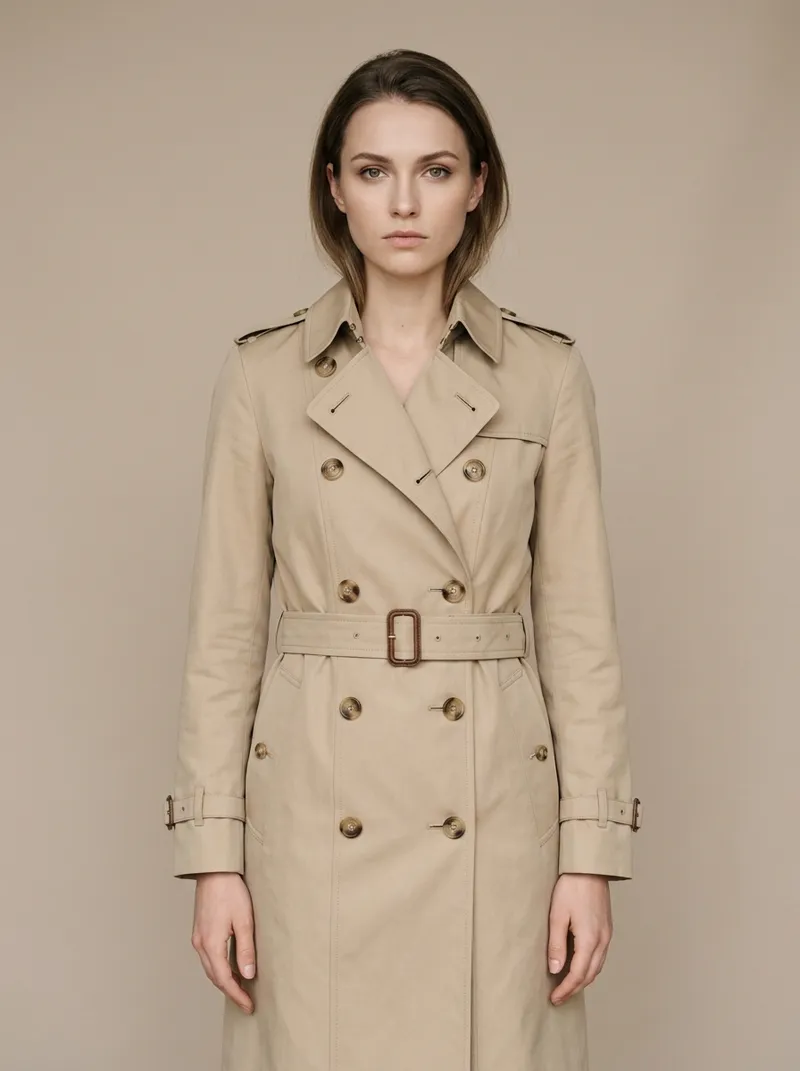
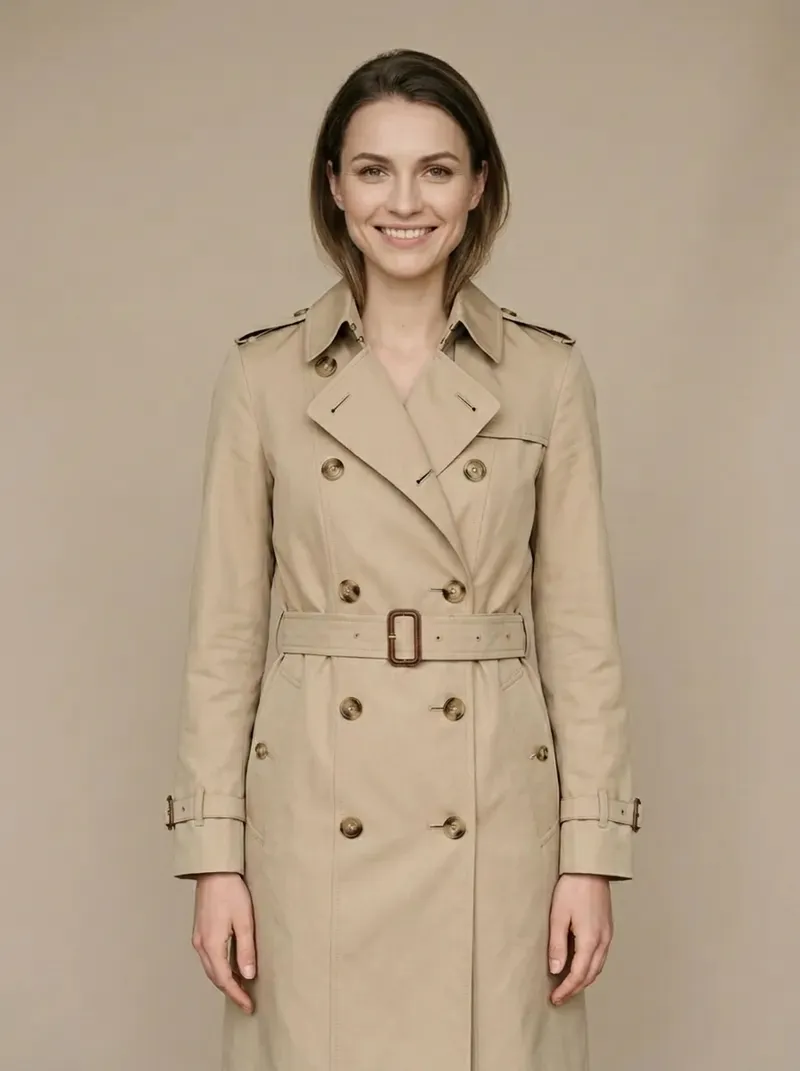
Make the Model Smile or Change Pose
Adjust expressions, head angles, and poses in fashion photos while the person's identity and the garment stay unchanged.
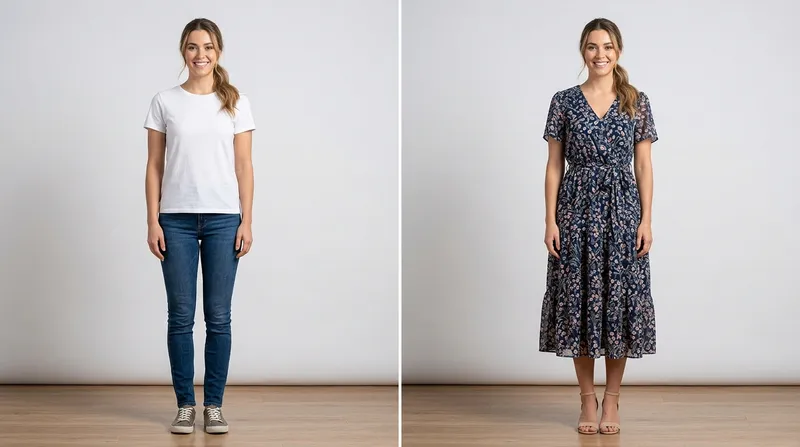
Dress Models in New Outfits
A lightweight virtual try-on: type the outfit you want and the model wears it, with identity, pose, and background preserved.
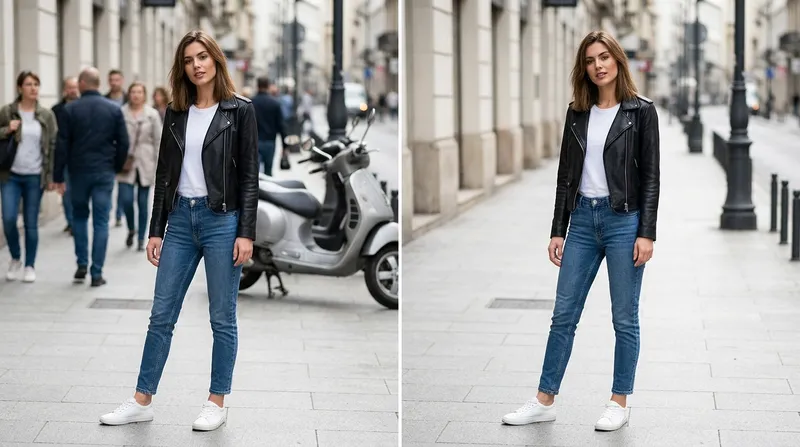
Remove Objects, People and Distractions
Erase stray objects, reflections, and background people. The AI rebuilds the area to match texture and lighting.
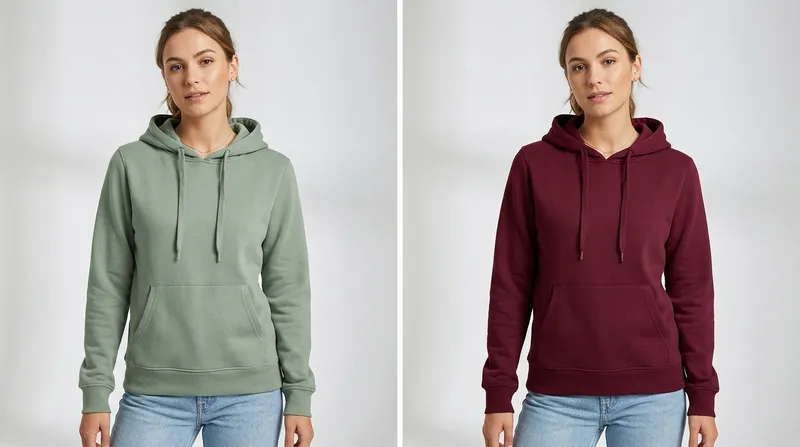
Change Clothing Colors and Details
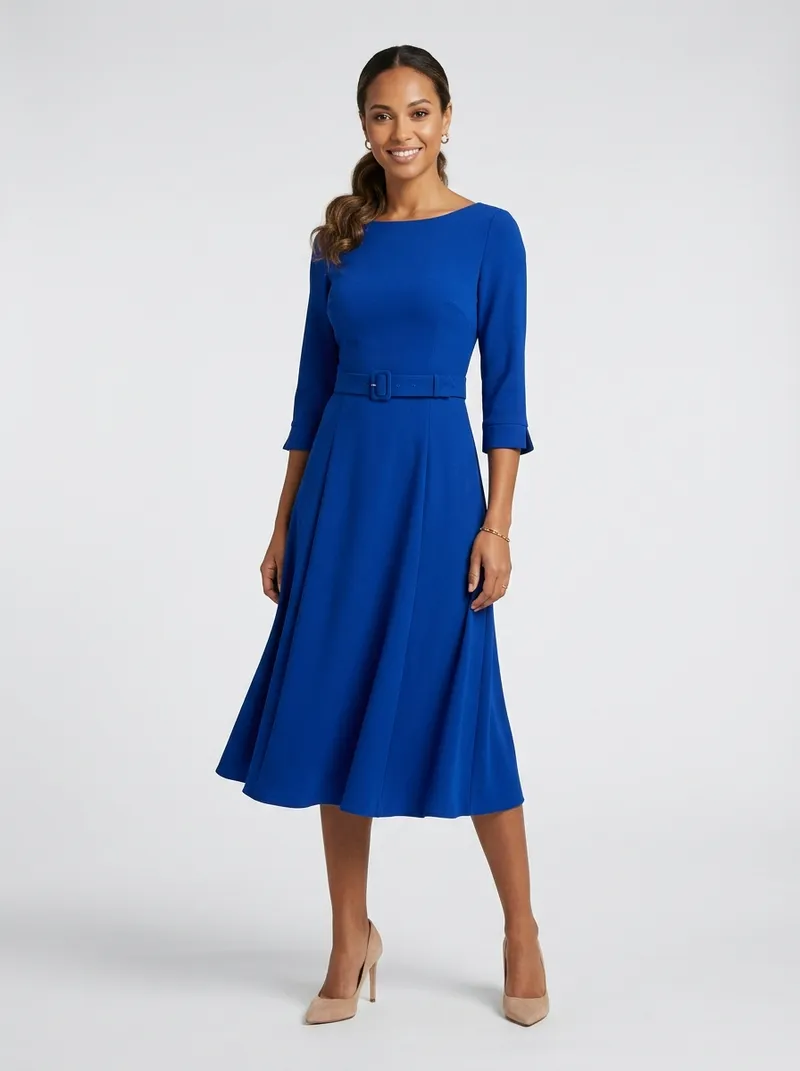
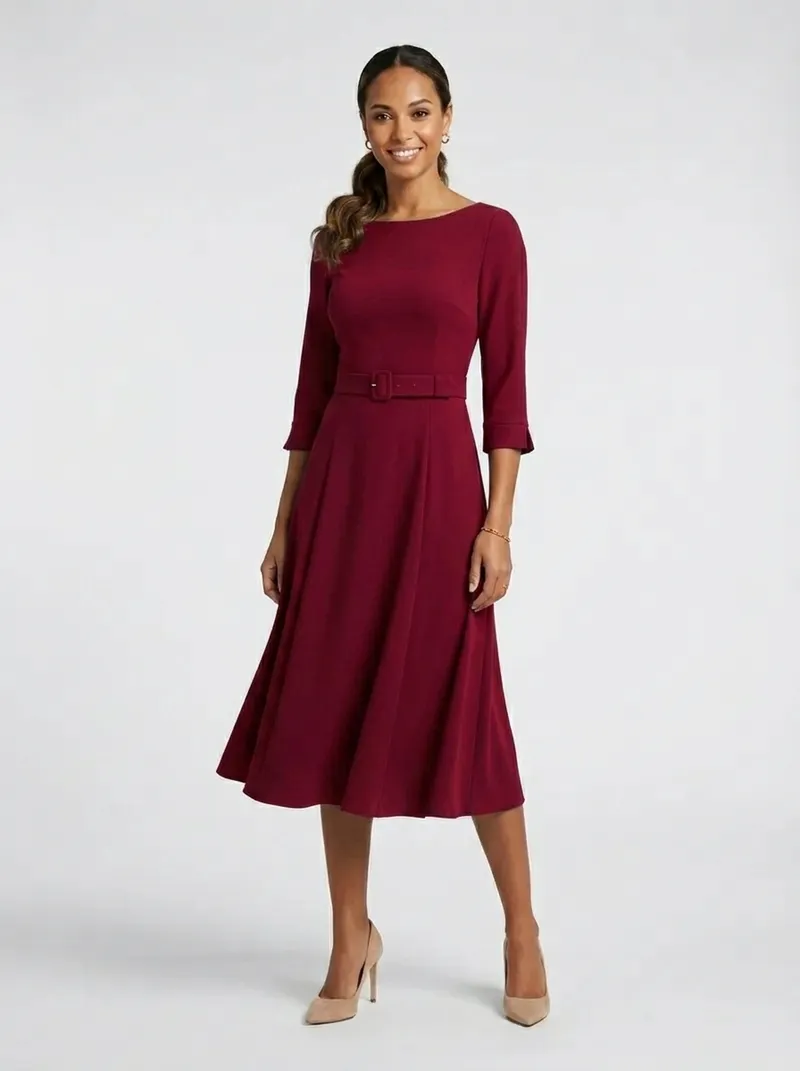
Recolor garments, swap fabrics, and tweak details to create colorway variants without re-shooting a single photo.
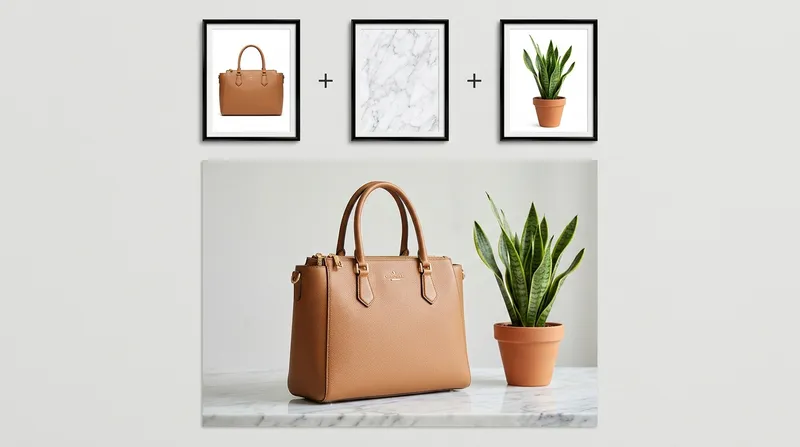
Combine Up to 10 Reference Images
Feed multiple references in one edit: put this product in that scene, or apply one photo's style to another.
AI Photo Editing for Ecommerce & Fashion Brands
Higher conversion for high-resolution product photos
Of returns happen because photos misled shoppers
Less post-production time vs manual retouching
From instruction to finished edit
Sources: our research on AI image editing models and AI object removal.
AI Photo Editing vs Manual Retouching: Cost Comparison
Why brands are moving their catalog edits to AI
| Manual Retouching | CamClo AI Smart Edit | |
|---|---|---|
| Cost per image | $0.50 to $2.99 standard, $15 to $50 for fashion retouching | From about 0.5 credits per edit |
| Turnaround | Hours to days per batch | 5 to 60 seconds per edit |
| Revisions | New brief, new invoice | Type a new prompt and regenerate |
| Skills needed | Photoshop expertise | Plain English instructions |
| Scale | Limited by editor hours | Thousands of images, 4 variations per run |
| Max resolution | Depends on the editor | Up to 4K output |
AI Photo Editing FAQ
Everything you need to know about editing photos with text prompts
Edit Your First Photo in Seconds
Upload a photo, type what you want changed, and download a marketplace-ready result. Try it for 7 days for $1.
7-day trial for $1. Cancel anytime.