AI Image to Video: Turn any product photo into a video.
Upload a product photo, say what should happen and get a video with sound for Reels, TikTok, ads or your product page, up to 30 seconds long.
 Seedance 2.5
 Kling 4.0
 Wan 3.0
 Gemini Omni Flash
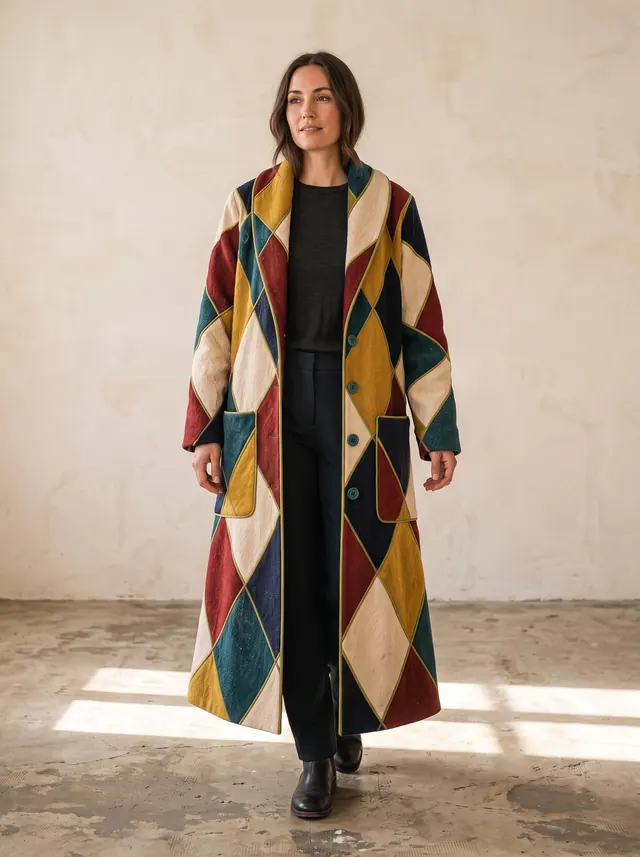
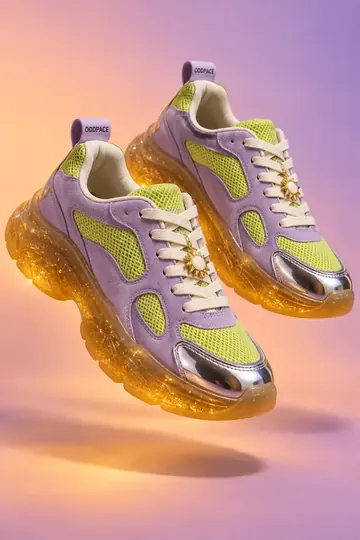

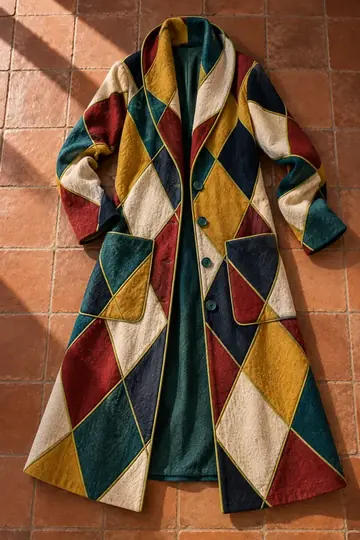
Three steps from photo to video.
The same steps as in the app. Pick an example: each one is a real result, made from the photos you see.
Add your photo
Start FrameDescribe Your Vision
Video Settings
Rendering is sped up on this page. Each result shows how long it really took.
One product photo. Any kind of video.
Each clip here started from the photo beside it. A different prompt turns the same product into a selfie review, a macro shot, an anime chase or a street stunt.
The newest video models, side by side.
Choose a model for each video. No separate accounts or API keys, and one set of credits for all of them.
| Seedance 2.5ByteDance | Kling 4.0NewKuaishou | Wan 3.0Alibaba | Gemini Omni FlashGoogle | |
|---|---|---|---|---|
| Best for | Talking UGC and story ads, with voices and sound | Motion that starts from your exact photo, and Flash mode for quick takes | Videos guided by your own images, clips and audio, with sound | Short clips with native audio, smooth transitions and up to 4K |
| Length | 4 to 30 seconds | 3 to 30 seconds, Flash up to 20 | 2 to 30 seconds | 3 to 15 seconds, 10 with an end frame |
| Resolution | 480p, 720p or 1080p | 720p or 1080p, Flash 720p | 480p, 720p or 1080p | 360p, 720p, 1080p or 4K |
| Your photos | Your photo plus up to 8 more images as references | A start frame with an optional end frame, or up to 10 reference images | A start frame with an optional end frame, or up to 10 images, 5 clips and 5 audio files | A first frame, a first-to-last frame transition, or up to 5 reference images |
| Shapes | 9:16, 1:1, 16:9, 4:3, 3:4 and 21:9 | Your photo's shape, or 9:16, 1:1, 16:9 and 21:9 with references | Your photo's shape, or 9:16, 1:1, 16:9, 4:3 and 3:4 | 9:16 or 16:9 |
Bulk image to video for your whole catalogue.
Turn a batch of product photos into videos in one request. The AI Assistant writes a prompt from each photo, shows you the plan and makes every video once you approve: up to 500 products at a time on Studio plans, 50 on Creator.
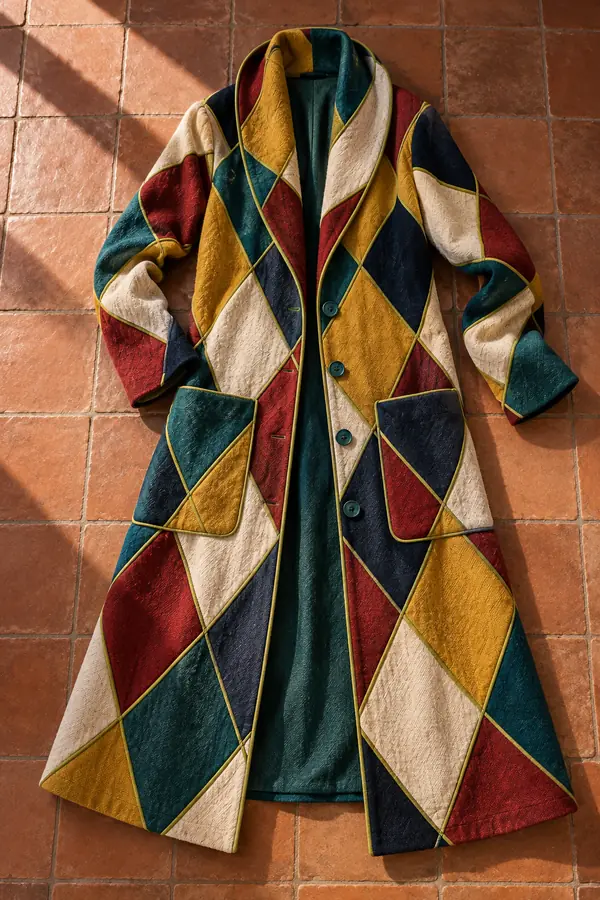

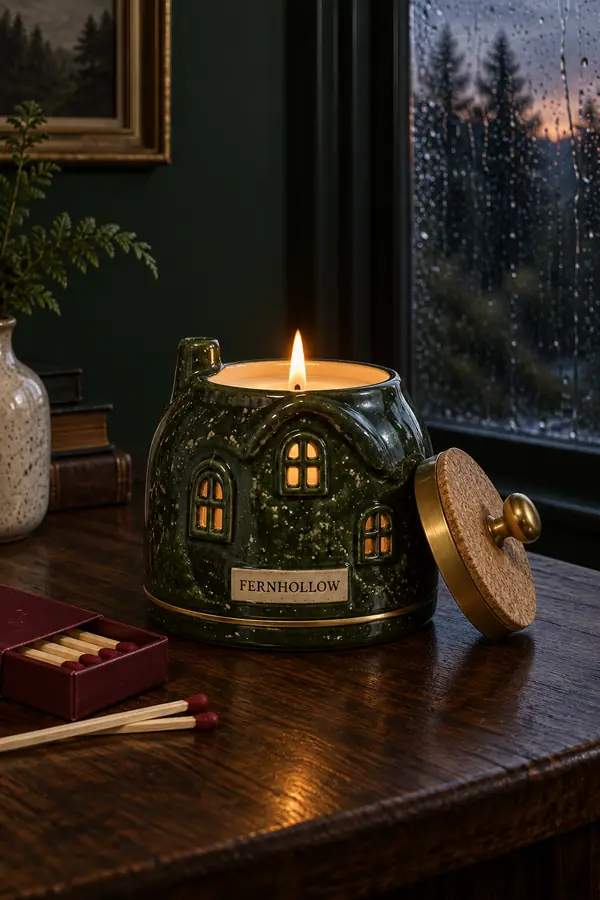
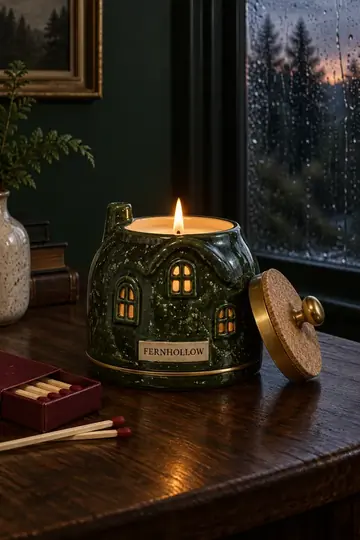
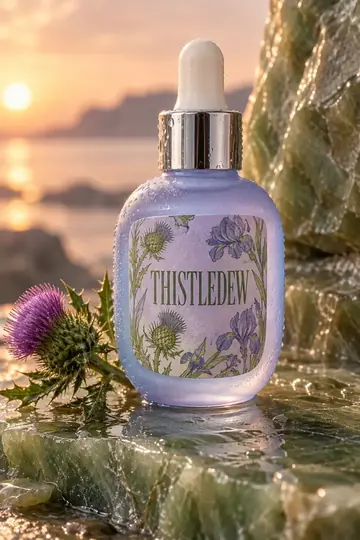
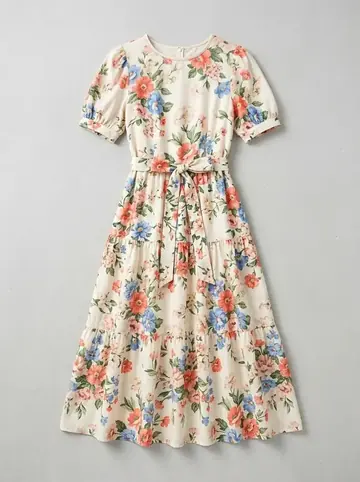
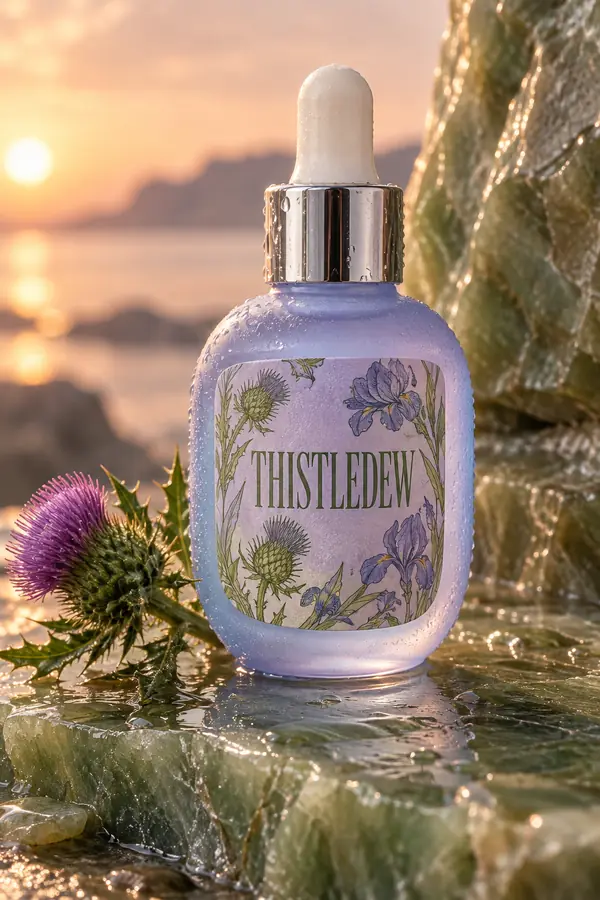
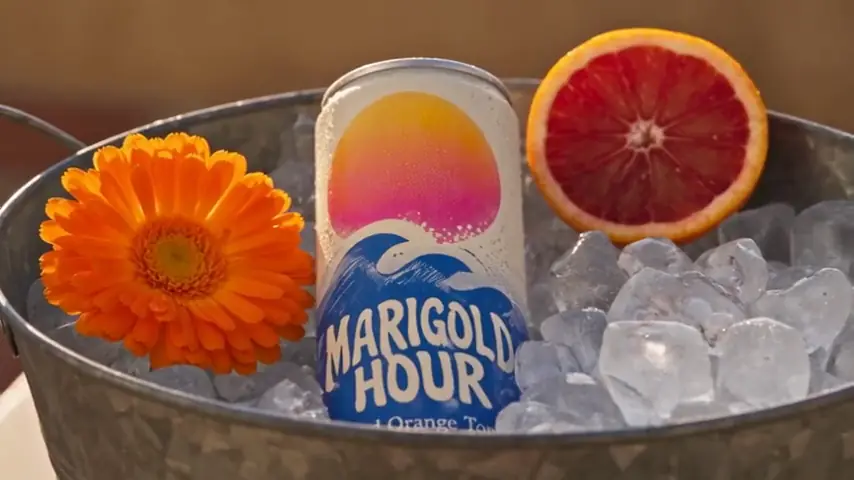
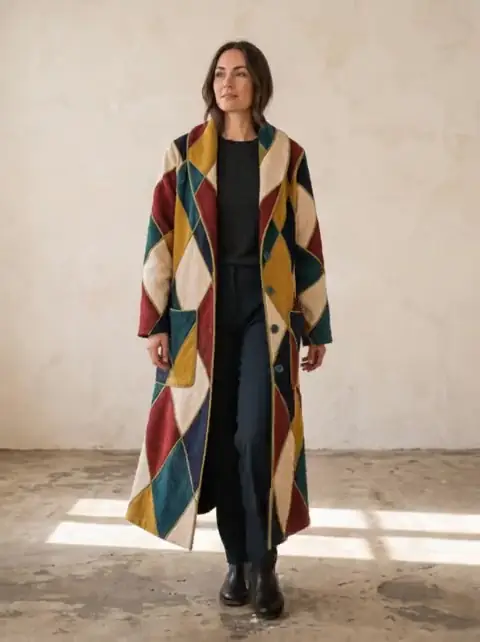
Here is the plan: one UGC video per product, in 9:16. Each gets its own setting and opening line, written from its photo.
Halden & Rue coatUGC try-onReadyMarigold Hour tonicUGCReadyThistledew serumUGCReadyFernhollow candleUGCReadyTake the video further.
Image to Video is one part of CamClo AI. The same product photo can become a model shot, a finished ad and a running campaign.
AI image to video, answered.
Anything else? Read the full FAQ or talk to us.
How do I turn a photo into a video with AI?
Upload a product photo in Image to Video, write what should happen in Describe Your Vision, choose a model, a length and a shape, and click Generate. The video is ready in a few minutes. It is saved to Previous Videos and your Generations, and downloads as MP4 or GIF.
Which AI model is best for image to video?
It depends on the clip. Seedance 2.5 is strongest for talking UGC and story ads up to 30 seconds, with voices. Kling 4.0 starts from your exact photo, takes an end frame or up to 10 reference images, and has a Flash mode for quick 720p takes. Wan 3.0 follows your own images, clips and audio, with sound. Gemini Omni Flash makes short clips with native audio, first-to-last frame transitions and up to 4K. You can pick a different model for every video.
How long can an AI image to video clip be?
Up to 30 seconds with Seedance 2.5, Kling 4.0 and Wan 3.0. Kling 4.0 Flash goes up to 20 seconds and Gemini Omni Flash up to 15. For longer videos, the AI Assistant can make videos of up to 3 minutes in parts.
Will my product look the same in the video?
Your photo is the reference, so colours, prints, shapes and labels carry over into the video. With a start frame, the video opens on your exact photo. For the closest match, use a sharp, well-lit photo, add more angles as reference images and name the product's key details in your prompt.
Can the video have a model, a voice or sound?
Yes. Add a photo of a model as a reference and the person in the video wears or holds your product. Seedance 2.5, Wan 3.0 and Gemini Omni Flash make sound with every video, including voices, so a creator can talk about your product. Seedance 2.0 and Wan 3.0 also take your own clips and audio files as references.
Which sizes and resolutions can I make?
Vertical 9:16 for Reels, TikTok, Shorts and Stories, square 1:1 for feeds and wide 16:9 for YouTube and product pages, plus 4:3, 3:4 and 21:9 on some models. With a start frame, Kling 4.0, Seedance 2.0 and Wan 3.0 can keep your photo's shape. Resolution goes from 480p to 1080p, and up to 4K with Seedance 2.0 and Gemini Omni Flash.
Can I turn product photos into videos in bulk?
Yes. Add a batch of product photos to the AI Assistant and ask for a video for each one. It writes a prompt from every photo, shows you the plan and makes all the videos once you approve. One request can cover up to 500 product photos on Studio plans (50 on Creator), so a whole catalogue can be done at once, and the results are grouped by product.
How long does it take to make a video?
Usually 1 to 8 minutes, depending on the model, the length and the resolution. You don't have to wait on the page: every finished video is saved to Previous Videos and your Generations.
Can I use the videos in ads and on my store?
Yes. You own what you make with paid credits and can use it commercially, in ads, on product pages, on marketplaces and on social media. Videos made during the trial carry a watermark and are for evaluation until your first plan payment.
How much does AI image to video cost on CamClo AI?
Image to Video uses credits, priced per second by model and resolution. Plans start at $49 a month with 150 credits, and you can try every model with the 7-day trial for $1 with 20 credits. Paid plans can add credits at any time.
What is the difference between Image to Video and Video Ads?
Image to Video gives you full control of one clip: your photos, your prompt and your choice of model. Video Ads builds a finished ad in a ready-made format such as UGC, unboxing or a TV spot, and writes the script for you. Both start from a product photo.
Your next product video starts with a photo you already have.
7-day trial for $1 with 20 credits. Then $49 a month. Cancel anytime.