
AI Background Remover: Remove BG From Product Photos
Remove the background from any product or model photo in seconds, with a 7-day trial for $1. Download a clean cutout on a transparent background or pure white, ready for Amazon and Shopify listings. No Photoshop needed, no watermarks added.
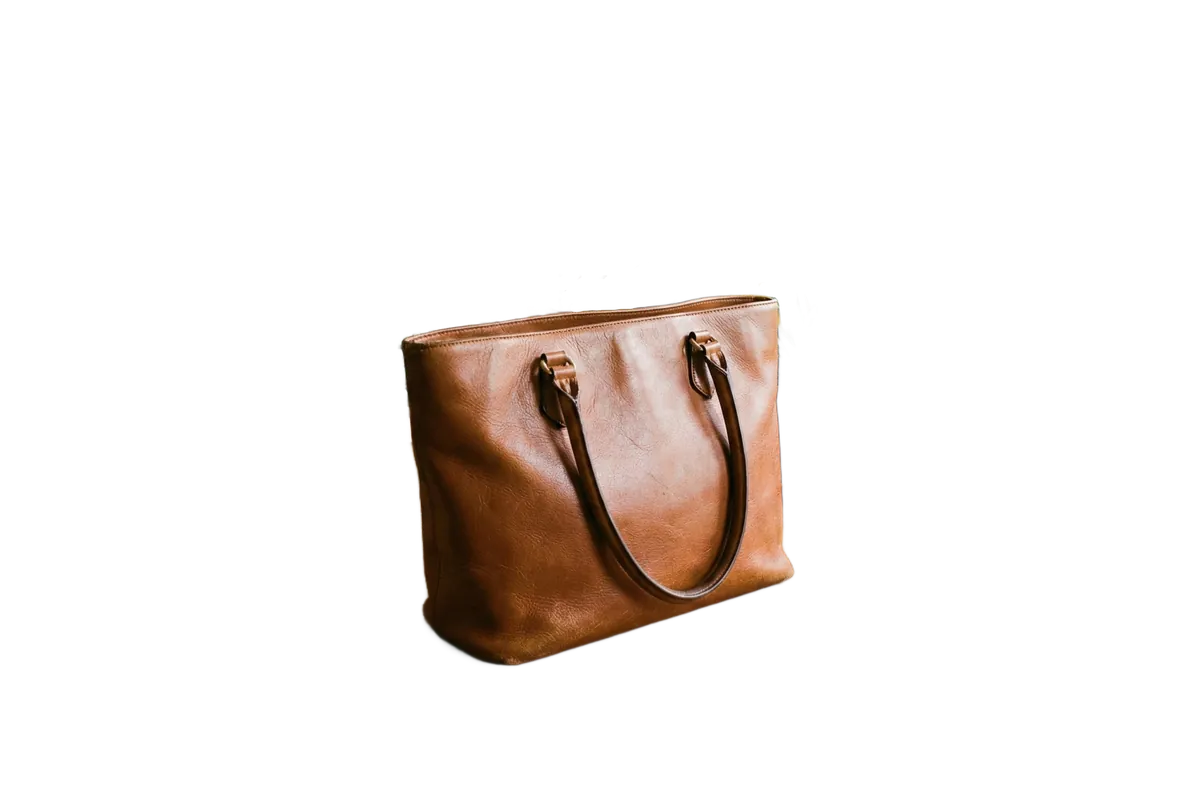

Drag the slider to see the difference
7 Days
$1 Trial, No Watermarks
<1 min
Processing Time
AI
Precision Cutouts
PNG
Transparent Output
The Smarter Way to Remove Backgrounds
AI-Powered Precision
Deep learning models trained on millions of images deliver pixel-perfect cutouts. Handles hair, fur, semi-transparent fabrics, and intricate edges with ease.
Clean Edge Detection
No jagged edges or harsh artifacts. Our AI preserves natural-looking borders around your subject, even with complex silhouettes and fine details.
Transparent or White BG
Download as a transparent PNG for design flexibility, or with a solid white background, perfect for e-commerce listings and marketplace uploads.
Results in Under a Minute
Cloud-based AI processes your image in seconds. No waiting, no queues. Upload and get your clean cutout almost instantly.
JPG, PNG & WebP Support
Upload images in all major formats up to 20MB. Works with product photos, portraits, flat-lays, logos, and any image type.
100% Browser-Based
No software to install, no plugins, no Photoshop skills needed. Works on any device: desktop, tablet, or mobile. Just upload and go.
How to Remove Backgrounds with AI
Remove backgrounds from any image in three simple steps. No design skills required.
Drag and drop your image here
or
Supports: JPEG, PNG, WebP (Max 20MB)
Upload Your Image
Drag and drop or browse to upload your image. We support JPG, PNG, and WebP formats up to 20MB. Works with product photos, portraits, clothing, objects, logos, any image.
AI Processing
Detecting subject and edges...
Subject Found
Edges Refined
Finalizing
AI Removes the Background
Our AI analyzes your image, detects the subject, and precisely separates it from the background. It handles complex edges like hair, fur, and transparent objects, all automatically.
Background Removed!
Choose Download Format
Transparent
PNG
White BG
PNG / JPG
Download Your Clean Cutout
Download your image with a transparent background (PNG) or with a white background, ready for your online store, design projects, social media, or marketing materials.
Remove Backgrounds from Any Image
From product photos to portraits, see how AI background removal transforms real images in seconds.
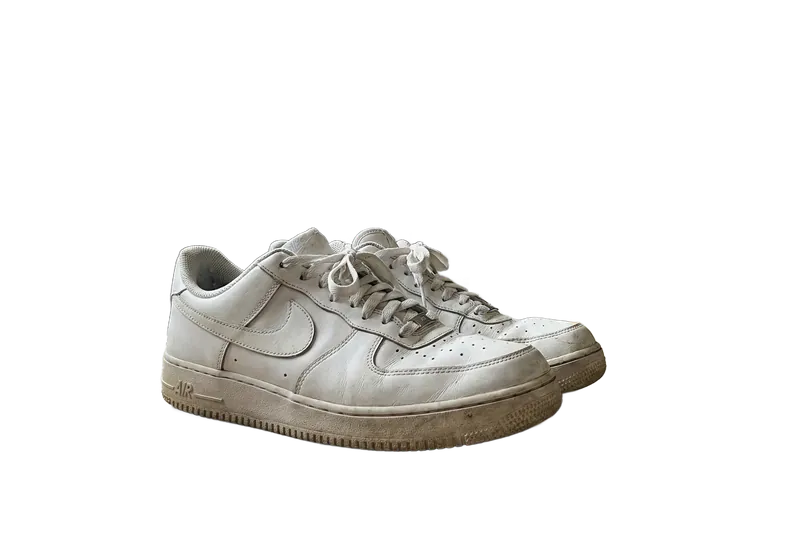
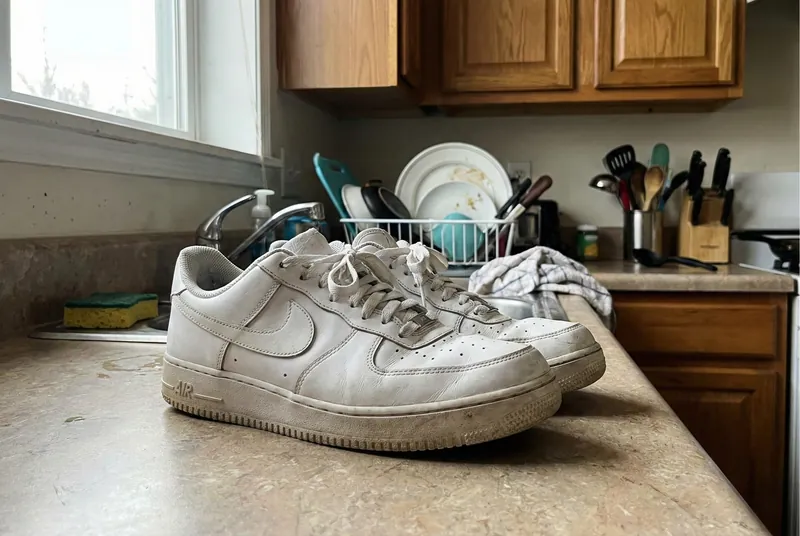
White Background for Online Listings
Amazon, Shopify, Etsy, and eBay all require clean white-background product photos. Instead of hiring a photographer or struggling with Photoshop, remove backgrounds instantly with AI and create marketplace-ready listings that convert.
- Meets Amazon, Shopify, and Etsy image requirements
- White background in one click, no Photoshop
- Professional listings increase conversion rates by up to 94%

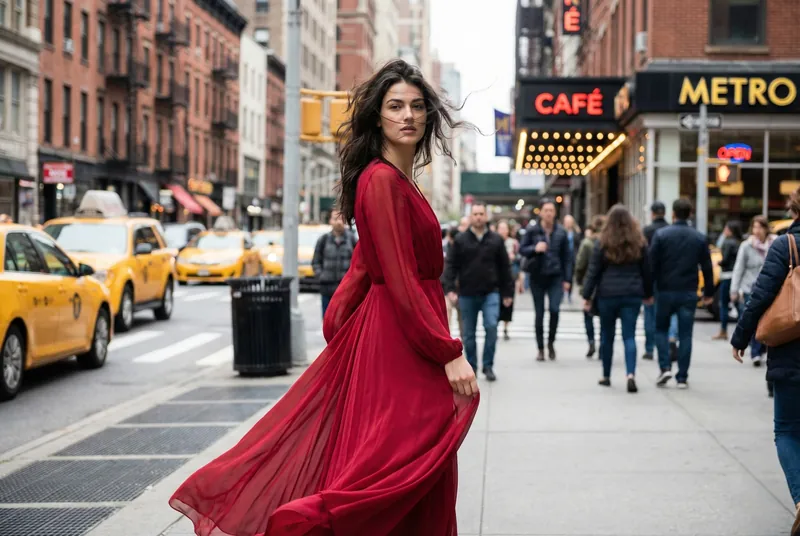
Clean Cutouts for Fashion Catalogues
Fashion brands need consistent, clean imagery across their catalogue. Our AI handles the trickiest parts (flowing hair, semi-transparent fabrics, lace details, and complex garment silhouettes), delivering catalogue-ready cutouts every time.
- Handles hair, lace, and sheer fabrics perfectly
- Consistent look across your entire catalogue
- Ready for lookbooks, websites, and marketplaces


Professional Headshots in Seconds
Need a clean headshot for LinkedIn, your resume, ID photos, or team pages? Upload any portrait and get a professional cutout with perfectly preserved hair edges. No studio required. Transform any photo into a polished headshot instantly.
- Perfect hair edge detection, no jagged cuts
- Ideal for LinkedIn, resumes, and ID photos
- Transform casual photos into professional headshots
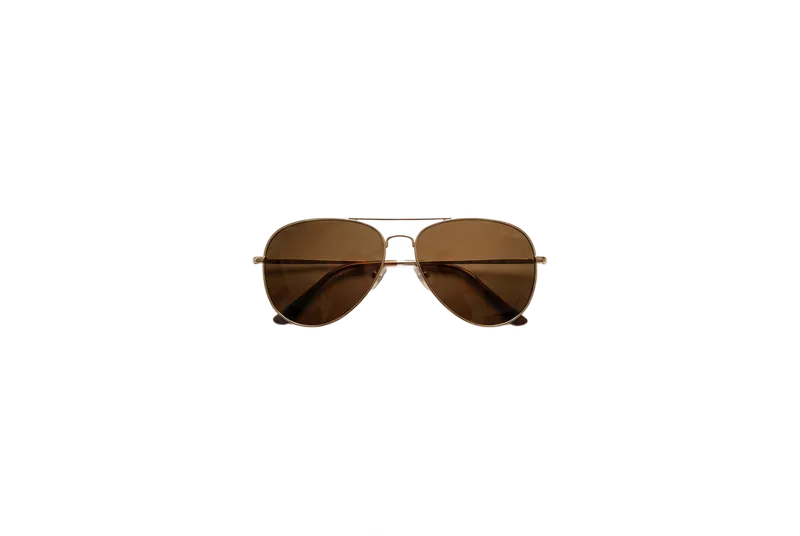

Clean Cutouts for Any Product Type
From sunglasses and watches to bags and electronics, our AI handles any product with precision. Get clean, isolated product shots ready for your online store, social media, or marketing materials without the need for a professional photo studio.
- Works with any product: accessories, electronics, home goods
- Sharp edges and accurate color preservation
- Studio-quality results from smartphone photos
Who Uses AI Background Removal?
E-commerce Sellers
Clean white-background photos for Amazon, Shopify, Etsy, and eBay listings.
Social Media Creators
Clean cutouts for thumbnails, collages, reels, and branded content on Instagram & TikTok.
Graphic Designers
Instant transparent PNGs for compositions, presentations, ads, and marketing materials.
Photographers
Speed up post-production: remove and replace backgrounds from portraits and product shots.
Fashion Brands
Consistent, clean imagery across lookbooks, catalogues, and online stores.
Small Businesses
Professional visuals for websites, flyers, and ads, no designer needed, no cost.
AI Background Removal vs Manual Editing
See why AI-powered background removal beats manual Photoshop masking.
Manual Photoshop Masking
- ✕Takes 5-30 minutes per image
- ✕Requires Photoshop skills
- ✕Expensive software subscription
- ✕Inconsistent results across images
- ✕Struggles with complex edges (hair, fur)
- ✕Not scalable for large catalogs
CamClo AI Removal
- Results in under a minute
- No design skills needed
- Works in your browser, no software required
- Consistent, professional results
- Handles hair, fur, and fine edges
- Scales to any volume of images
Frequently Asked Questions
01How do I remove the background from an image online?+
02Does the AI handle complex edges like hair, fur, and lace?+
03Can I get a white background for my Amazon or Shopify product photos?+
04How is AI background removal different from Photoshop?+
05What output formats can I download after background removal?+
06How long does AI background removal take?+
07What types of images work best with the background remover?+
08Can I use removed backgrounds for commercial purposes?+
09Do I need to install any software to remove backgrounds?+
10How does CamClo AI compare to remove.bg and other background removal tools?+
Ready to Remove Backgrounds?
Remove backgrounds from your images instantly, with no watermarks. Get transparent PNGs in seconds. Try it for 7 days for $1.
7-day trial for $1. Cancel anytime.