
AI Generative Fill for Clothing and Fashion Photos
Brush over any area of a photo, describe what you want, and AI fills it with photorealistic content that blends into the fabric, light, and shadows around it. Add jewelry, change clothing details, or generate graphics from one text prompt. No Photoshop needed.
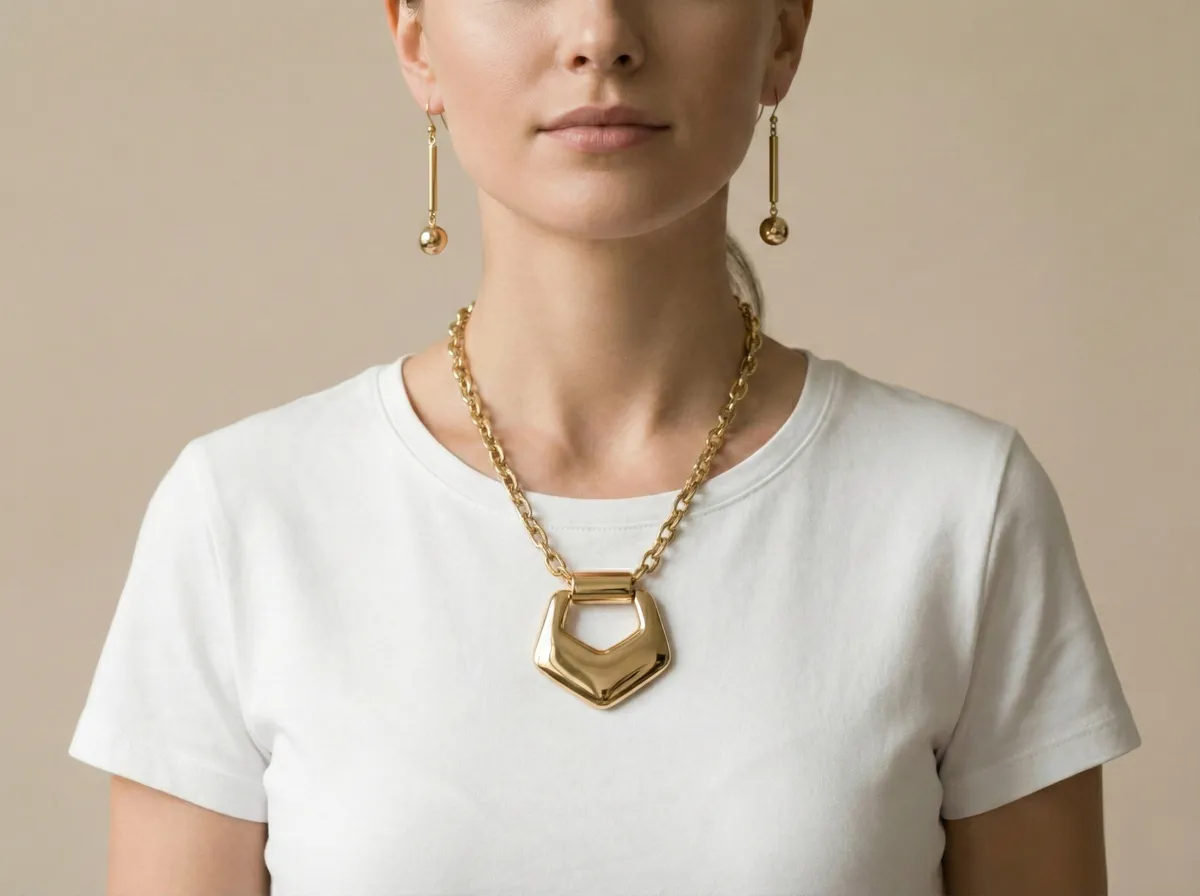
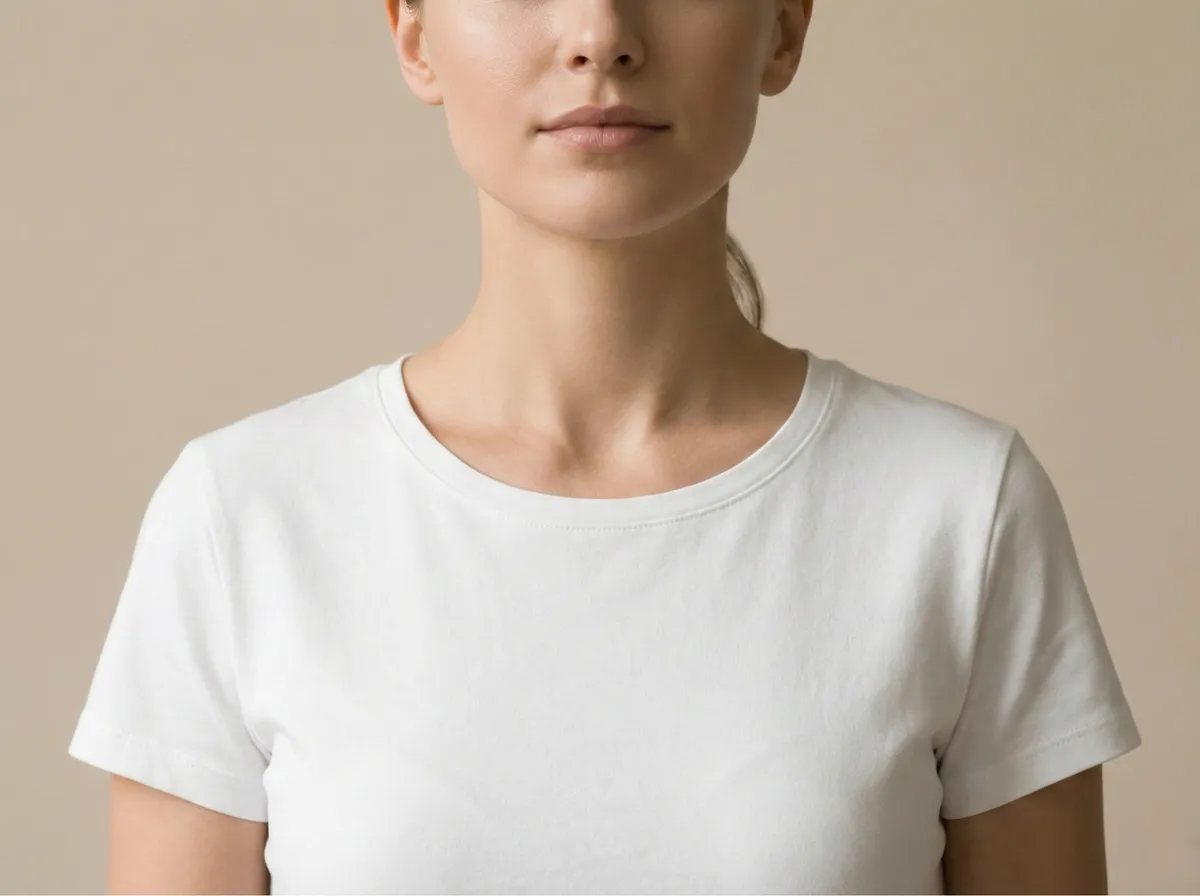
One Image, Endless Transformations
Paint a mask, type a prompt, and AI generates the rest. See what's possible with generative fill.
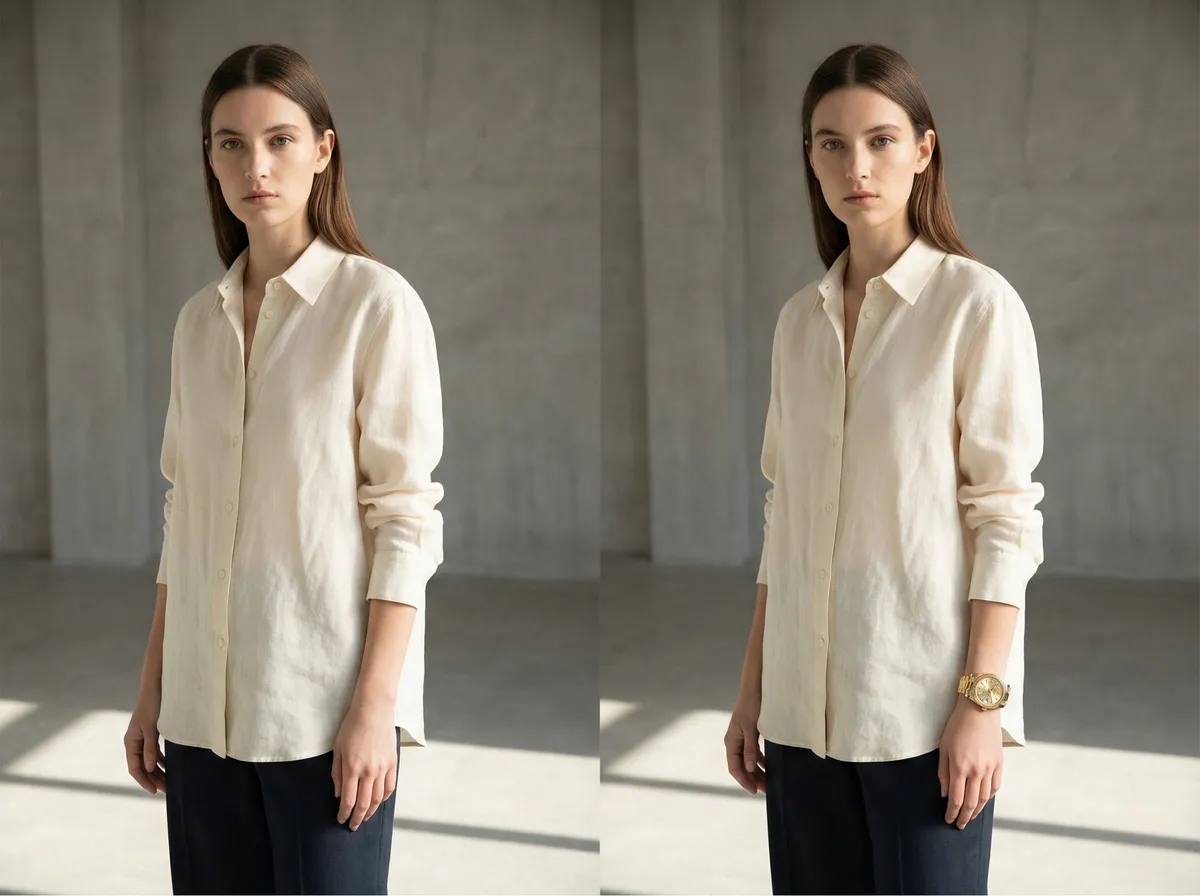
"Add a luxury gold watch on the wrist"
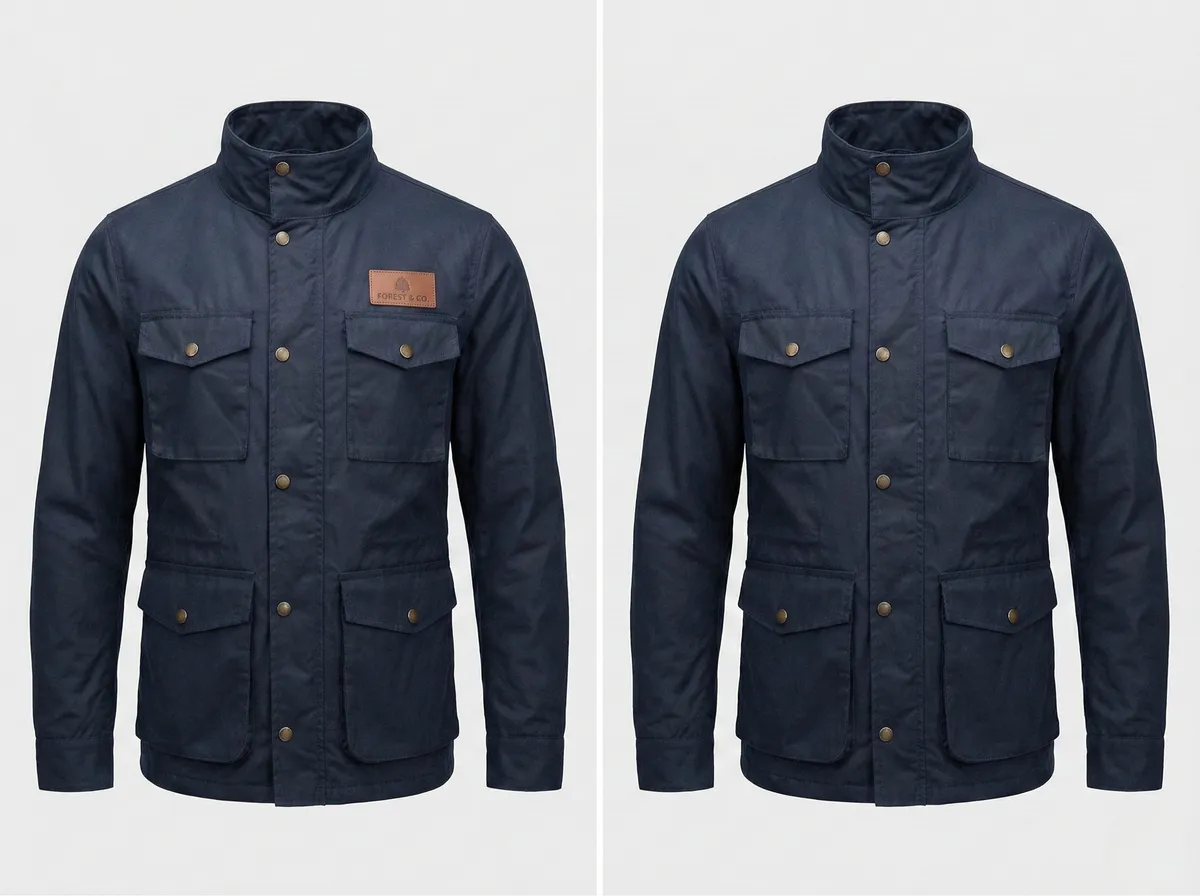
"Replace the logo patch with matching brass buttons"
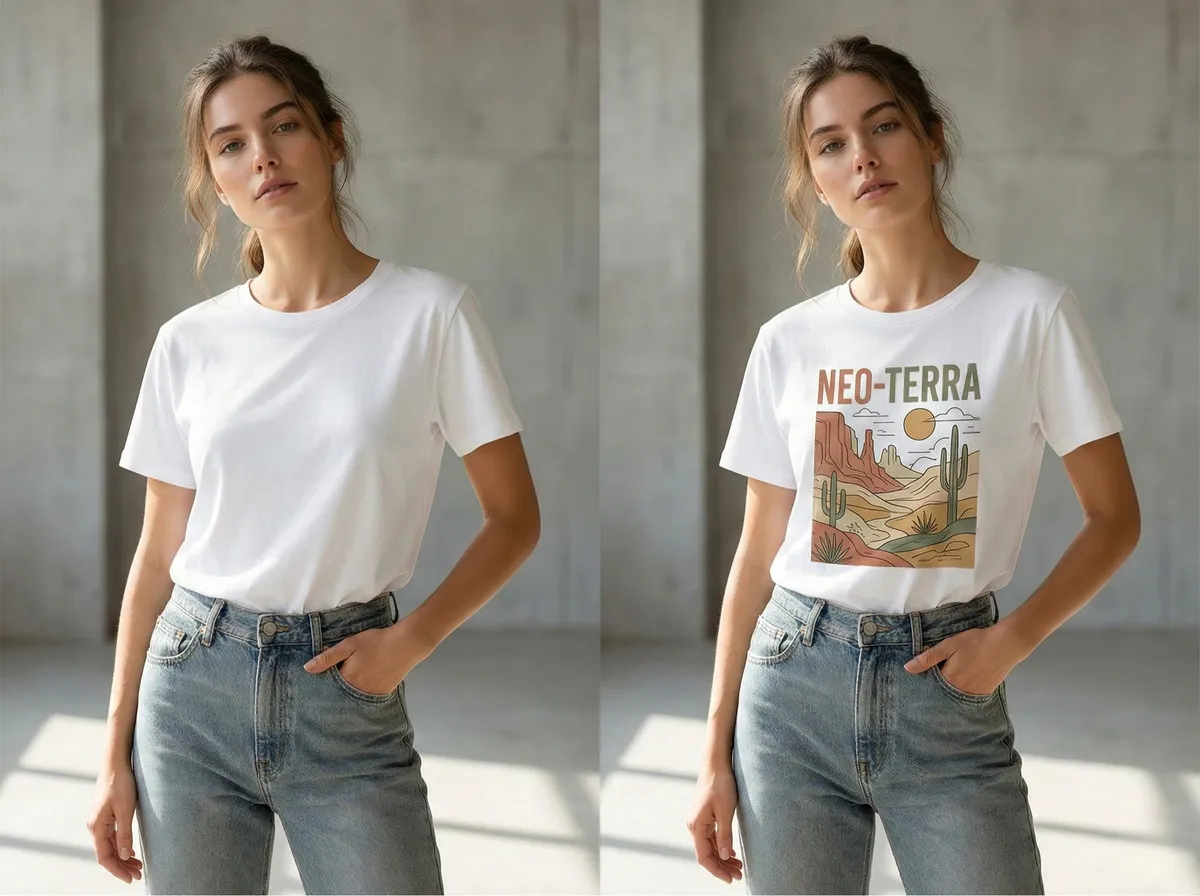
"Add a desert landscape graphic print on the t-shirt"
The Smarter Way to Edit Images with AI Inpainting
Text-Prompted AI Fill
Describe what you want in plain English. The AI generates photorealistic content (objects, textures, scenes, patterns) and blends it seamlessly into your image.
Intuitive Mask Painting
Use the brush tool to paint over any area of your image. Adjustable brush size gives you full control: select large regions or fine details with precision.
Context-Aware Blending
AI analyzes surrounding pixels, lighting direction, shadows, and perspective to generate fills that match the existing image perfectly, no visible seams or artifacts.
Results in Under 2 Minutes
Cloud-based AI processes your image fast. No heavy software, no GPU required on your end. Upload, mask, prompt, generate, all in your browser.
JPG, PNG & WebP Support
Upload images in all major formats up to 20MB. Works with product photos, portraits, landscapes, interiors, and any image type.
100% Browser-Based
No Photoshop, no plugins, no design skills needed. Works on desktop, tablet, and mobile. Upload your image, paint a mask, type a prompt, and download.
How to Use AI Generative Fill Online
Fill, add, remove, or replace anything in your photos in three simple steps.
Drag and drop your image here
or
Supports: JPEG, PNG, WebP (Max 20MB)
Upload Your Image
Drag and drop or browse to upload your photo. We support JPG, PNG, and WebP formats up to 20MB. Works with product shots, portraits, interiors, landscapes, any image you want to edit.
Paint Mask & Describe Fill
Paint over the area to edit
A beautiful arrangement of white roses in a crystal vase, soft natural lighting
Pro tip: Be specific about materials and lighting
Paint a Mask & Type a Prompt
Use the brush tool to paint over the area you want to fill. Then type a text prompt describing what you want the AI to generate: 'a vase of flowers', 'clean white wall', 'remove the person'. Be as creative or specific as you like.
Fill Complete!
Result Preview
Your image with AI-generated fill
Download Your Edited Image
The AI fills your selection with photorealistic content: perfectly matched lighting, shadows, and textures. Download the final image in full quality, ready for use on any platform.
AI Generative Fill Use Cases That Transform Your Images
From adding accessories to restyling details, see how generative fill transforms fashion and product photos.
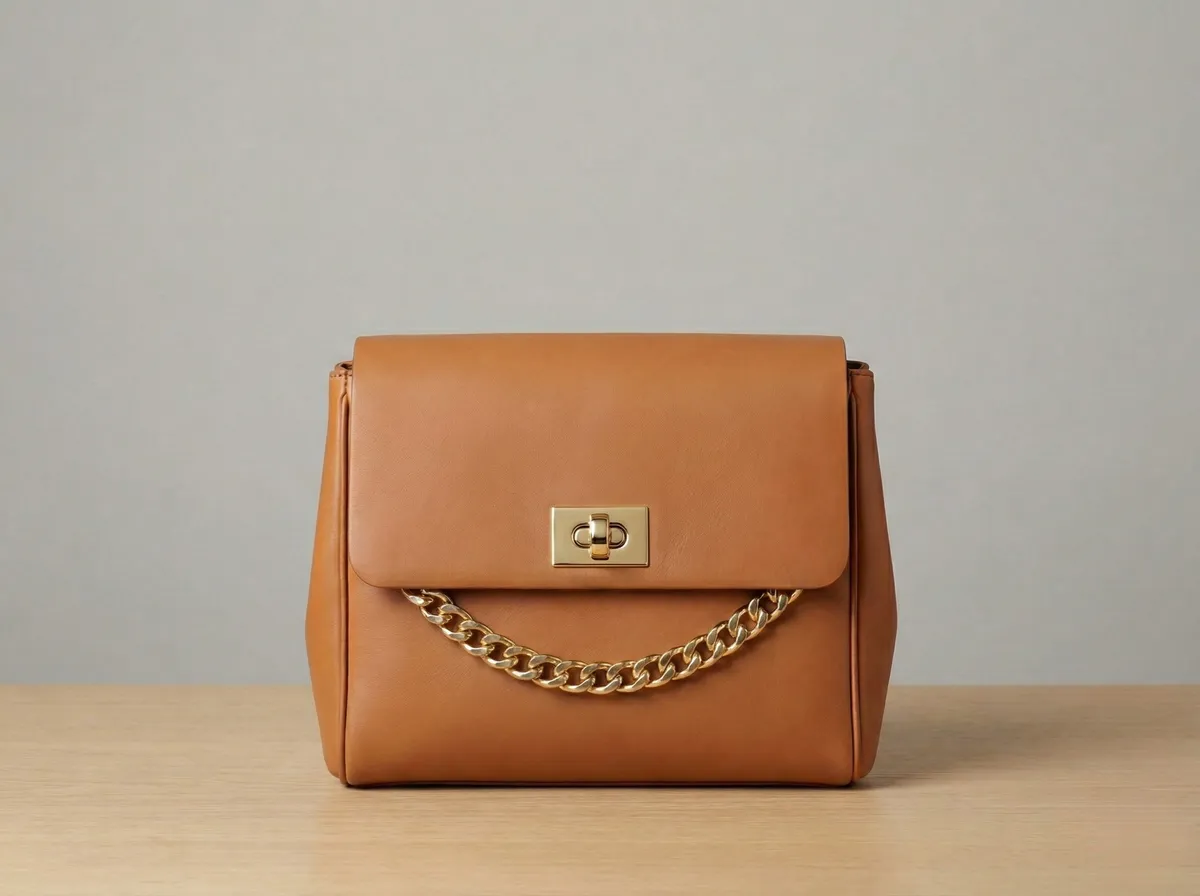
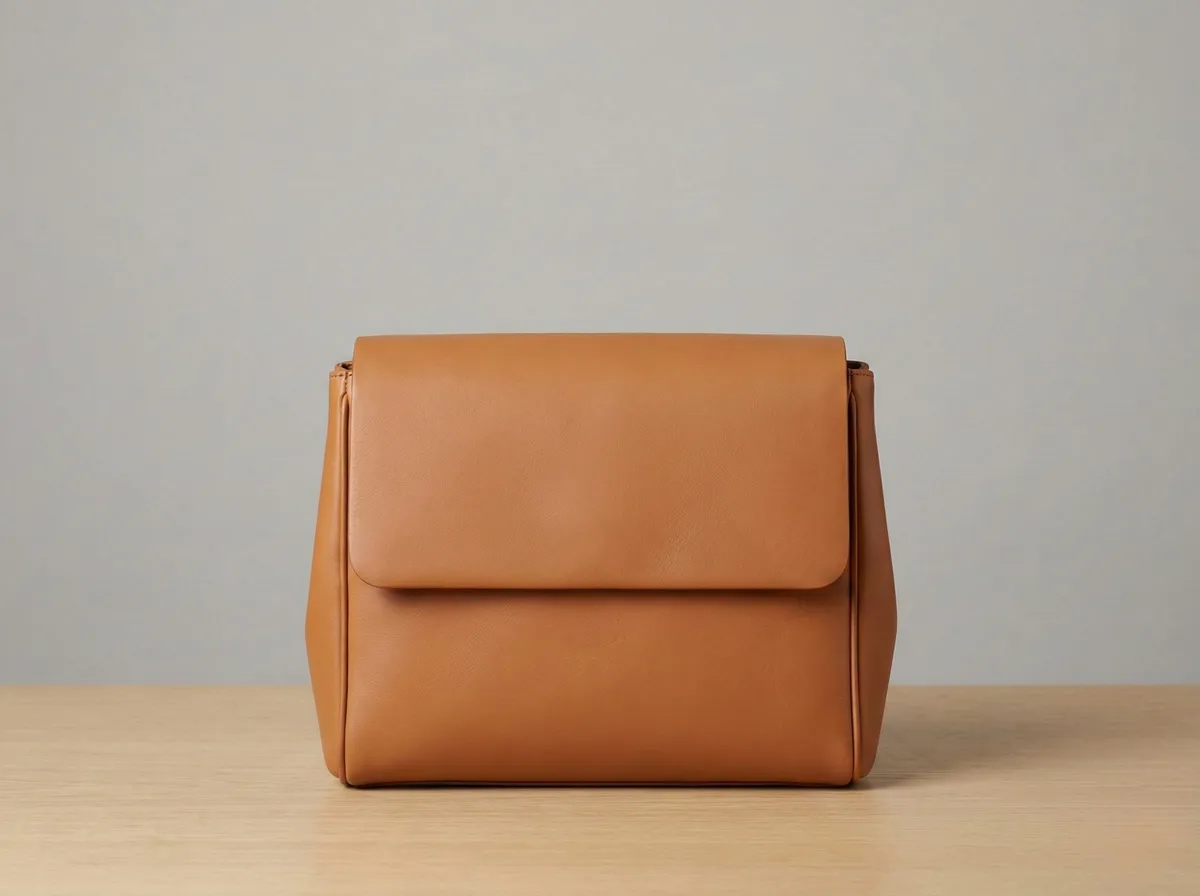
Enhance Product Photos with AI-Generated Details
Add hardware, embellishments, or decorative details to product photos without reshooting. Generative fill lets you add clasps, chains, buckles, and other elements that elevate product images for e-commerce listings.
- Add hardware and decorative elements to products
- Create premium-looking product variations instantly
- Perfect for Amazon, Shopify, and marketplace listings
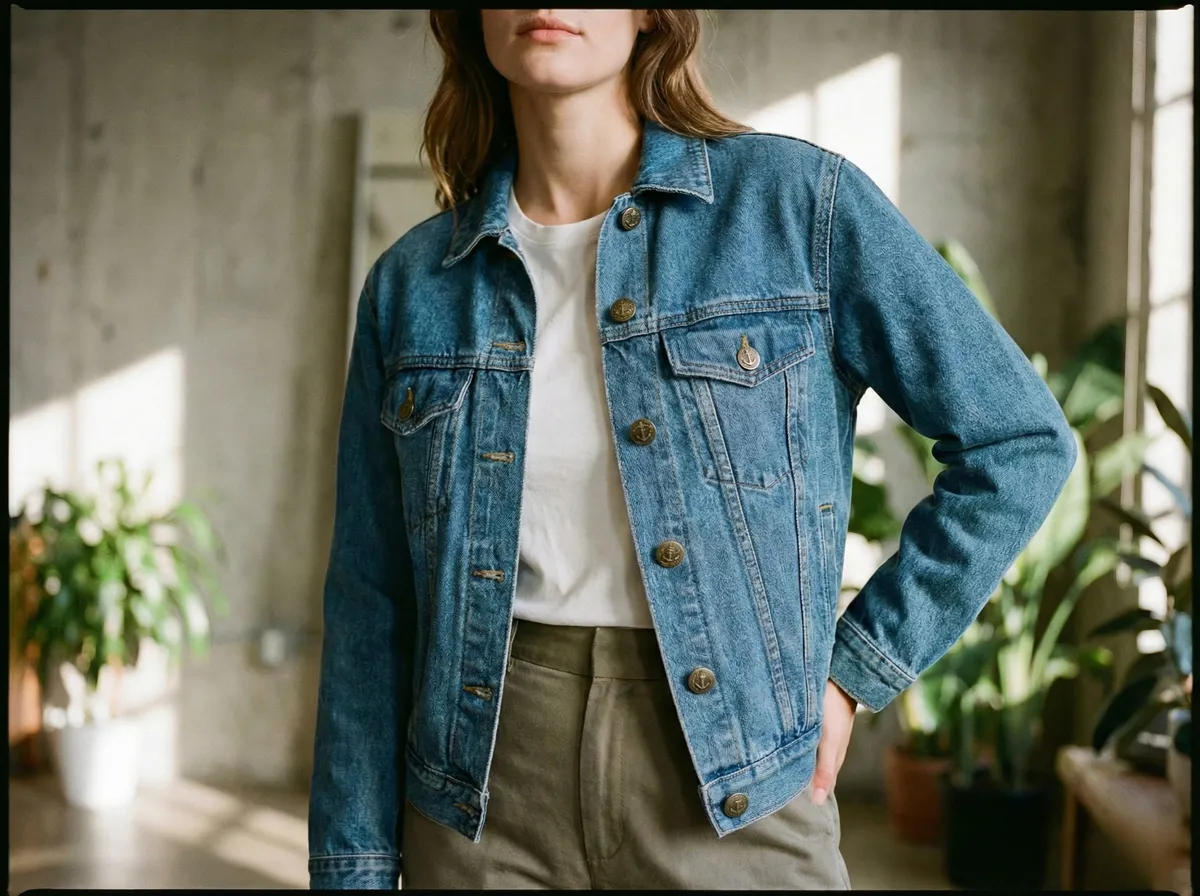
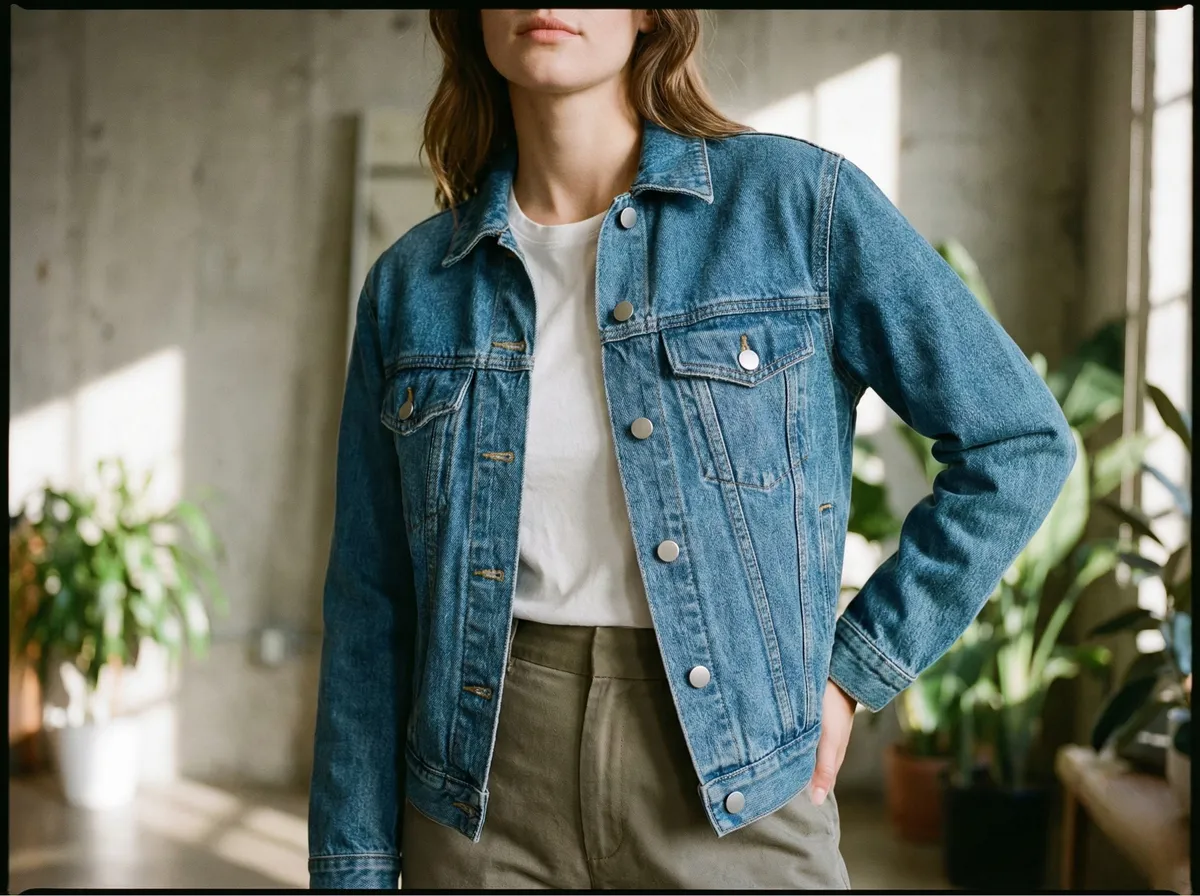
Replace Details and Restyle Clothing Elements
Swap out buttons, zippers, hardware, or any small detail on garments. Mask the area you want to change, describe the replacement, and AI generates a seamless new look, matching the fabric, lighting, and style perfectly.
- Swap buttons, zippers, and hardware on garments
- Restyle clothing details without reshooting
- AI matches material texture and lighting
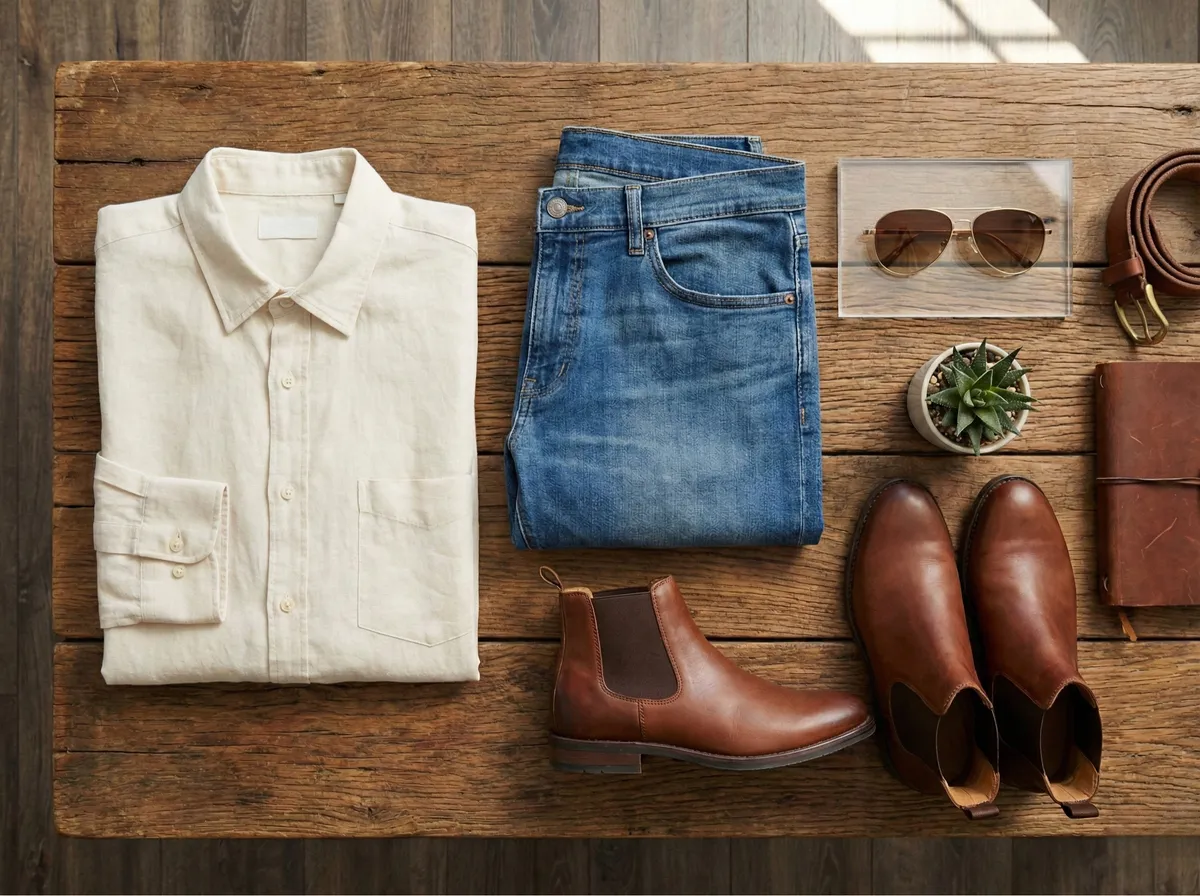
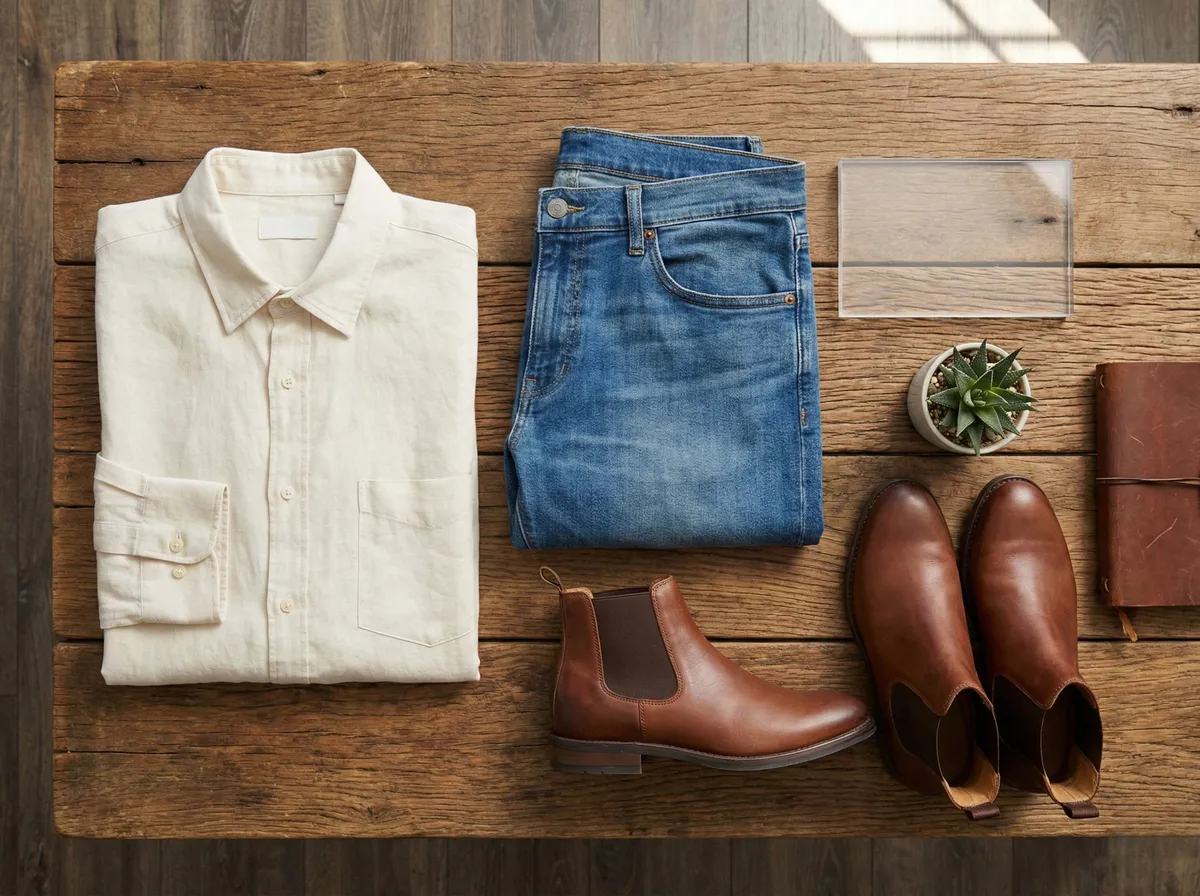
Complete Flat Lays with AI-Generated Accessories
Fill empty gaps in your flat lay compositions with matching accessories. Generative fill adds sunglasses, belts, watches, and other styling elements that complement the outfit, perfect for lookbook and social media content.
- Fill gaps in flat lay compositions with matching accessories
- Add sunglasses, belts, jewelry, and styling props
- Create complete outfit stories for social media
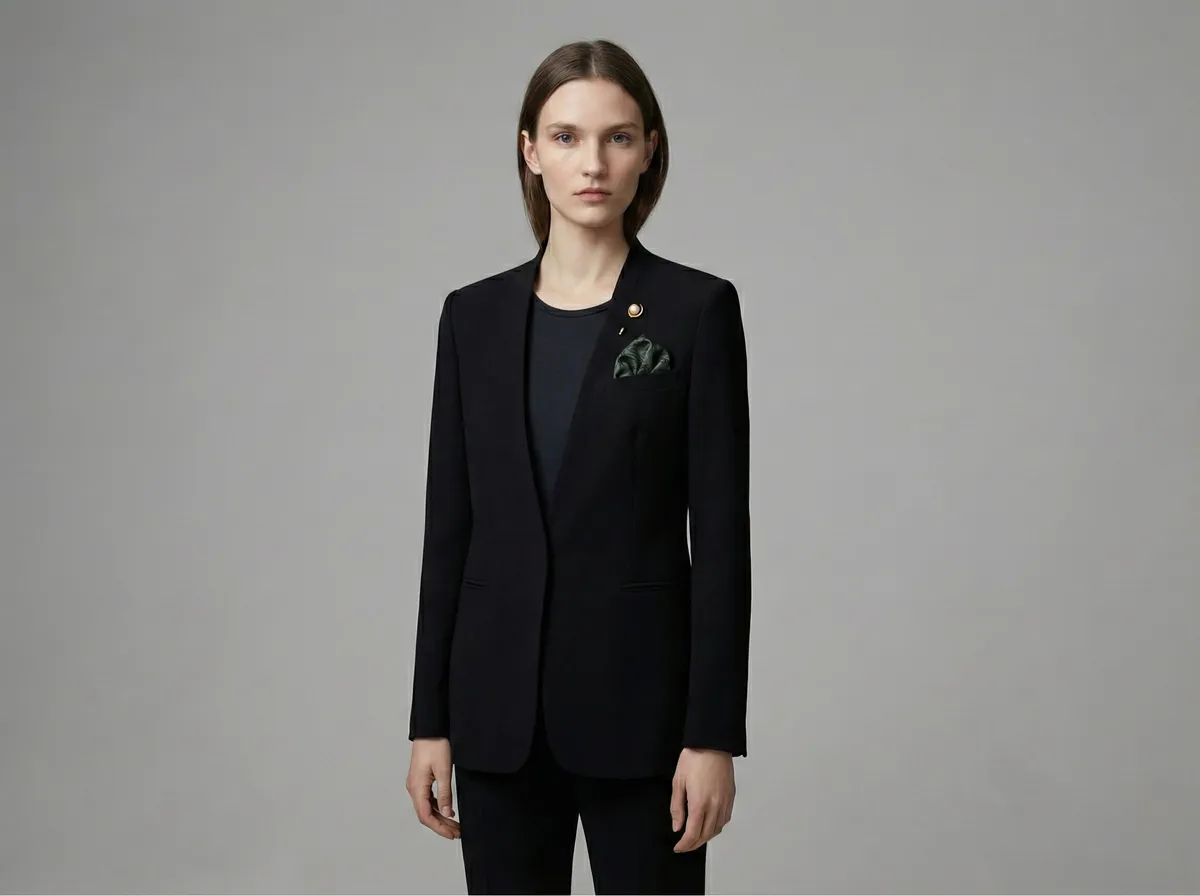
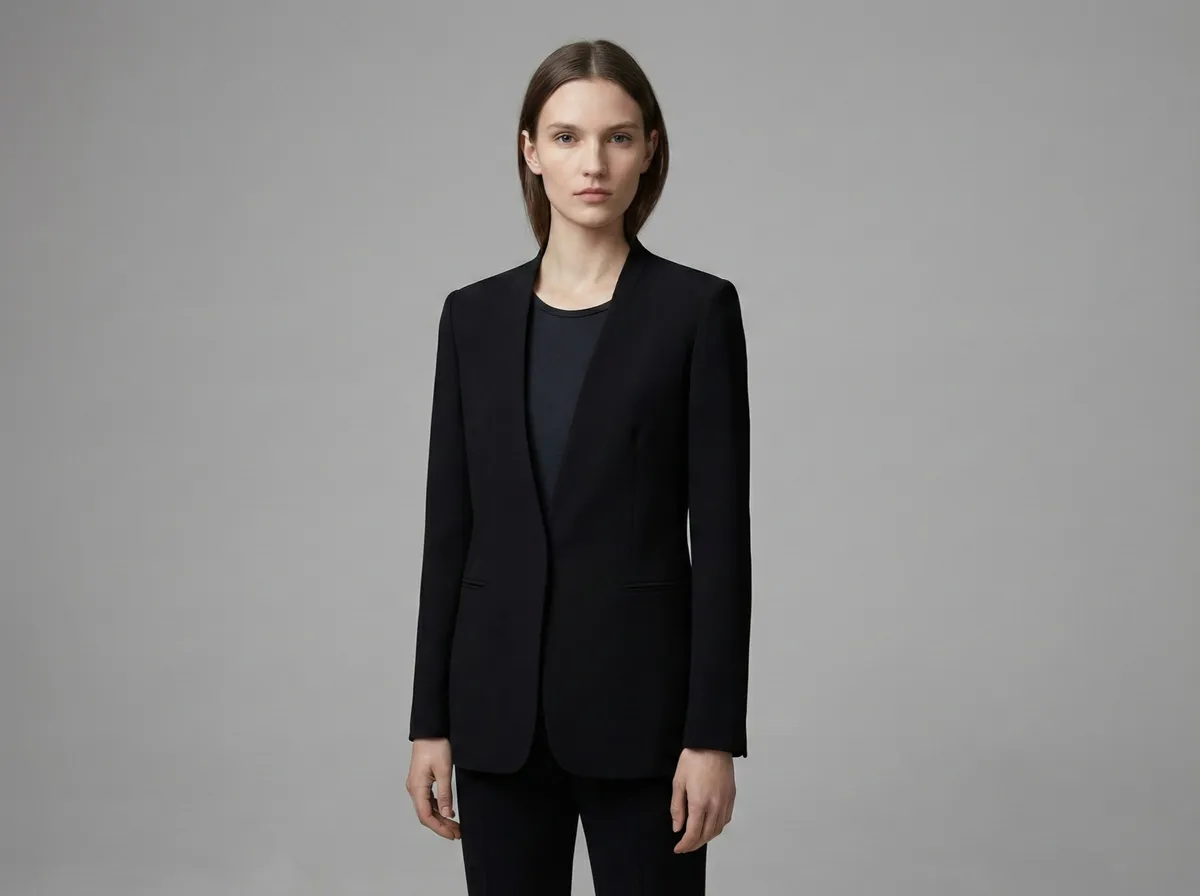
Elevate Outfits with AI-Generated Accents
Add pocket squares, lapel pins, brooches, or other styling accents to formal and fashion photos. Generative fill understands fabric textures, folds, and lighting, so AI-added elements look naturally placed, not composited.
- Add pocket squares, pins, and brooches to blazers
- Create styled variations without reshooting
- AI-matched fabric texture and shadow placement
AI Generative Fill Prompt Ideas
Not sure what to type? Try these popular generative fill prompts for different use cases.
"A vase of fresh flowers"
"Clean white background"
"Exposed brick wall texture"
"Modern minimalist furniture"
"Remove the person entirely"
"Tropical plant on the desk"
"Luxury watch on a marble slab"
"Sunset sky through the window"
"Stack of books on the shelf"
"Wooden floor instead of carpet"
"Neon sign on the wall"
"Green garden outside the window"
Frequently Asked Questions
01What is AI generative fill?+
02How does AI inpainting work?+
03How do I try AI generative fill online?+
04What is the difference between generative fill and content-aware fill?+
05Can I use generative fill to remove objects from photos?+
06Can I add new objects to a photo using generative fill?+
07How is CamClo AI generative fill different from Photoshop?+
08What image formats does the generative fill tool support?+
09Can I use generative fill for e-commerce product photos?+
10Do I need design experience to use AI generative fill?+
Ready to Transform Your Images with AI?
Select any area, type what you want, and AI fills it with photorealistic content. Try it for 7 days for $1, with no watermarks.
7-day trial for $1. Cancel anytime.