
AI Magic Eraser Online: Remove Objects from Photos
Remove unwanted objects, people, and text from any photo, with a 7-day trial for $1. Brush over what you want gone, and our AI fills in the background naturally, right in your browser. No Photoshop, no app to install.
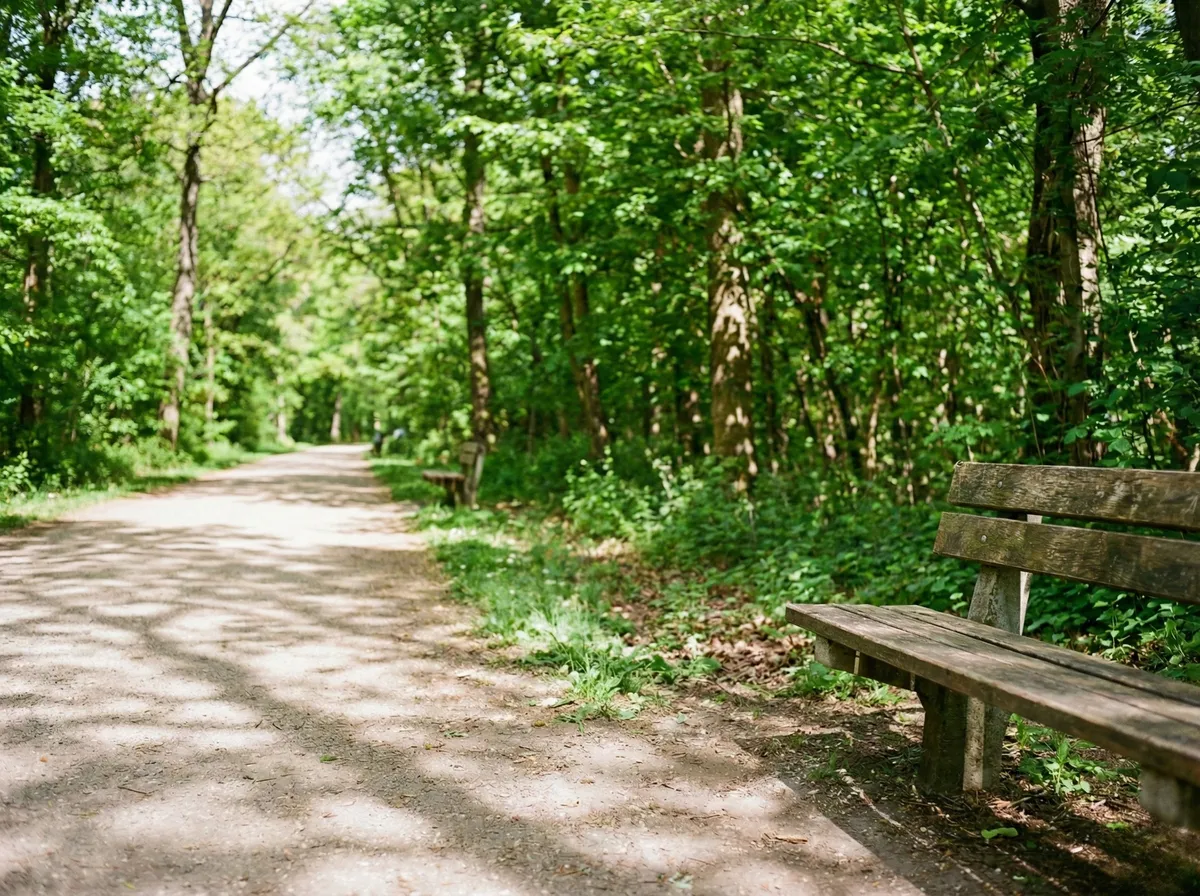
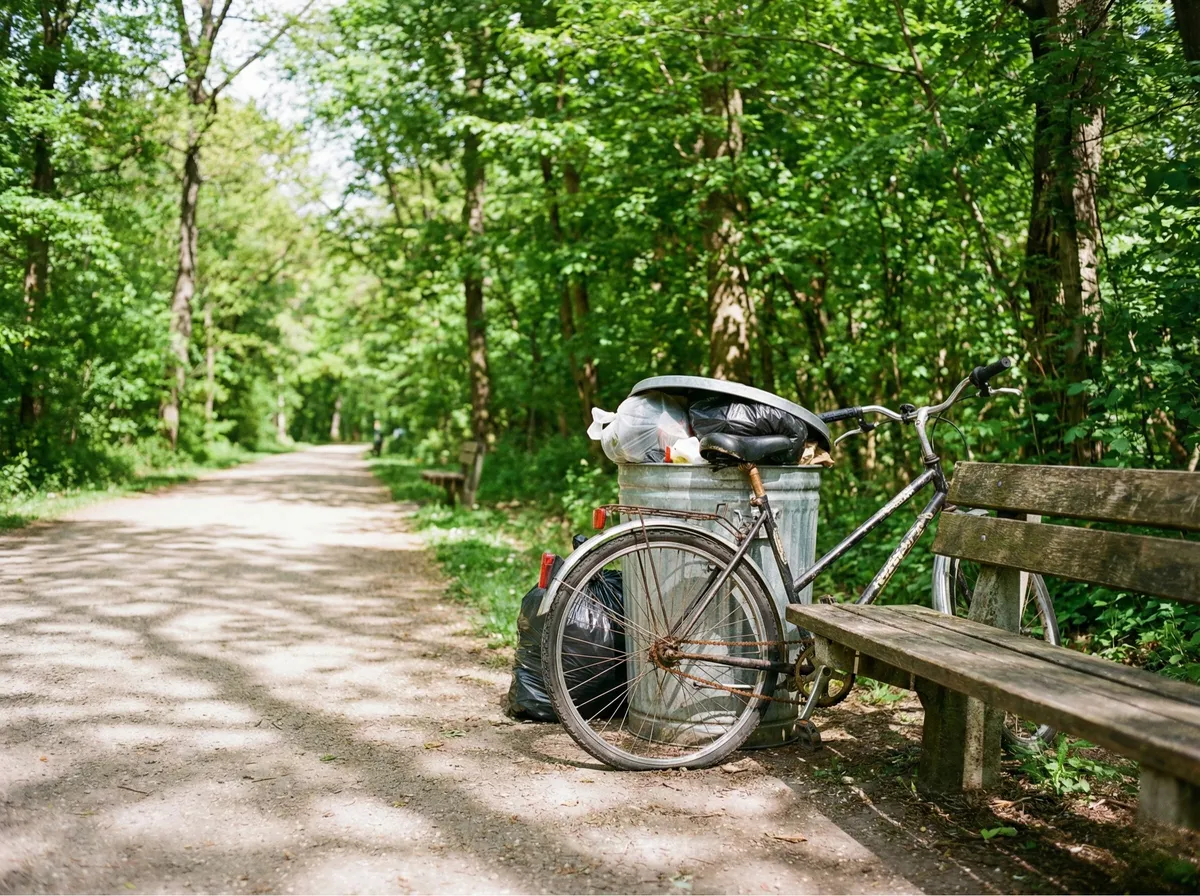
Drag the slider to see the difference
The Smarter Way to Remove Objects from Photos
AI Generative Inpainting
Our AI doesn't just blur or smudge. It generates new, realistic content that matches the texture, lighting, and perspective of the surrounding scene for seamless results.
Brush-Based Precision
Adjustable brush size lets you target exactly what you want to remove, from tiny blemishes to large objects. Paint over the area and let AI do the rest.
Natural Background Fill
The AI reconstructs the background behind erased objects with context-aware content, matching patterns, textures, and colors for a result that looks untouched.
Results in Under a Minute
Cloud-based AI processes your image in seconds. No waiting, no queues. Upload, brush, erase, and download your cleaned photo almost instantly.
JPG, PNG & WebP Support
Upload images in all major formats up to 20MB. Works with photos from any camera, smartphone, or screenshot.
100% Browser-Based
No Photoshop, no plugins, no design skills needed. Works on any device: desktop, tablet, or mobile. Just upload, brush, and erase.
How to Remove Objects from Photos with AI
Erase anything from any photo in three simple steps. No design skills required.
Drag and drop your image here
or
Supports: JPEG, PNG, WebP (Max 20MB)
Upload Your Photo
Drag and drop or browse to upload the image containing the object you want to remove. We support JPG, PNG, and WebP formats up to 20MB. Works with any photo: landscapes, portraits, product shots, or screenshots.
Magic Eraser
Brush over the area to erase
Brush Over What You Want to Remove
Use the adjustable brush tool to paint over the object, person, text, or any element you want erased. The colored mask shows you exactly what will be removed. Adjust brush size for fine details or large areas.
Object Removed!
Before
After: Cleaned
Download Your Cleaned Photo
Our AI erases the marked area and fills it with realistic, context-aware content. Download the result in full quality, ready for any use.
Erase Anything from Any Photo
From photobombers to power lines, see how the AI Magic Eraser removes objects and fills backgrounds naturally.


Remove Tourists & Crowds from Travel Photos
Tourist crowds blocking a landmark, photobombers in your vacation shots, bystanders ruining the composition: brush over anyone and erase them cleanly. The AI reconstructs the cobblestones, architecture, and scenery behind them as if they were never there.
- Remove tourists from landmark and plaza photos
- Reveal hidden architecture, fountains, and scenery
- AI fills in the background naturally, no smudging
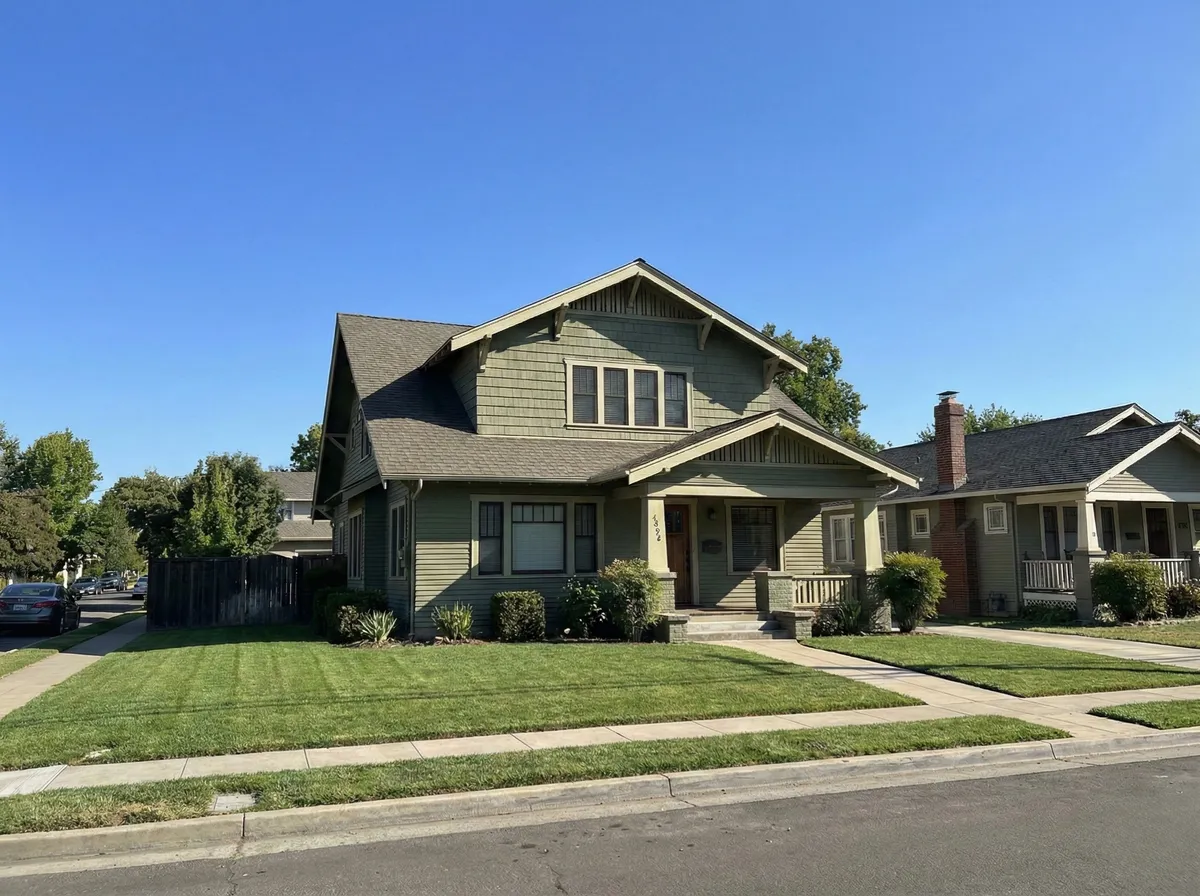

Erase Power Lines, Signs & Clutter from Real Estate Photos
Power lines crossing the sky, street signs, trash bins on the curb: erase any distracting element that ruins an otherwise perfect property listing. The AI fills in with clean sky, grass, and matching scenery.
- Remove power lines and utility wires from property photos
- Erase trash bins, signs, and curb clutter instantly
- Perfect for real estate listings and exterior photography
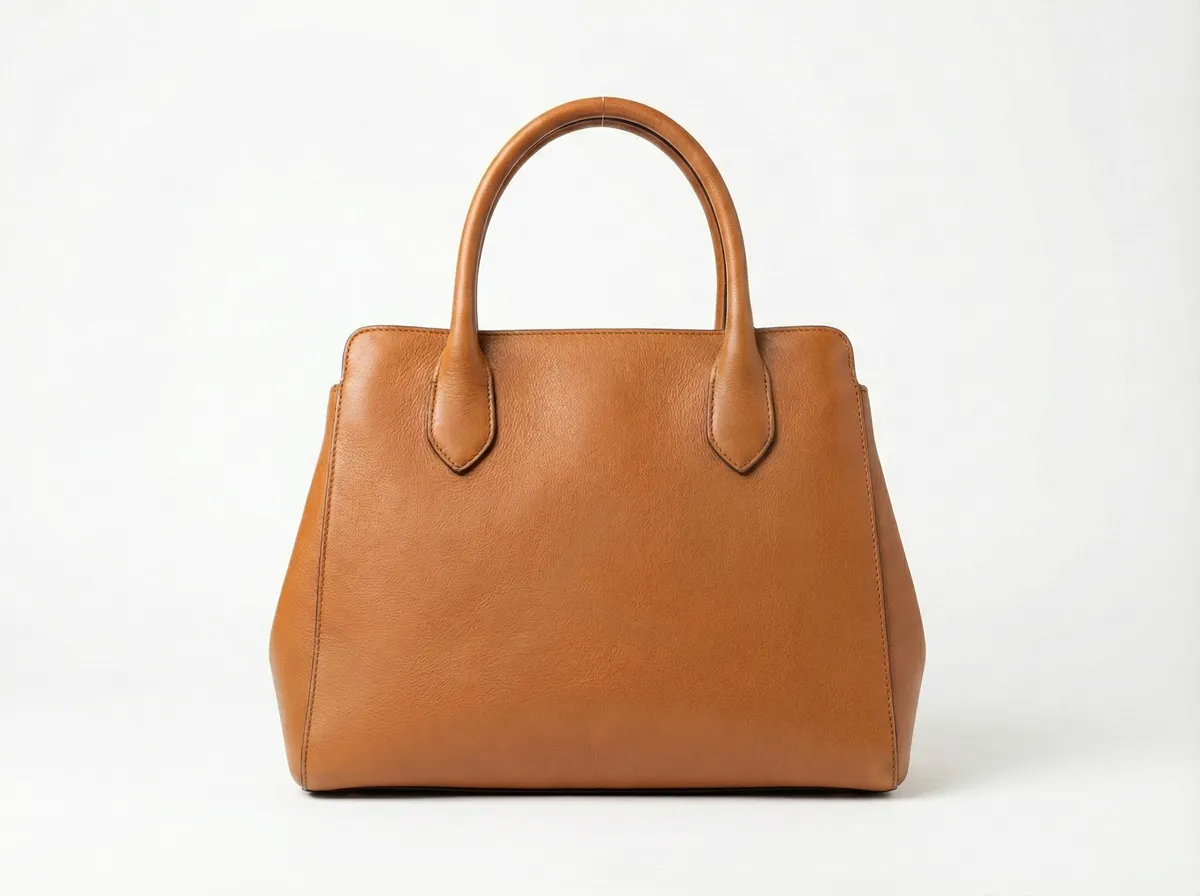
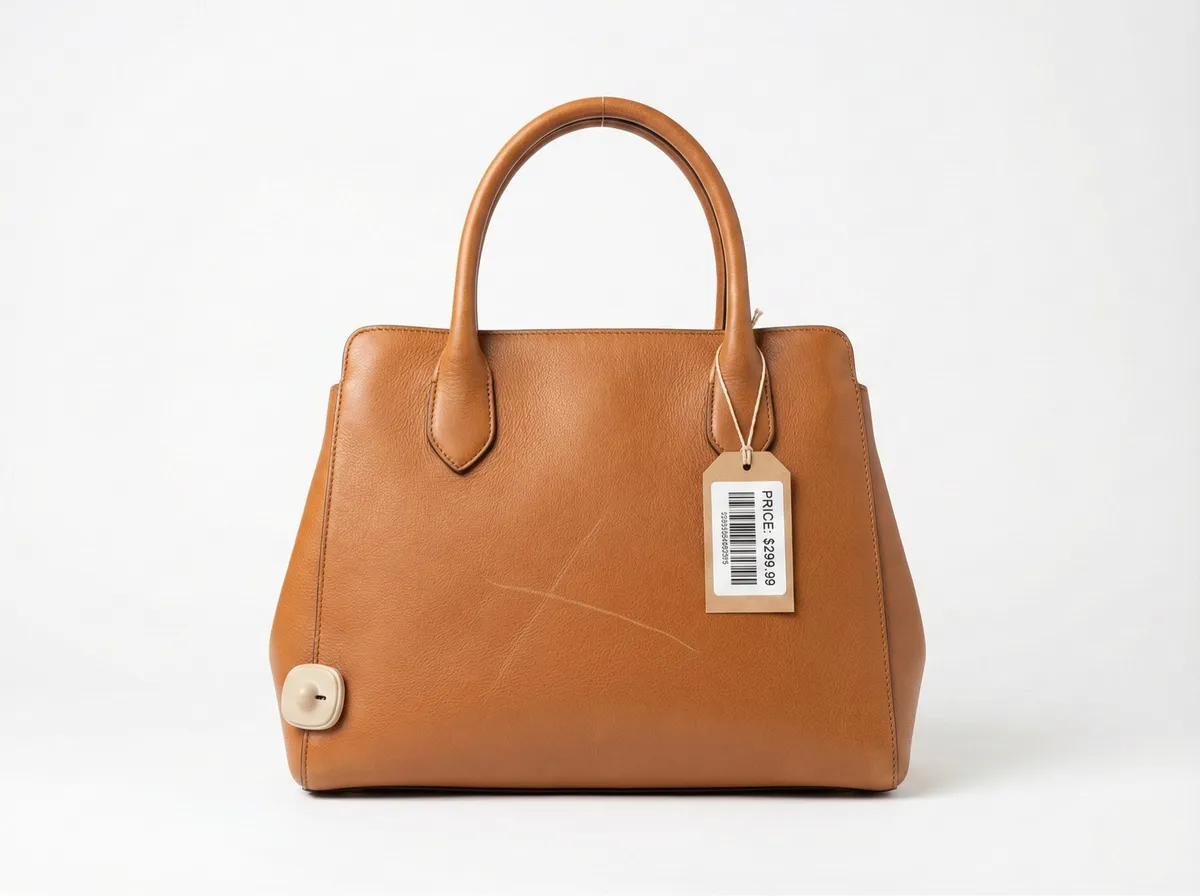
Remove Tags, Labels & Scratches from Product Photos
Price tags with barcodes, hanging labels, visible scratches and scuff marks: erase any imperfection from product photos. Present flawless, studio-quality product images that drive conversions on Amazon, Shopify, and other marketplaces.
- Remove price tags, barcode labels, and hanging tags
- Erase scratches, scuff marks, and surface imperfections
- Create flawless product photos for e-commerce listings
Who Uses the AI Magic Eraser?
Photographers
Remove distracting elements from otherwise perfect shots. Clean up landscapes, portraits, and event photos in seconds.
E-commerce Sellers
Remove tags, stickers, labels, and imperfections from product photos. Present clean, professional listings.
Real Estate Agents
Remove personal items, clutter, and distractions from property photos. Showcase clean, staged-looking interiors.
Travelers & Bloggers
Remove tourists and crowds from landmark photos. Get clean shots of famous locations without the crowds.
Social Media Creators
Clean up photos before posting. Remove photobombers, distracting backgrounds, and unwanted elements for polished content.
Designers & Marketers
Clean up stock photos and marketing materials. Remove logos, text, and distracting elements for ad-ready visuals.
AI Magic Eraser vs Photoshop Content-Aware Fill
See why AI-powered object removal beats manual Photoshop editing for most use cases.
Photoshop Content-Aware Fill
- ✕Requires advanced Photoshop skills
- ✕5-30 minutes per object removal
- ✕Expensive monthly subscription ($22+/mo)
- ✕Often leaves visible artifacts and seams
- ✕Manual selection and refinement needed
- ✕Desktop software only, no mobile
CamClo AI Magic Eraser
- No design skills required, just brush and erase
- Results in under a minute
- Works in your browser, no software to install
- Generative AI fills with natural content
- Automatic, no manual refinement
- Works in browser on any device
Frequently Asked Questions
01How do I remove an object from a photo online?+
02What is a magic eraser tool for photos?+
03Can AI remove people from photos automatically?+
04How is AI object removal different from Photoshop Content-Aware Fill?+
05Can I remove text and logos from images?+
06What types of objects can I remove from photos?+
07Does the Magic Eraser leave artifacts or blurry patches?+
08Do I need to install software to erase objects from photos?+
09How long does AI object removal take?+
10What is the best alternative to Photoshop for removing objects?+

Ready to Erase Unwanted Objects?
Remove objects, people, text, and distractions from your photos in seconds. AI fills the background naturally. Try it for 7 days for $1.
7-day trial for $1. Cancel anytime.