AI Product Photography: Your product on a model, in any scene.
Upload a flat lay, hanger or packshot photo, say who should wear it and where, and get an on-model photo for your store, ads and social in about 30 seconds.
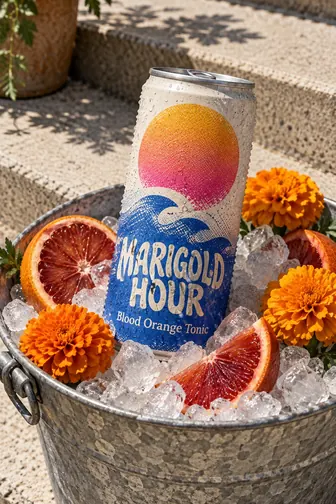
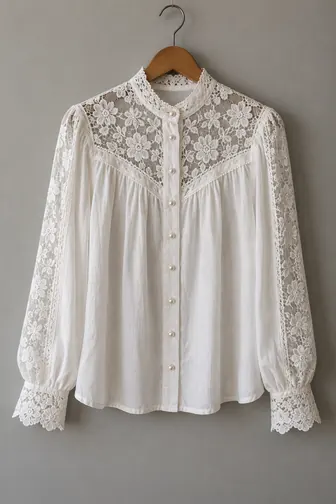
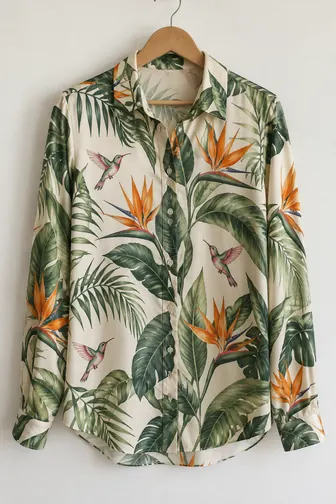
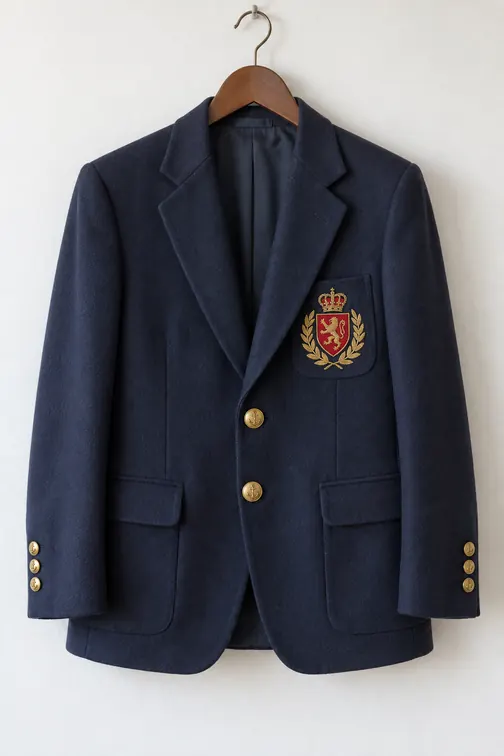
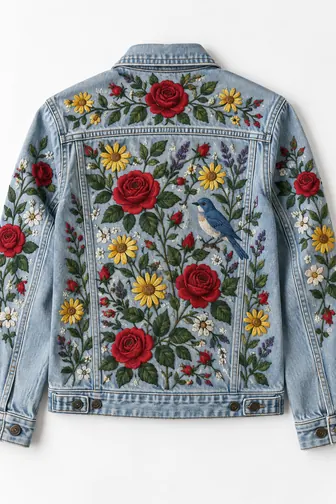
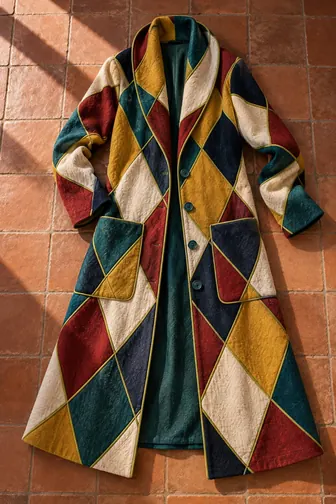
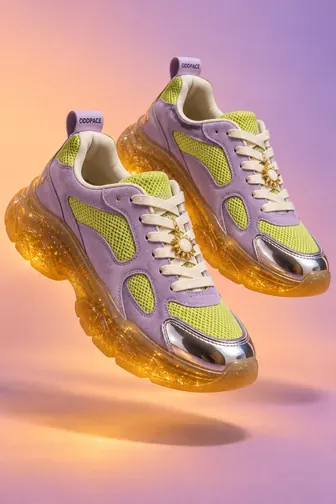
Three steps from product photo to model photo.
The same steps as in the app. Pick an example: each one is a real result, made from the product photos you see.
Add your product photo
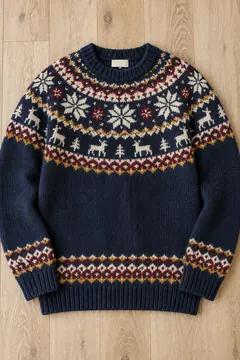 Product Image
Describe Your Vision (Optional)
Choose the size
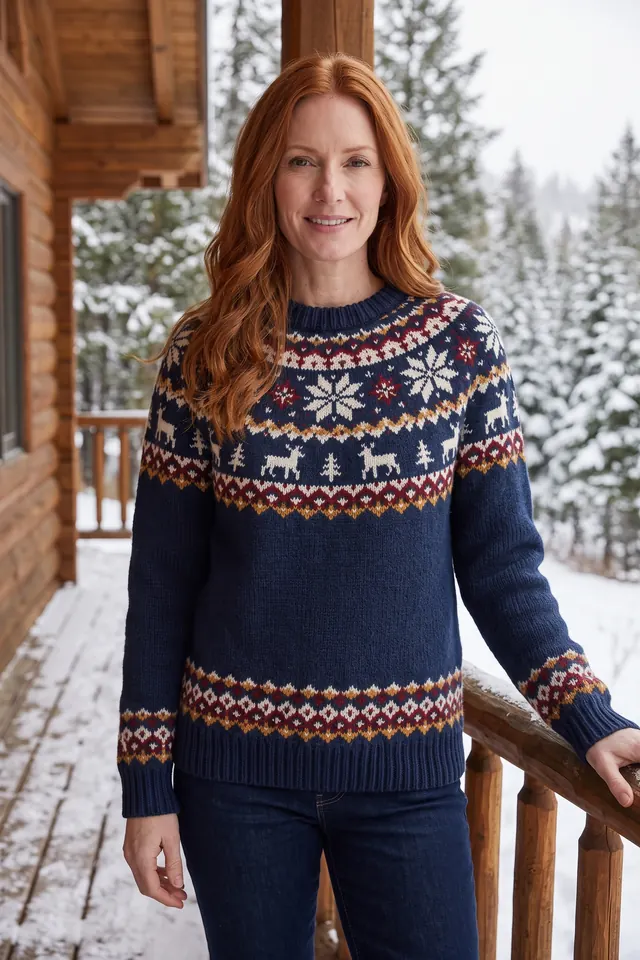
Rendering is sped up on this page. Each result shows how long it really took.
One product photo. Any model, any scene.
Write who wears it, where and how in Describe Your Vision. These three came from the same product photo, one sentence each. Leave the box empty and you get a clean studio shot.
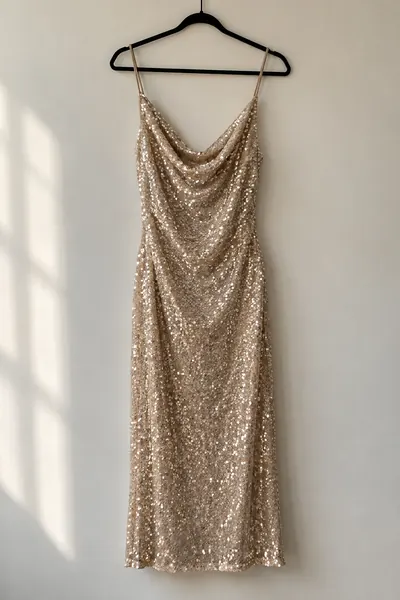
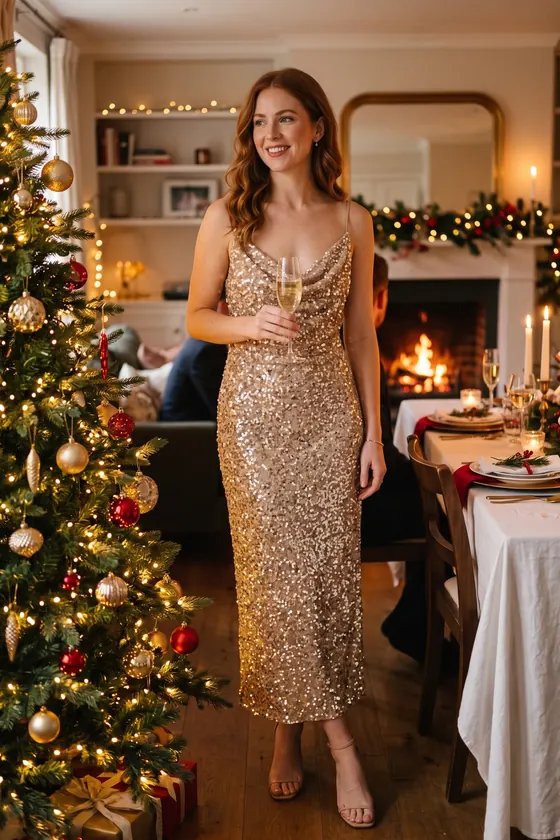
Woman with auburn hair at a candlelit Christmas dinner party, standing beside a decorated tree with warm fairy lights and a fireplace, full body, holding a glass of champagneMade in 40 s
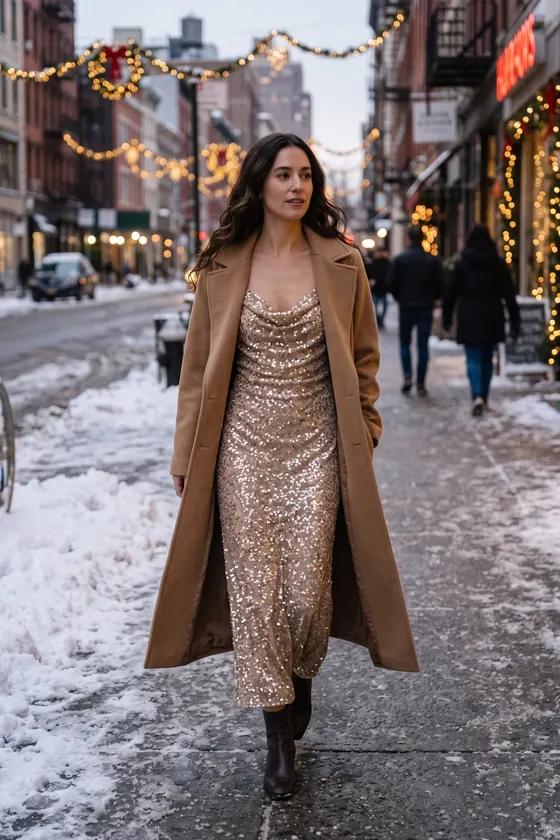
Woman with long dark hair walking down a snowy city street at dusk under festive string lights, a long camel coat worn open over the dress, full bodyMade in 28 s
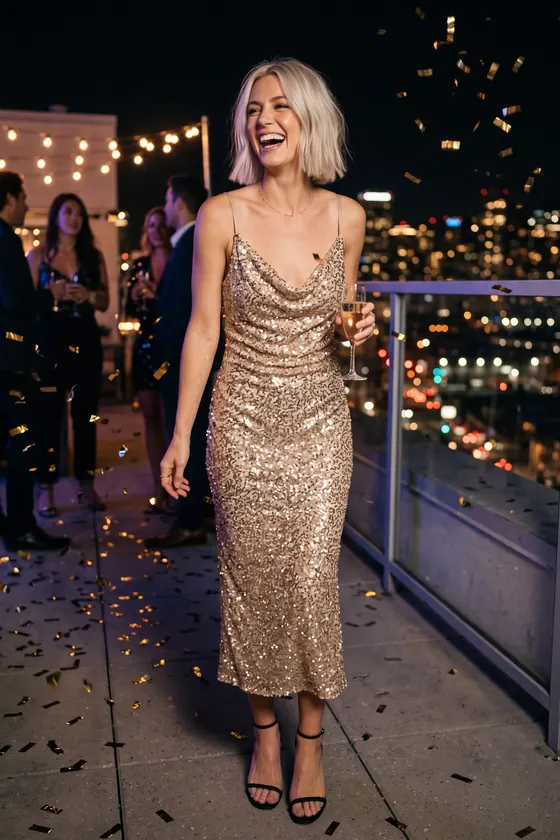
Woman with platinum blonde bob at a New Year's Eve rooftop party at night, gold confetti falling and city lights behind her, laughing, full bodyMade in 33 s
Bulk product photography for your whole catalogue.
Send a batch of product photos to the AI Assistant and ask for on-model shots. It writes a prompt from each photo, shows you the plan and makes every photo once you approve: up to 500 products at a time on Studio plans, 50 on Creator.
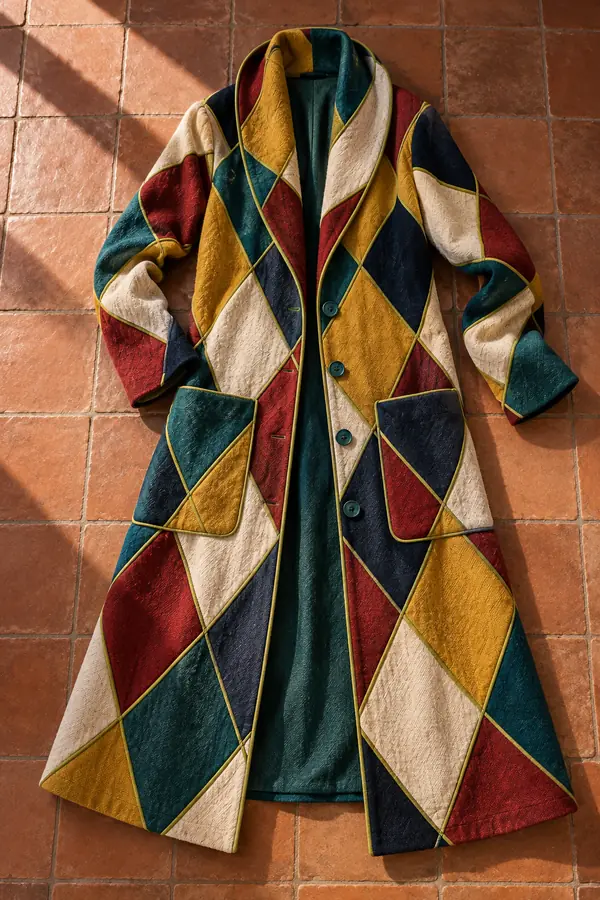
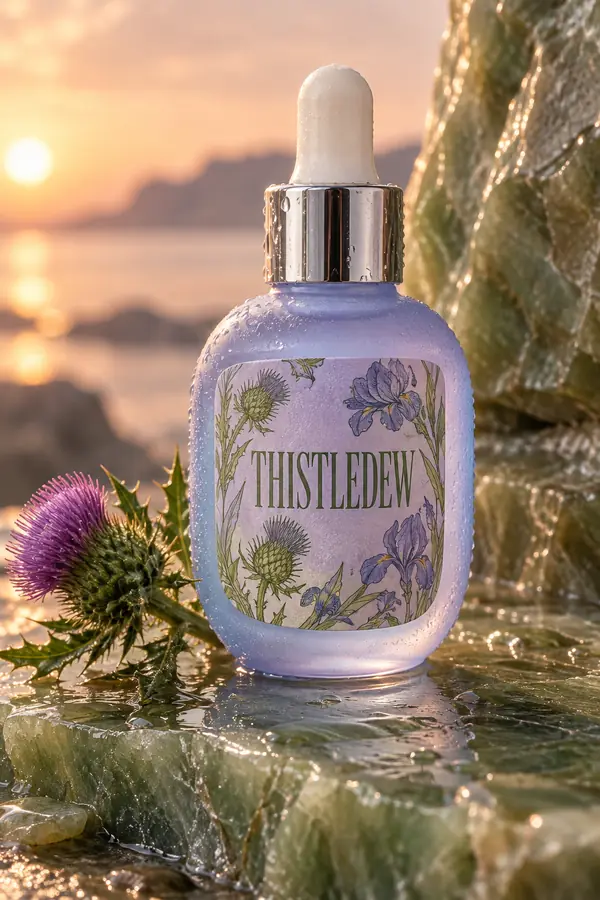
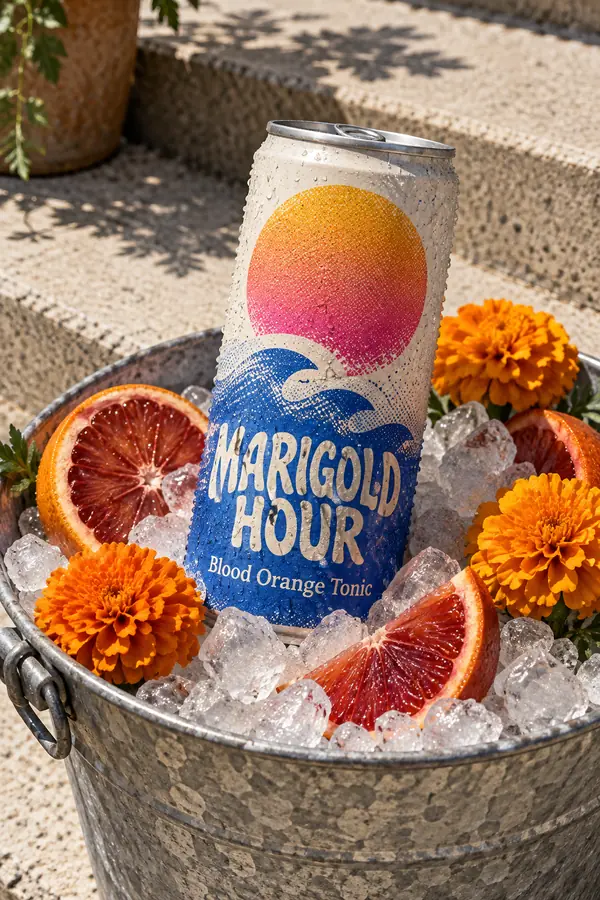
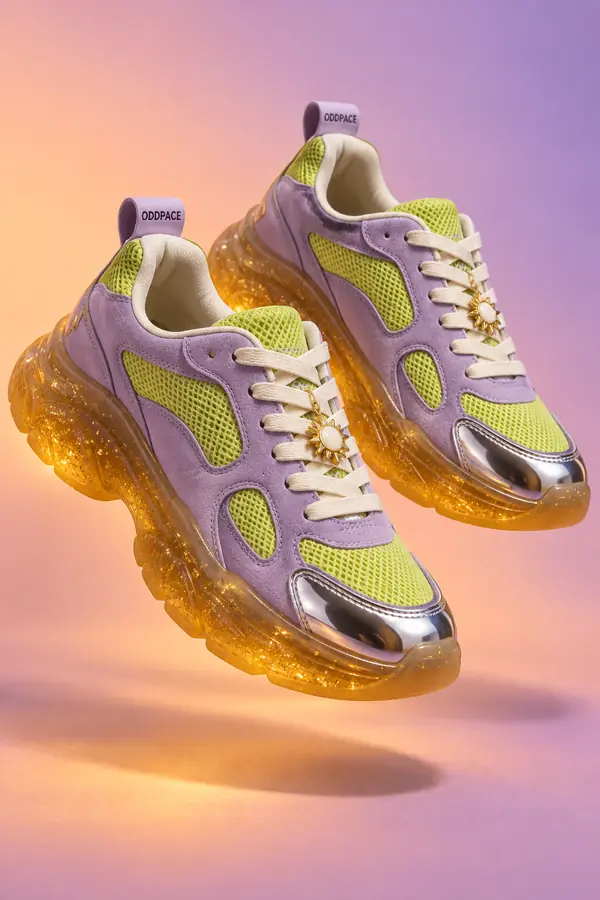
Here is the plan: one Product Photography shot per product, at 2K in 3:4. Each prompt is written from that product's own photo.
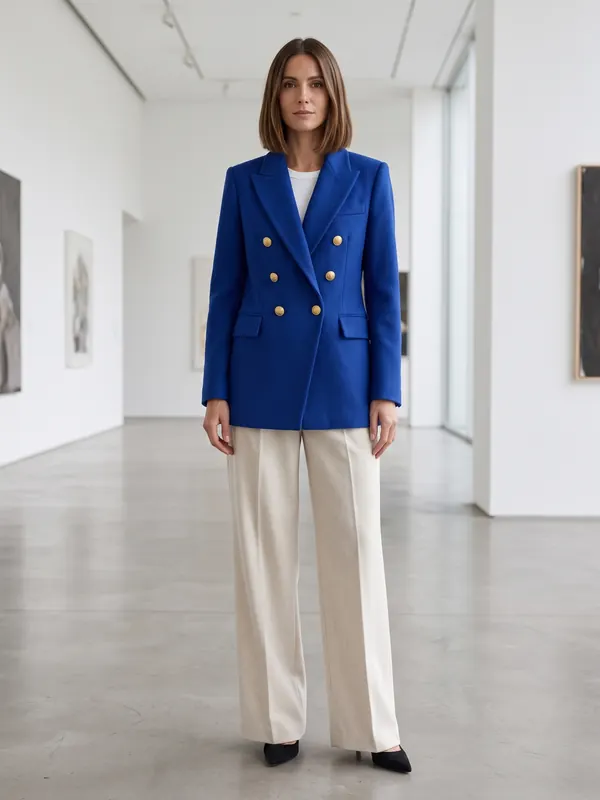
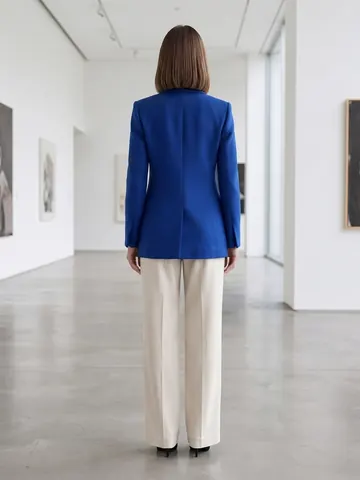
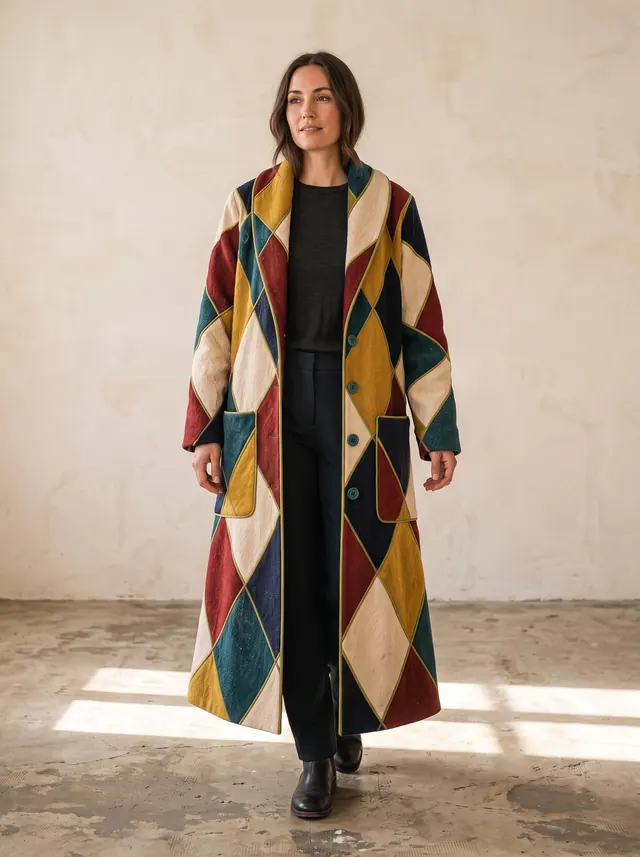
Halden & Rue coatOn a model, full bodyReadyThistledew serumIn hand, close upReadyMarigold Hour tonicIn hand, close upReadyOddpace sneakersOn a model, full bodyReady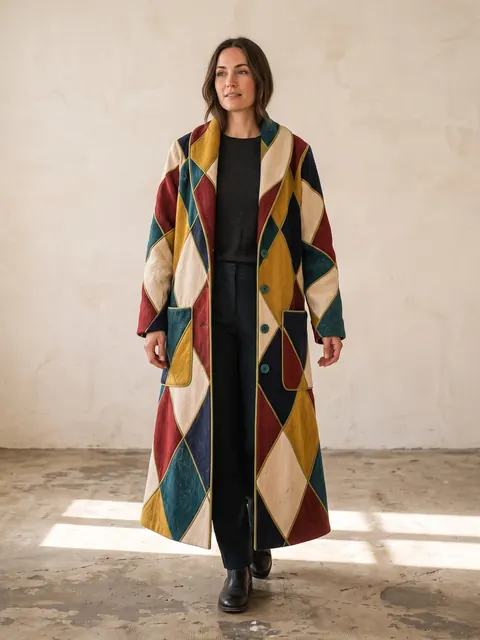
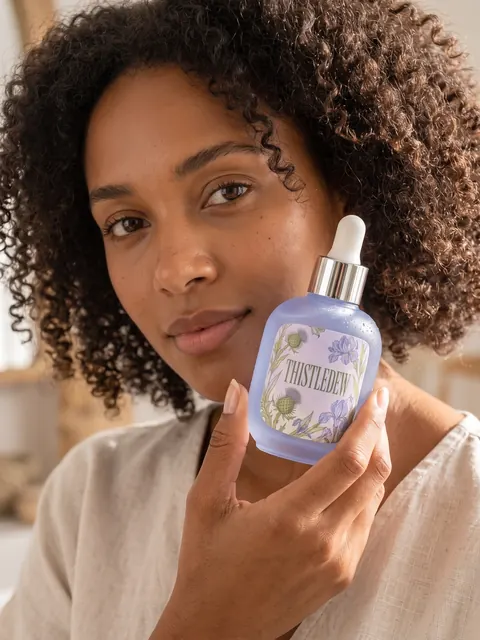
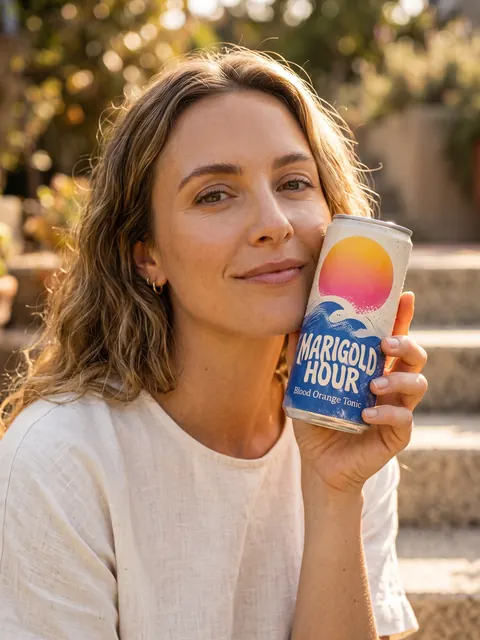
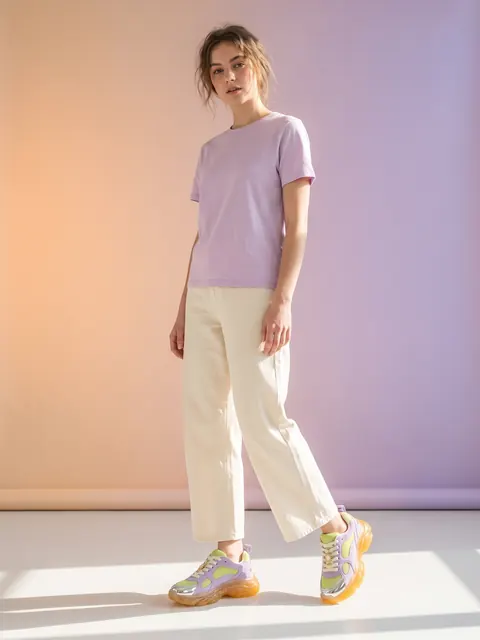
All four came from one request and took 34 seconds, made at the same time.
See what else the AI Assistant doesTake the photo further.
Product Photography is one part of CamClo AI. The same photo can become a full set of poses, a video and an ad.
AI product photography, answered.
Anything else? Read the full FAQ or talk to us.
What is AI product photography?
AI product photography turns a plain product photo into a finished photo of the product on a model, in a setting you choose, without a photoshoot. In CamClo AI you upload a flat lay, hanger, mannequin or packshot photo, describe the model and the place or leave it to AI, and get an on-model photo in about 30 seconds.
How do I turn a product photo into a model photo?
Open Product Photography, upload your product photo, write who should wear it and where in Describe Your Vision (optional), pick the Aspect Ratio and Output Resolution, and click Generate. The photo is saved to Previous Results and your Generations, ready to download.
Which products work best?
Anything a person can wear or hold: clothing, shoes, bags, jewelry and other accessories, and products held in the hand such as skincare, cosmetics or drinks. Flat lays, hanger shots, mannequin and ghost mannequin photos and packshots all work. Use a sharp, well-lit photo where the whole product is visible and nothing covers it.
Can I choose the model, the pose and the setting?
Yes. Describe Your Vision is optional: write the person (age, look, hair), the pose, the place, the light, the framing and what else they wear, and the photo follows it. Leave it empty and you get a clean studio shot on a light grey background, with a model and pose that suit the product.
Will the product look exactly like mine?
Your product photo is the reference, so its colours, print, fabric, logos and details carry over into the new photo. 2K, the default resolution, keeps small text and logos crisp. For the closest match, start from a sharp photo that shows the whole product.
Can one model wear several products at once?
Yes. Add up to 4 products, for example a top, jeans, shoes and a bag, and the model wears them together in one image, for the price of one image.
Which sizes and resolutions can I make?
Match Input keeps your product photo's shape, or pick Square 1:1, Portrait 3:4, Tall Portrait 2:3, Tall Standard 4:5, Vertical Video 9:16 for Reels and Stories, Widescreen 16:9 and more. Output Resolution is 1K, 2K or 4K.
Can I make product photos in bulk?
Yes. Add a batch of product photos to the AI Assistant and ask for on-model shots. It writes a prompt from every photo, shows you the plan and makes all of them once you approve. One request can cover up to 500 products on Studio plans (50 on Creator), and the results are grouped by product.
Can I use the photos in my store and in ads?
Yes. You own what you make with paid credits and can use it commercially: on product pages, marketplaces, social media and in ads. Photos made during the trial carry a watermark and are for evaluation until your first plan payment.
How much does AI product photography cost on CamClo AI?
Product Photography uses credits by resolution, and several products in one photo cost the same as one. Plans start at $49 a month with 150 credits, and you can try it with the 7-day trial for $1 with 20 credits.
What is the difference between Product Photography and Virtual Try-On?
Product Photography creates the model for you, so you only need the product photo. Virtual Try-On dresses a person from a photo you provide, keeping their face, pose and background. For new poses of a photo you already have, use Pose Generator.
Skip the photoshoot. Start with the product photo you already have.
7-day trial for $1 with 20 credits. Then $49 a month. Cancel anytime.