
AI Background Changer: Change Photo Background Online
Change the background of any product or model photo, with a 7-day trial for $1. Describe the scene you want, from a clean white studio to a sunlit street, and our AI generates a photorealistic background with natural lighting and shadows. No Photoshop, no watermarks.
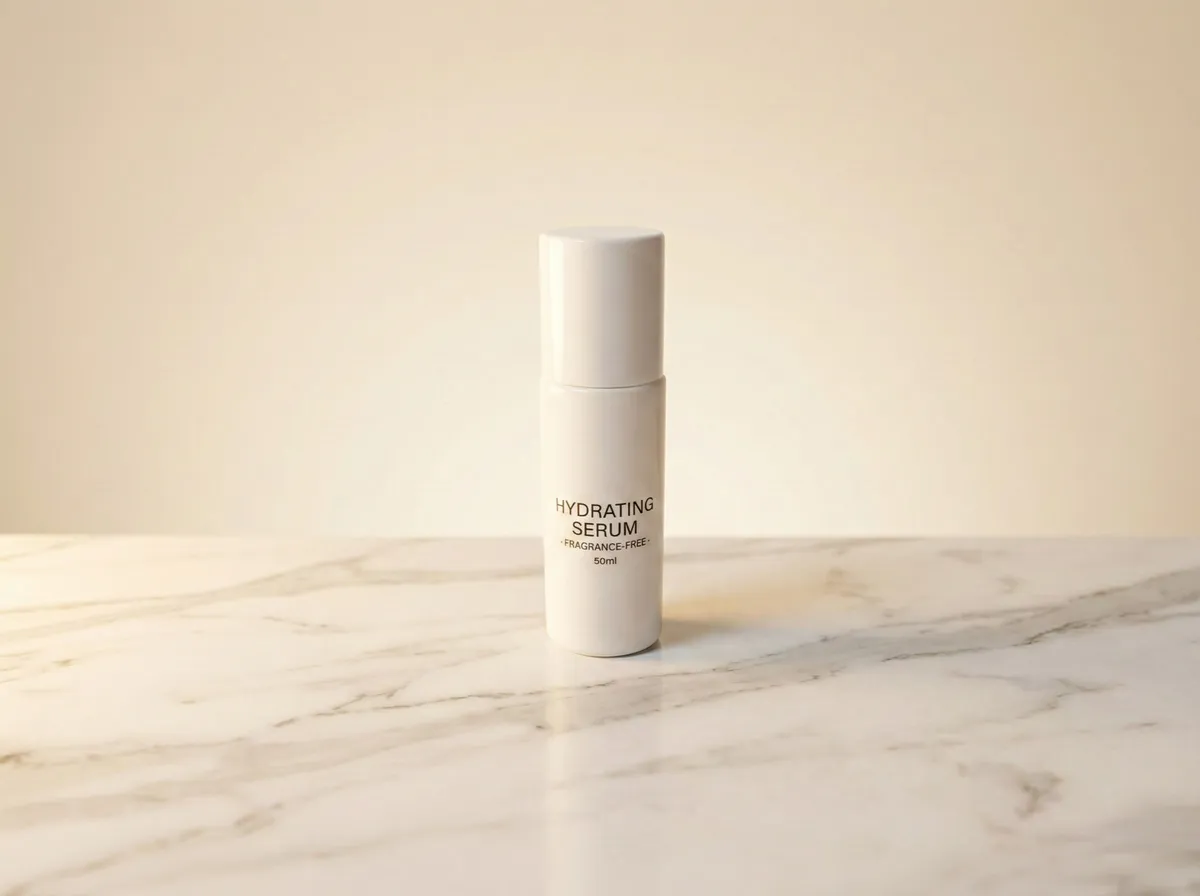
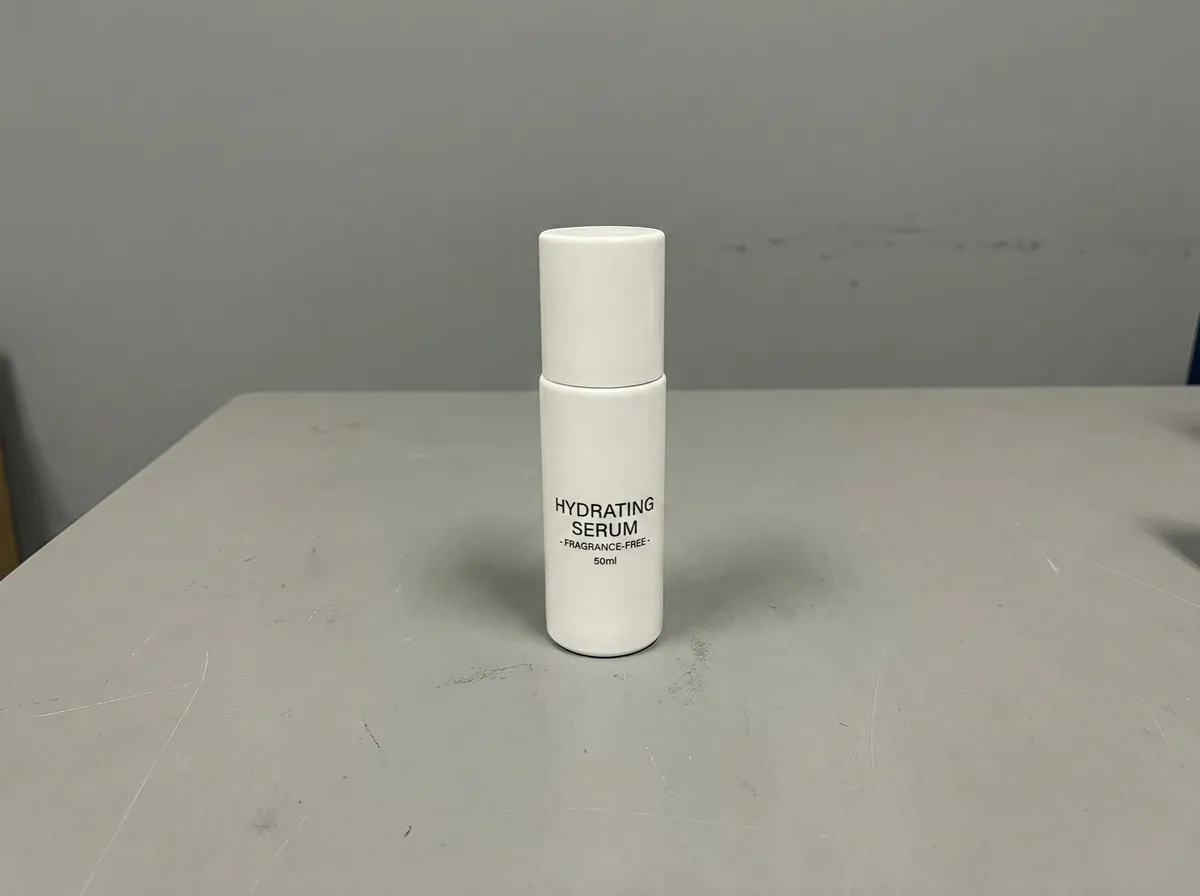
7 Days
$1 Trial, Cancel Anytime
AI
Text-to-Background
<2 min
Processing Time
∞
Custom Scenes
One Photo, Endless Backgrounds
Same product, completely different vibes. Describe any scene and watch AI bring it to life.
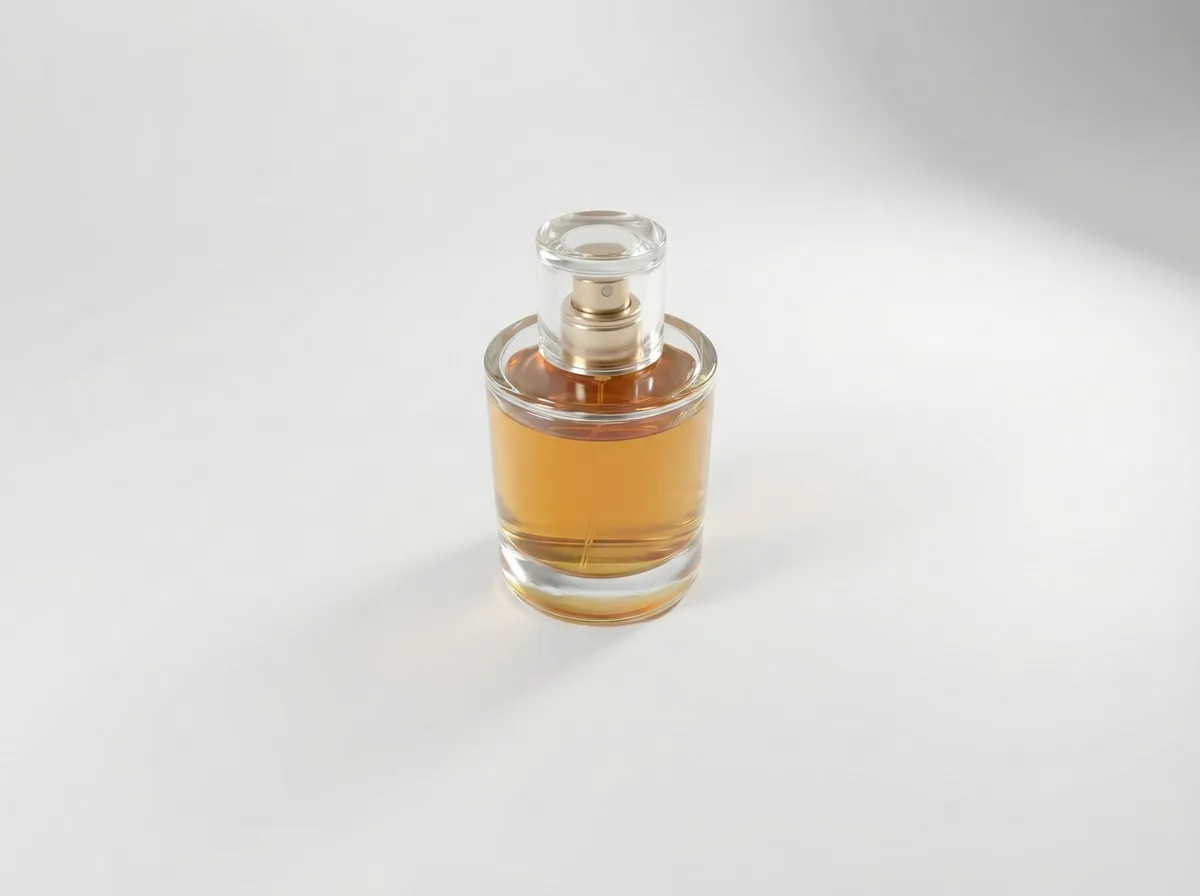
"Minimalist white studio with soft shadows"
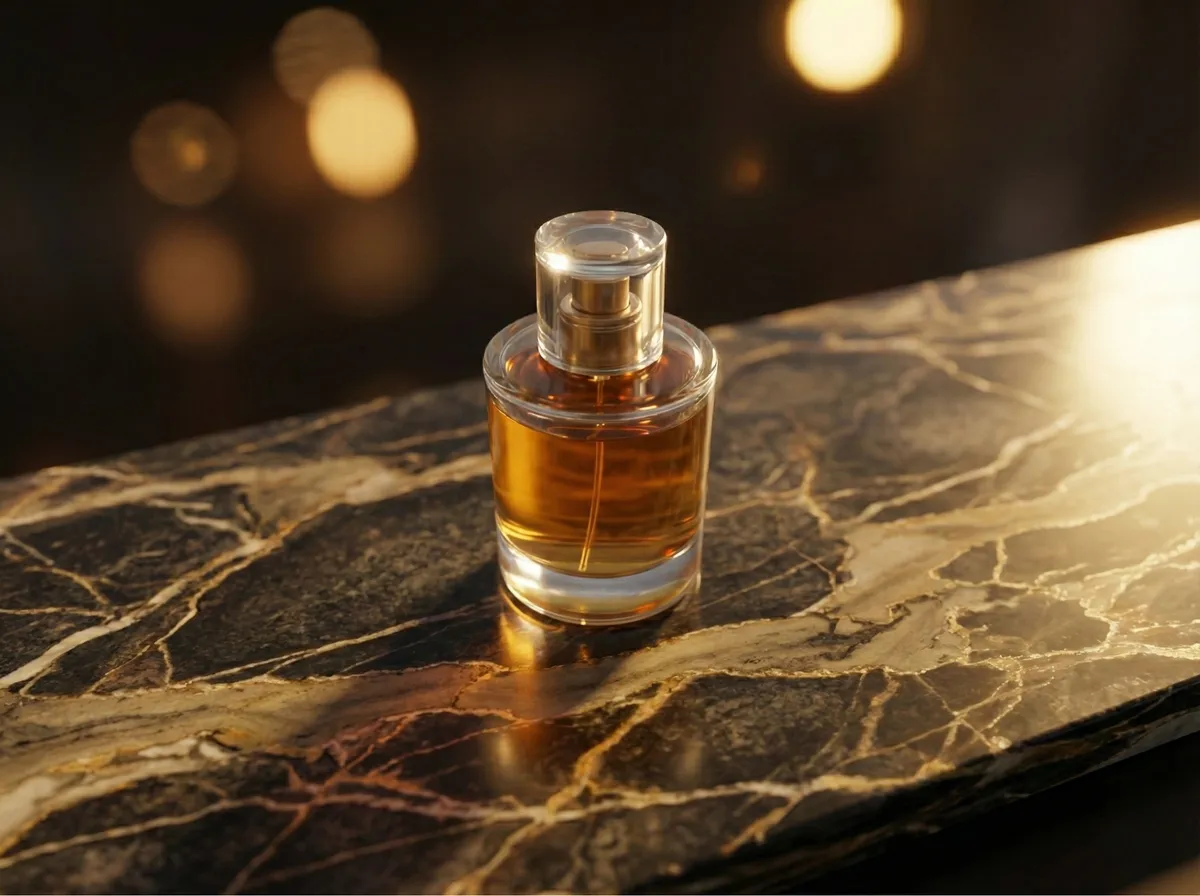
"Luxury marble table with golden hour lighting"
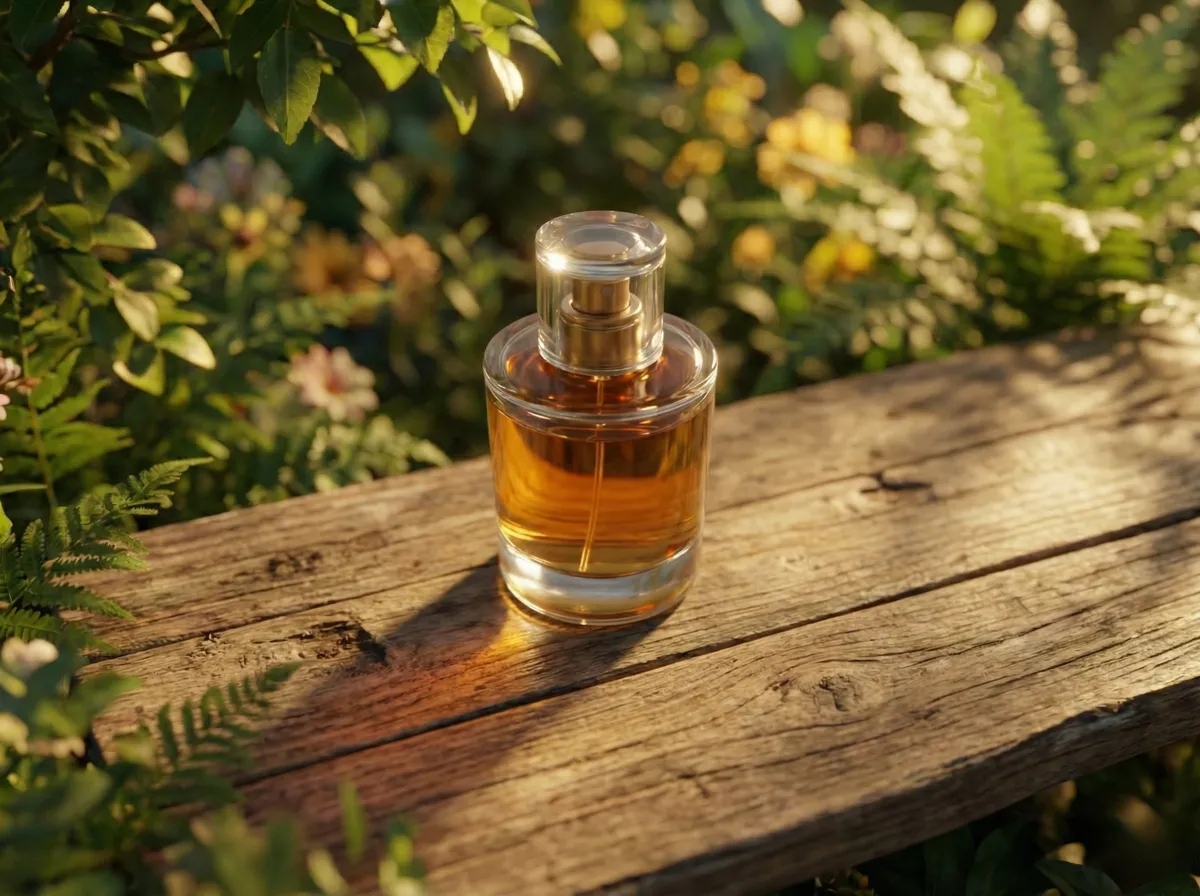
"Outdoor garden with soft bokeh and greenery"
The Smarter Way to Change Photo Backgrounds
AI-Generated Backgrounds
Describe any scene in plain English. Our AI generates photorealistic backgrounds: studios, outdoor scenes, lifestyle settings, solid colors, and more.
Natural Compositing
Your subject is seamlessly blended onto the new background with matched lighting, shadows, and color temperature for a natural, professional result.
Subject Preservation
AI precisely detects and preserves your subject: every edge, texture, and detail stays sharp while only the background changes.
Results in Under 2 Minutes
Cloud-based AI generates your new background and composites the image fast. No heavy software, no waiting. Works entirely in your browser.
JPG, PNG & WebP Support
Upload images in all major formats up to 20MB. Works with product photos, portraits, flat-lays, fashion shots, and any image type.
100% Browser-Based
No Photoshop, no plugins, no design skills needed. Upload your image, type a prompt, and download. Works on desktop, tablet, and mobile.
How to Change Background of Photo Online
Replace any image background in three simple steps. No design skills required.
Drag and drop your image here
or
Supports: JPEG, PNG, WebP (Max 20MB)
Upload Your Photo
Drag and drop or browse to upload your image. We support JPG, PNG, and WebP formats up to 20MB. Works with product photos, portraits, clothing, objects, any image.
Describe Your Background
Professional product photography studio with soft diffused lighting, clean marble surface, subtle shadow beneath the product
Pro tip: Be specific about lighting and surfaces
Describe Your New Background
Type a text prompt describing the background you want. Be as creative or specific as you like: 'clean white studio', 'beach at sunset', 'modern office desk'. The AI understands natural language.
Background Changed!
Result Preview
Your image with the new background
Download Your New Image
Our AI generates the background and composites your subject seamlessly, with matched lighting and natural shadows. Download the final image in full quality, ready for use anywhere.
Change Product Photo Backgrounds That Convert
Professional product backgrounds drive up to 40% higher conversion rates. See how AI background changing transforms your e-commerce visuals.
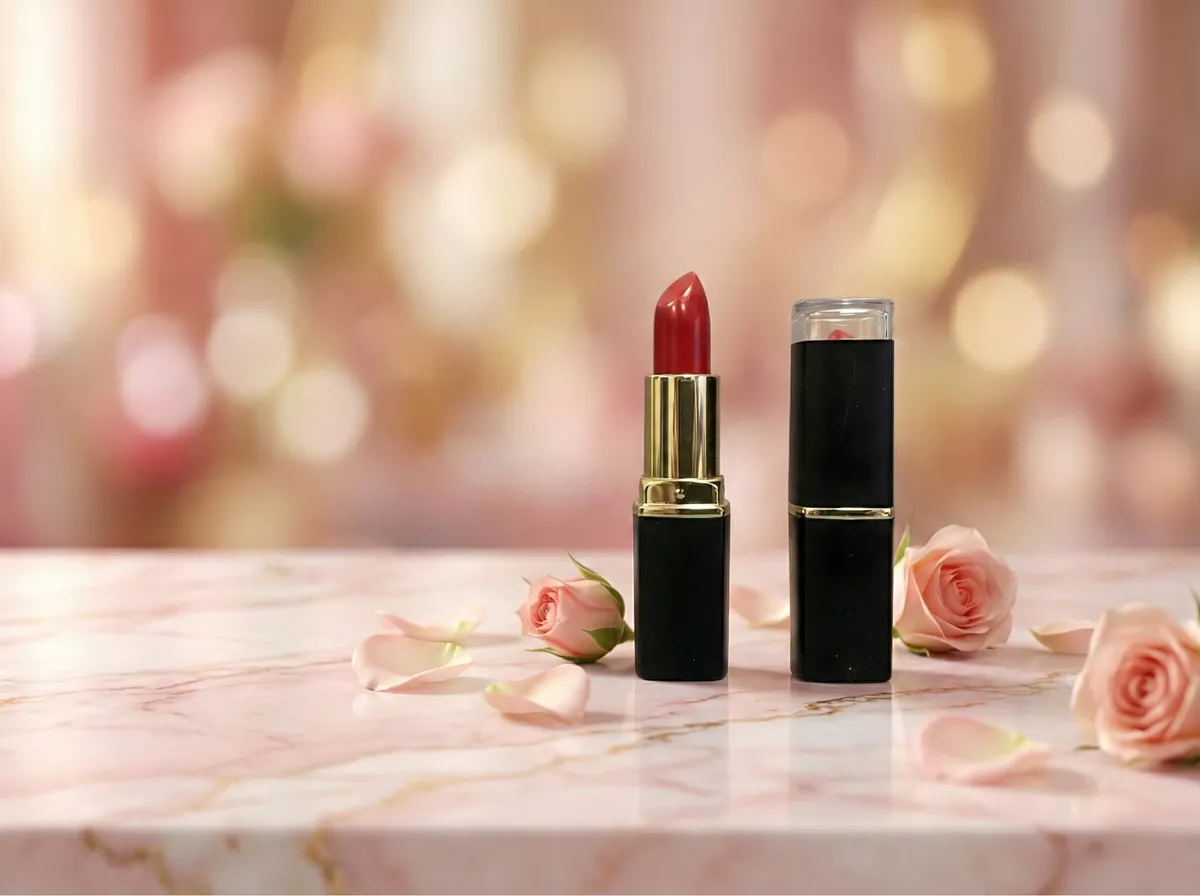
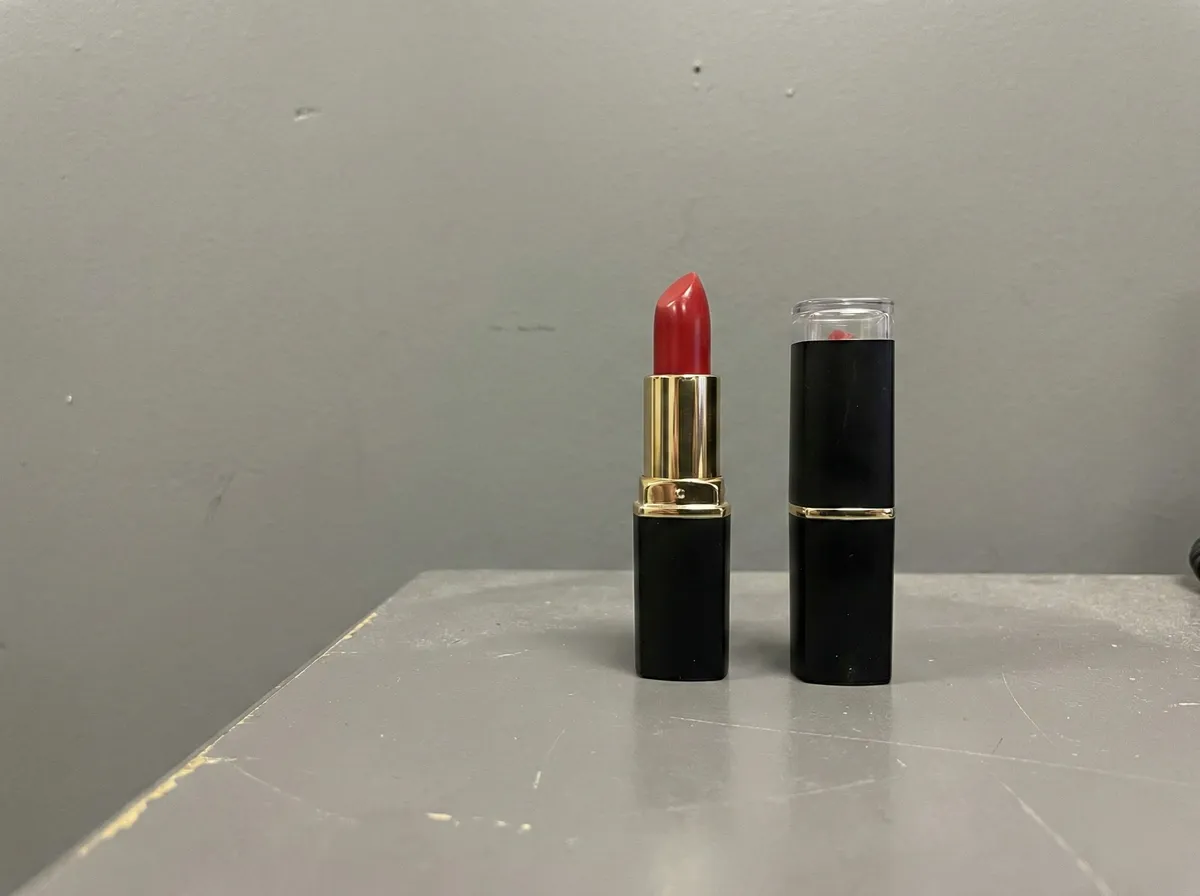
Beauty Products in Studio Settings
Place skincare, makeup, and beauty products in luxury studio settings without a professional photo shoot. AI generates marble surfaces, soft lighting, and elegant backdrops that make your products look premium.
- Luxury studio backgrounds from text prompts
- Consistent brand aesthetic across all products
- Meets Amazon, Shopify, and Sephora image standards
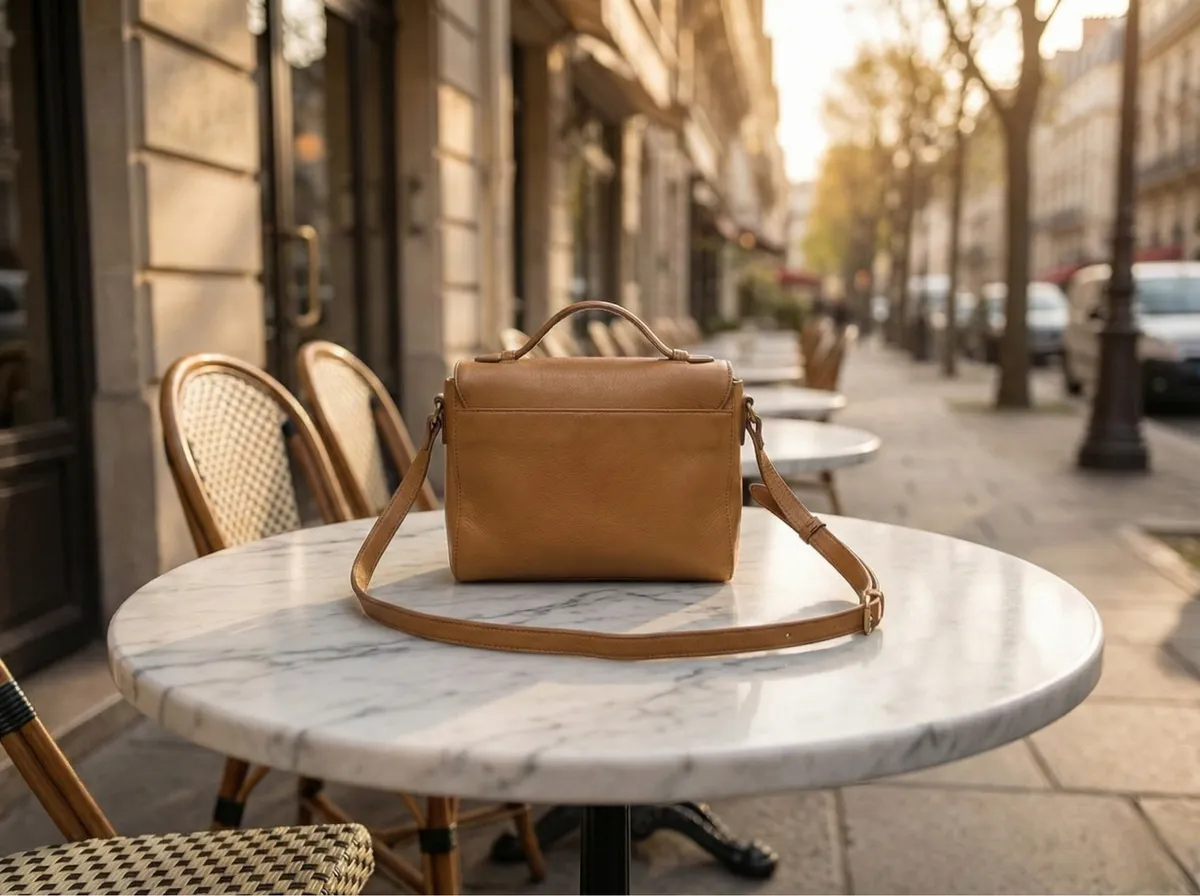
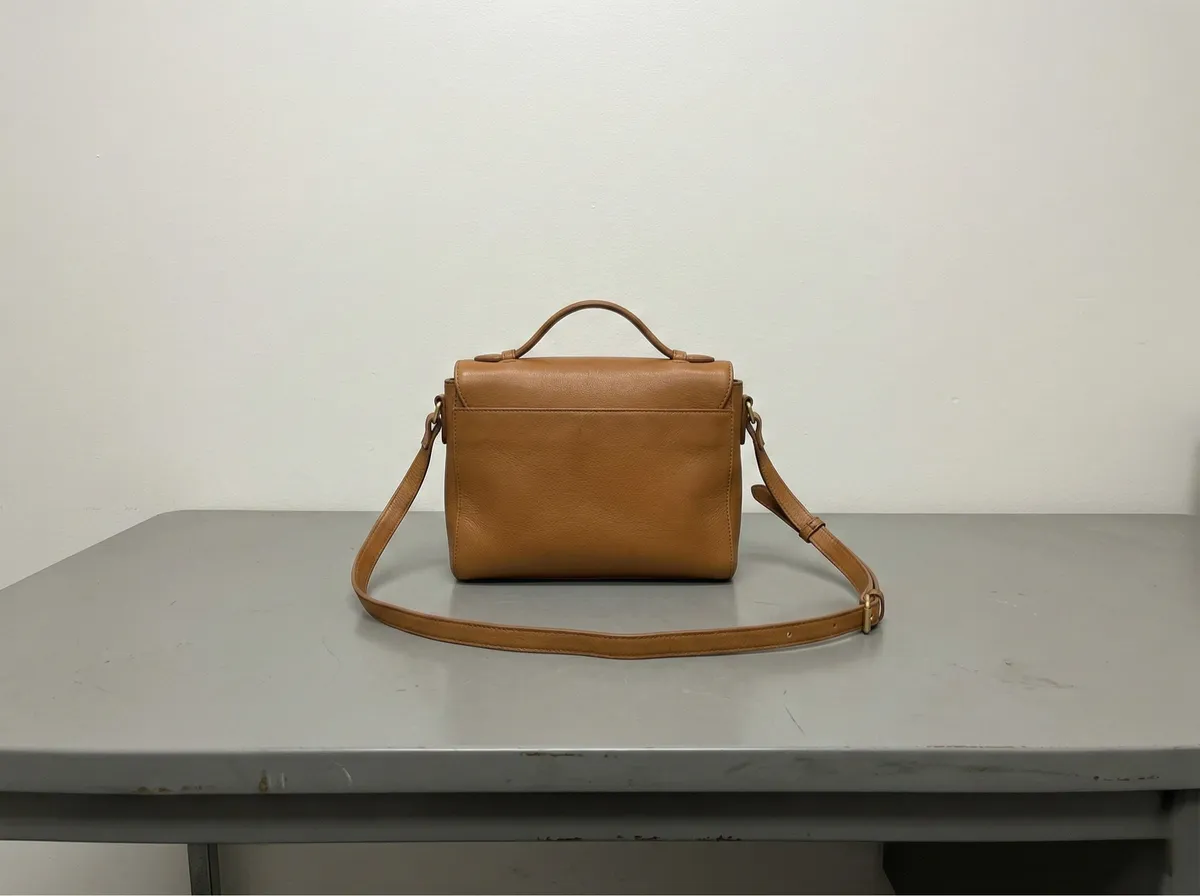
Clothing in Lifestyle Environments
Place fashion items in aspirational settings: urban streets, seaside boardwalks, modern interiors, or runway-style backdrops. Create lookbook-quality visuals from simple flat-lay or mannequin photos.
- Lifestyle backgrounds for fashion catalogues
- Consistent visual style across collections
- Perfect for lookbooks, ads, and marketplaces
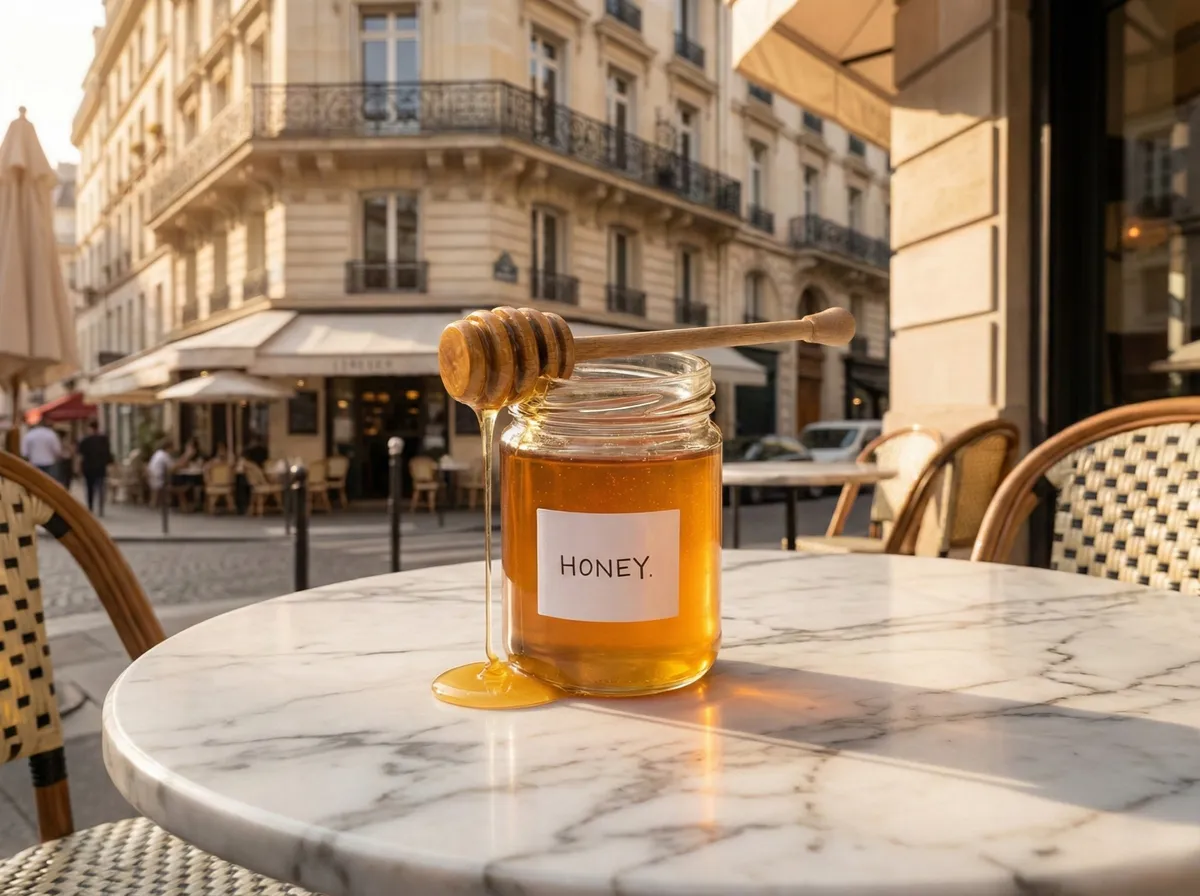
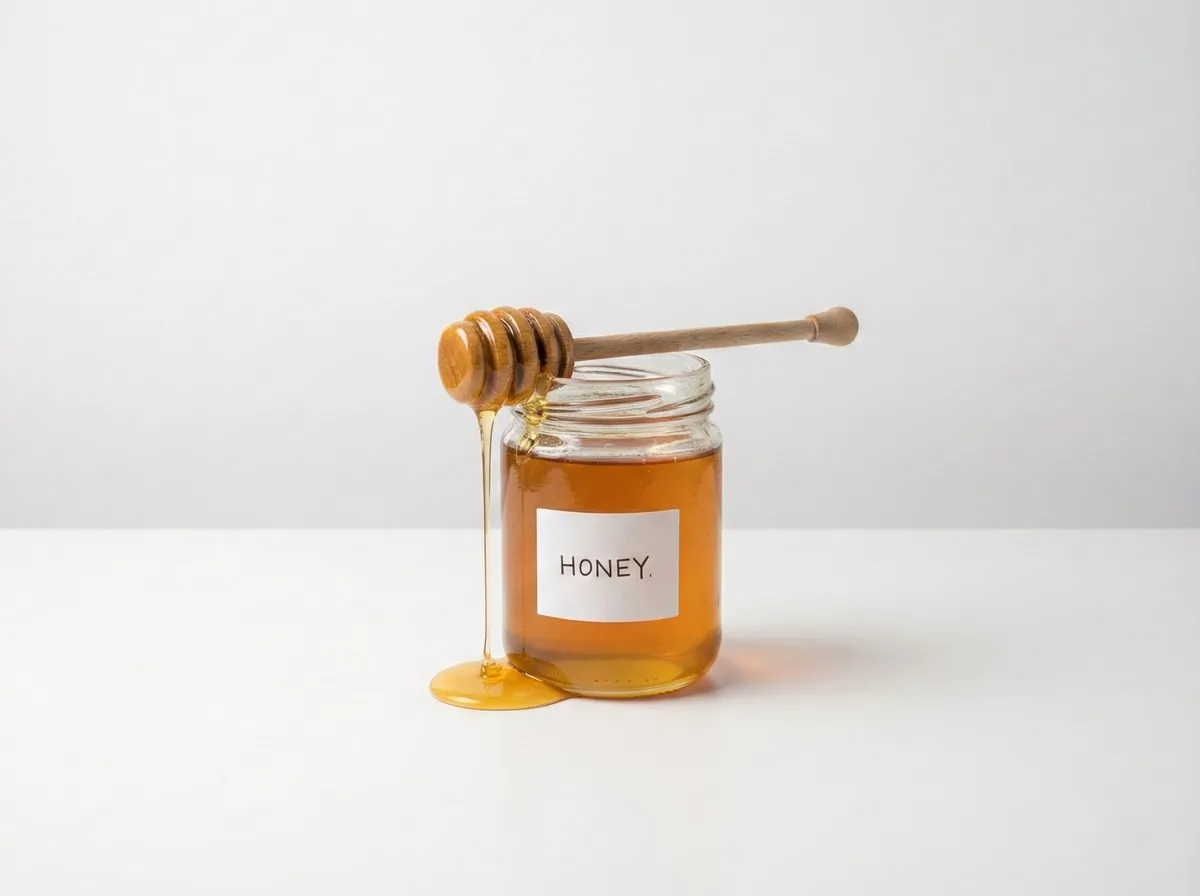
Food Products in Appetizing Scenes
Place food and beverage products in warm kitchen settings, rustic wooden tables, or elegant dining scenes. AI generates backgrounds that make your products look irresistible without a styled photo shoot.
- Warm, appetizing background scenes
- Rustic, modern, or minimal kitchen settings
- Ready for DoorDash, Uber Eats, and grocery platforms
Online Photo Background Changer For Every Need
From e-commerce sellers to content creators, AI backgrounds make every image look professionally shot.
E-commerce Sellers
Place products in professional studio settings without expensive photo shoots. Create marketplace-ready images that drive conversions.
- Studio-quality product images
- Meets Amazon & Shopify guidelines
- No photo shoot required
Fashion & Apparel
Place garments in lifestyle settings, studio environments, or runway-style backgrounds. Create catalogue-ready fashion images instantly.
- Lifestyle and studio backgrounds
- Consistent catalogue imagery
- Lookbook-ready fashion visuals
Social Media Creators
Create scroll-stopping content by placing subjects in eye-catching scenes. Generate unique backgrounds for every post.
- Unique AI-generated scenes
- No stock photo subscriptions
- Stand out in crowded feeds
Designers & Marketers
Skip hours of compositing in Photoshop. Generate custom backgrounds for ads, banners, presentations, and campaigns in seconds.
- Custom backgrounds for ads and banners
- Replace hours of manual compositing
- Consistent brand-aligned visuals
Photographers
Offer clients background variations without reshooting. Generate seasonal, themed, or custom backgrounds from a single shoot.
- Multiple backgrounds from one shoot
- Seasonal and themed variations
- Faster client delivery
Small Businesses
Turn simple phone photos into studio-quality images. Create professional product and marketing visuals without hiring a photographer.
- Phone photos to studio quality
- No photography budget needed
- Professional visuals without a photoshoot budget
AI Background Changer vs Photoshop
See why AI-powered background replacement beats hours of manual Photoshop compositing.
Manual Photoshop Compositing
- ✕Requires advanced Photoshop skills
- ✕Takes 15-60 minutes per image
- ✕Need to source/buy stock backgrounds
- ✕Difficult to match lighting naturally
- ✕Inconsistent results across images
- ✕Expensive software subscription
CamClo AI Background Changer
- No design skills required
- Results in under 2 minutes
- AI generates any background from text
- Automatically matches lighting & shadows
- Consistent, professional quality
- Works in your browser, no software needed
Background Prompt Ideas to Get You Started
Not sure what to describe? Try these popular background prompts.
"Clean white studio"
"Luxury marble table"
"Outdoor garden bokeh"
"Modern office desk"
"Beach at sunset"
"Rustic wooden table"
"Pastel gradient studio"
"City skyline at night"
Frequently Asked Questions
01How to change background of a photo online?+
02Is there an AI background changer with no watermark?+
03Can I replace the background of a product photo for e-commerce?+
04What kind of backgrounds can AI generate from a text prompt?+
05How is AI background changing different from Photoshop?+
06What image formats does the background changer support?+
07Can I change the background color of a photo?+
08Does the AI match lighting between the subject and new background?+
09Do I need to install any software to change photo backgrounds?+
10How long does it take to change an image background with AI?+
Ready to Change Photo Backgrounds?
Replace any image background with AI. Describe any scene and get photorealistic results. Fast, with no watermarks. Try it for 7 days for $1.
7-day trial for $1. Cancel anytime.