AI AssistantBeta

The AI assistant for ecommerce product photos

Describe the job in plain words, check the plan and the credit cost, then approve. One product or up to 500.

See pricing

7-day free trial with 20 credits. Card required.
AI AssistantExample
4 product photos

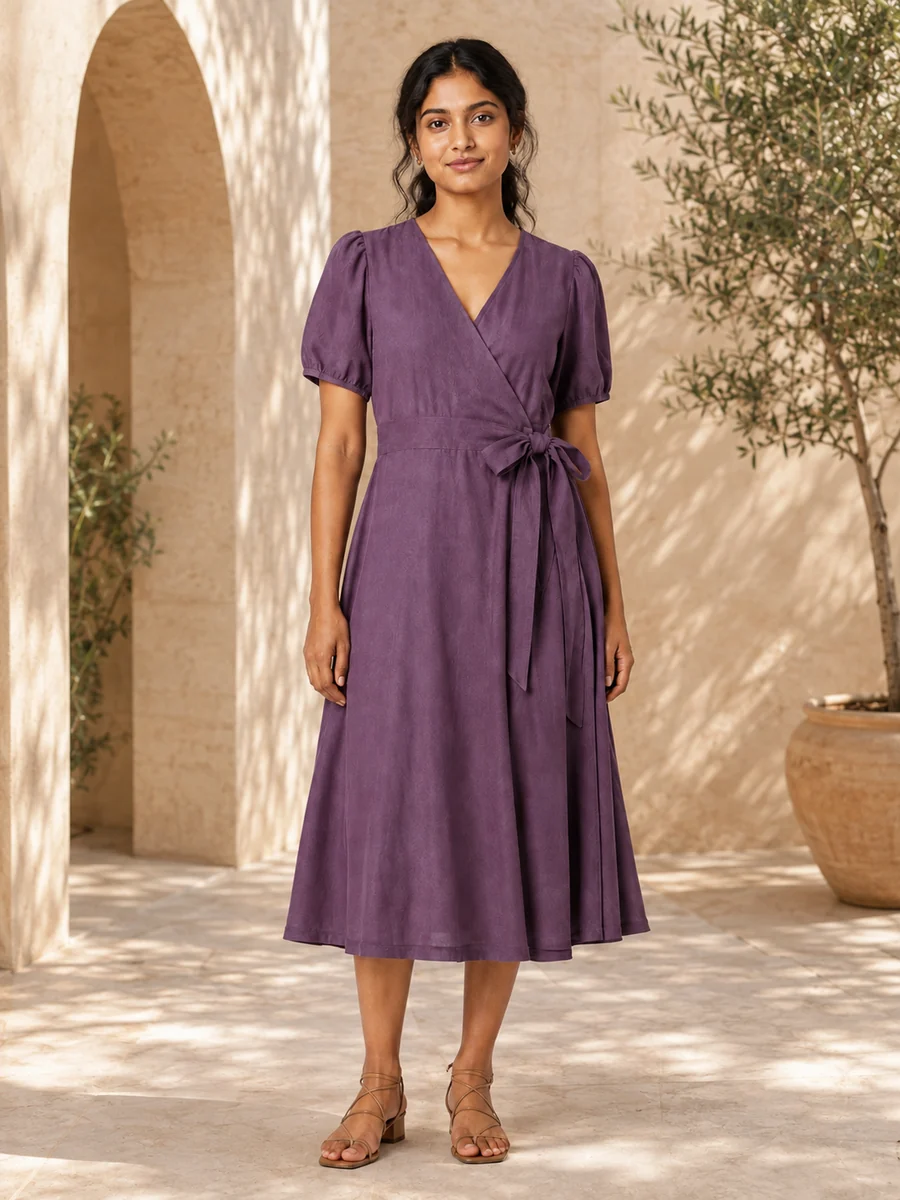
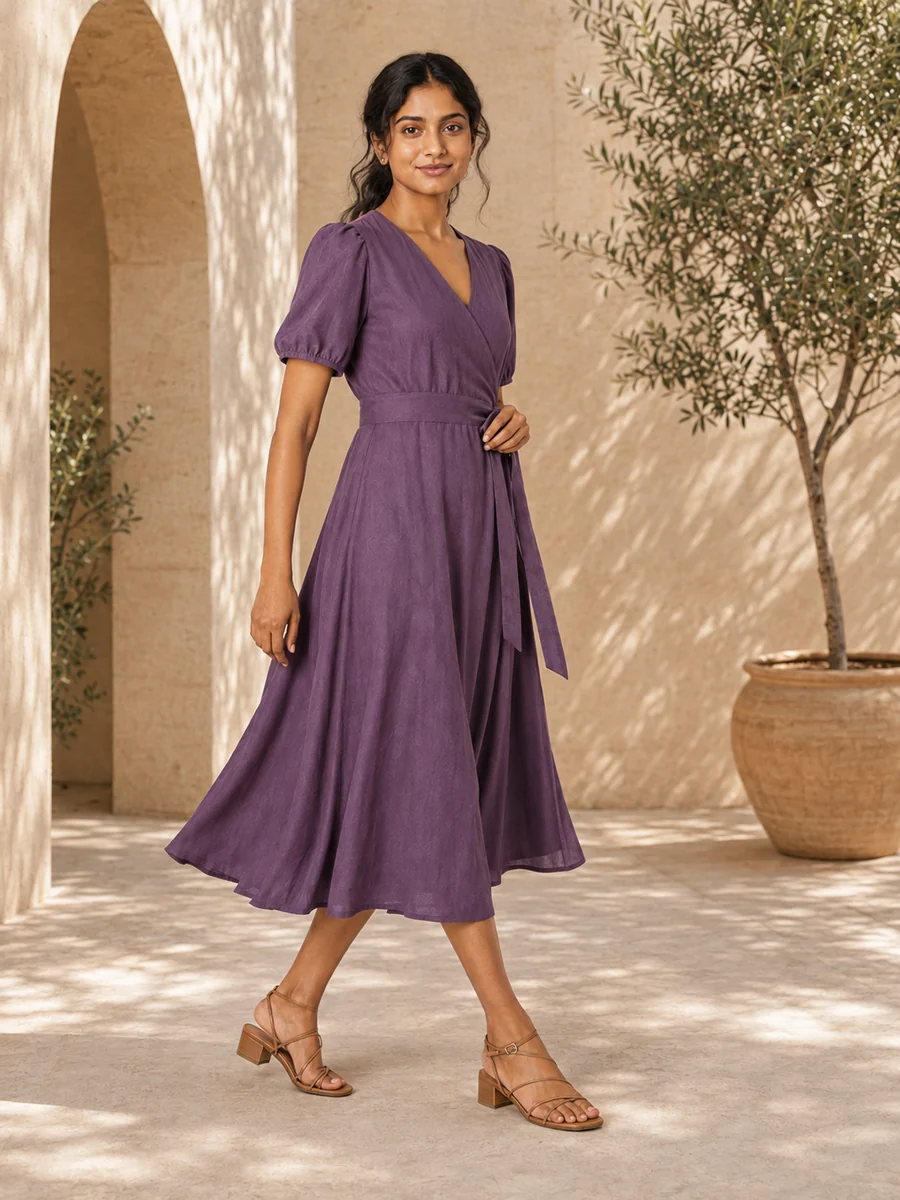
Put each piece on a model in a clean studio, move the shoot to a sunlit courtyard, then try an editorial pose.

Plan approved · 3 steps · 4 products

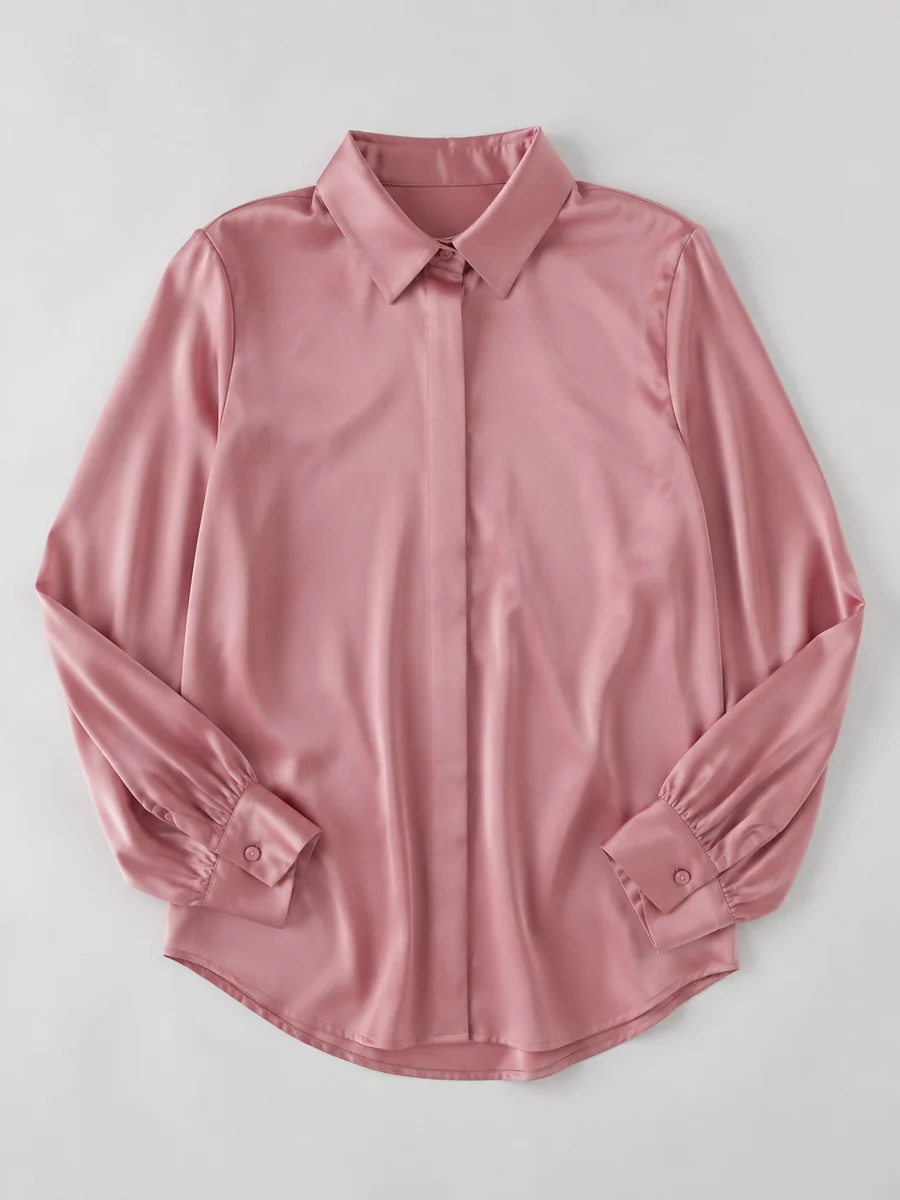
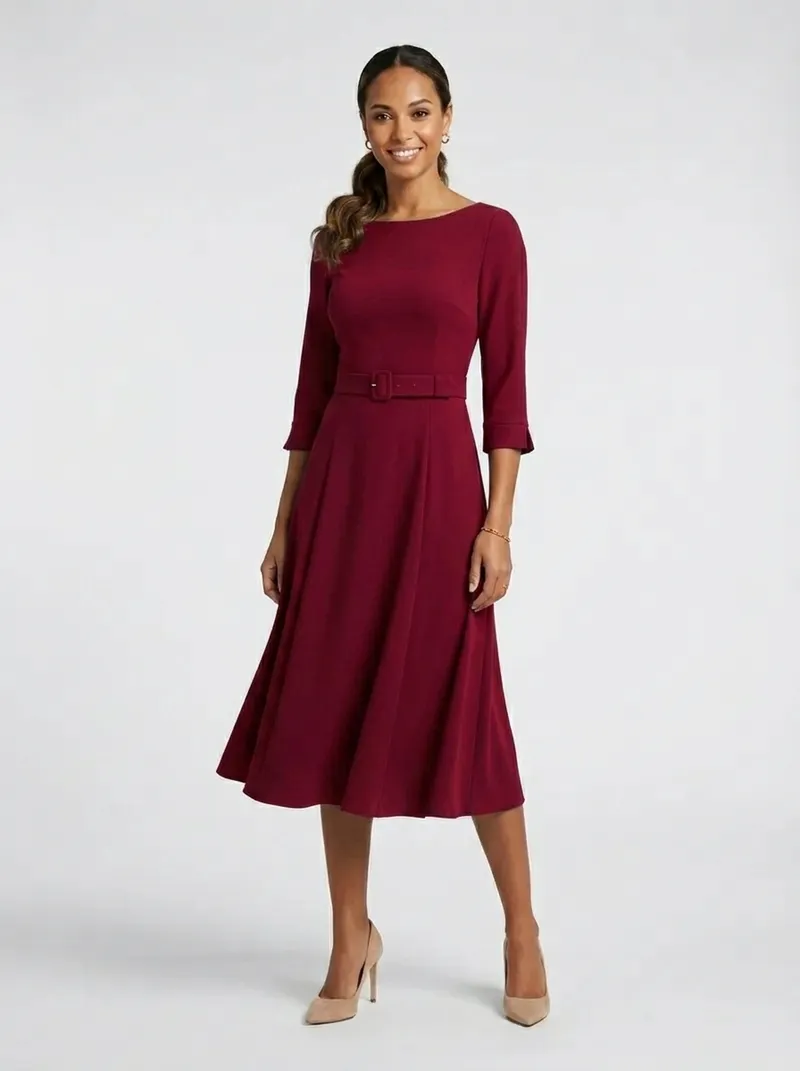
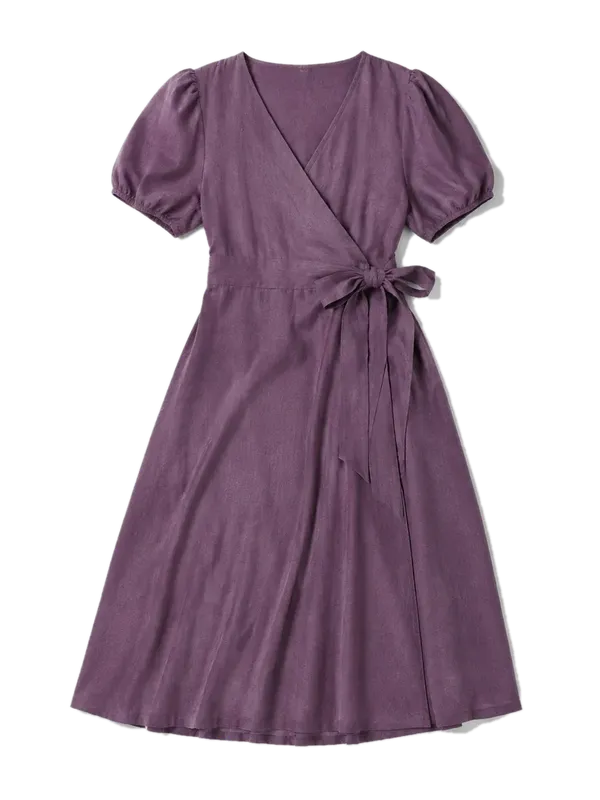
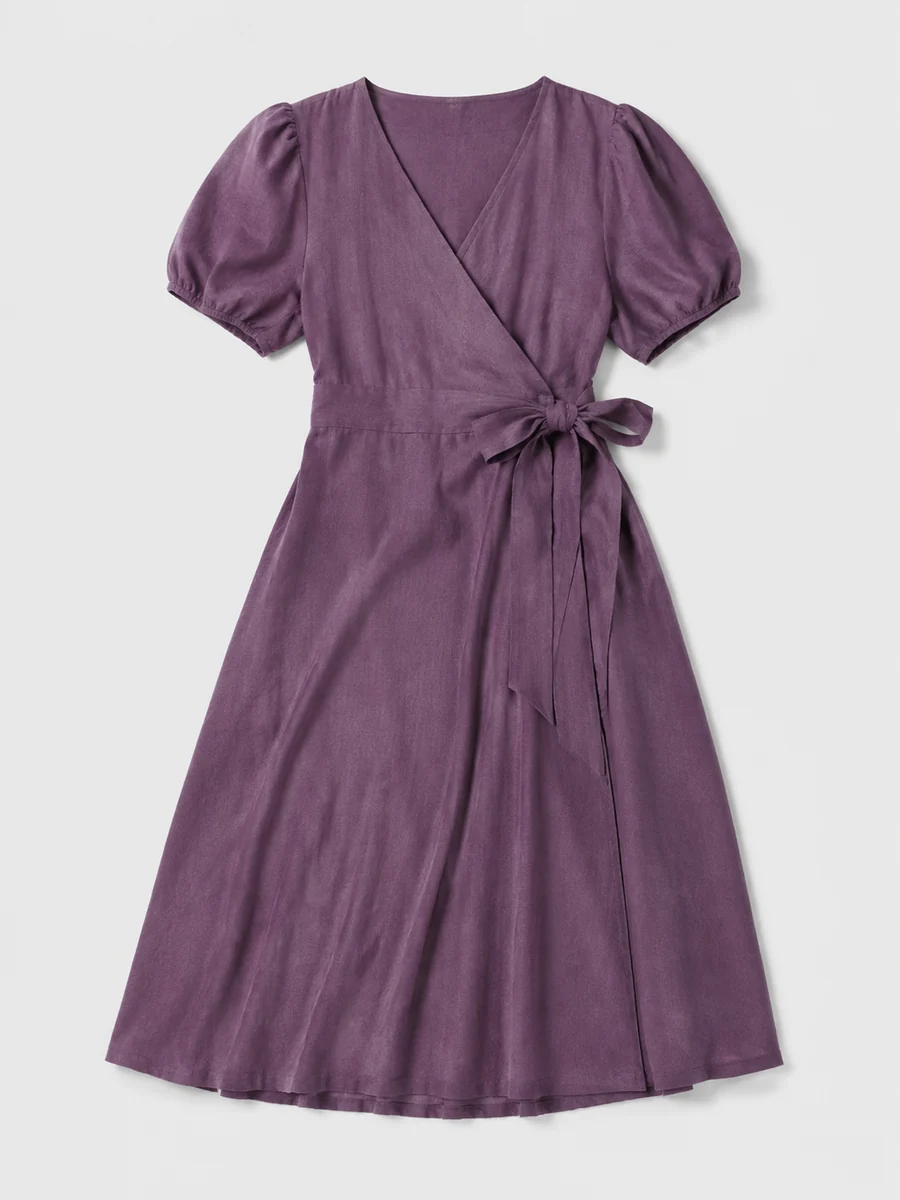
  1. Orchid wrap dress as a flat layYour product
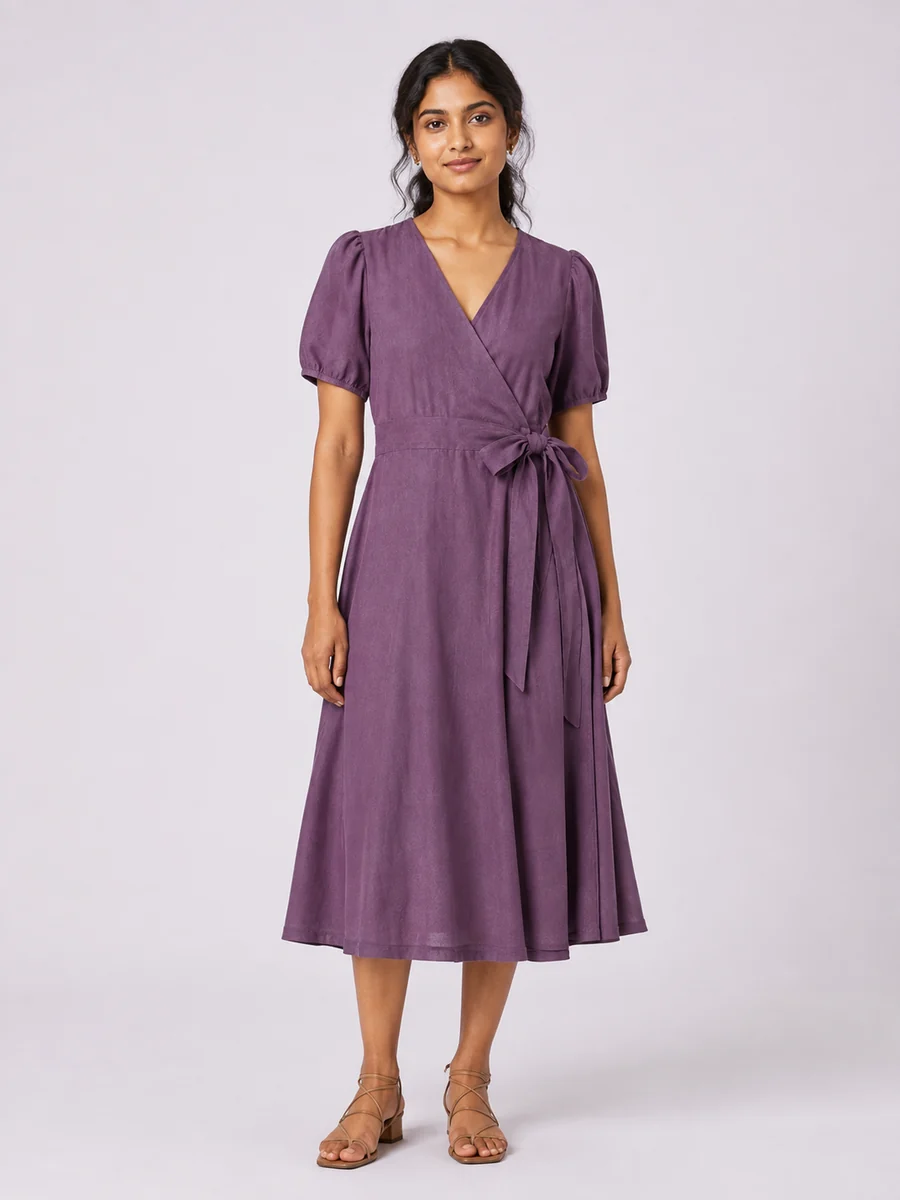
  2. The orchid dress on a model in a studioOn-model
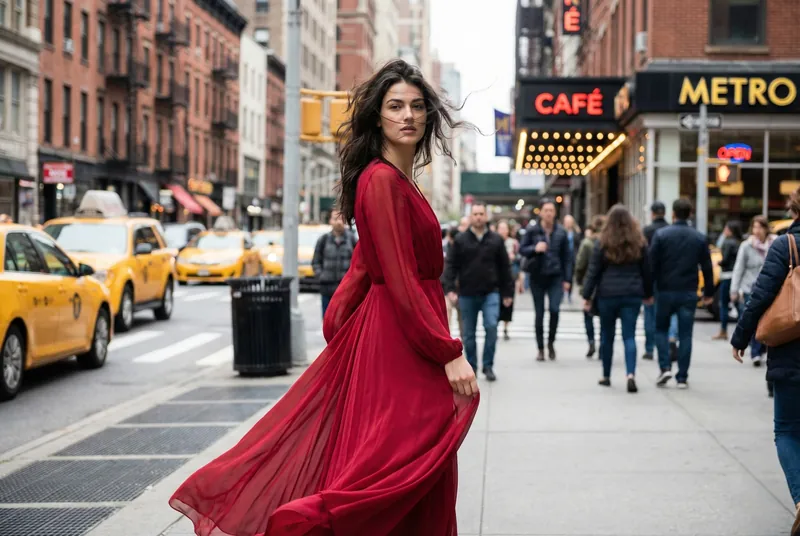
  3. The same model and dress in a sunlit courtyardNew background
  4. The same look in a new editorial poseNew pose
Meet your AI AssistantBeta

A whole creative studio. One conversation.

One product or your whole catalogue. Describe the result. Your assistant connects every step to make it happen.

Try the AI Assistant
One brief. A workflow for every product.
Interactive preview
AI AssistantA little direction. A lot of possibility.
Quality

Your next collection starts here.

Drop your products. Describe the full workflow. Your assistant takes it from there.

Queued
Queued
Queued
Queued
0 / 4 products uploadedUp to 500 at once
Keep each model & outfit consistent

Images & references
You approve before generations use credits.
The everyday collectionOne workflow. Every product.
Uploading 0/4
Your product
01On-model
02New setting
03New pose
Queued
Orchid dress
Next in the workflow
Queued
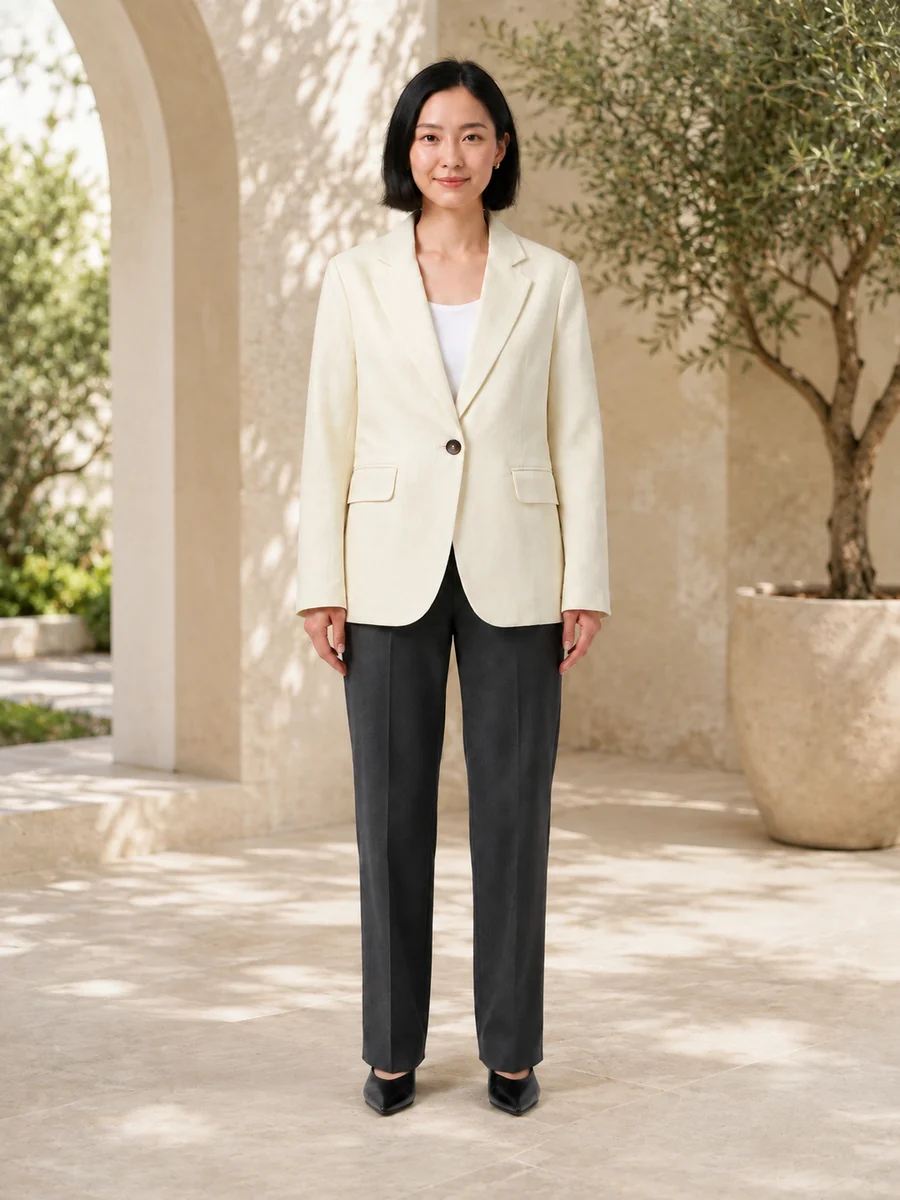
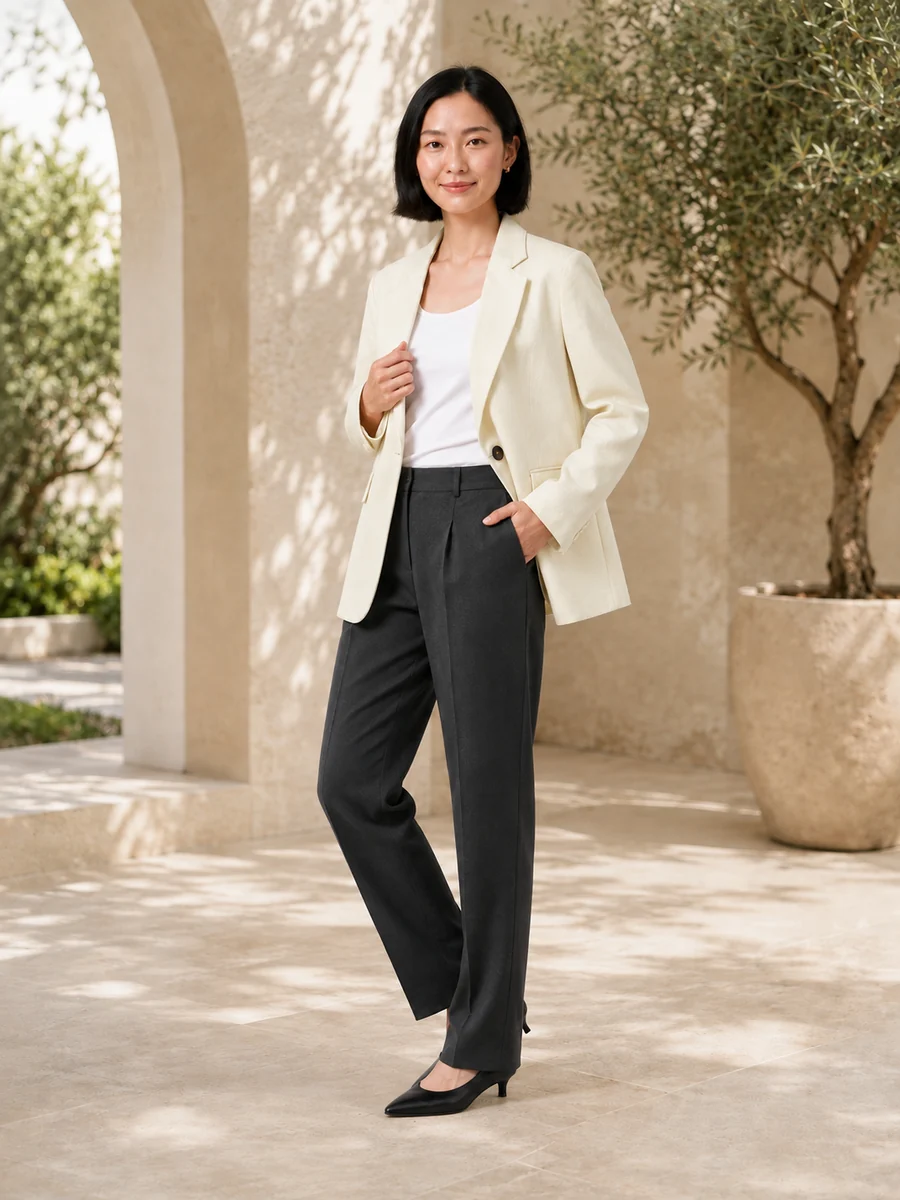
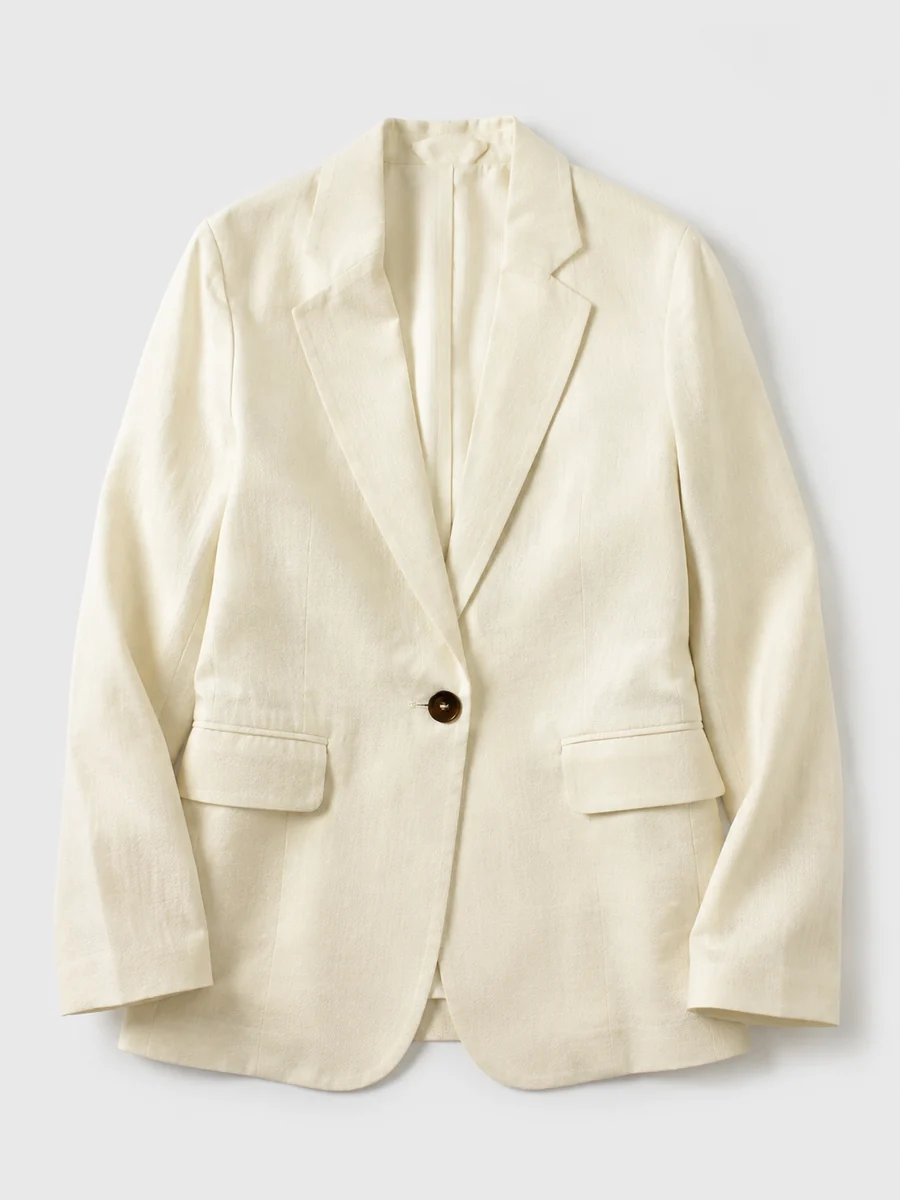
Ivory blazer
Next in the workflow
Queued
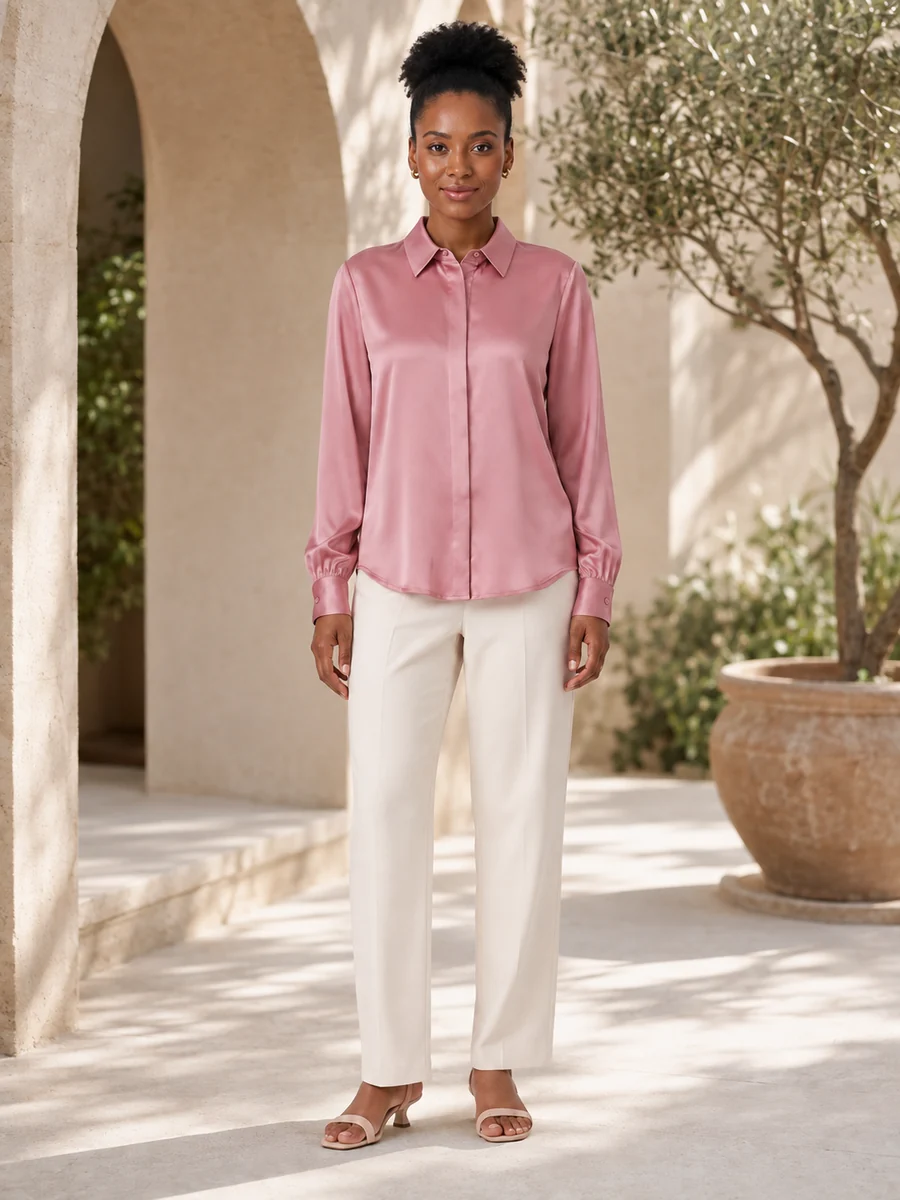
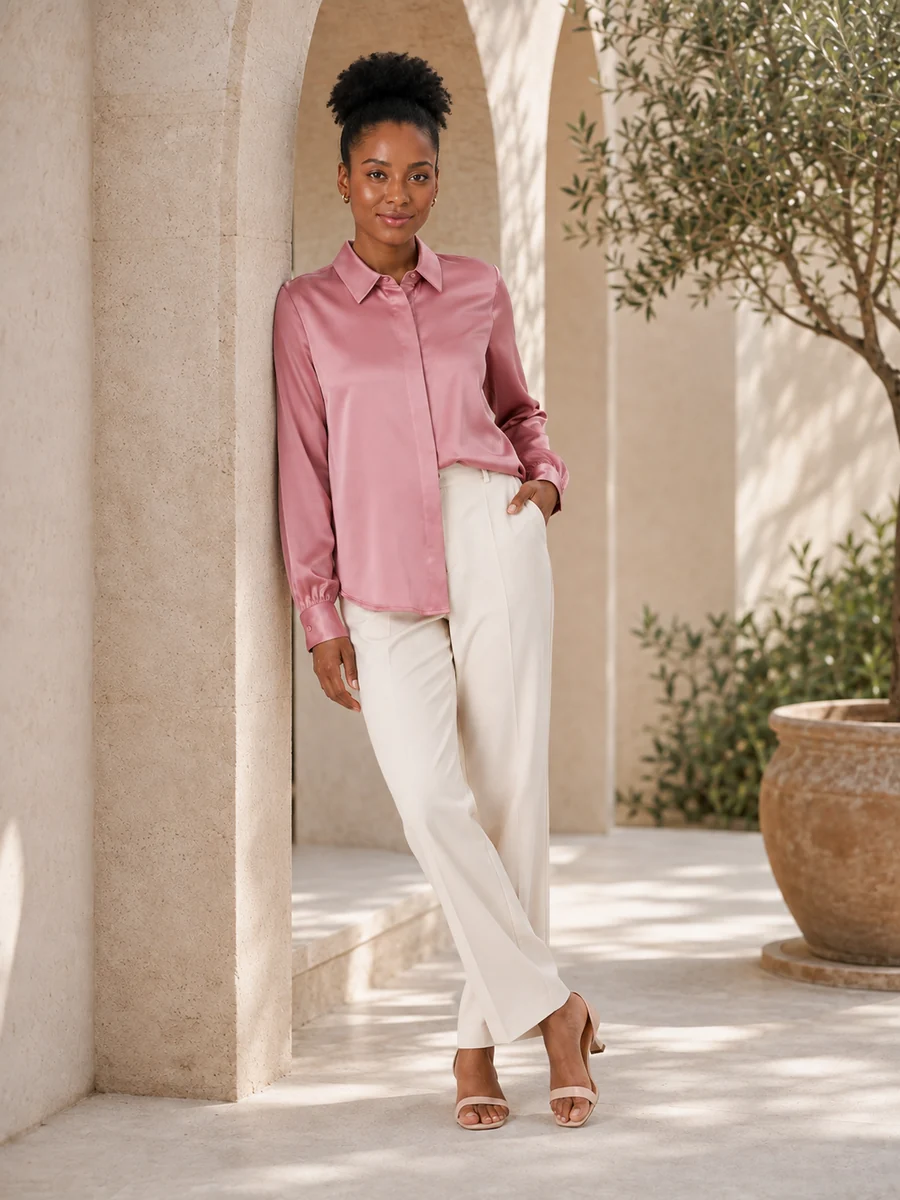
Rose blouse
Next in the workflow
Queued
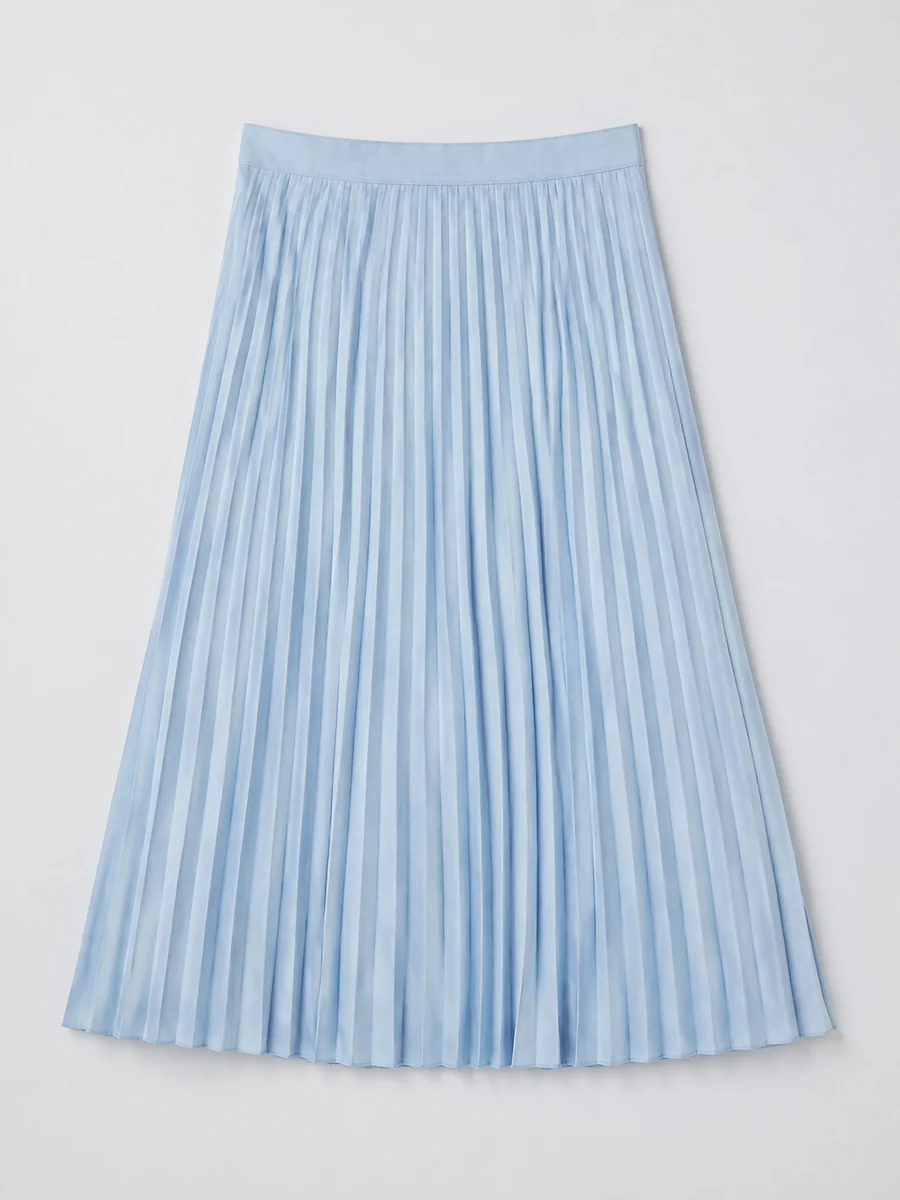
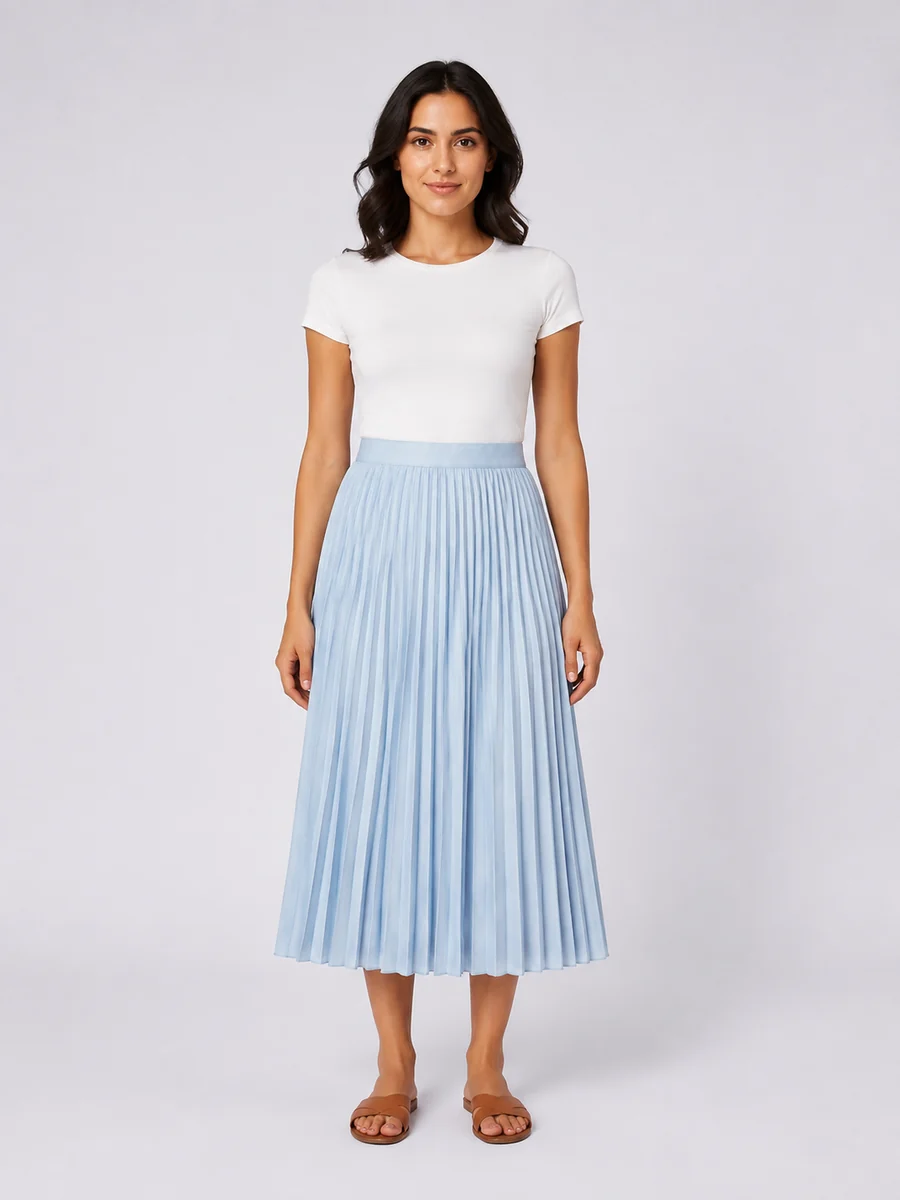
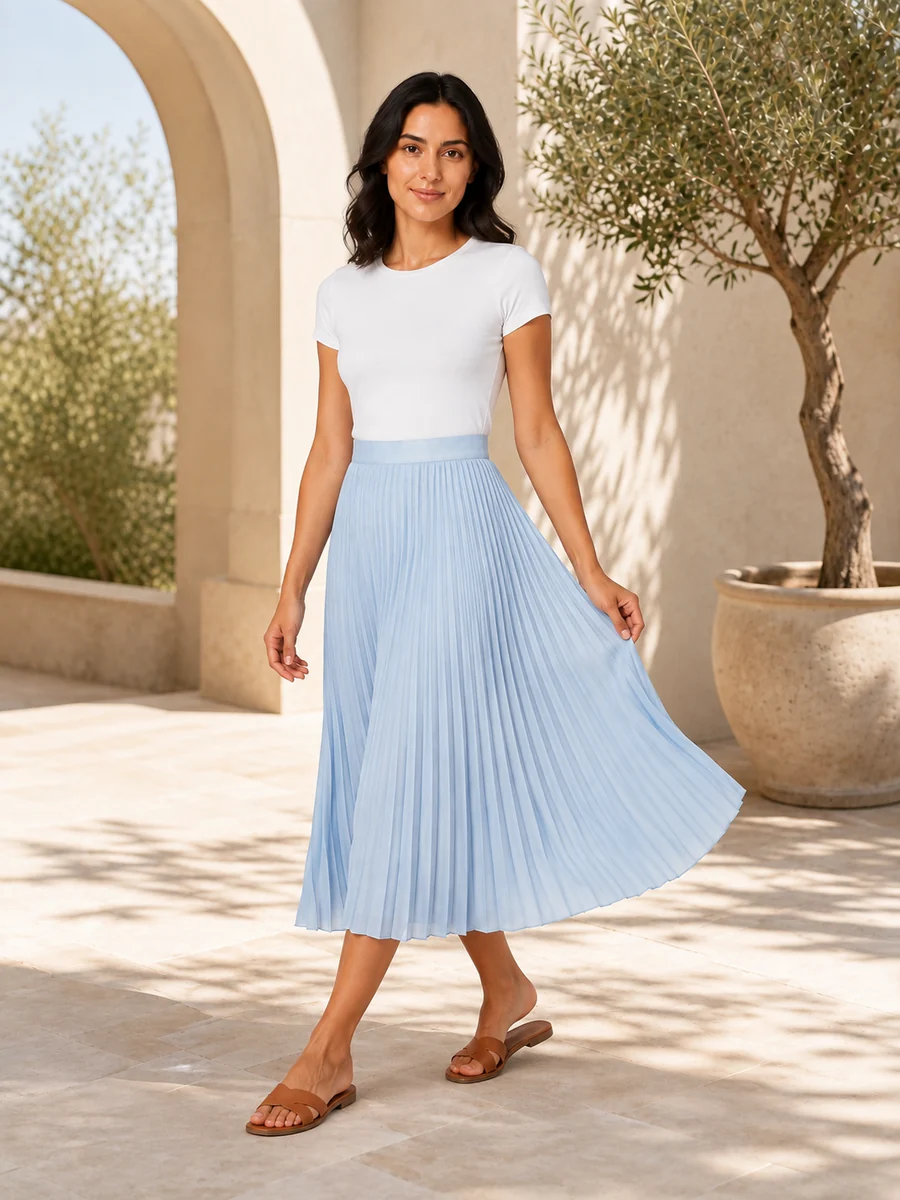
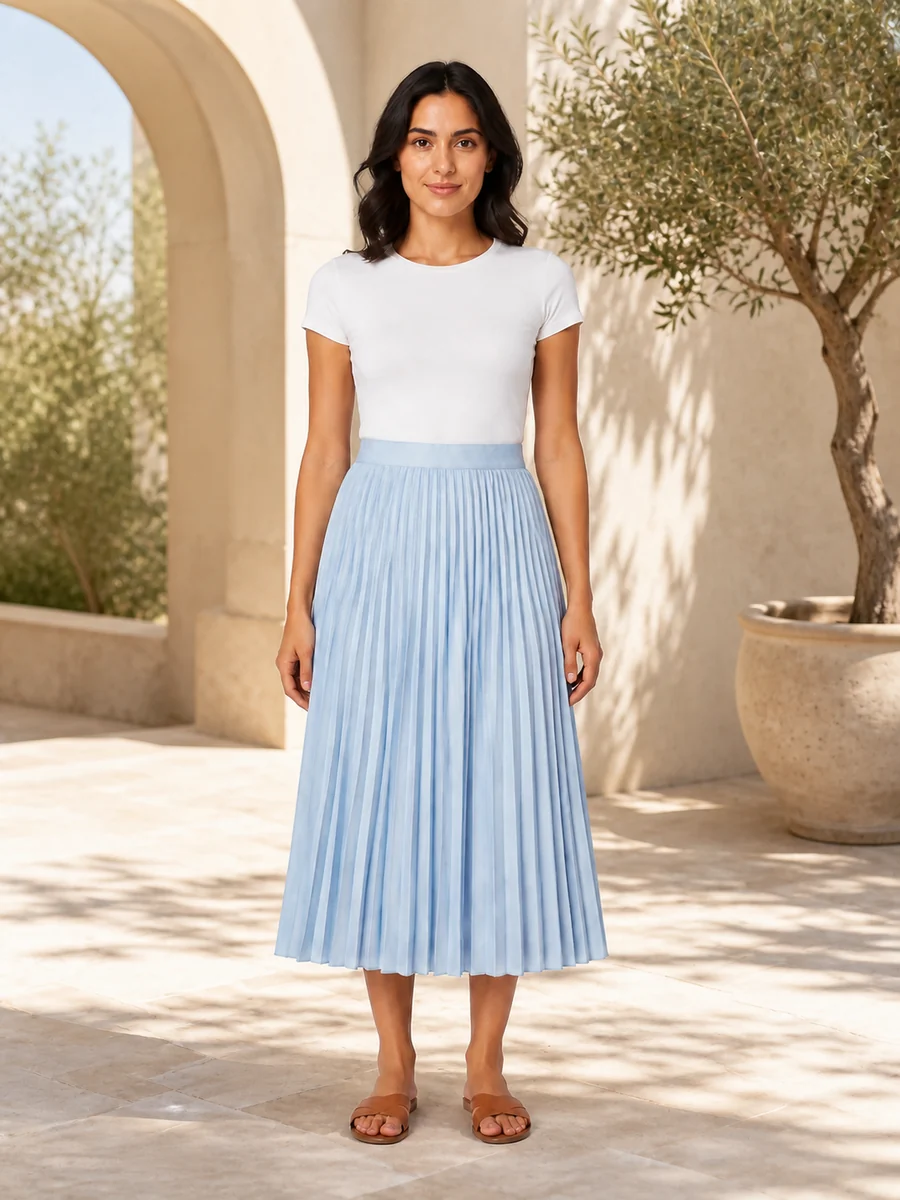
Blue skirt
Next in the workflow
4 products shown. The same workflow scales to 500.3 outputs per product
Start with the products you already have.

Upload product photos and describe the whole job in one message. No need to choose each tool yourself.

Bulk product photo editing, up to 500 products

A full catalog photoshoot from one request. Approve the plan, then results land product by product.

One request. A workflow for every product.
Interactive example
AI AssistantExample workflow

Start with the whole collection.

Drop up to 500 product photos into one chat. JPG, PNG or WebP, up to 10 MB each.

0 of 12 uploaded

You approve before generations use credits.

New arrivalsYour catalog, uploading.Uploading 0/12
Orchid dress, flat lay photoOrchid dress on a model in a studio
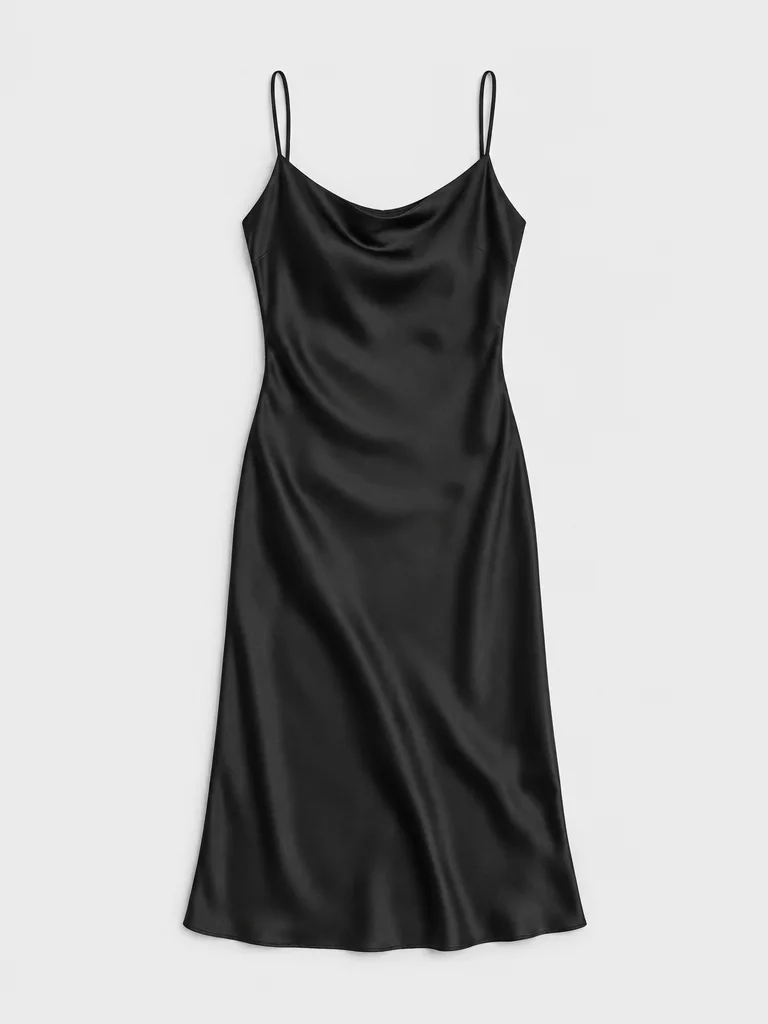
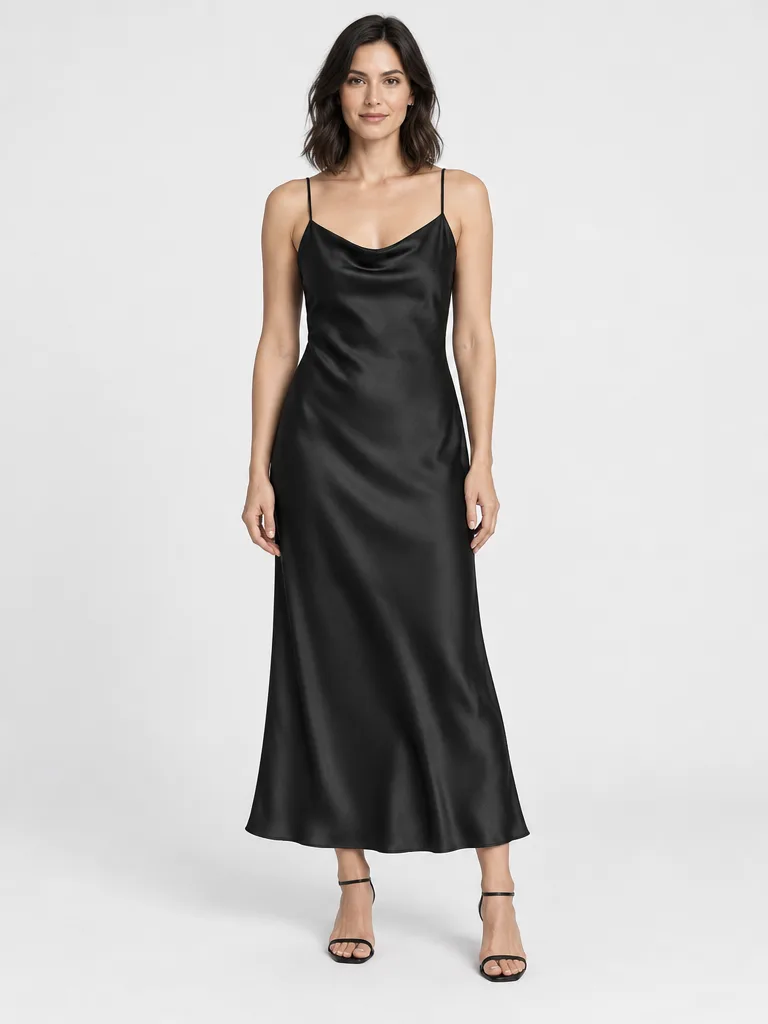
Black slip dress, flat lay photoBlack slip dress on a model in a studio
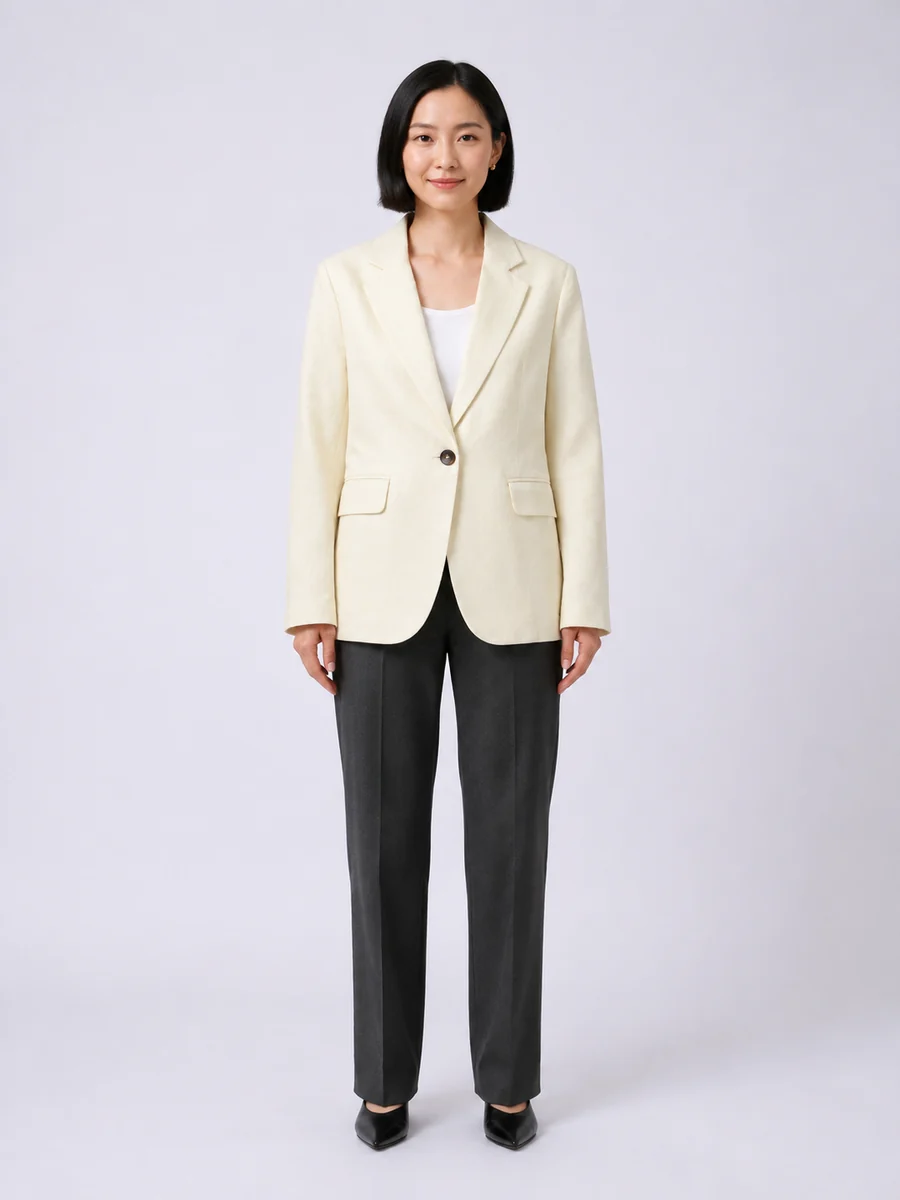
Ivory blazer, flat lay photoIvory blazer on a model in a studio
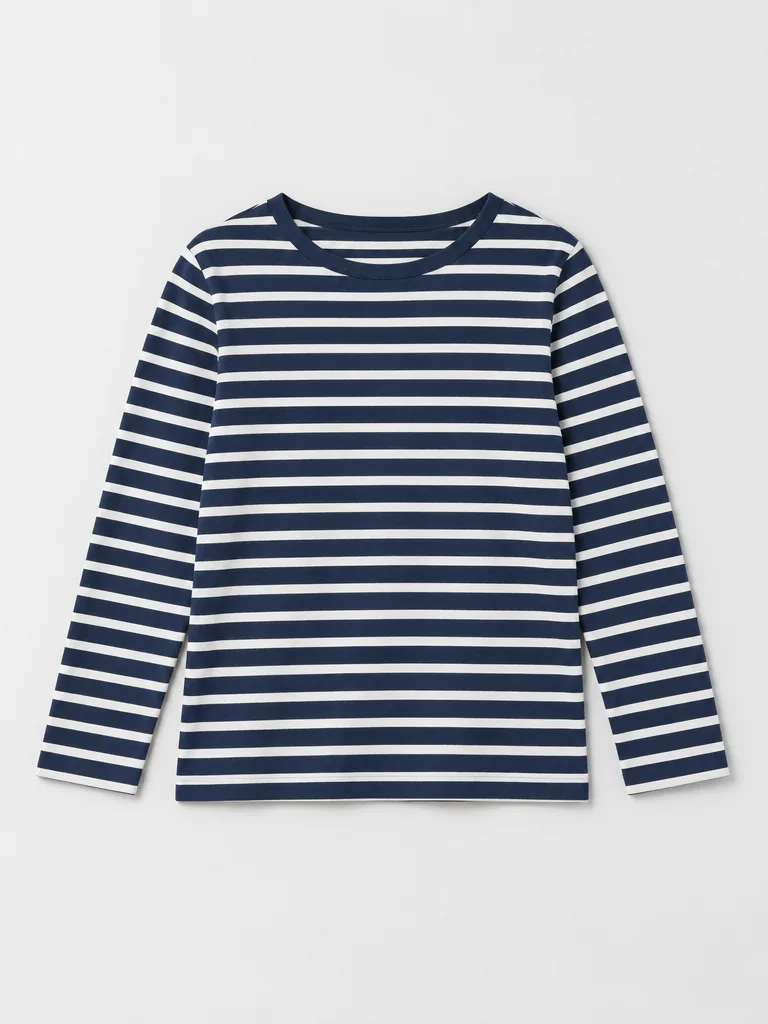
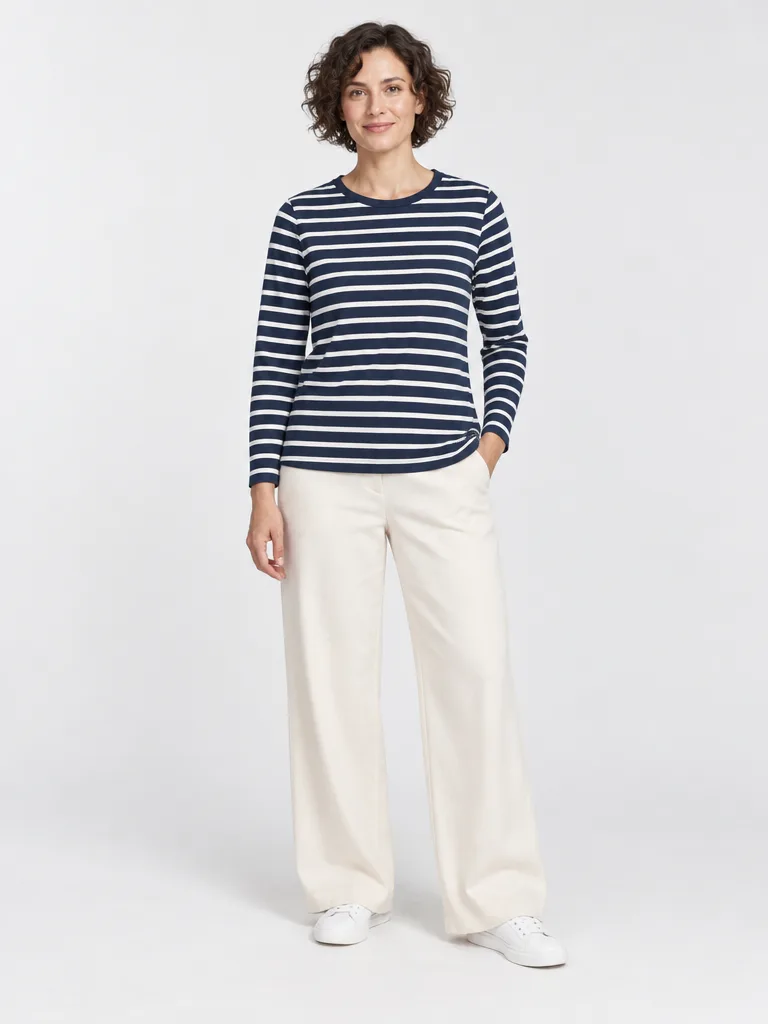
Striped top, flat lay photoStriped top on a model in a studio
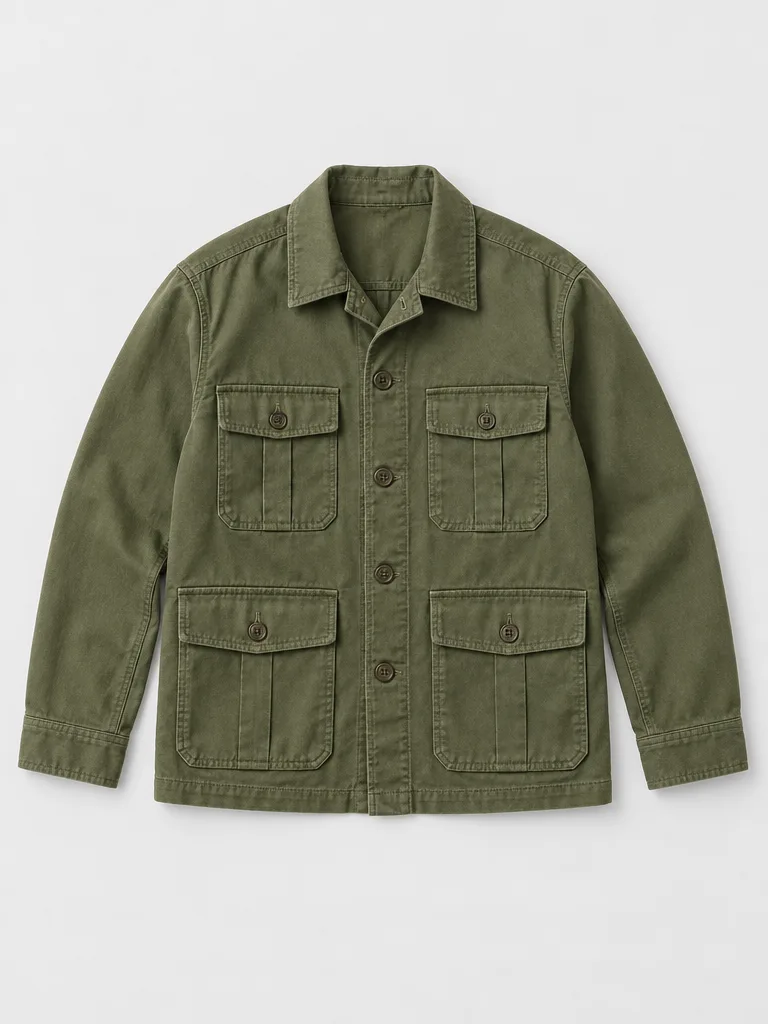
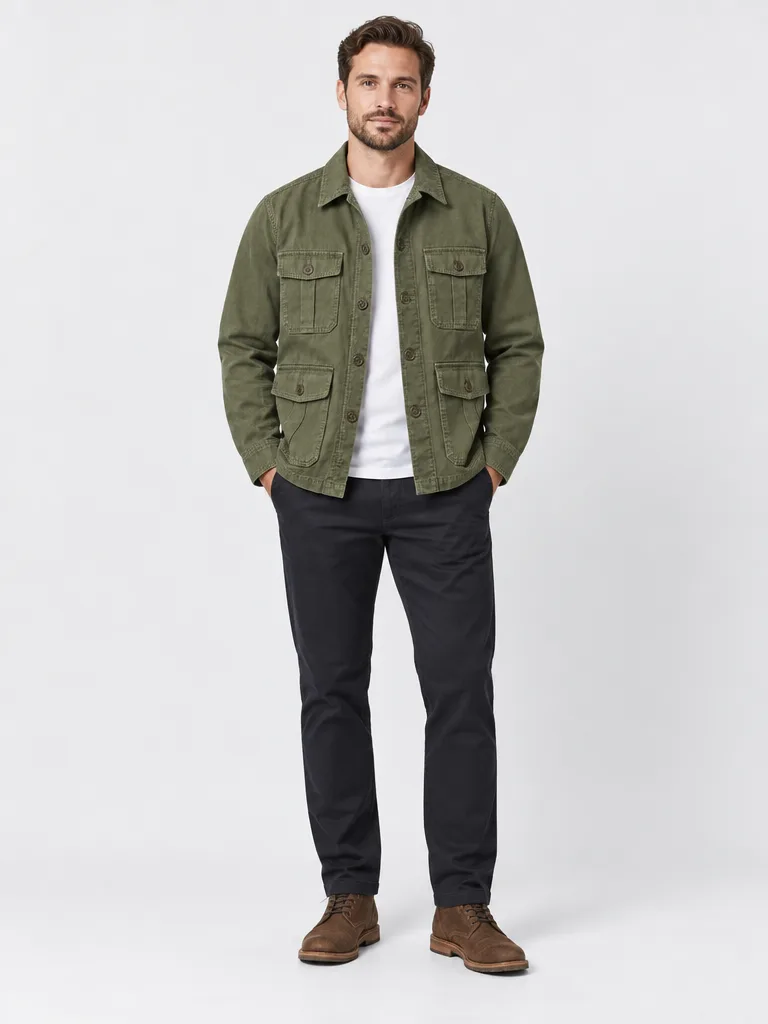
Olive jacket, flat lay photoOlive jacket on a model in a studio
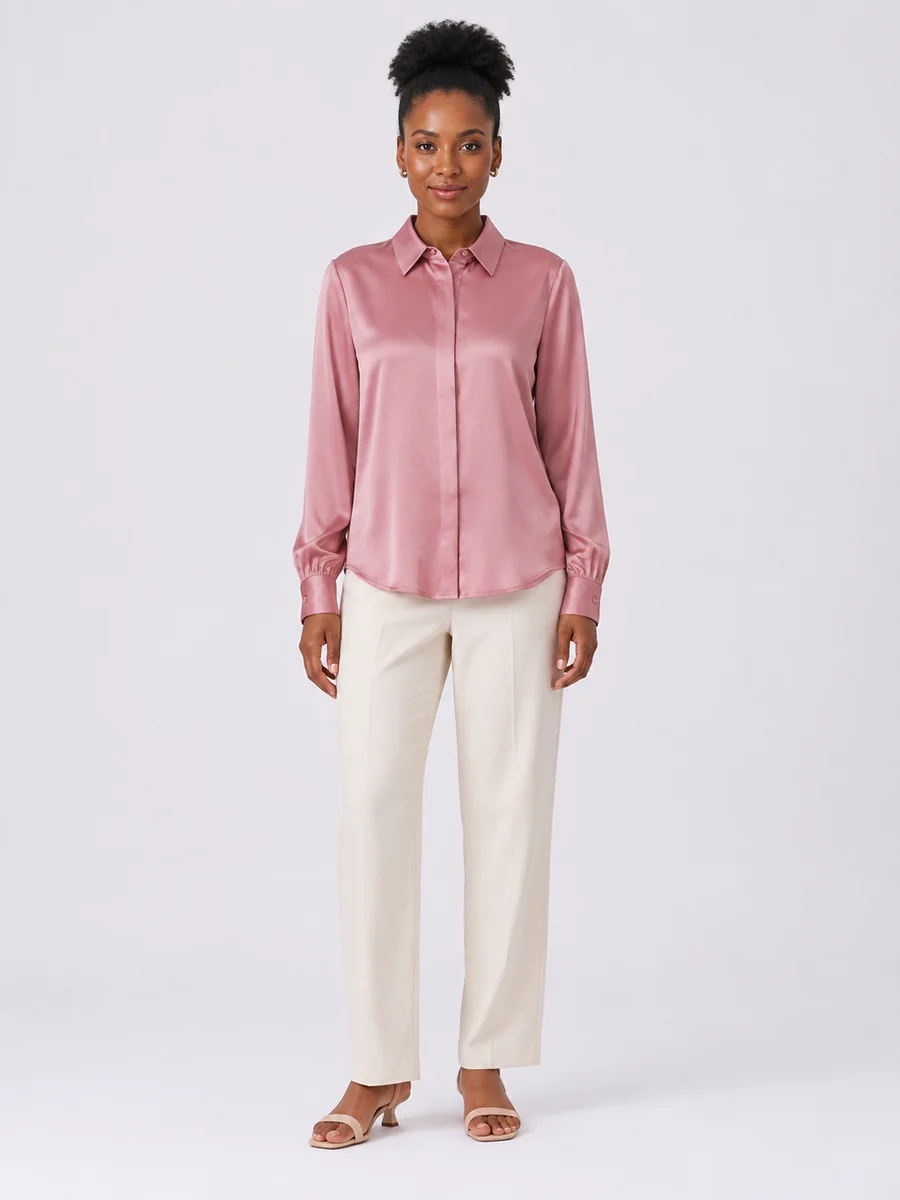
Rose blouse, flat lay photoRose blouse on a model in a studio
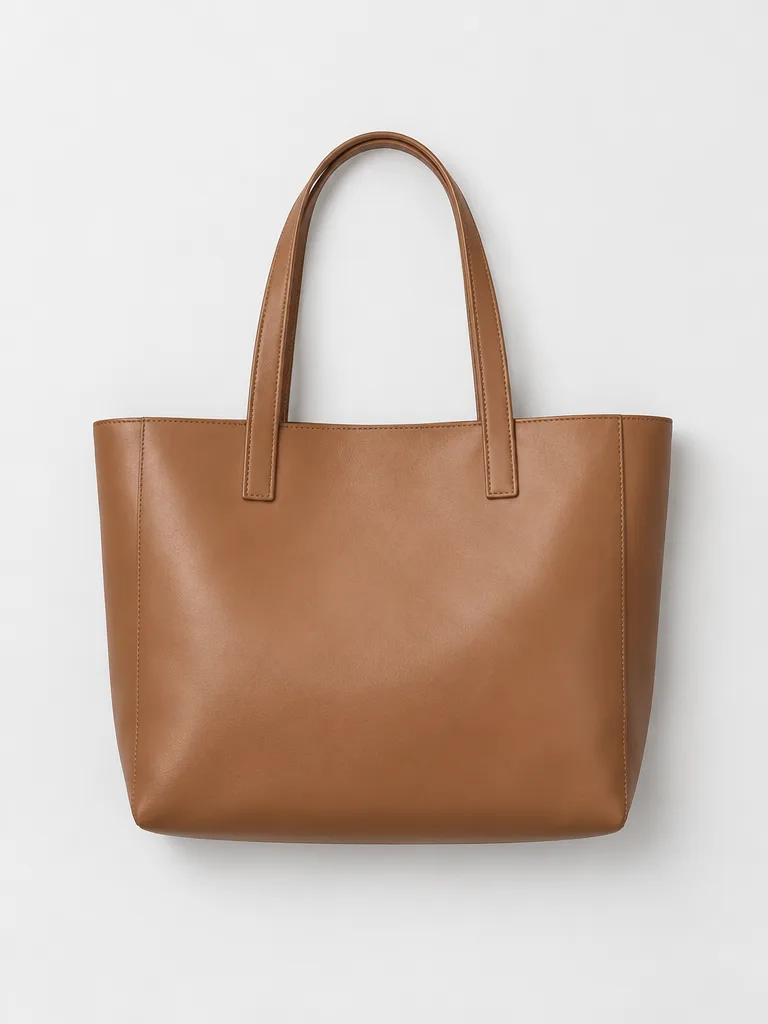
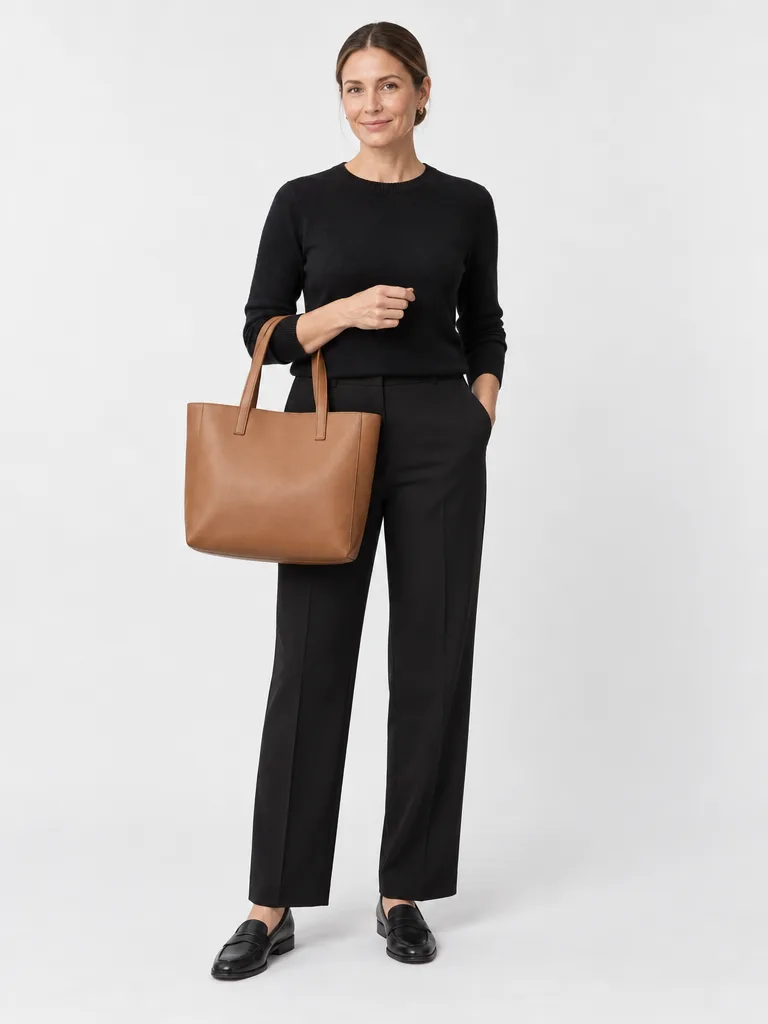
Camel tote, flat lay photoCamel tote on a model in a studio
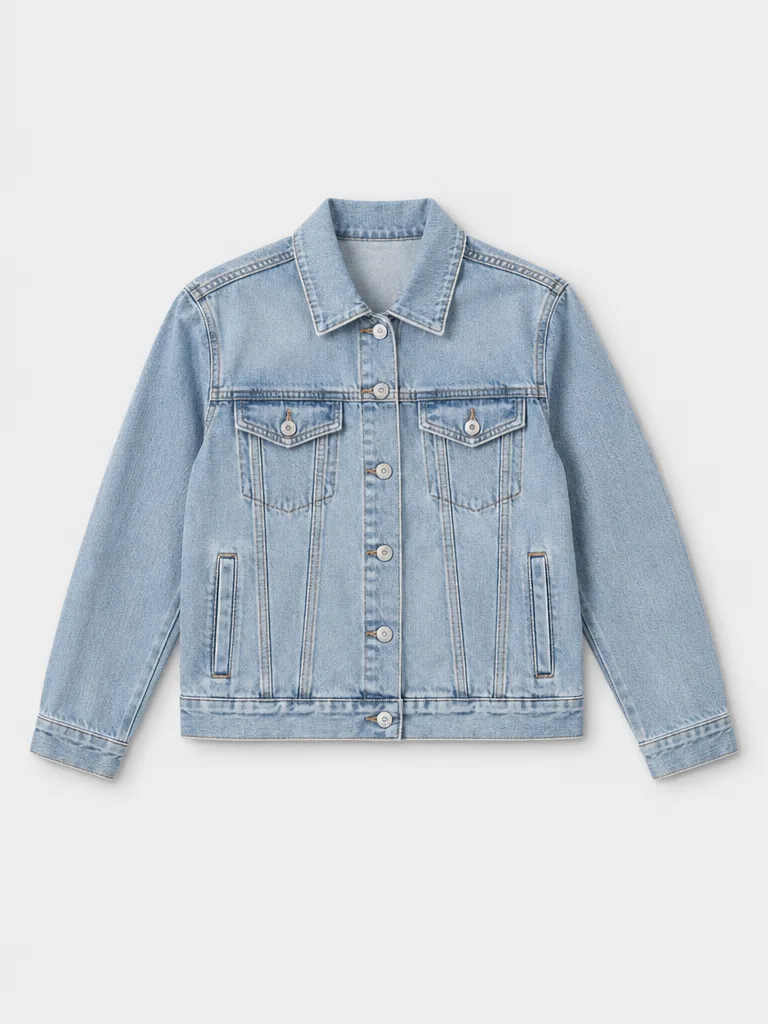
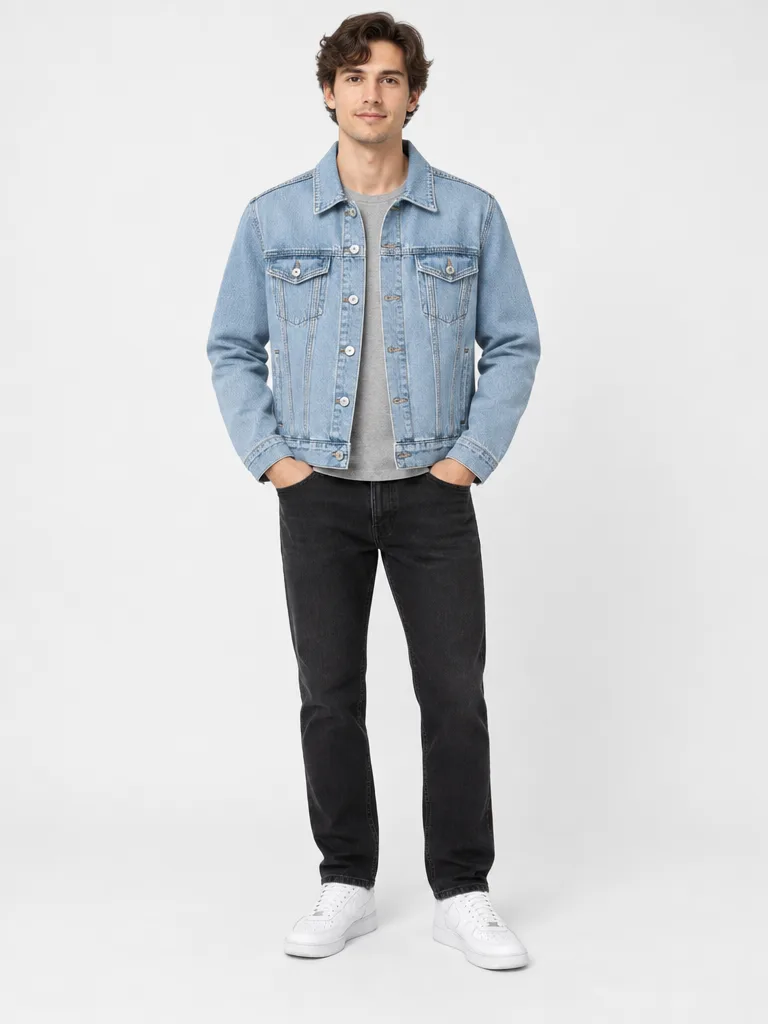
Denim jacket, flat lay photoDenim jacket on a model in a studio
Blue skirt, flat lay photoBlue skirt on a model in a studio
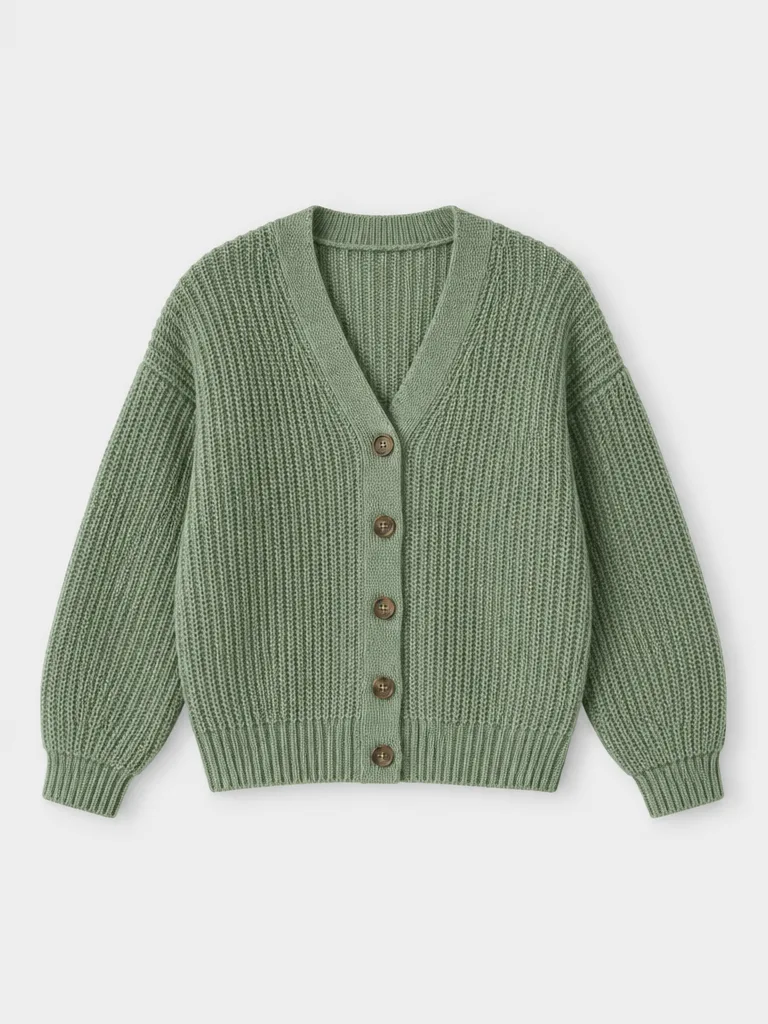
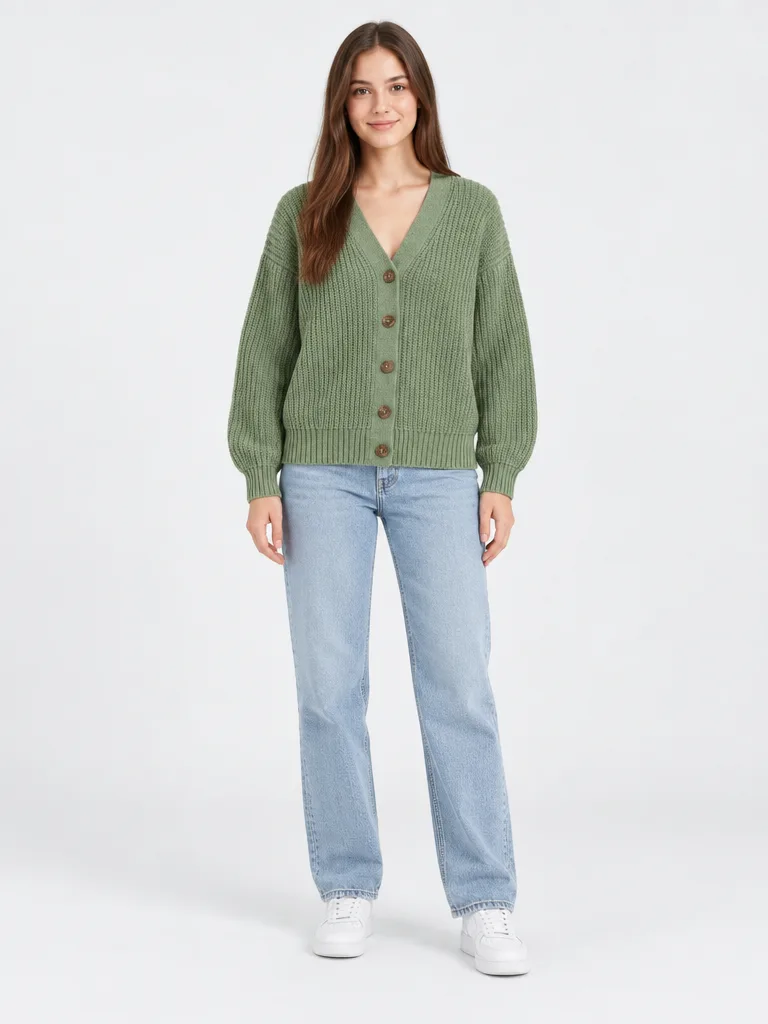
Sage cardigan, flat lay photoSage cardigan on a model in a studio
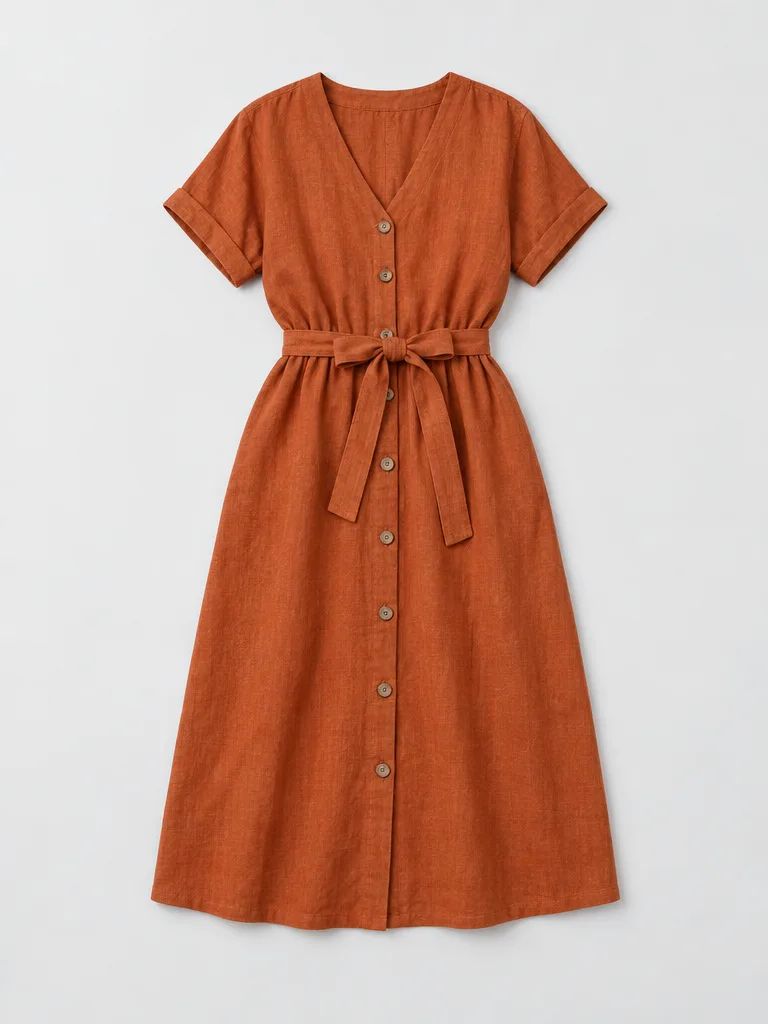
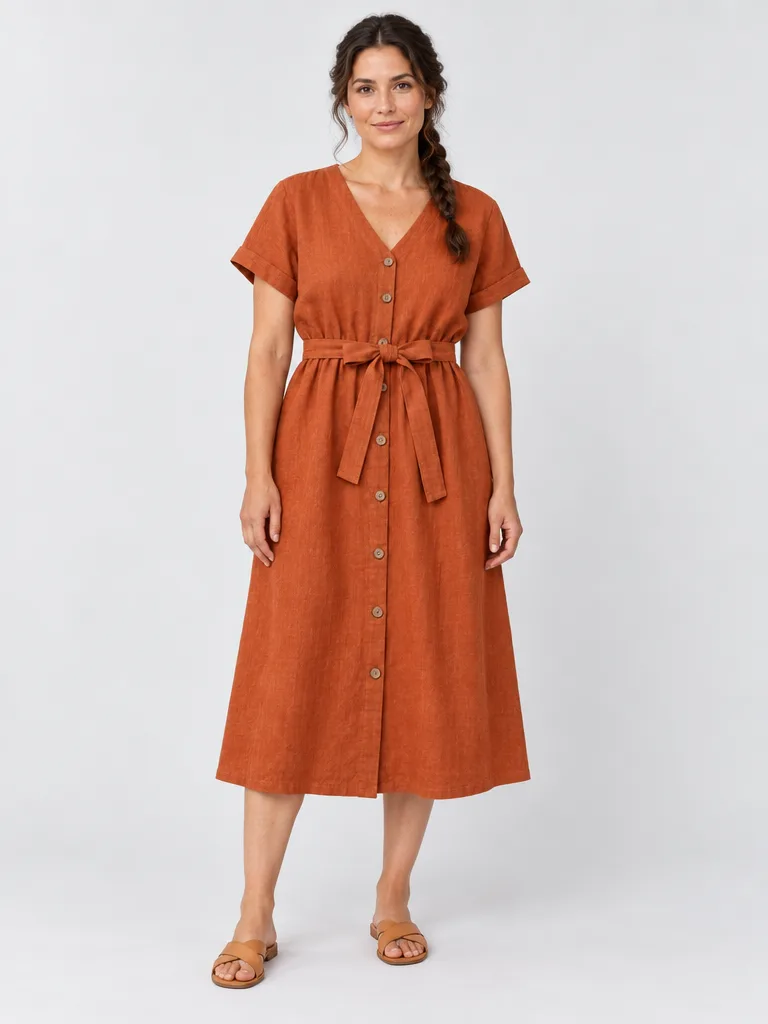
Rust dress, flat lay photoRust dress on a model in a studio
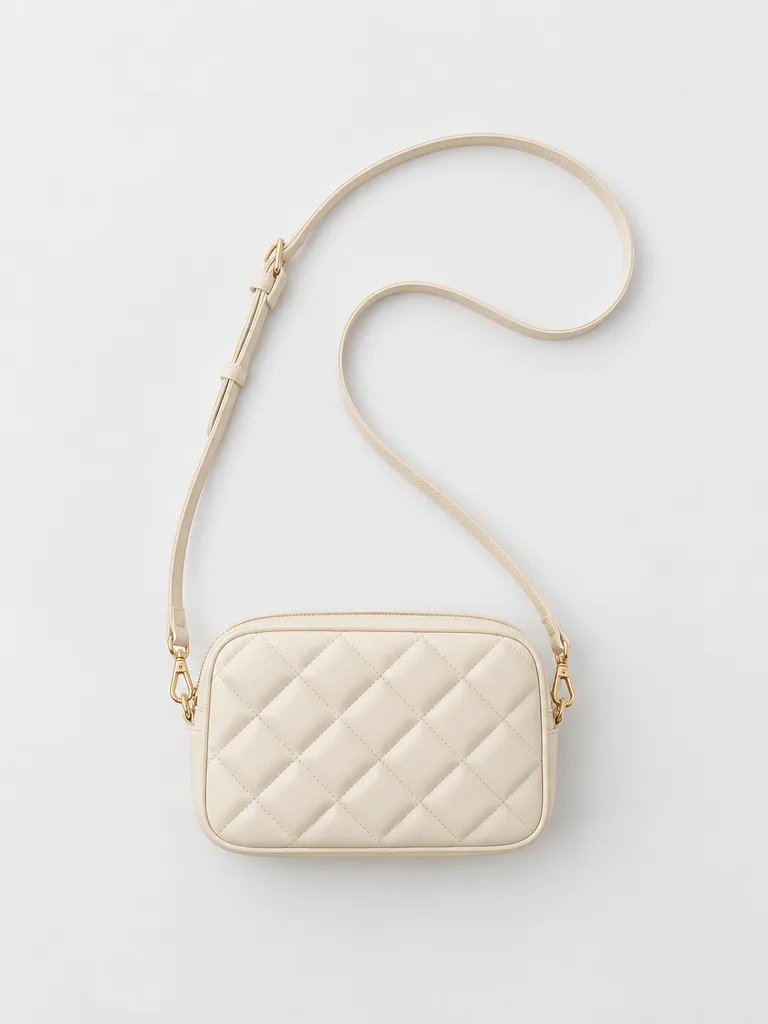
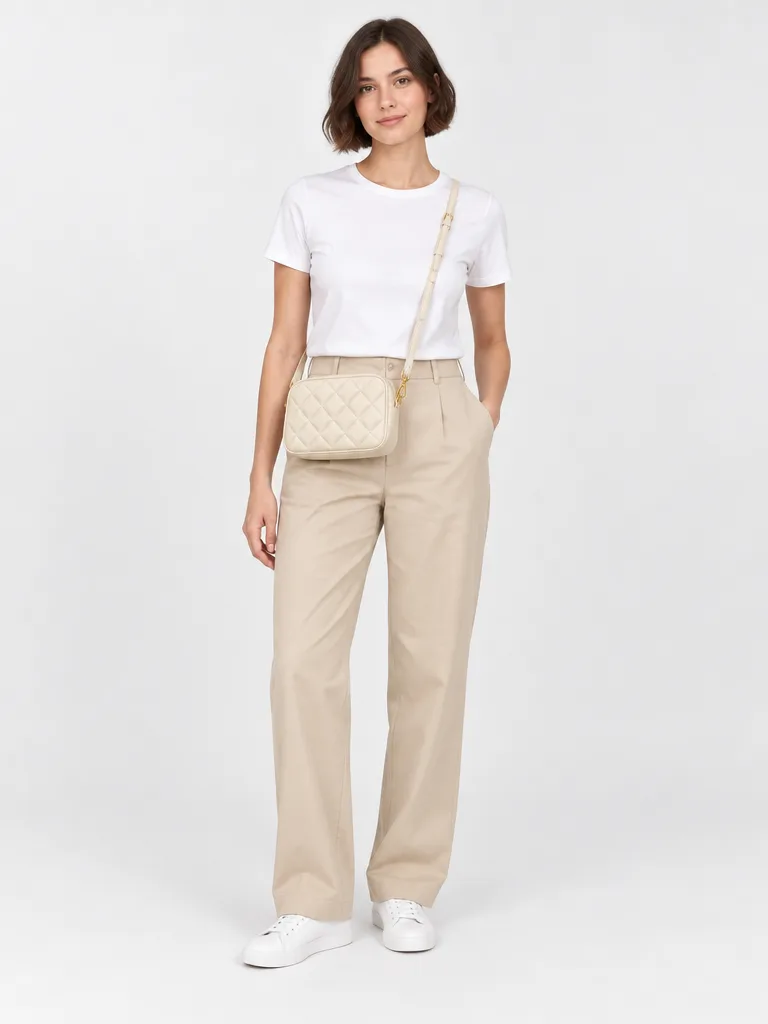
Cream crossbody, flat lay photoCream crossbody on a model in a studio

Example on a paid plan: Try-On at 2 credits per image.

Every step, chained in one chat

Each step can build on the result before it.

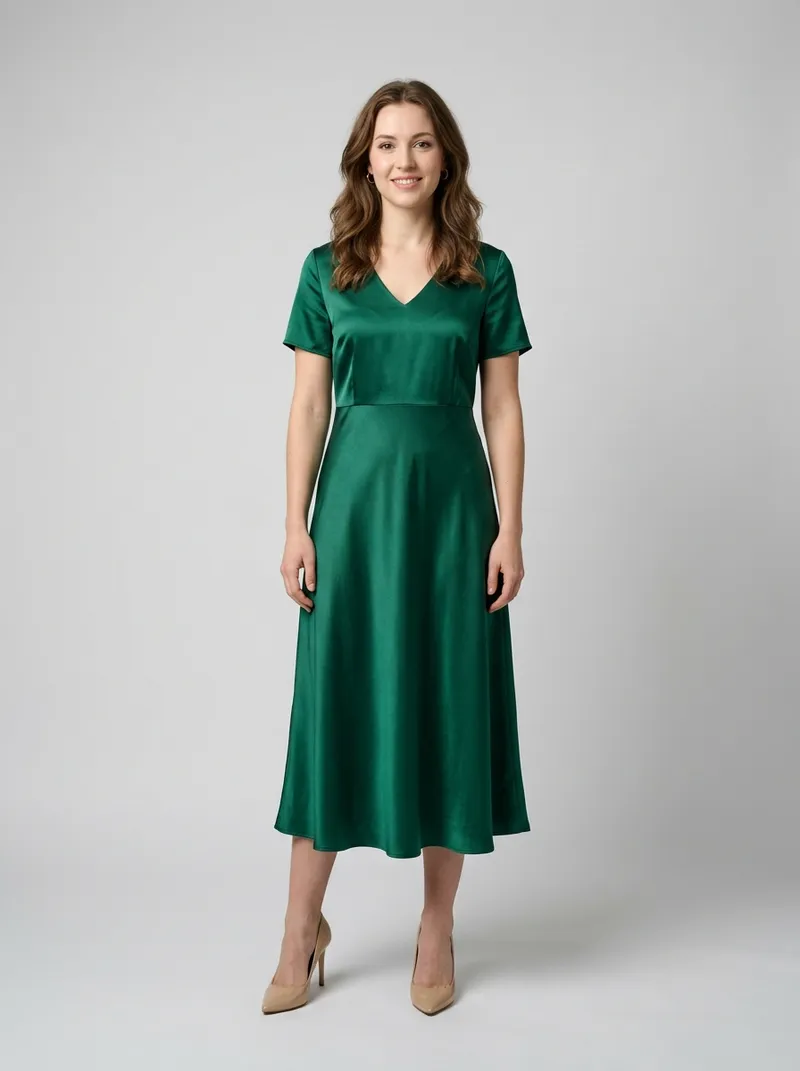
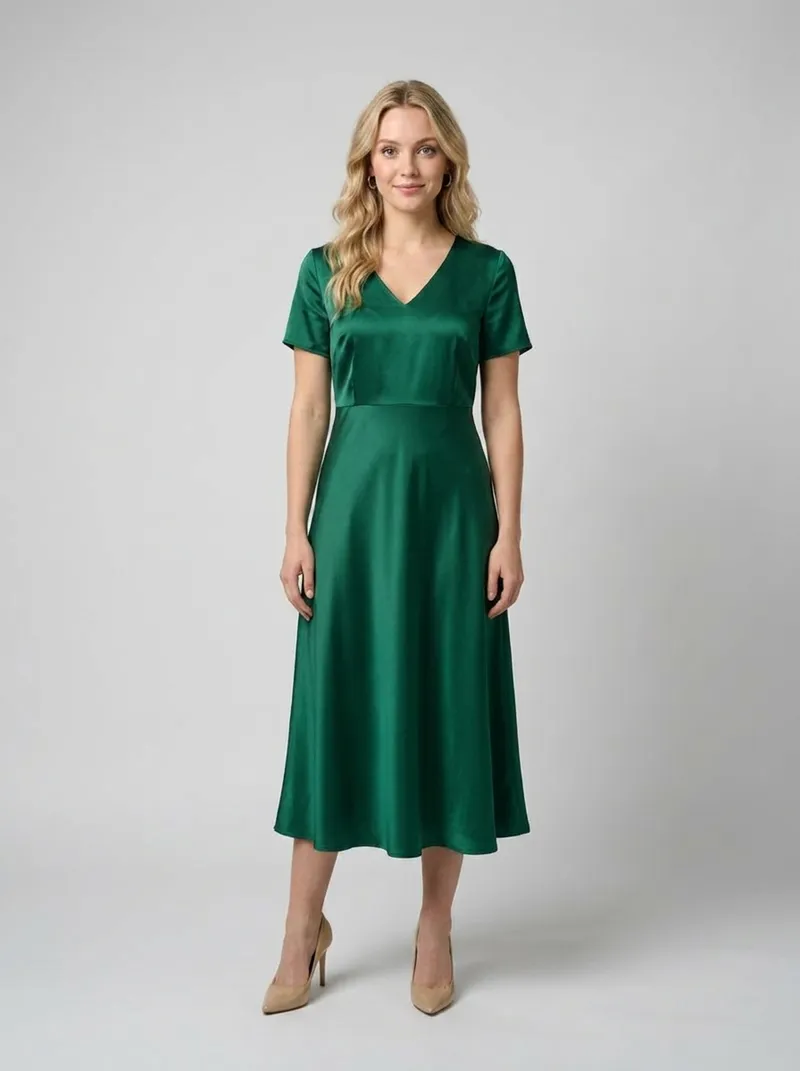
Green satin dress on the original modelThe same green dress on a different modelBeforeAfter

Model swap

A different model, same garment.

AI model swap
Ivory blazer look moved into a sunlit courtyard

New backgrounds and scenes

Same look, new setting.

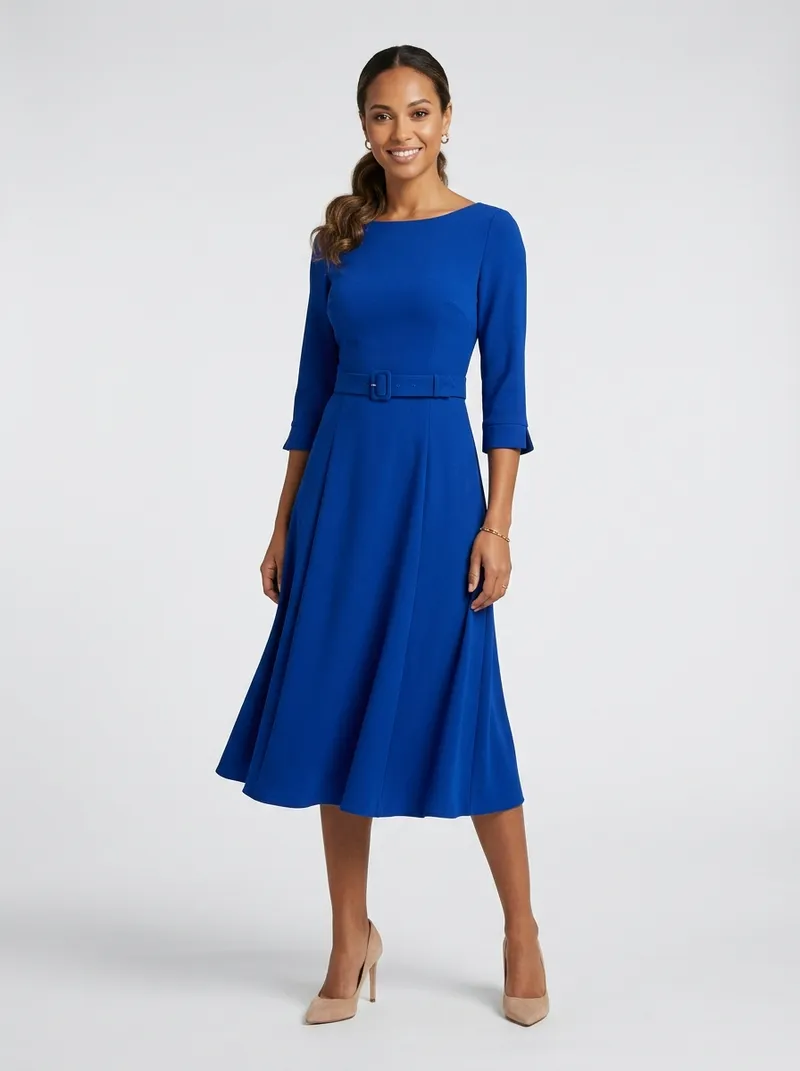
Blue dress before a colour editThe same dress recoloured to redBeforeAfter

Smart edits

Recolour, retouch or remove objects.

ModelStyle
The same model and orchid dress, studio shotThe same model and orchid dress, courtyard sceneThe same model and orchid dress, new pose

Pin a model or a style

Keep looks consistent across products.

An AI agent for ecommerce that asks before it spends

Nothing runs, and no credits are spent on generations, until you approve.

Step by step: every step waits for your OK.
Interactive example
AI AssistantExample workflow

Review the plan first.

Three steps for four products. Up to 20 credits, about 2 to 6 minutes. Nothing runs until you start.

How to run

Credits are only used as each step runs.

Workflow planNothing is spent yet.Step by step
Credits used0 of up to 20
Estimated time ~2-6 min. Nothing is spent before you start.
  1. Orchid dress, flat layOrchid dress, studio shotOrchid dress, courtyardOrchid dress, new pose
    Orchid dressFlat lay
  2. Ivory blazer, flat layIvory blazer, studio shotIvory blazer, courtyardIvory blazer, new pose
    Ivory blazerFlat lay
  3. Rose blouse, flat layRose blouse, studio shotRose blouse, courtyardRose blouse, new pose
    Rose blouseFlat lay
  4. Blue skirt, flat layBlue skirt, studio shotBlue skirt, courtyardBlue skirt, new pose
    Blue skirtFlat lay
  1. 1. Try-On2 cr/image
  2. 2. New background1.5 cr/image
  3. 3. New pose1.5 cr/image

Example prices on a paid plan.

Sorted by product. Downloaded as one ZIP.

Batch results are grouped in a Workflow folder, one folder per product.

Every result, organised and ready to download.
Interactive example
AI AssistantExample workflow

Results land as they finish.

Every image is saved in Generations the moment it is ready.

0 of 12 saved

Every result also stays in Generations.

GenerationsTwelve new images in Generations.0/12 saved
Orchid dress, studio shot
Ivory blazer, studio shot
Rose blouse, studio shot
Blue skirt, studio shot
Orchid dress, new scene
Ivory blazer, new scene
Rose blouse, new scene
Blue skirt, new scene
Orchid dress, new pose
Ivory blazer, new pose
Rose blouse, new pose
Blue skirt, new pose

The example ZIP holds the twelve sample images shown here. No generations run in this example.

A clipping path service alternative that goes beyond cut-outs

The job: new arrivals need cut-outs, on-model photos, a new scene and a short video.

With a clipping path service

  1. Send the files with written instructions.
  2. Wait for a quote and the turnaround, which depend on the vendor.
  3. Get cut-outs back, usually quoted per image.
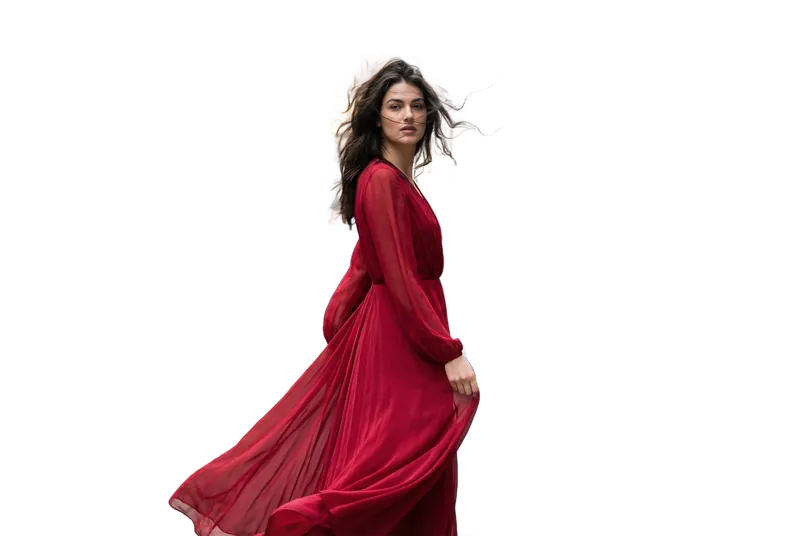
  • Orchid dress cut out on a transparent background, returned by a clipping path serviceCut-out
  • Needs a shootOn-model
  • Needs a shootNew scene
  • Needs a shootNew pose
  • Needs a shootVideo

One of five deliverables. The rest still need a photoshoot and an editor.

With the AI Assistant

  1. Upload the new arrivals.
  2. Describe the whole job in one message.
  3. Approve the plan and its credit cost.
  • Orchid dress cut out on a transparent backgroundCut-out
  • The orchid dress on a model in a studioOn-model
  • The same model and dress in a sunlit courtyardNew scene
  • The same look in a new editorial poseNew pose
  • A close-up frame from a short video of the lookVideo

All five from one chat, saved in Generations.

Need hand-drawn vector paths for print? A manual clipping path service is still the better fit.

Questions about the AI Assistant

01What is the CamClo AI Assistant?

It is an AI assistant for ecommerce product photos, built into the CamClo AI Suite. You describe the job in plain words and it plans the steps: on-model photos, model swap, new backgrounds, new poses, edits, background removal and video. It runs them only after you approve. The assistant is in Beta.

02Can I edit hundreds of product photos at once?

Yes. One workflow takes up to 500 product images. You write one brief, the assistant applies the same steps to every product, and the results are grouped by product so a whole catalog stays easy to review.

03Do I approve before any credits are used?

Yes. The assistant first shows a plan with the steps, the credit cost and the estimated time. Nothing runs, and no credits are spent on generations, until you approve. You can approve the whole plan at once, or go step by step and check each result before the next step starts.

04How much does it cost?

The assistant uses the same credits as the rest of CamClo AI. Approved generations use credits, and chatting can use a small amount too. Paid plans start at $49 a month, and you can begin with a 7-day free trial that includes 20 credits (card required).

05What files and sizes can I upload?

JPG, PNG and WebP images, up to 10 MB each, with up to 500 images in one workflow. Flat lays and photos you already have both work as starting points.

06Can it keep the same model across all my products?

Yes. Pin a reference, such as a model or a style, and the assistant uses it across the products in your workflow so the looks stay consistent. Each step also builds on the result before it, so the same person and outfit carry from the studio shot into a new scene or pose.

07Can I download everything at once?

Yes. Every result is saved in Generations. Batch runs are organised by product in a Workflow folder, and you can download the whole workflow as one ZIP file.

08Is it an alternative to a clipping path service?

For many ecommerce catalogs, yes. The assistant removes backgrounds in bulk, and in the same workflow it can place products in new scenes, put flat lays on a model or turn stills into video. You see the credit cost before anything runs. If you need hand-drawn vector paths for print work, a manual clipping path service is still the better fit.

Your next catalog shoot starts with one message

Upload your products, describe the result and approve the plan.

7-day free trial with 20 credits. Card required. Cancel anytime.