
For Shopify stores
CamClo AI for Shopify stores
CamClo AI runs Meta and Google Ads for a Shopify store and makes sure the sales behind them are counted. Import products from their store links, turn the photos into image and video ads, and let Ad Autopilot plan, launch and manage the campaigns within the budgets and approvals you set. Its Tracking Doctor checks your Meta pixel and server events, then walks you through pasting the CamClo pixel and adding one Shopify order webhook, so each paid order reaches Meta and Google once, even when the browser blocks tracking. No app to install, no theme to edit.
7-day free trial with 20 credits.
No app
a pasted pixel and one order webhook, no theme edits
Once
each paid order is sent from Shopify's own webhook, counted one time
Meta + Google
campaigns run and tracked from one account
Is it a fit?
Who it's for, and who it isn't for
Built for
- Shopify stores that want Meta and Google Ads run for them without hiring a media buyer
- Stores whose Meta results don't match their Shopify orders and want to know why
- Owners who want to approve budget, targeting and creative changes before they go live
- Stores that need fresh image and video ads for their products every month
Not the right fit if you need
- A one-click Shopify app: setup is a pasted pixel and one webhook in your Shopify admin
- Dynamic product ads from a synced Meta catalog: campaigns run on the ads CamClo makes from your product photos
- Google Shopping ads from a Merchant Center product feed: Google campaigns run on your images, headlines and landing pages
- Channels beyond Meta and Google, such as TikTok, Pinterest or Amazon Ads
How it works
The workflow, step by step
1
Connect your ad accounts and fix tracking first
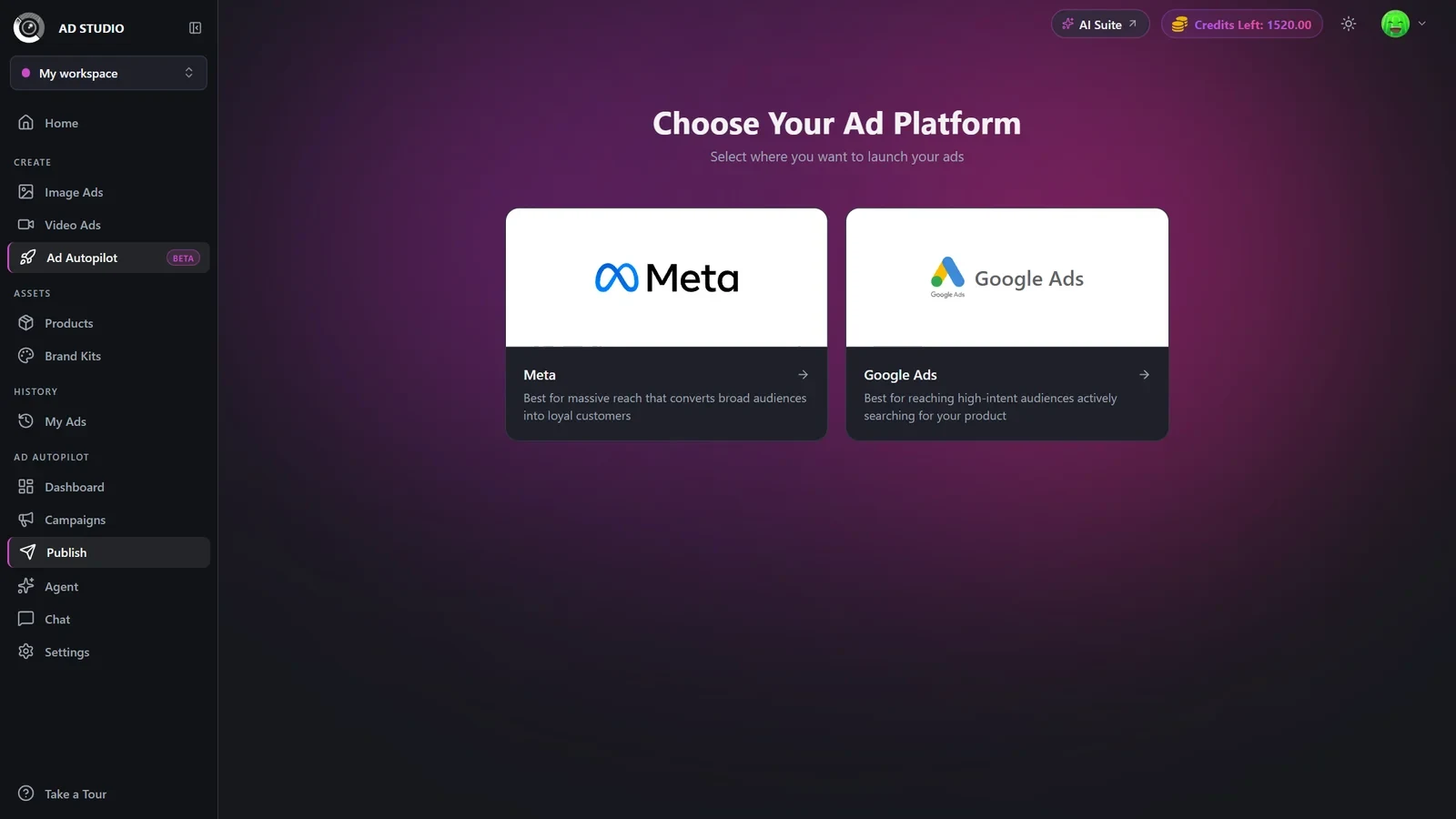
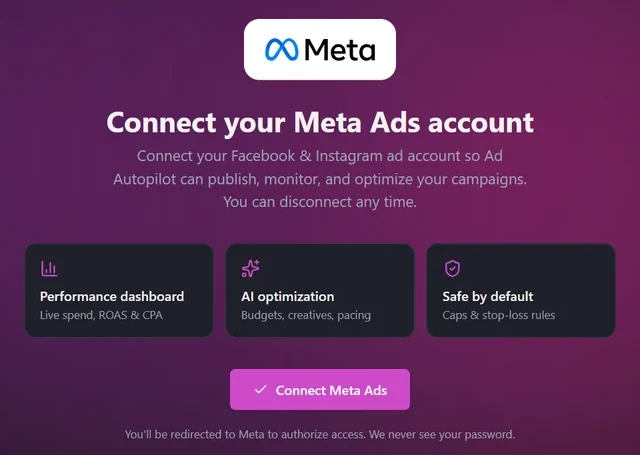
Connect your Meta ad account, and Google Ads if you use it. The Tracking Doctor then checks your Meta pixel: whether it fires on your store, whether purchases carry a value, whether server events reach Meta, your match quality score, and whether purchases look double-counted or under-counted. For Shopify it walks you through three changes in your admin: paste the CamClo pixel in Customer events, add an Order payment webhook, and turn off Shopify's own Meta data sharing so each sale is sent once.
2
Make ads from your products
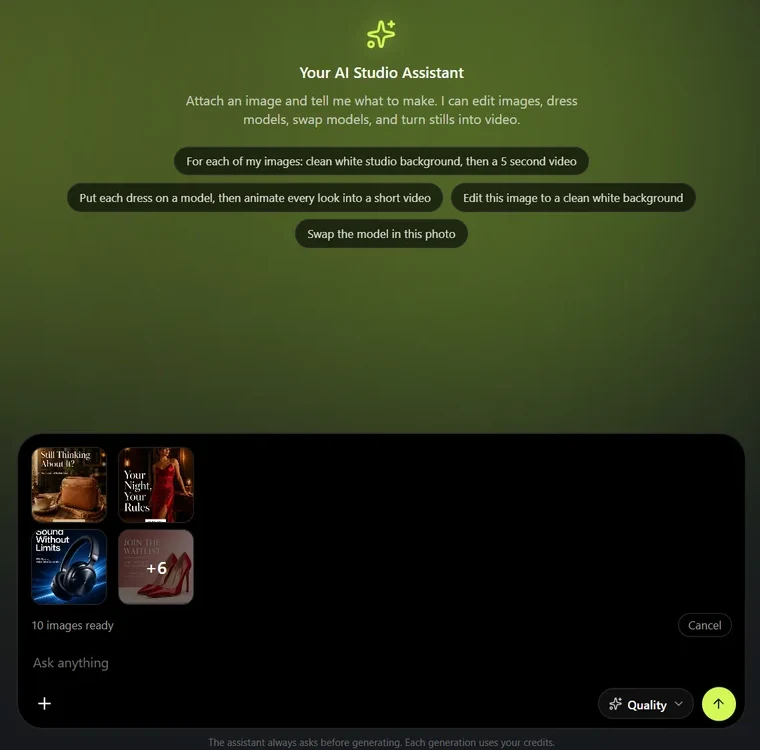
Paste a product's store link and Ad Studio imports its photos and details. From there, make image ads in every size from square feed posts to full-screen Stories, carousel sets of 3 to 5 slides, and video ads from the same photos. For a whole catalog, the AI assistant takes up to 500 product photos in one request and shows the credit cost before anything runs.
3
Launch on Meta or Google Ads, with your approval
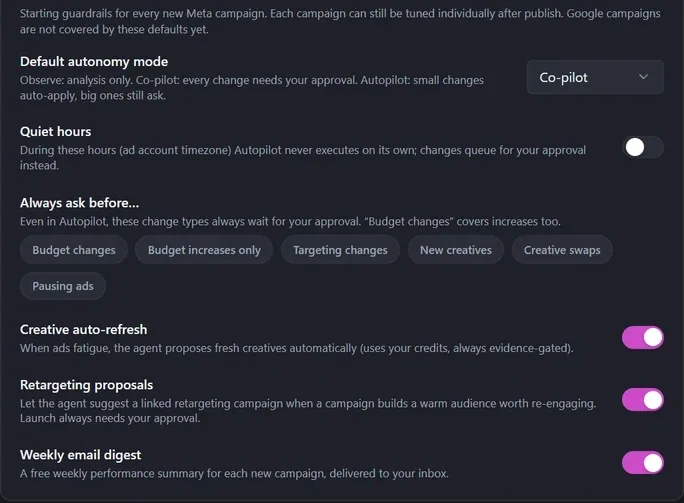
Pick Meta or Google Ads and Ad Autopilot reads your store's website, builds a campaign plan and shows your tracking status before launch. A Meta campaign starts paused until you switch it on, and past purchasers are excluded by default. After launch the agent reviews results every day. In Co-pilot mode, the default, every change waits for your approval with the reason and the expected result, and you choose which changes always ask first.
4
See the store orders behind each campaign
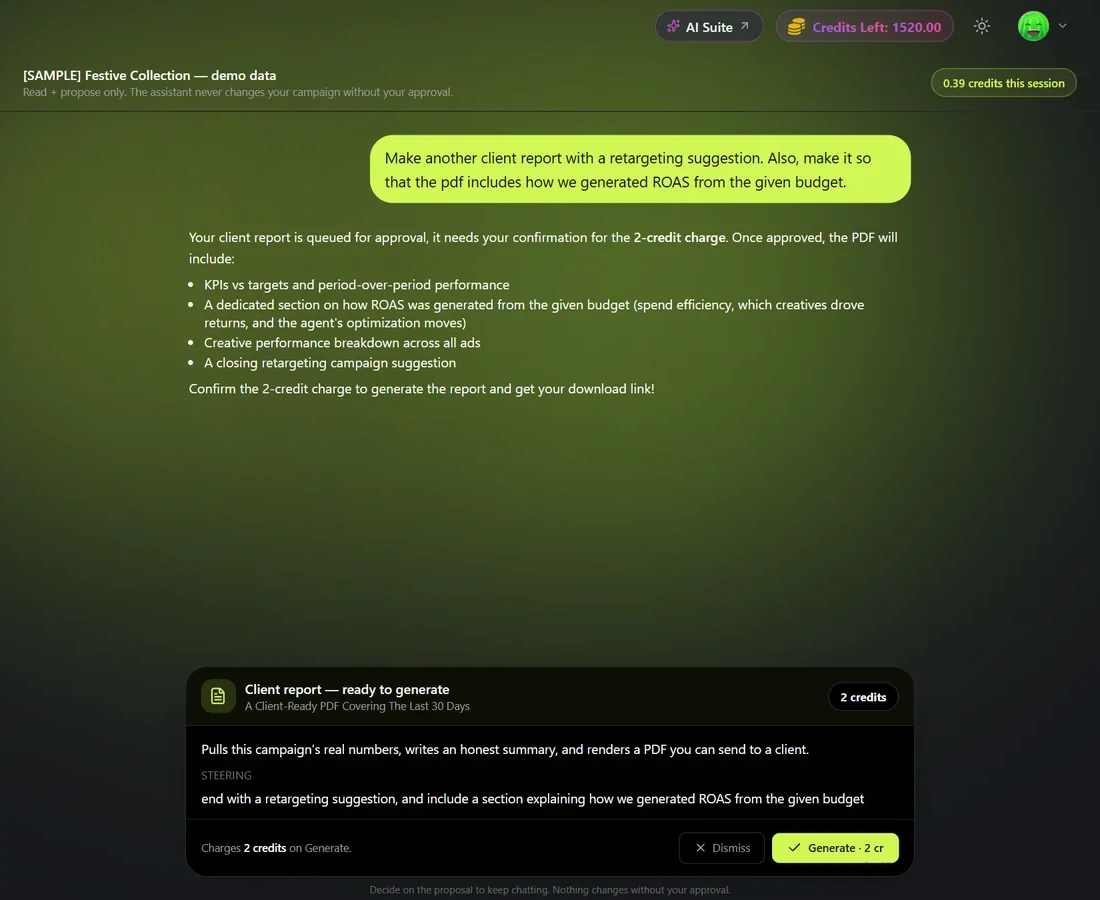
With server events on, each campaign shows the store orders its ad clicks brought in over the last 30 days, counted from your own order data, under Meta's numbers. Ask the campaign chat for a PDF report of the last 30 days, built from measured results, for 2 credits. A free weekly email digest also sums up every campaign.
What you get
Everything in one account
Tracking Doctor
Checks your Meta pixel and server events and walks you through each fix.
Ad Autopilot
An AI media buyer for Meta and Google Ads, with approvals and spend limits.
Image Ads
Static ads and carousels in every size, from feed to Stories.
Video Ads
UGC-style, product demo and commercial formats from a product photo.
AI assistant
Ads for up to 500 products from one chat request.
Retargeting
Proposes a linked campaign for shoppers who added to cart, launched only with your approval.
Pricing
What it costs
Ad Autopilot, including the Tracking Doctor, is part of the Studio plans. Each managed campaign costs 80 credits a month, or 3 credits for each day the agent works on it, with quiet days free. It's never a percentage of ad spend, and Meta and Google bill your ad spend to your own ad accounts.
- Creator: $49 a month for 150 credits, for making ads (no Ad Autopilot)
- Studio: $99 a month for 330 credits, with Ad Autopilot
- Larger plans up to 5,000 credits a month
- New customers get a 7-day free trial with 20 credits
FAQ
Questions Shopify store owners ask
Do I need to install a Shopify app?
No. CamClo AI has no Shopify app. Tracking uses a CamClo pixel you paste in Settings, Customer events, and an Order payment webhook you add in Settings, Notifications, Webhooks. There are no theme edits.
How does CamClo AI make sure Meta counts each Shopify order once?
The Purchase is sent from Shopify's signed order webhook, not from the browser. The pixel's checkout signal only adds the browser and click details to that same order, so Meta gets one server Purchase per order. The Tracking Doctor also asks you to turn off Shopify's own Meta data sharing, because two sources would count each sale twice. Refunds and cancellations are recorded, never sent as negative purchases.
Can it find and fix Meta pixel and Conversions API problems?
It finds them and walks you through each fix: a pixel that never fired or isn't firing on your store, purchases without a value, no server events reaching Meta, a low match quality score, and purchases that look double-counted or under-counted. A free tracking assistant inside the Doctor explains what it found and offers each fix as a card you approve.
Does it work with Google Ads too?
Yes. For Google Ads it checks your conversion tracking, can create the conversion action for you, and can send each paid Shopify order to Google with the click that brought the buyer, counted once, with refunds sent back as adjustments.
How is CamClo AI different from Shopify's Campaign Autopilot?
Shopify's Campaign Autopilot is an early-access feature in the Growth tab of the Shopify admin. It runs Meta Advantage+ campaigns from your product catalog synced to Meta, alongside Microsoft Advertising and Shop Campaigns, uses your existing product images rather than generating new creative, lets you approve its recommendations before they run, and has no fee of its own on paid Shopify plans. CamClo AI works outside the Shopify admin: it makes new image and video ads from your product photos, runs Meta and Google Ads campaigns under the approval rules and autonomy mode you choose, checks your pixel and server-side tracking, and reports from measured results. It is a paid plan, and each managed campaign costs credits.
Can CamClo AI run ads from my Shopify product catalog?
It works from your products rather than a synced feed: import a product from its store link, or upload photos, and CamClo makes the ads. Dynamic product ads from a Meta catalog and Google Merchant Center product feeds are not part of it today.
Guides
Try CamClo AI on your store
Start with a 7-day free trial and 20 credits.