

Table of Contents
For Seedance 2.5 vs Gemini Omni Flash, choose by shot length, revision needs and product fidelity. Seedance suits longer, reference-heavy shots: ByteDance Seed supports up to 30 seconds per generation. Gemini Omni 1.1 Flash suits short clips and conversational revision: the Google Cloud API supports 3–10-second generations, while Google's Omni 1.1 update adds extensions to 40 seconds. Available controls vary by platform. For fashion, convincing movement matters only if the product stays correct.
Seedance 2.5 vs Gemini Omni Flash: versions and verdict
Seedance is the stronger candidate for longer shots with extensive references; Omni suits short clips followed by iterative revision. Choose a platform that offers the controls your shot needs.
As of October 7, 2026, we offer Seedance 2.5 and Gemini Omni Flash in our current model lineup. The original Gemini Omni Flash release is distinct from Omni 1.1 Flash, announced on August 27, 2026. Gemini Omni 1.1 Flash is available in Google Cloud Preview; the Cloud specifications below apply to that platform.
| Criterion | Seedance 2.5 | Gemini Omni: version and platform | Fashion decision |
|---|---|---|---|
| Single generation | Up to 30 seconds | API: 3–10 seconds | Compare at the same short duration |
| References | Images, videos and audio | Omni 1.1 Cloud Preview: images and videos | Use product images for detail and motion references for movement |
| Camera and movement | Reference-led direction | Prompt direction; Google's Flow update adds start/end frames | Test restrained movement before elaborate camera work |
| Revision | Timestamp-level control | Omni launch: multi-turn refinement | Reinspect the garment after every change |
| Output | BytePlus LAS specifications: 480p or 720p | Cloud Preview: 360p, 720p, 1080p and 4K | Judge detail at the generation resolution |
| Audio | Generated sound and audio-reference capability | Generated sound; initial reference support limited to voice | Check speech accuracy as well as visual fidelity |
| Access | Product platforms and BytePlus LAS | Google Flow and Google Cloud Preview | Choose the workflow with the controls you need |
| Cost comparison | Our Seedance pricing: 16.5 credits for 10 seconds at 720p | Compare credits per accepted clip at matching available settings | Include rejected outputs and finishing |
Seedance 2.0 is an earlier version family. Select Seedance 2.5 settings when comparing these models.
Clip length, extensions and export detail
Seedance reaches 30 seconds in one generation; Omni's API reaches 10 seconds, with Omni 1.1 extension reaching 40 seconds. Extension builds on an initial image-to-video generation rather than creating the full sequence in one pass.
| Platform or operation | Generation length | Extension | Output detail |
|---|---|---|---|
| Seedance 2.5 | Up to 30 seconds; BytePlus LAS: 4–30 seconds | ByteDance: option to extend twice | BytePlus LAS: 480p or 720p; 24 fps; MP4 |
| Google Omni generation API | 3–10 seconds, integer durations | Follow-up operation | 720p default when omitted |
| Google Omni 1.1 extension | Builds on an initial generation | 10-second increments, 40 seconds total | Upscaling capability to 4K |
Omni 1.1 Cloud Preview supports 16:9 and 9:16, plus 360p, 720p, 1080p and 4K output. Google Flow's export workflow includes drafting and upscaling. Upscaling increases export dimensions; inspect native detail at the generation resolution and keep track of any finishing steps.
Choose your product-page, feed or vertical placement first, then match the available duration, ratio and resolution. Compare single-pass results separately from beta workflows so you can judge both the initial clip and the extra work needed to finish it.
Generated sound, audio references and spoken-word edits
Both models always generate sound in our workflow, as explained in our ecommerce image-to-video guide. Review generated sound, uploaded references, music controls and speech revision separately.
- Generated sound: listen for unwanted speech, unsuitable music and distracting effects.
- Uploaded references: Seedance supports up to 10 audio clips, according to ByteDance's reference specification.
- Voice references: Google's original Omni announcement limited initial audio references to voice. Voice-reference support does not by itself include music-reference uploads.
- Speech and music edits: use word replacement, vocal isolation or music removal where your chosen workflow offers those controls.
Check product names and script wording independently of lip movement. Match audio settings for the initial comparison, then test additional audio controls in follow-up trials.
Run four fashion shots and review product fidelity
Compare the same assets in our studio
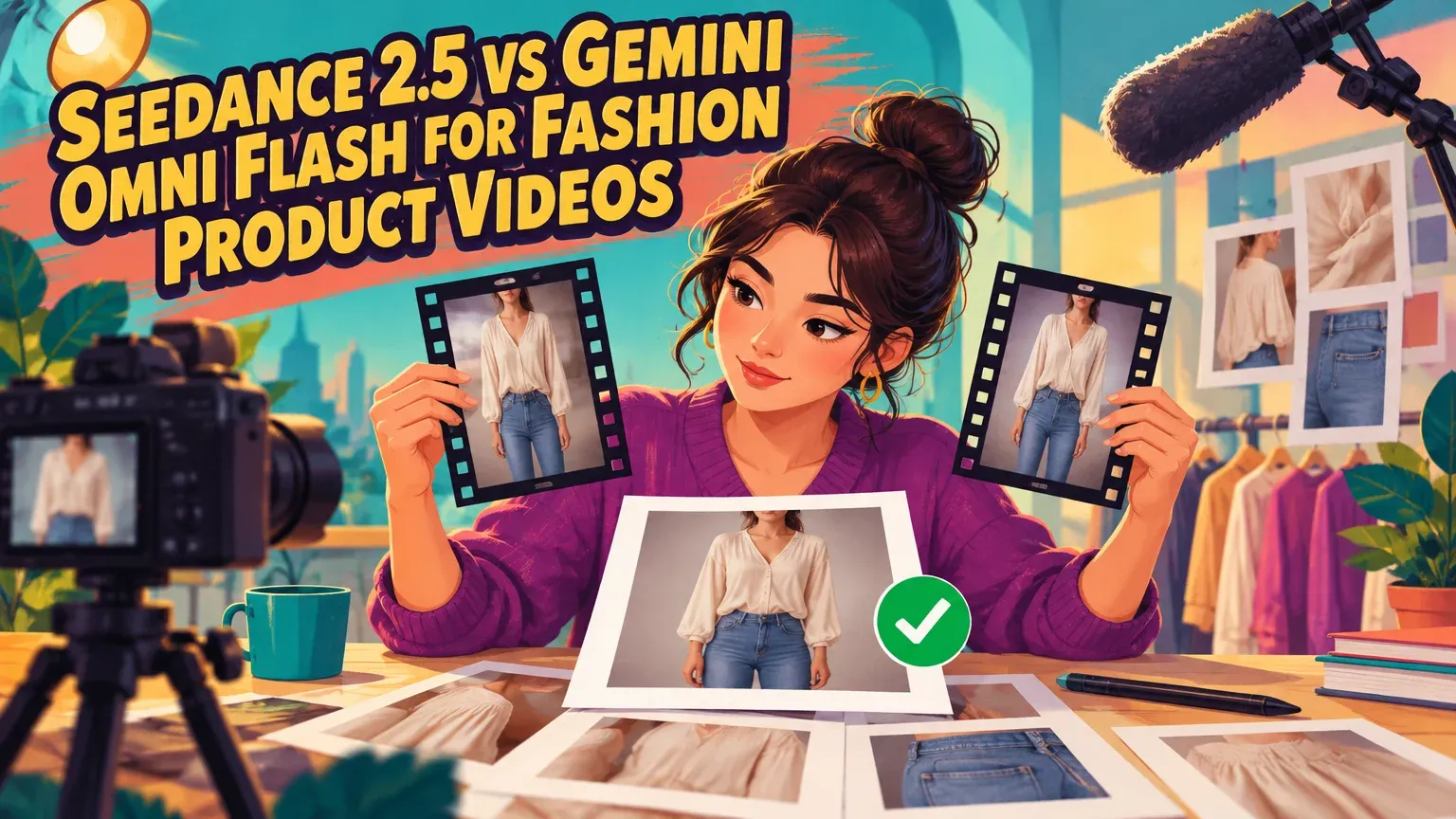
For a restrained product shot, compare both models using the same still and movement prompt. Keep the initial task simple enough to reveal whether the garment remains faithful, rather than judging motion alone.
- Upload an approved product or model still to Image to Video and select each offered model in turn.
- Use the same still and prompt. Match the shared settings available in Image to Video, then record the outputs, settings and credits charged.
- Test specialized reference or revision controls in follow-up trials on a platform that offers them.
| Shot | Direction | Review priority | Next trial |
|---|---|---|---|
| Restrained model movement | Small pose change; fixed camera | Print, proportions and face identity | Keep the better accepted baseline |
| Fabric movement | Gentle movement; simple framing | Hems, folds and seams | Evaluate Seedance reference-led direction |
| Accessory close-up | Slow camera move | Straps, hardware, logos and object count | Reduce movement if details drift |
| Promotional sequence | Short, focused product action | Outfit and product continuity | Compare Omni revision with Seedance construction |
Inspect the start, midpoint, end and motion-transition frames against the approved still, then watch full-speed playback. Attractive motion can hide a changed seam or accessory.

The garment and identity acceptance scorecard
Reject changed product identity, logo design, construction or accessory count. Mark the remaining checks as pass, repair or reject. A clip marked for repair needs correction and another full review before use.
| Check | Pass condition | Failure action |
|---|---|---|
| Print and logo | Design, spelling and placement stay correct | Reject changed design |
| Seams and proportions | Construction and garment shape match the still | Reject changed construction; review minor artifacts |
| Color and texture | Product appearance remains faithful | Repair or reject material drift |
| Model identity | Face and body remain consistent | Repair or reject identity drift |
| Accessories | Count, straps and hardware remain continuous | Reject changed count or product |
| Movement | No distracting flicker, warping or jumps | Repair or reject visible defects |
In our image-to-video workflows, fabric movement rarely triggers regeneration. Seedance 2.5's more common problems are text-rendering and spoken-word errors, so prioritize logo and script checks. Gemini Omni Flash sometimes distorts the product into a different one, making silhouette, construction and accessory checks especially important.
VBench's evaluation framework covers identity consistency, smoothness, flicker and spatial relationships. The scorecard adds garment-level requirements. Keep assets, settings, requested changes, rejected details, credits and acceptance results together so you can repeat the comparison consistently.
For catalogue-to-campaign work, carry only approved imagery into animation, then apply brand styling and placement-specific framing. Repeat the acceptance checks for every product in a batch: one successful SKU does not validate the whole catalogue.
Compare credits per accepted clip
Divide all production credits by accepted clips. Include retries, edits, extensions and any additional finishing charges, not just the cost of the first generation.
Our September 29, 2026 Seedance pricing is 16.5 credits for a 10-second, 720p Seedance 2.5 clip, with a US$49/month plan containing 150 credits. Compare that with the credits charged for Omni clips at matching available settings.
Example: two accepted clips from four generations
Assume four Seedance generations at 10 seconds and 720p, two accepted clips, and no additional edit or finishing charges.
- Total generation spend: 4 × 16.5 credits = 66 credits.
- Credits per accepted clip: 66 credits ÷ 2 accepted clips = 33 credits.
A lower generation charge can still mean a higher cost per accepted clip if more outputs fail review. Add extension or upscaling charges to the total before dividing.
BytePlus LAS charges for successfully generated tasks, but a completed generation can still contain an unusable garment. Technical completion is not creative acceptance. Billing and refund rules vary by platform. See our image-to-video pricing guide for the broader cost comparison.
Frequently asked questions
Is Gemini Omni Flash the same as Gemini Omni 1.1 Flash?
No. Gemini Omni Flash is the original release name; Google announced the Omni 1.1 update on August 27, 2026. Omni 1.1 features are available on platforms that support that version.
How long can each model generate before extension is needed?
Seedance 2.5 supports up to 30 seconds in a single generation; Google's Omni generation API supports 3–10 seconds. Omni 1.1 extension builds on the initial generation in 10-second increments, up to 40 seconds total.
How many references do the providers support?
ByteDance supports up to 30 images, 10 videos and 10 audio clips for Seedance 2.5. Google Cloud supports 10 images and three videos per prompt for Omni 1.1 Flash Preview. These limits apply to the providers' workflows; use the upload controls available in your chosen studio.
Can I generate sound, upload audio or revise spoken words?
Both models generate sound in our workflow. Audio uploads and speech revision depend on the platform's controls. Seedance supports audio references, while Google's original Omni announcement limited initial audio references to voice. Word replacement and music controls are separate capabilities.
Do 1080p and 4K exports mean native generation at those resolutions?
No. Google Flow includes upscaling, which increases export dimensions without guaranteeing additional native detail. Track the generation resolution and finishing steps, then inspect logos, texture and seams in the exported file.
Can conversational edits change the product itself?
Yes. A revision can improve movement while changing garment or accessory details. Review product fidelity after every revision, and reject changed logos, construction, product identity or accessory counts even when the motion looks convincing.
Does commercial-use permission also cover third-party music, logos and a model’s likeness?
No. Platform commercial-use permission does not automatically clear third-party music, trademarks or a person's likeness. Confirm rights to uploaded materials and the intended use, along with account terms, regional availability and watermark conditions. Requirements differ by jurisdiction.
Should I add exact promotional captions and price text after generating the clip?
Yes. Add exact captions and prices during finishing with editable typography rather than relying on generated text. Verify the currency, offer wording and displayed product. Editable text also makes later price changes easier.
Choose the workflow that passes your product checks
Choose Seedance 2.5 for longer single-pass generation or extensive references on a platform that supports them. Choose Omni 1.1 for short generation followed by conversational or frame-guided revision where those controls are available.
For a simple product shot, let garment fidelity and credits per accepted clip decide. Compare one approved still in our Image to Video studio, review the frames, and publish only the clip that passes.


