

Table of Contents
Choose Creatify for product-URL-led ecommerce ads and Arcads for actor-led UGC-style creative and performance-marketing variations. Both support product-focused workflows. As of October 26, 2026, Creatify lists Starter at $39/month for 100 credits and Pro at $99/month for 300. Arcads’ billing FAQ lists 8,000 Starter and 16,000 Creator credits; its pricing guide directs buyers to in-app dollar prices. The deciding factor is how much work and spend each tool needs to produce an ad you can use.
Creatify vs Arcads at a glance
Creatify is the stronger starting point for assembling ads from product listings; Arcads is the stronger starting point for testing actor-led scripts. Their capabilities overlap: Creatify offers avatar production, while Arcads has product-showcase, unboxing and broader workflow tools.
| Buying criterion | Creatify | Arcads |
|---|---|---|
| Starting inputs | Product URL, description, prompt or existing footage; avatar scripts | Scripts, product images, brand website and workflow prompts |
| Actor library | Starter: 300; Pro: 1,500 | Commonly quoted library of 1,000+ actors |
| Delivery controls | Script-led avatars | Advertised emotion controls and actor variations |
| Product handling | Product holding, custom outfits and branded clothing on Pro and higher | Product-showcase and unboxing workflows |
| Scripts and hooks | URL-based scripting and AI scriptwriter | Script-led variations and agent-assisted workflows |
| Localization | Advertises 75+ languages | 74 talking-actor languages; 176 Translate Video language-and-accent options |
| Editing | Paid revisions | Workflow tools |
| Pricing model | Published subscriptions with included credits | Subscriptions with included credits; dollar prices in app |
Creatify advertises under 60 seconds for URL-to-ad generation. Allow extra time for review and revisions, and check plan access for the modes you need. For a broader shortlist, see our comparison of the best AI ad generators.
Start with your assets and required product interaction
Your best starting workflow depends on whether you already have a product listing, approved script or usable footage.
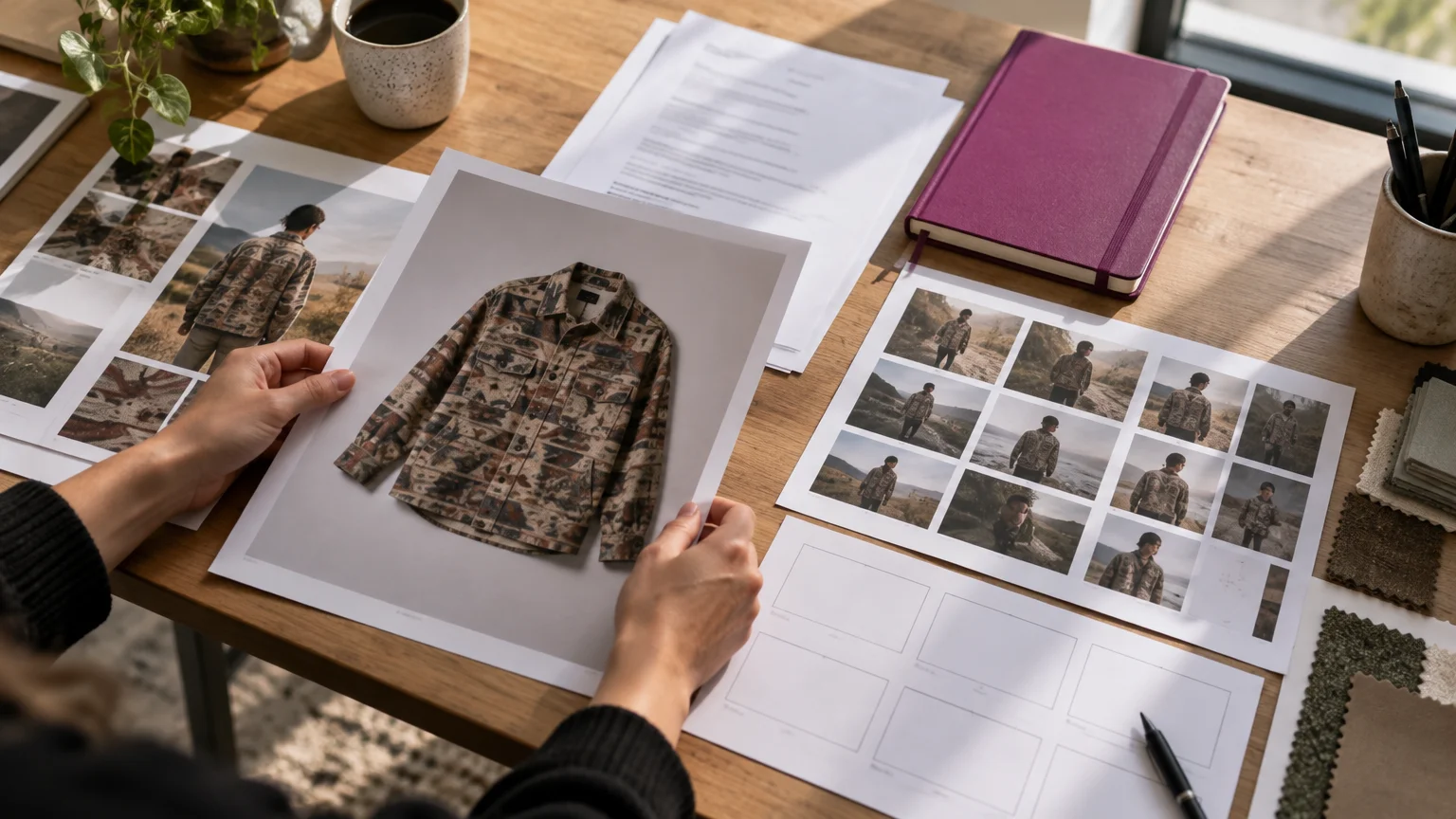
Example apparel brief: Assume you have a printed overshirt, its product page, a garment photo, an approved script and existing campaign clips. You need an ad that preserves the print and fit.
Product URLs, prompts and existing footage
Start with Creatify’s URL workflow when the product page should supply assets and the first script. A prompt or description helps when the listing is incomplete, but generated claims still need checking.
Arcads also supports website-led planning. Arcads’ Mark agent researches a brand website and populates brand memory, including products. Its showcase and unboxing workflows expand the types of ads you can produce.
Creatify also accepts existing footage, making it worth considering when you already have campaign clips. Decide whether you need to assemble uploaded clips, generate new scenes or translate an existing video, then check the editing tools for that job.
Actor scripts, product images and clothing
Start with an actor-led workflow when messaging is approved and you want new hooks, faces or deliveries. Arcads fits that brief; Creatify’s avatars also merit a trial.
For the overshirt, distinguish displaying its image, holding it, changing an actor’s outfit and showing the actual garment worn. Creatify offers product holding and custom outfits on Pro and higher. Arcads offers product-focused modes, but check that your chosen plan supports the garment interaction you need. Inspect print placement and fit in the generated scene.
Compare actor delivery, localization and production controls
Judge realism against your own brief: convincing actor delivery and accurate product representation both matter.
Compare avatar and product-interaction examples
- Creatify: Creatify’s official avatar examples demonstrate presenter and product-holding modes.
- Arcads: Its official showcases demonstrate talking actors and broader product scenes. Match the example’s generation mode against Arcads’ talking-actor guide before budgeting.
For a head-to-head realism check, use the same product, script, language, aspect ratio and delivery direction in both tools, then assess:
- Speech: lip-sync, pronunciation, pauses and voice consistency.
- Performance: expression, gesture timing and emotional delivery.
- Product: fingers, labels, shape and stable geometry.
- Garment: color, print, seams, silhouette and consistency during movement.
Languages, editing and agency production
Creatify advertises 75+ languages. Arcads offers 74 talking-actor languages and 176 language-and-accent options for Translate Video. Check actor-generation and video-translation coverage separately for your target language.
Have a native speaker review your actual accent, product names, pronunciation and translation.
For agencies, check reusable brand assets, client separation, seats, parallel generations, hook duplication, editing scope and export specifications. Arcads supports brand memory; test how client approvals and export handoffs fit your workflow.
What subscriptions buy after revisions and regeneration
Budget for approved exports, not just initial renders. Rejected takes and revisions consume part of the subscription too.
Monthly plans and free access
As of October 26, 2026, Creatify describes permanent free access; Arcads’ trial requires a card and automatically converts to a paid subscription after 72 hours.
| Plan | Monthly price, US dollars | Included credits | Plan details |
|---|---|---|---|
| Creatify Free | Free | 10 monthly | Watermarked exports |
| Creatify Starter | $39 | 100 monthly | Product holding and custom outfits require Pro or higher |
| Creatify Pro | $99 | 300 monthly | Product holding and custom outfits included |
| Arcads Starter | Shown in app | 8,000 monthly | Current price available at checkout |
| Arcads Creator | Shown in app | 16,000 monthly | Current price available at checkout |
| Arcads trial | Free trial | 1,000 generation credits | Saved card charged for Starter after 72 hours unless canceled |
Arcads advertises annual billing at 20% less than monthly billing. Review paid-export and trial-watermark terms before purchase.
Credits per render and per approved ad
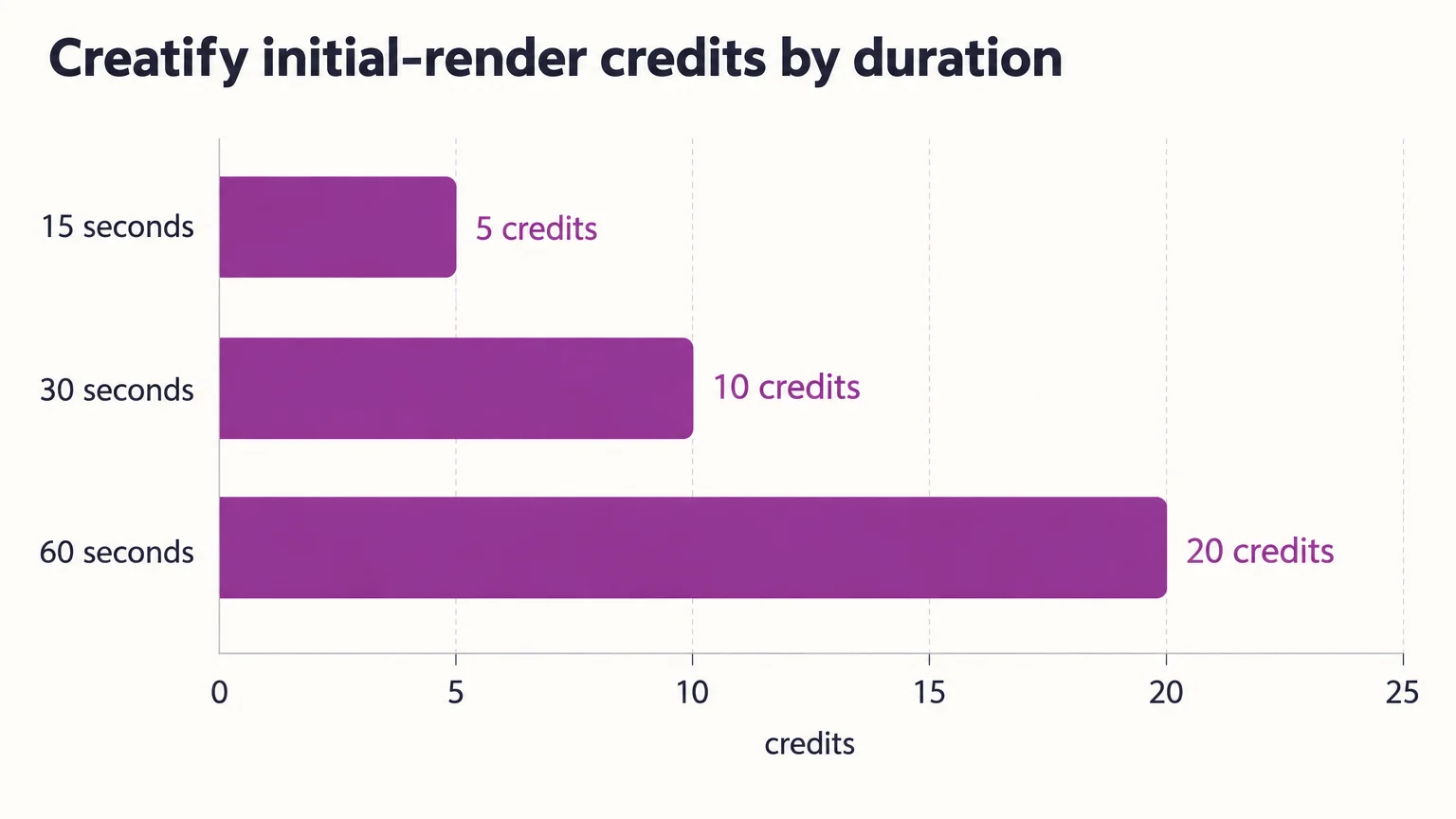
Creatify’s credit rules charge standard Video Ad, Avatar Video and AI Shorts generation per started 15 seconds. Arcads’ video billing rules distinguish generation modes.
| Mode or action | 15 seconds | 30 seconds | 60 seconds |
|---|---|---|---|
| Creatify standard initial render | 5 credits | 10 credits | 20 credits |
| Creatify revision | 3 credits | 6 credits | 12 credits |
| Arcads 1.0, one actor | 800 credits | 800 credits | 800 credits |
| Arcads Audio-Driven or OmniHuman 1.5 | 800 credits | 800 credits | 800 credits |
A 16-second Creatify initial render uses 10 credits. Arcads 1.0 covers up to two minutes at 800 credits per actor, while Audio-Driven and OmniHuman 1.5 bill per started minute. Crossing into the second minute uses 1,600 credits in those modes.
Example: a 30-second production budget
Assume full use of included credits, no add-ons, 30-second outputs and a 50% approval rate for the approval-based comparison. Allocate spend as monthly price × credits consumed ÷ monthly allowance.
| Production route | Creatify credits | Starter allocation | Pro allocation |
|---|---|---|---|
| Initial render only | 10 | $39 × 10 ÷ 100 = $4 | $99 × 10 ÷ 300 = $3 |
| Initial plus one revision | 10 + 6 = 16 | $39 × 16 ÷ 100 = $6 | $99 × 16 ÷ 300 = $5 |
| Initial plus full regeneration | 10 + 10 = 20 | $39 × 20 ÷ 100 = $8 | $99 × 20 ÷ 300 = $7 |
| Initial renders, 50% approval | 10 ÷ 50% = 20 per approved ad | $39 × 20 ÷ 100 = $8 | $99 × 20 ÷ 300 = $7 |
Unused credits increase the allocated cost per approved export. For billing detail, see Creatify pricing and credits.
One 30-second Arcads 1.0 render with one actor uses 800 credits, or 10% of Starter. Adding a full regeneration brings the total to 1,600 credits, or 20%. At 50% approval, the cost is also 1,600 credits per approved ad. Apply the current in-app price using Arcads pricing and credits.
Include paid revisions and technically successful outputs rejected for creative reasons in your budget. Check each mode’s credit-restoration policy for technical failures.
Limitations, permissions and review claims
Review output rights, likeness permissions and billing terms before subscribing.
Confirm commercial-use scope, actor endorsement rights, cloned-voice permissions and rights to uploaded assets for each product category and territory. Check actor-consent terms for your intended campaign, along with data retention and access to client uploads.
For ads reaching US consumers, the US FTC explains that fake or false underlying testimonials and deceptive avatar presentations can violate its rules. Check the rules in each target market.
Public feedback: Seek dated, attributed reviews naming the plan, generation mode and revision count. Following FTC review-reading guidance, compare independent sources and check sponsorship or affiliate relationships.
Workflow alternatives, including a garment-worn reveal
Choose alternatives by the production step you need. Shortlist Genyad for repurposing existing customer or campaign footage, and AI Studios for presenter videos and dubbing. For a garment-worn reveal, consider a garment-focused production workflow.
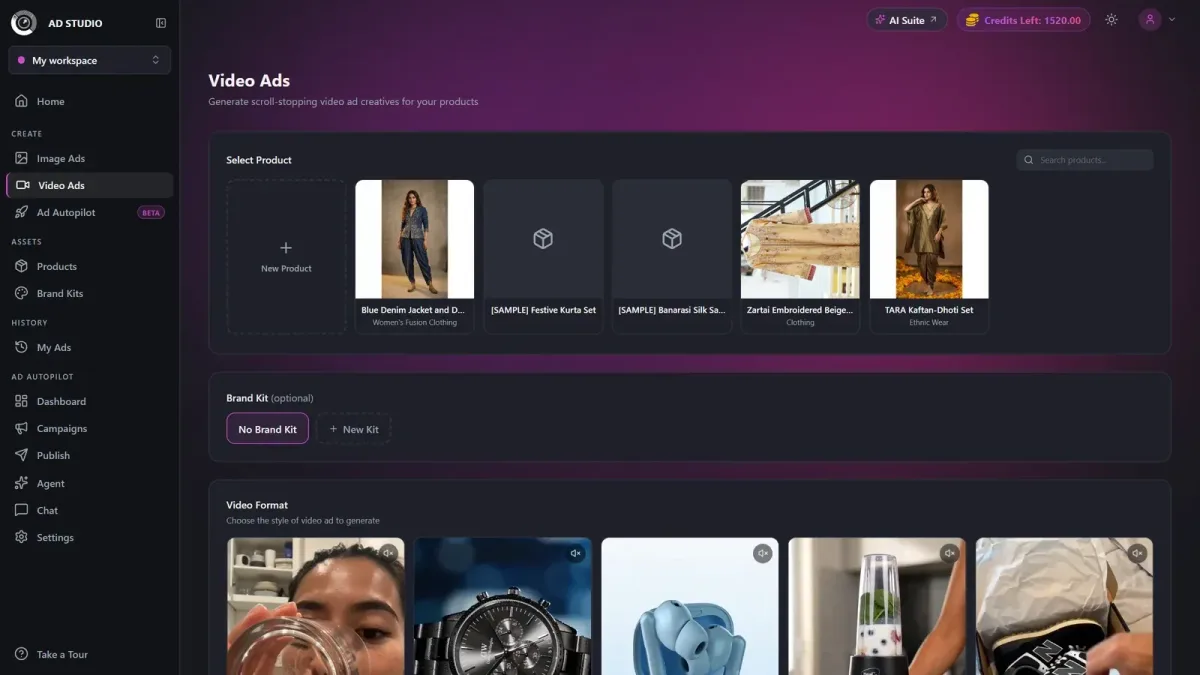
Our UGC Virtual Try-On format holds the garment up before revealing it worn, as described in our Video Ads documentation.
| Workflow detail | Options and output |
|---|---|
| Input and sequence | Select a product, optionally apply a Brand Kit, choose UGC Virtual Try-On, then generate |
| Duration and resolution | 4–15 seconds; 480p, 720p or 1080p |
| Aspect ratios | 9:16, 16:9, 1:1, 4:3, 3:4 and 21:9 |
| Delivery and cost preview | One finished MP4 with native audio; Generate displays the exact credit cost |
This short reveal suits a garment-focused brief, while Creatify and Arcads also offer clothing or product-handling capabilities.
Choose Creatify if / choose Arcads if
- Solo store: choose Creatify for product-link assembly, permanent free access or published entry prices.
- Actor-led testing: choose Arcads when approved scripts, delivery and repeated variations drive production.
- Multilingual campaigns: choose after testing the exact language, accent and localization mode.
- Agency production: compare client organization, seats, concurrency and cost per approved ad.
Start with one representative product and a fixed brief before scaling. For a short garment-photo-to-worn-reveal ad, explore our AI marketing studio.


