

Table of Contents
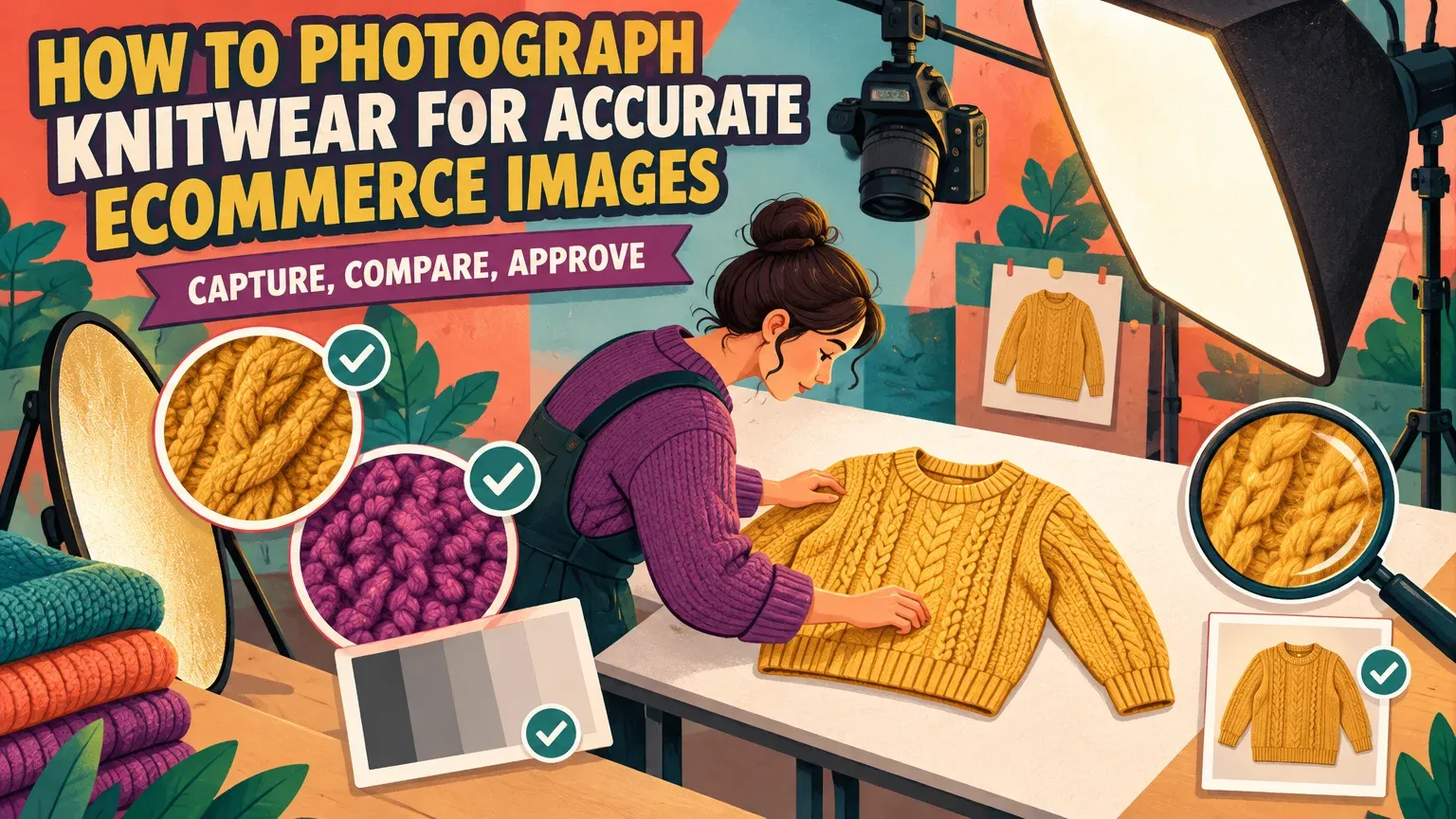
Accurate knitwear photography starts with supported garment shape, diffused side light and clear capture of the actual stitches. City Tech’s lighting guidance explains how directional diffusion reveals texture without harsh shadows. Inspect noise reduction at 100% magnification, as Adobe’s inspection guidance recommends. For editing, our Smart Edit includes Nano Banana 2 with 1K, 2K and 4K output options.
Eight essential knitwear views
Plan your framing around these views, then follow the capture sequence in Step 2 to build a listing that shows your sweater’s shape and construction.
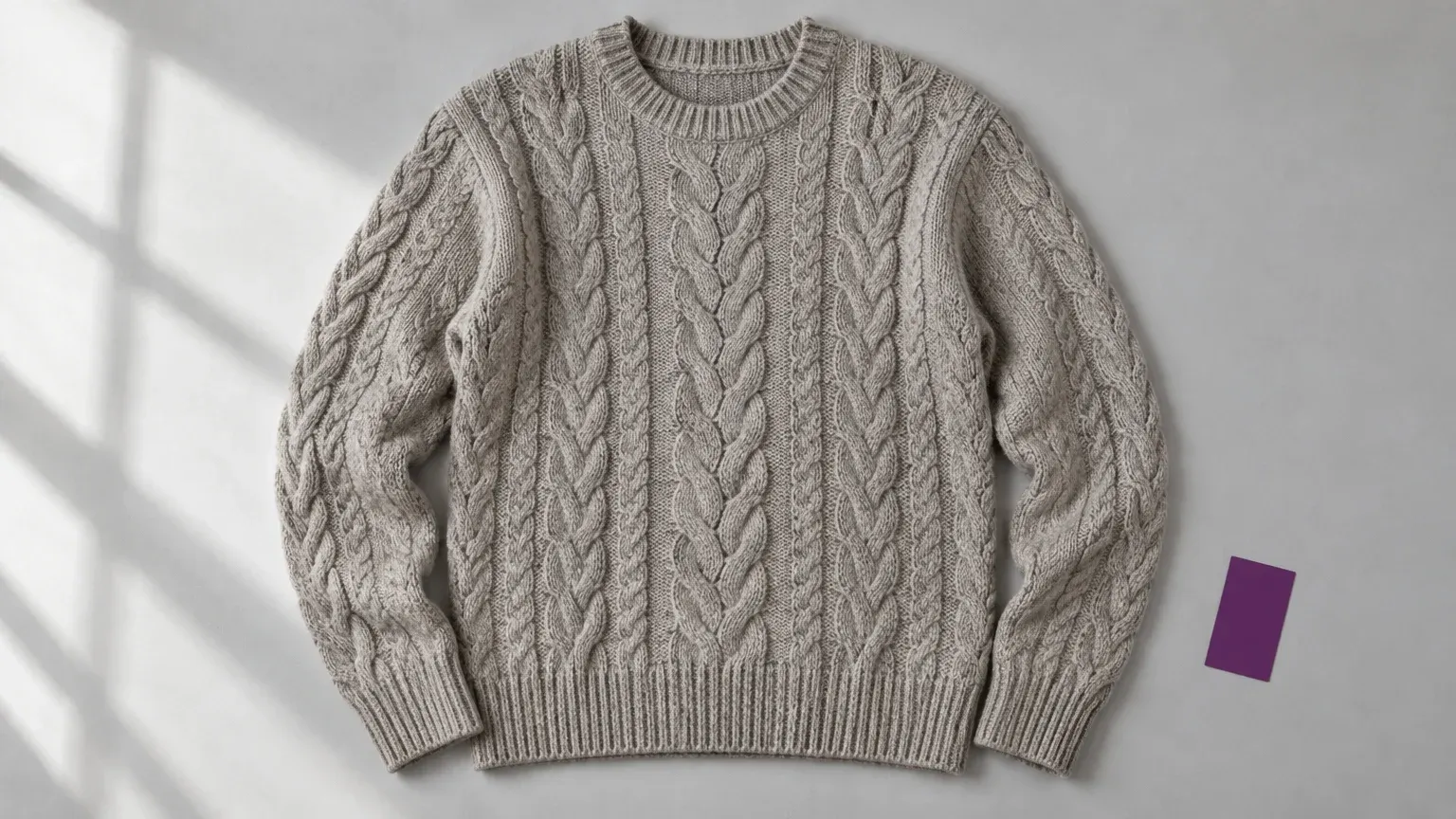
Full front. Show the outline, pattern placement and sleeve proportions without pulling the fabric.
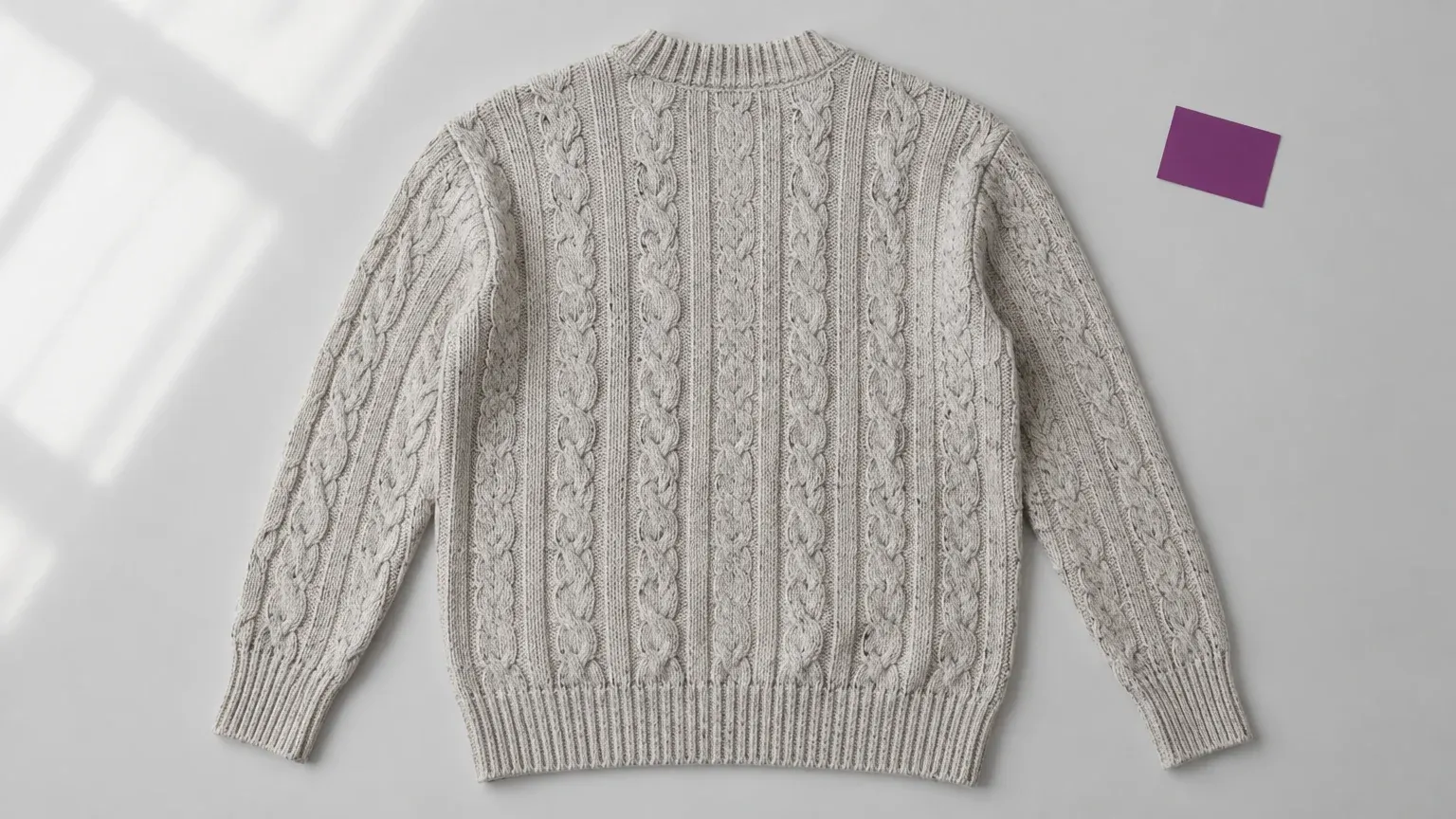
Full back. Reveal the back pattern, shoulder construction and hem shape.
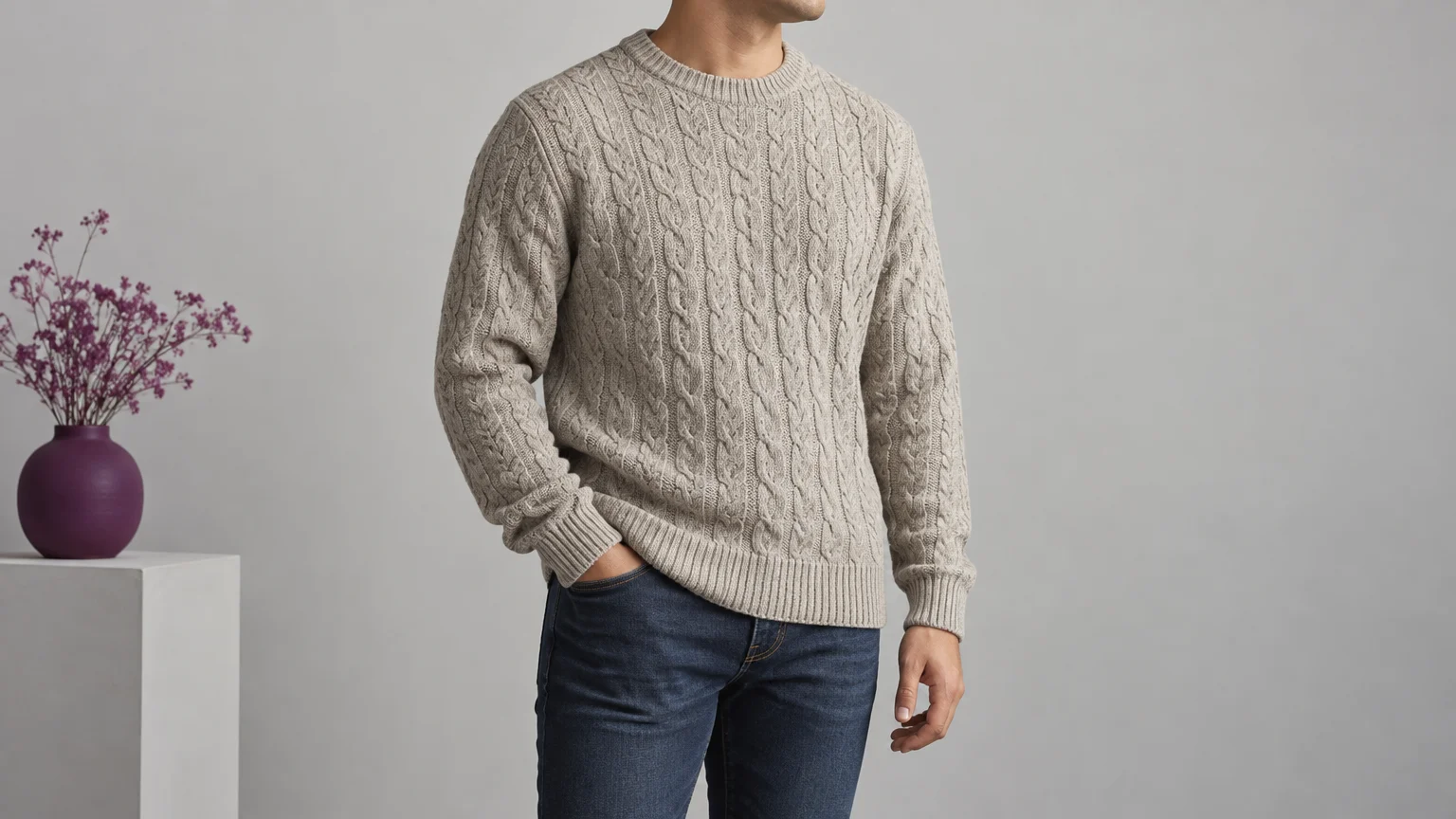
Worn drape. Show where the hem falls and how the sleeves hang.
Stitch close-up. Make the yarn surface and stitch structure readable.
Neckline. Show the opening, join and rib construction without stretching them.
Cuff. Record rib spacing and the transition into the sleeve.
Hem. Show the lower edge, ribbing and its relationship to the body.
Construction detail. Show a relevant seam, join or fastening that wider views cannot explain.
Basic exposure, white-balance and focus control are enough to begin building a repeatable product-image set.
You’ll need a camera or close-focusing phone, stable support, diffused light, an optional reflector, a neutral or color reference, a plain supporting surface and care-label-appropriate preparation tools.
Allow roughly one to two hours for your first single-sweater session, including setup and checks. Set aside separate time for editing and approval.
1. Prepare the sweater without changing its shape
Support the whole sweater while moving it, then arrange it without pulling the shoulders, neckline or ribbing.
- Lay it on a clean surface and let handling folds relax.
- Position sleeves gently, preserving the intended oversized or fitted proportions.
- Check the care label before applying heat or moisture. Woolmark’s ironing guidance permits light ironing of Merino only when its care label allows it.
- Remove stray lint while retaining intentional brushed fibers and yarn halo.
Keep a heavy sweater supported between shots. Woolmark recommends folded wool storage and flat drying wool knitwear wherever possible. Keep your construction close-ups as references, even if you later use AI fashion model generators.
2. Choose the view that shows shape and drape
Use flat-lay photography for pattern and outline, and an on-model view for worn drape and hem position.
| Presentation | Best for showing | Main risk |
|---|---|---|
| Flat lay | Pattern layout and outline | Angled camera distorts proportions |
| On model | Drape, sleeve behavior and hem position | Pose hides or pulls fabric |
| Mannequin | Repeatable body volume | Tight form stretches stitches |
| Hanger | Lightweight garment presentation | Unsupported weight pulls shoulders |
Keep the camera parallel to a flat supporting surface. Our clothing flat lay photography advice covers this setup. For worn-product views, GS1’s product-image standard calls for keeping the complete garment visible while minimizing the wearer in frame.
Capture in order: color-reference frame, full front, full back, worn drape or side, stitch close-up, neckline, cuff, hem and relevant seam. Add closed-placket and open-front views for cardigans. Keep placement and framing consistent across colorways.
Google’s image best practices recommend supplemental texture, fabric and stitching close-ups so shoppers can inspect the actual construction.
3. Light knitwear photography for texture and color
A large diffused light source to one side reveals stitch relief more gently than hard side light.
Place the camera facing the garment, the diffused source to one side and an optional white reflector opposite. Move the reflector closer if shadows become too deep; move it away if the stitches look flat.
Frontal light suppresses relief, as City Tech’s front-lighting example explains. Hard side light can overstate roughness. Aim for visible stitch boundaries without making soft yarn look wiry.
Photograph a neutral or color reference under the final lighting, repeating it whenever lighting changes. Nikon’s white-balance guidance explains reference-based adjustment. Avoid mixing daylight and differently colored lamps, which UC ANR’s lighting advice identifies as a white-balance problem.
Start with a low practical ISO, an aperture that keeps the garment’s depth in focus where adjustable, and a shutter speed suited to stable capture. Adjust these settings to your equipment.
- White yarn: Preserve detail in pale stitches.
- Black yarn: Retain fold separation while keeping black yarn black.
- Heathered yarn: Compare both component colors and the overall blend with the garment.
Watch for clipping: Adobe’s tone guidance explains that completely clipped whites and blacks contain no image detail.
4. Check stitch detail before clearing the setup
Inspect the original file and a trial storefront export before moving the sweater or lights.
- Check focus, stitch legibility, fiber edges and pale or dark areas at full size.
- Reduce processing that makes fibers waxy. Adobe’s sharpening guidance recommends lower radius values for fine detail.
- Look for wavy or rainbow patterns. Nikon’s moiré explanation attributes these interference patterns to repeating subject detail interacting with the sensor.
- If moiré appears, try another focal length or lens and recapture, following Nikon’s prevention guidance.
- Check the storefront export too: resizing can change how fine patterns appear.
A phone is suitable if its files preserve the required detail at delivery size. Use stable support, adequate light and an appropriate optical camera. Keep the original close-ups for later approval.
5. Decide what to reshoot and what to edit
Choose an edit or reshoot based on the original capture
Reshoot what the camera failed to capture; edit cautiously when the original already records the correct garment.
Example: choosing how to improve a sweater image
When a sweater needs a cleaner listing image, inspect the original file before deciding how to fix it.
| Observed defect | What the original records | Action | Reject when |
|---|---|---|---|
| Flattened stitches | Relief present or absent | Reduce processing if present; relight and reshoot if absent | Stitches remain unreadable |
| Wrong yarn color | Usable reference and unclipped color | Correct white balance; reshoot mixed or clipped capture | Color still mismatches garment |
| Altered rib spacing | Original ribs visible | Restore source; reshoot if physically stretched | Spacing differs from source |
| Distorted silhouette | Natural shape recorded or distorted | Restore source or correct support and reshoot | Fit or outline changes |
| Background distractions | Complete garment and fiber boundary | Constrained background edit | Edges, fibers or construction change |
| Moiré | Interference in original or export | Recapture source interference; revise export processing otherwise | Patterns remain or stitches disappear |
| Missing detail | Required feature not photographed | Capture the missing view | Construction is invented |
Background-only edits in Smart Edit
For knitwear, limit edits in our Smart Edit to background changes that you can check against the original garment photographs. Select Nano Banana 2 explicitly, since Smart Edit defaults to GPT Image 2.
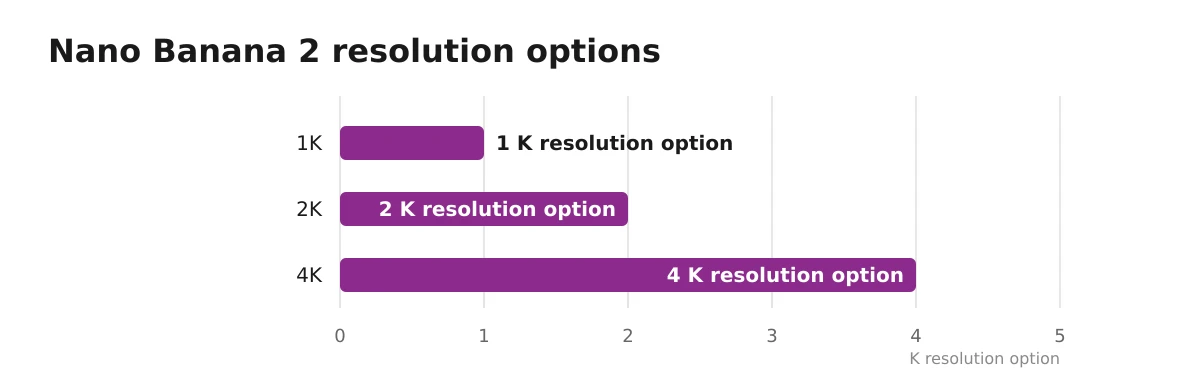
Nano Banana 2 resolution options
| Resolution option |
|---|
| 1K |
| 2K |
| 4K |
The model supports up to 10 input images and up to two outputs per run. Choose an explicit supported aspect ratio; Match input is not offered. Review the live credit cost before generation.
Editing instruction: Replace only the background with plain neutral light gray. Preserve the sweater’s photographed stitch pattern, cable crossings, neckline, cuff and hem ribbing, yarn color, fiber halo, proportions and silhouette. Do not restyle, smooth, reshape or add garment detail.
Higher output resolution cannot recover construction the camera did not record. Hire a textile or product-photography specialist if repeated captures fail on color, moiré or stitch detail.
6. Approve the storefront image against the original
Compare the edit with the original capture, then inspect the final storefront image at delivery size.
- Pass: The feature matches the original and remains readable at delivery size.
- Reject: Stitches are invented, cables cross differently, fibers soften, ribbing changes, or the neckline or silhouette is modified.
- Not enough detail: The original lacks enough detail to check the feature. Photograph it instead of guessing.
Compare yarn color with the reference and physical garment. Check the delivered file for moiré, lost dark folds and clipped pale stitches. Assess each sample’s fine-gauge or chunky stitches against the original close-ups.
Google’s product-image requirements call for the exact item being sold, and Google’s generated-image guidance requires accuracy checks before campaign use. Keep the original, approved edit and settings together.
Support, light, capture, compare, approve. Record construction accurately in camera, and use our editing studio only where you can verify that the garment remains unchanged.


