

Table of Contents
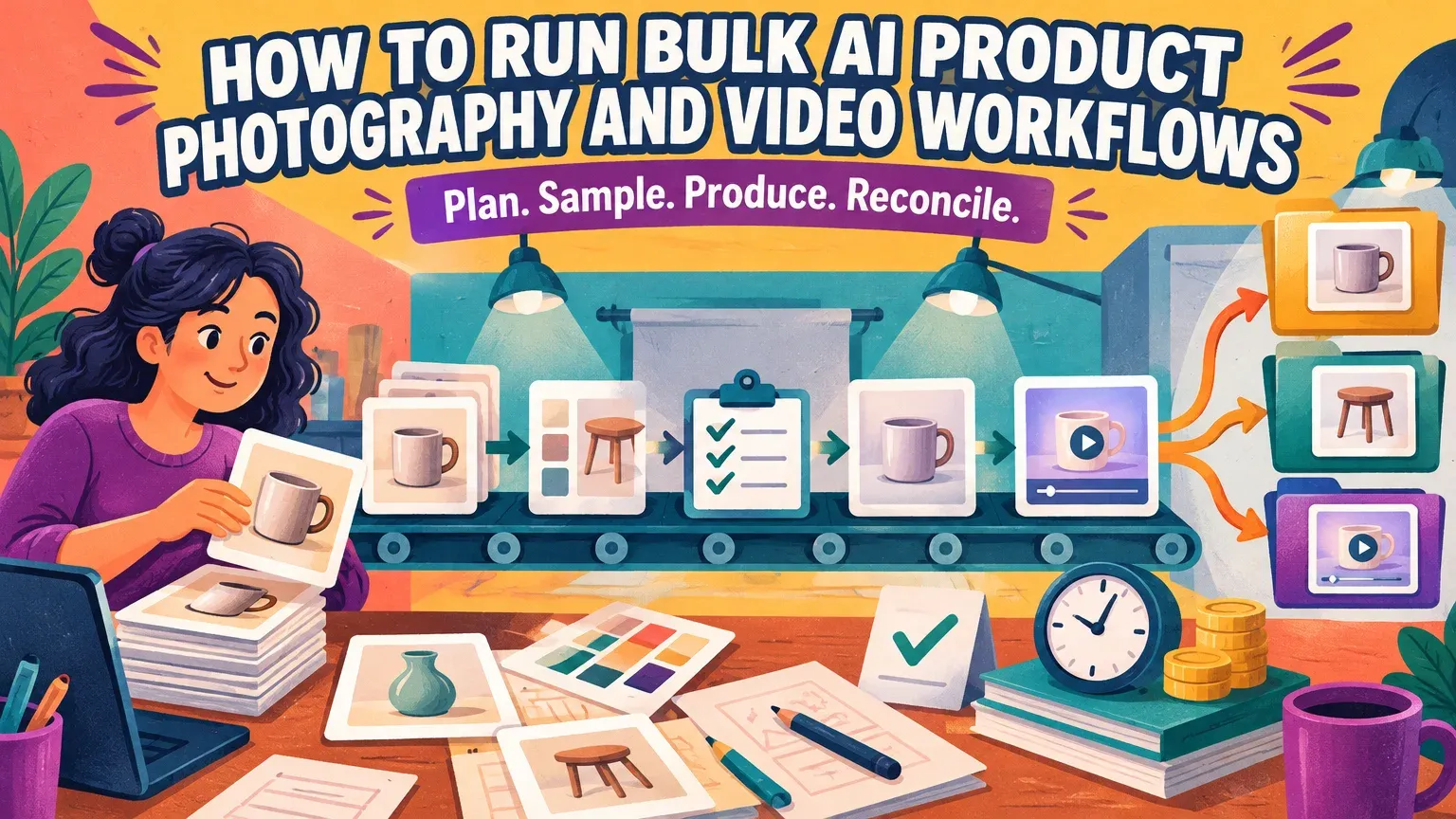
Run bulk AI product photography as a mapped catalogue workflow: prepare SKU-linked sources, define reusable steps, approve the plan and credit estimate, validate paid samples, then generate and reconcile accepted assets. Our AI Assistant catalogue workflows advertise up to 500 product photos. Attachment limits are six images per turn or 100 images per bulk batch. Resolve the upload route before scheduling a 500-product run.
You need accurate product photos, approved references, batch-capable software and spreadsheet skills for filtering, counting and matching IDs. Allow time for preparation, queued generation and human review. For ecommerce agency creative workflows, maintain client-specific ownership and approvals throughout.
Choose a tool for bulk AI product photography
Choose a dedicated editor for one correction, a bulk processor for repeated still-image work, or an orchestrator when videos depend on earlier images. Genuine batch support means multiple source items can enter one production run.
| Tool and use case | Capacity and availability | Consistency controls | Pricing and timing | API and exports |
|---|---|---|---|---|
| Blend AI Photoshoot: single-image scenes | Product-photo scene creation; batch capacity not established | Scene selection | Bulk pricing and timing: not established | API and exports: not established |
| CatalogLab: catalogue batches | Vendor-advertised maximum: up to 100 products/product images per operation | Reusable lighting, scenes, avatars and visual direction | Pricing and timing: not established | API and exports: not established |
| Kreton: catalogue batches | States no hard cap, subject to plan budgets | Reusable themes | Pricing and timing: not established | API and export formats: not established |
| Packify AI Photoshoot: planned batch comparison | Batch processing previously marked coming soon; current availability not established | Claims product preservation during background changes | Bulk pricing and timing: not established | API previously planned; exports: not established |
| Our AI Assistant: chained image/video workflows | Workflows for up to 500 product photos; attachments: six per turn or 100 per bulk batch | Model and outfit consistency controls; creative references | Proposal credit/time estimates; US$1 seven-day trial with 20 credits; full-run timing not established | API: not established; source-grouped folders and ZIP download |
Count products and source images independently when comparing capacity: one product can require several source photos. Evaluate throughput, consistency and export organization through a representative paid run. Price the catalogue from the proposed generation costs; the trial offer establishes an entry point.
How can I generate product images and videos for 500 ecommerce products without handling each one separately?
Generate images and videos for 500 ecommerce products through reusable, SKU-mapped workflows. Define the source, transformation, references and required output slots once for each compatible group, then validate representative paid samples before catalogue-wide execution.
1. Prepare accurate sources and stable identifiers
Deduplicate files and distinguish parent products, sellable variants and source-photo counts. Multiple views increase attachment counts without increasing product counts. Prepare JPG, PNG or WebP files up to 10 MB each.
Maintain identifiers for client, parent product, SKU and variant. Google's variant grouping guidance recommends the parent SKU as the item group ID. For GTIN-managed catalogues, GS1's variation guidance requires a GTIN for each size and color variation.
Maintain an external source-to-output manifest. Create one record per required output slot, including records for assets not yet generated:
| Manifest fields | Example record |
|---|---|
| Client, parent product | Client-A; DRESS |
| SKU, variant | DRESS-BLU-M; blue-M |
| Source, group | DRESS-BLU-M-front.jpg; patterned-dresses |
| References | REF-STUDIO-A; MODEL-A |
| Step, requested generation model | Scene edit; Nano Banana 2 |
| Output slot, version | image-02; v01 |
| Generation ID or filename, credits used | Pending; pending |
| Acceptance, rejection reason | Not generated; no defect recorded |
2. Group compatible products and assign references
Group by material, geometry, source framing and permitted transformation. Assign approved model, outfit, pose, lighting and scene references to each group.
Background removal isolates an existing product; generated backgrounds, cleanup and scene changes alter its presentation. On-model production changes how a wearable product is shown. Accurate unseen details and garment fit still require source evidence. Preserve the source wherever accuracy matters.
3. Specify the outputs, dependencies and budget
Specify both retained deliverables and intermediate generations.
Example: a 500-product production brief
Assume the following hypothetical 500-product brief: five groups of 100 sellable SKU/variant records, with one source photo per record. Each SKU requires two accepted images and one accepted video: 500 × 2 = 1,000 images; 500 × 1 = 500 videos; 1,000 + 500 = 1,500 accepted assets. Track parent-product counts in their own manifest field.
Example tool requests are Nano Banana 2 for editing with our Smart Edit offering, and Seedance 2.5 for video. Record requested models in the external review sheet and approve the tools and settings shown in the proposal.
| Group and count | Permitted changes | Human model choice | References | Exception rule |
|---|---|---|---|---|
| Plain tops: 100 SKUs | Cleanup, background replacement | MODEL-A | STUDIO-A, POSE-A | Reject altered logos or color |
| Patterned dresses: 100 SKUs | Scene change; preserve pattern | MODEL-A | STUDIO-A, POSE-B | Retouch drifting patterns |
| Structured jackets: 100 SKUs | Cleanup; preserve silhouette | MODEL-B | STUDIO-A, POSE-C | Reshoot unsupported shape |
| Knitwear: 100 SKUs | Background change; preserve knit | MODEL-B | STUDIO-A, POSE-A | Reject invented texture |
| Reflective accessories: 100 SKUs | Cleanup; preserve geometry | No human model | TABLETOP-A, LIGHT-A | Retouch or reshoot reflections |
Each SKU requires the three slots below. An accepted still must precede its dependent video; preserve product identity, outfit and model continuity. Count cleanup images as intermediates.
| Destination | Count per SKU | Delivery specification | Framing and references |
|---|---|---|---|
| Ecommerce listing | One image | 1:1, at least 1500 × 1500 pixels | Clean neutral background; complete product; no added promotional overlays |
| Social media | One image | 4:5; pixel dimensions set for the selected placement | Approved scene; preserve product edges and placement-specific safe space |
| Vertical advertising | One video | 9:16, 1080 × 1920 pixels; example target: 10 seconds | Approved still reference; no added logo or audio in this example |
The listing dimensions follow Google's image best practices. Google permits 10 additional product images; this example covers selected listing views. The social aspect ratio is a production choice. For efficient-reach Shorts, Google's video specifications list 9:16, 1080 × 1920 pixels and 6–60 seconds. Select a duration supported by the production settings.
How can I review an AI creative workflow before it starts generating images and using credits?
Review the proposal's tool, settings, input previews, estimated time and credit cost before approving generation. Record product scope, dependencies, output counts and requested model names in your external review sheet. Plan review is not a free visual preview: generated samples consume credits. Fast chat is free, while Quality uses a few credits per message.
4. Approve the production plan, not unseen results
Use a review sheet like this one. For the arithmetic, assume one credit per cleanup, two per retained image and 10 per video. Use the proposal's actual rates before approving a run.
| Step and scope | Requested model and settings | Generate / retain | Expected credits | Owner / decision |
|---|---|---|---|---|
| Cleanup: all 500 sources | Nano Banana 2; preserve product | 500 / 0 | 500 × 1 = 500 | Catalogue lead / hold |
| Listing: all 500 SKUs | Nano Banana 2; neutral background | 500 / 500 | 500 × 2 = 1,000 | Catalogue lead / hold |
| Social: all 500 SKUs | Nano Banana 2; assigned references | 500 / 500 | 500 × 2 = 1,000 | Creative lead / hold |
| Video: 500 accepted stills | Seedance 2.5; vertical delivery target | 500 / 500 | 500 × 10 = 5,000 | Creative lead / hold |
Planned generation spend is 500 + 1,000 + 1,000 + 5,000 = 7,500 credits. Assume a 500-credit exception reserve and 20-credit chat allowance: 7,500 + 500 + 20 = 8,020 credits. Allocate the generation-and-exception budget across the five groups before approval, and require renewed approval before exceeding a group's allocation. Initial sample attempts belong to the base generation budget; additional replacement attempts draw on the exception reserve. Count every attempt once.
Use three approval gates: approve the plan, accept paid samples, authorize full production. Whole-plan execution authorizes the connected run; step-by-step execution pauses between steps for approval. Budget time for source preparation and human review beyond the displayed workflow estimate.
Calculate image spend per accepted image and video spend per accepted video. Generated files that fail review still affect production economics.
5. Validate paid samples, then authorize production
Validate paid samples from every group, including difficult patterns, small logos, adjacent colors, unusual shapes and reflections. Continue reviewing every SKU against the same criteria, consistent with NIST's generative AI guidance against extrapolating performance from narrow assessments.
| Check | Accept when | Defect action |
|---|---|---|
| Color, logos, fabric, seams, shape | Matches accurate source evidence | Correct source, regenerate, retouch or reshoot |
| Model, outfit, pose, framing | Matches assigned references and crop | Correct reference assignment or composition |
| Video continuity | Stable product, text, edges and hands throughout motion | Reject the affected video slot |
Record the rejection reason and reviewer. Use a photographer for missing views, material evidence, fit or complex reflections; a retoucher for localized defects generation keeps damaging; a dedicated bulk tool for deterministic layouts or required API integrations.
Common mistakes include treating recoloring as proof of a real variant, using another client's reference, overlooking intermediates and accepting attractive but inaccurate products.
6. Resolve exceptions and reconcile every SKU before handoff
Reconcile accepted unique output slots against required slots. Our workflow folders and ZIP downloads group outputs by source item. Viewing and downloading are free; generation charges remain after deletion. Keep the manifest externally and use the folder and ZIP exports for handoff.
Before renaming files, match exports to sources. Give missing, failed, skipped, rejected, duplicate and regenerated assets their own status in the manifest. Preserve accepted files, increment replacement versions and submit narrowly scoped exception work with a fresh estimate and approval. Replacing a still also requires reviewing its dependent video.
Example: reconcile the final catalogue
Assume 1,500 required slots and 1,490 accepted unique slots: 1,500 − 1,490 = 10 unresolved slots. Duplicate or rejected files leave that gap unchanged. A SKU with two accepted images and a rejected video remains one deliverable short.
Preserve AI-generation metadata, including IPTC DigitalSourceType, as required by Google's image metadata guidance. Release only after a named human accepts product accuracy, destination compliance, SKU ownership and exception resolution.
Frequently asked questions
How many products can a bulk AI photography workflow handle?
Our AI Assistant advertises workflows for up to 500 product photos. Attachment limits are six images per turn or 100 images per bulk batch. Track product, variant and source-image counts, and resolve the upload route before scheduling production.
How should I prepare files and maintain catalogue consistency?
Use accurate JPG, PNG or WebP sources up to 10 MB each, with stable client, SKU and variant identifiers. Group compatible products, assign approved references and review product accuracy across every accepted output.
How do credits and image-to-video dependencies affect costs?
Budget for attempted generations, intermediate images, paid samples, approved exceptions and applicable chat usage. Approve each video's source still first, then calculate image and video costs per accepted asset.
What commercial-use permissions should I check for source photos, model references, music and AI-generated assets?
Check permissions for every input and the current vendor terms for your intended use. Confirm photo rights, model consent or likeness permissions, music licensing and client authorization, including any restrictions on advertising, territories or redistribution.
Does a free image-to-video generator's allowance cover commercial catalogue production?
A free generation allowance alone does not establish permission for commercial catalogue production. Check the plan's commercial-use terms, watermarks, usage limits and export requirements before including the generator in your workflow.
Who owns the copyright in AI-generated product images and videos?
Do not assume exclusive copyright merely because you generated or downloaded an asset. Check the applicable law and vendor terms for your intended use, and keep input permissions and human-editing records.
Recap: approve the plan, prove the sample, reconcile the catalogue
Start with accurate sources and stable IDs. Approve the costed plan, accept paid samples, then authorize production. Judge success by correctly mapped, accepted deliverables and approved spend. To plan a controlled first run, explore our AI studio.


