

Table of Contents
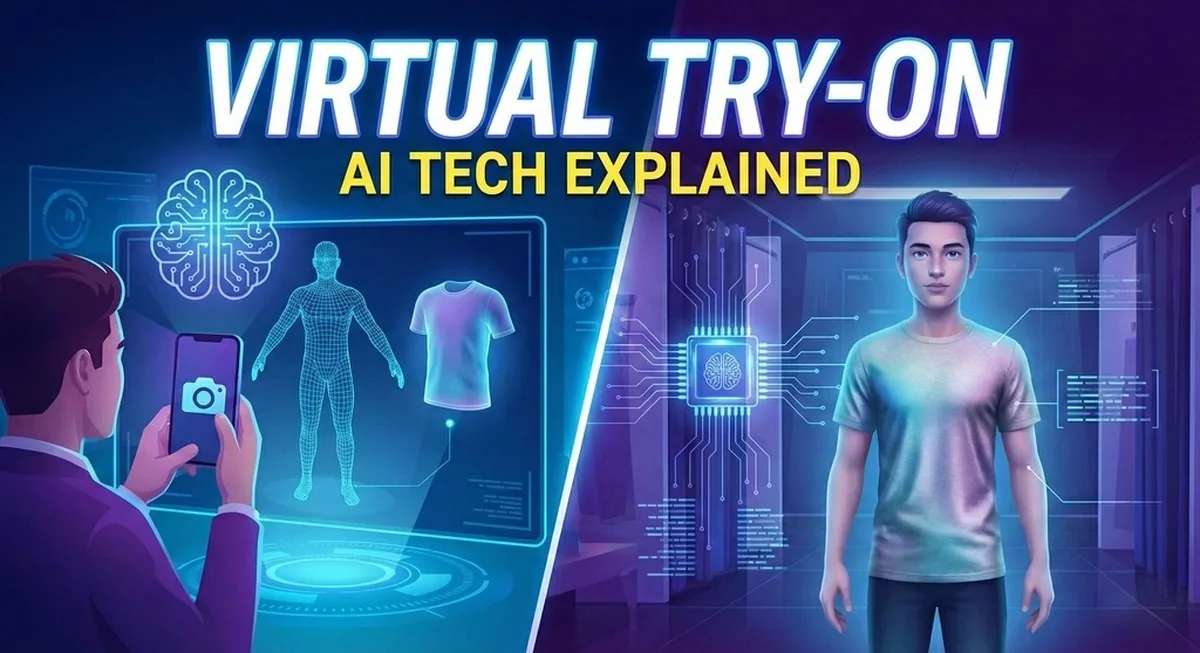
Virtual try-on for clothes has become a core production tool for fashion brands in 2026 — not a gimmick. Whether you are running a Shopify store, selling on Amazon, or producing content for TikTok Shop, virtual try on for clothes directly determines how fast you create content and how much you spend doing it. But most people using these tools do not understand what is actually happening when they upload a photo and get a result back. That gap matters because the technology behind the output determines the quality of what you get. This guide breaks down exactly how virtual try on for clothes works across all three methods.
Why the Technology Behind Virtual Try On Matters
Not every virtual try-on tool works the same way. Some use real-time camera overlays. Some generate still photos using AI image models. Some generate short video clips showing the garment in motion. Each method produces a different result, and each fits a different use case.
Understanding the technology helps you make a better decision about which tool to use and what to expect from the output.
The Three Types of Virtual Try-On Technology
| Feature | AR-Based Overlay | Image-Based AI | Video-Based AI |
|---|---|---|---|
| Output | Real-time camera feed | Still photo | 5–10 sec video clip |
| Realism | Low for full garments | High | Highest |
| Fabric Understanding | None | Learned from training data | Full motion + drape |
| Best Use Case | Accessories, in-app | Product listings, ads | Social media, marketing |
| Speed | Instant | Seconds to minutes | Minutes |
1. AR-Based Overlays
AR stands for augmented reality. It is the oldest form of virtual try on, and most people in the US have used it without thinking of it as "try on" technology. Snapchat filters that place sunglasses on your face, or Instagram effects that change your outfit in real time — these are AR overlays.
Here is how it works: The system uses a live camera feed. It detects the human body in the frame using a skeleton model — a set of mapped points that identify the position of shoulders, hips, arms, and legs. It then places a digital image of the garment over those mapped points, adjusting its position as the body moves.
The result updates in real time, which feels impressive. But there is a hard limit to how realistic AR overlays look for full clothing items. The system is placing a flat digital image on top of a video feed. It does not understand fabric. It does not know how a silk dress drapes differently from a stiff denim jacket. It does not simulate how cloth moves when someone walks.
For accessories — sunglasses, hats, and jewelry — AR overlays work well. For full garments, especially anything with complex cut or fabric behavior, the results look digital and unnatural.
Best For
Accessories, simple items, and real-time interactive experiences inside apps.
2. Image-Based AI Generation
This is the method most virtual try-on tools use today. It produces a still photo rather than a live overlay. The quality is significantly higher than AR overlays for full garments, and the results hold up well in product listings and marketing materials.
Here is how it works:
The AI takes two inputs: a photo of a person and a photo of a garment. It then uses a type of AI model called a diffusion model. A diffusion model works by learning patterns from massive amounts of training data. It has seen millions of photos of people wearing clothes, and it has learned how fabric sits, folds, and interacts with different body shapes and poses.
When you upload your two photos, the model does not simply paste the garment onto the person. It generates an entirely new image. It figures out the body shape in the person's photo, understands the garment structure from the product photo, and produces a new image where the person appears to be genuinely wearing that item.
The quality of the output depends on three factors:
The AI Model Itself
Models trained specifically on fashion data produce sharper, more consistent results than general-purpose image models that have try-on bolted on as a feature.
Input Quality
A clean, well-lit garment photo on a plain white background produces a better result than a blurry or busy product image.
Garment Complexity
Simple items like T-shirts and straight-leg jeans render accurately across most tools. Heavily embellished dresses or structured blazers are harder to handle consistently.
For most US e-commerce sellers, image-based AI try-on produces results that are good enough for product listings, paid ads, and social posts at a fraction of the cost and time of a traditional photoshoot.
Best For
Product catalog images, marketplace listings (Amazon, Etsy, eBay), paid ad creatives, Shopify store product pages.
3. Video-Based AI Try On
This is the newest method and the one that produces the most realistic output. Instead of a still image, it generates a short video clip showing the person wearing the garment and moving in it.
Here is how it works:
The process starts the same way as image-based try-on. A still try-on image is generated first. Then, you select the video option. The video model has been trained on massive datasets of real human movement. It understands how a body moves when walking, turning, or posing. It also understands how different fabrics behave in motion.
The video model takes the try-on image as its starting point and generates a sequence of frames showing the person in motion while wearing the garment. The output is typically a 5 to 10-second clip. In that clip, you see how the fabric drapes and flows, how it responds to body movement, and how it looks under natural lighting conditions — all things a still image simply cannot show.
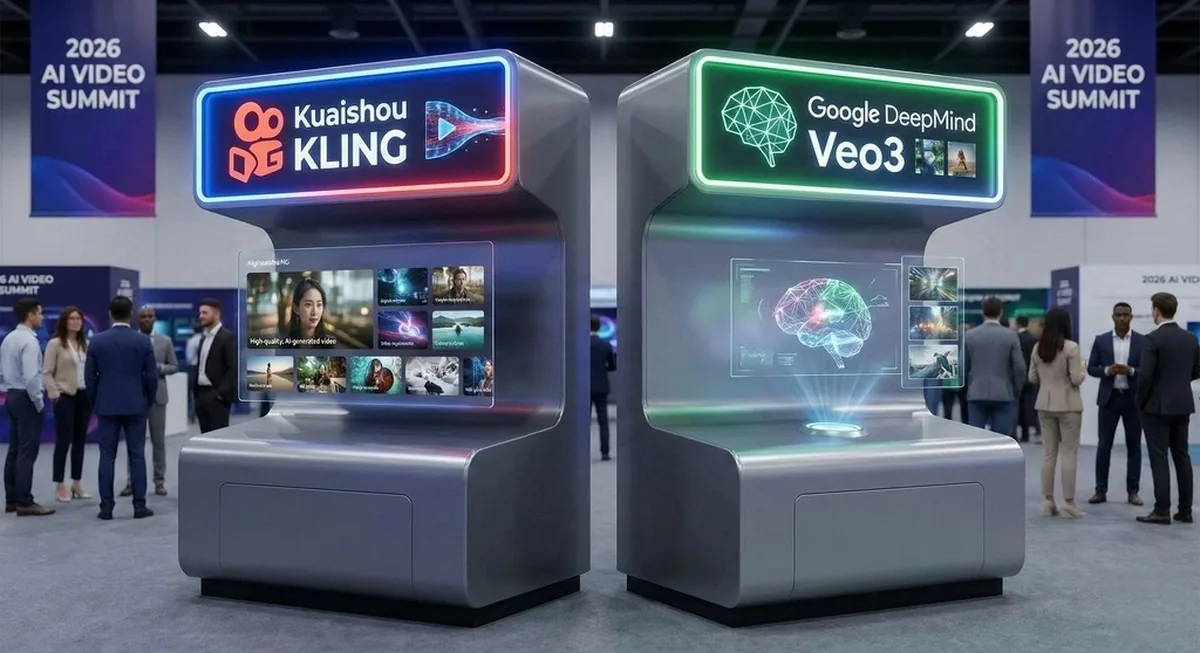
Two of the most capable video generation models used for this purpose in 2026 are Kling, developed by Kuaishou, and Veo3, developed by Google DeepMind. Both are trained on large datasets of real-world human movement and produce motion output that is significantly more realistic than earlier video generation tools. Camclo uses both of these models, giving users the option to choose between them depending on the garment type and the output they need.
Why does this matter for US fashion brands specifically? Because video content performs better on every major platform:
- TikTok, Instagram Reels, and YouTube Shorts all rank videos higher in their feed algorithms than static images.
- A product page with a short video clip showing how a dress moves converts better than the same page with only still photos.
- A paid ad featuring video gets more engagement than a static creative in the same placement.
Traditional video production for fashion — a full shoot with a director, lighting setup, model, and editor — costs between $5,000 and $25,000 per clip in the US market. Video try-on generates the same type of output from two uploaded photos in minutes.
Best For
Social media content for TikTok, Instagram Reels, and YouTube Shorts. Fashion brands producing marketing videos at scale. E-commerce sellers who want video on product pages without a production budget.
How the Full Process Works Step by Step
Here is the end-to-end workflow for a US fashion brand using an AI virtual try-on tool in 2026:
Prepare the Garment Image
A flat lay, ghost mannequin, or clean product photo on a plain background works best. The cleaner the input, the better the output.
Choose or Upload a Model Photo
Most tools include a library of AI-generated model personas across different genders, ages, skin tones, and body sizes. Some tools also accept a photo of a real person. For US brands serving diverse customers, the ability to show a garment across multiple body types is a direct commercial advantage.
Generate the Try-On Image
The AI maps the garment to the model and returns a still photo. It takes seconds to a couple of minutes, depending on the platform.
Review and Adjust
Most platforms let you regenerate if the first result does not look right. Complex garments sometimes need a second attempt.
Generate Video Output (Optional)
If the platform supports it, take the try-on image into the video generation step. Select the video model (Kling or Veo3 on Camclo, for example), and generate a short motion clip showing the garment in action.
Export and Publish
The final output — image or video — is ready for your Shopify product page, Amazon listing, Instagram post, TikTok ad, or any other channel where your brand sells and markets.
Which Virtual Try On Tool Is Best for Fashion Brands in 2026
The answer depends entirely on your output goal. If you need product catalog images fast, image-based AI try-on is the right choice — it produces clean, high-resolution still photos from a flat-lay garment image in seconds. If you need social media content for TikTok or Instagram Reels, video-based try-on is the clear winner because video consistently outperforms static images in feed algorithms. AR overlays are best reserved for accessories and in-app experiences, not product listings. For fashion brands that need both image and video output from a single workflow, Camclo handles both in one platform — generate the still try-on first, then take it directly to video with Kling or Veo3 without switching tools.
Virtual Try On by Body Type: Why It Matters for Fashion Brands
One of the most commercially significant features in modern virtual try-on for clothes is the ability to show the same garment across multiple body types without running separate photoshoots. Traditional product photography shows one model per garment per shoot. AI virtual try-on lets a brand generate the same jacket on a size 2 model, a size 14 model, and a plus-size model from a single flat-lay photo. For US fashion brands serving diverse customers, this is a direct revenue lever — shoppers who can see how a garment looks on a body type closer to their own convert at significantly higher rates and return items less frequently. Camclo’s model library includes diverse body types, skin tones, age groups, and poses specifically to support this use case.
What This Means for US Fashion Brands in 2026
The technology behind virtual try-on for clothes has reached a point where the output is genuinely useful — not just as a gimmick, but as a production tool that replaces or supplements traditional photoshoots for day-to-day content needs.
The numbers make the case clearly. A traditional mid-range fashion photoshoot in the US costs around $7,500 per collection and takes 2–3 weeks from brief to final delivery. AI virtual try-on produces comparable output for $1–$10 per garment in minutes. For a 30-garment collection, that is roughly $90 versus $7,500 — a reduction of over 98%. Brands that also need video content face an even starker gap: traditional fashion video runs $5,000–$25,000 per clip, while AI video try-on generates it from the same two uploaded photos. If you want the detailed cost breakdown, we ran the numbers in our virtual try-on ROI guide.
The clearest dividing line right now is between tools that produce still images and tools that produce video. Still images serve the catalog and listing use case well. Video serves the marketing and social media use case — and for US brands competing on TikTok and Instagram Reels, video is where the real engagement happens. Beyond content creation, AI try-on also has a measurable impact on reducing product returns by giving shoppers a more accurate preview of how garments will look — something we explored in our article on how AI virtual try-on reduces returns.
Understanding which output type fits your specific workflow is the first decision to make. If you want to compare the top tools side by side, see our best AI virtual try-on tools compared guide. Or if you want to see how the video virtual try-on process works in practice, try Camclo's virtual try-on and take the output into video with a single click.
See Virtual Try-On in Action
Upload a garment photo and generate a try-on image in seconds. Then take it to video with Kling or Veo3 — all inside Camclo.
Try Virtual Try-On Free →

