

Table of Contents
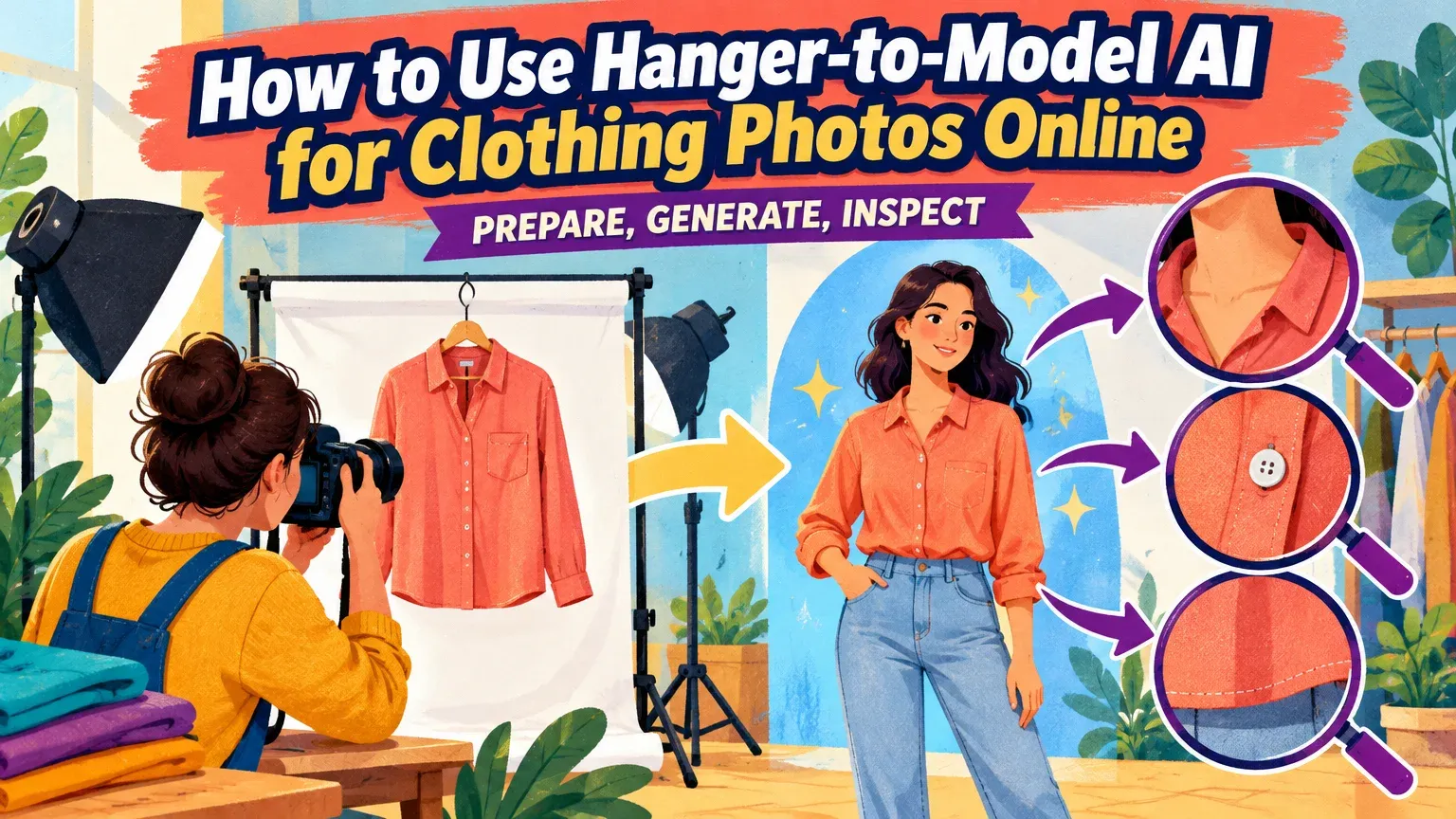
To create on-model listing images with hanger-to-model AI, prepare a clear garment reference, upload it to a compatible generator, choose a model, generate, and inspect the result. Our Virtual Try-On offers 100+ models or your own model photograph, with advertised generation times of approximately 30 seconds to 2 minutes.
For a garment-photo workflow, open our Virtual Try-On. Start by removing the garment from its hanger and preparing a flat-lay reference. Allow time for preparation and inspection as well as generation.
You need basic upload skills, a browser, a clear garment photograph, and permission to use any uploaded model photograph. Pair the approved listing image with accurate product measurements.
How can I virtually try clothes on a model using my store's product photos?
Upload a clear garment reference to a seller-facing image generator, select a model, generate, and inspect the garment details. This creates listing imagery, unlike shopper-facing virtual fitting. Treat generated drape as an illustration of appearance and use measurements for sizing, consistent with Google Shopping’s try-on guidance.
Choose your starting point based on which garment details are visible:
| Photo type | Main visibility problem | Starting action |
|---|---|---|
| Hanger | Hidden neckline or overlapping sleeves | If obstructed, retake as a flat-lay for the garment-photo workflow below |
| Flat-lay | Folds conceal details | Separate sleeves; smooth excessive folds |
| Ghost mannequin | Missing interior or back details | Use photographed views only |
| Existing on-model | Hands, hair, or pose conceal details | Consider model swapping when changing only the person |
For broader tool selection, compare AI fashion model generators.
Step 1: Prepare a usable hanger-to-model AI reference
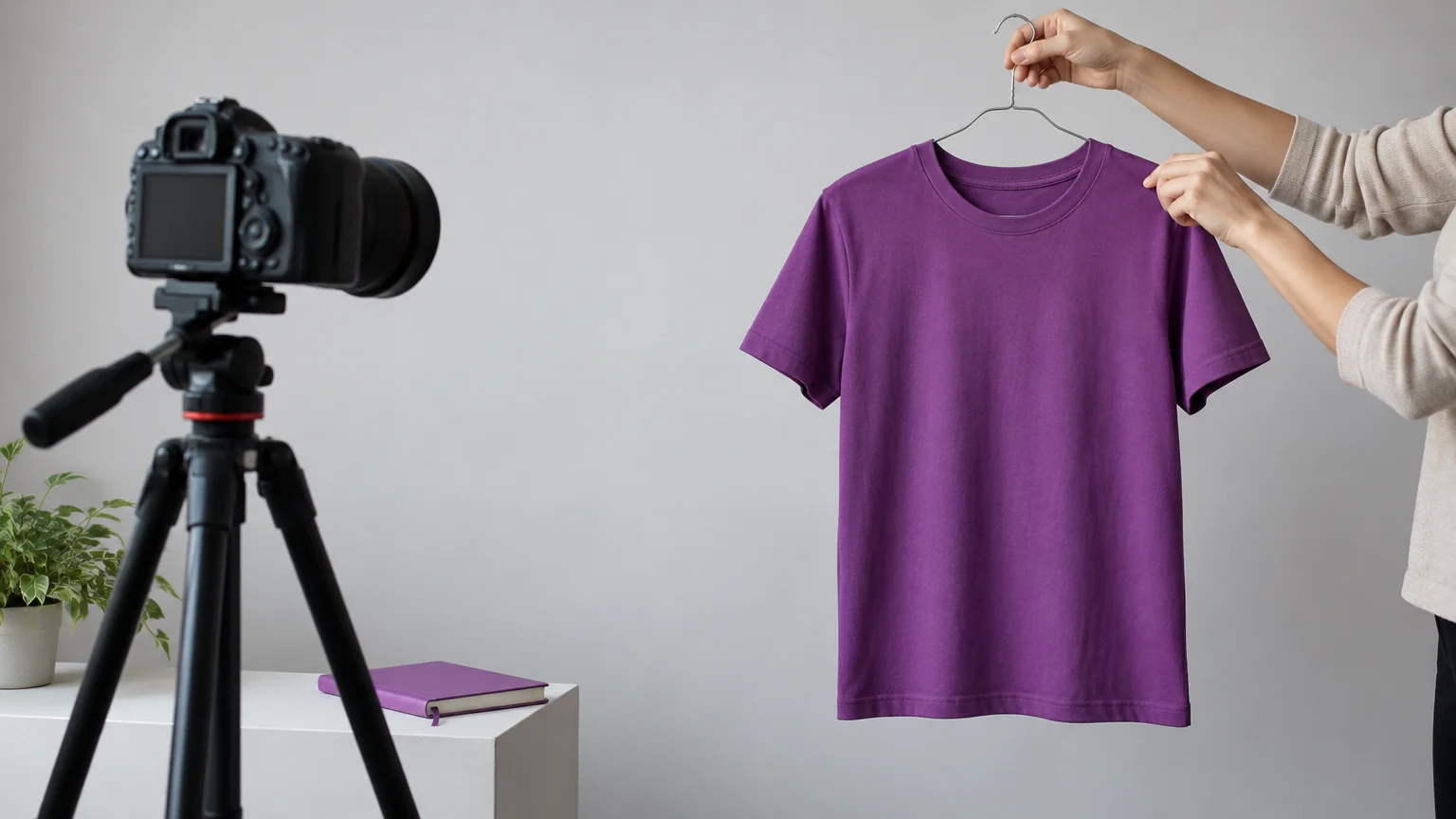
Keep the untouched original and edit a separate working copy. Photograph straight-on in even light, with contrasting surroundings and the entire garment visible. Google Merchant Center’s apparel guidance likewise recommends showing the whole garment, avoiding excessive flat-lay folds, and keeping details unobstructed.
Remove or reposition the hanger if it hides construction. A visible hook outside the garment matters less than a blocked neckline. Separate overlapping sleeves and retake cropped hems to capture their true shape.
Use this checklist to decide whether the garment reference is ready:
| Check | Ready condition | If unmet |
|---|---|---|
| SKU/view | Correct product, variant, view | Relabel files |
| Boundaries | All edges distinct | Retake |
| Hanger | Construction visible | Reposition |
| Sleeves/hem | Separated; uncropped | Unfold and retake |
| Material | Sheerness, sheen, texture readable | Control lighting; consider professional photography |
| Front/back | Available photographs inventoried | Photograph missing view |
| Decision | Ready, retake, route elsewhere | Resolve source defects |
Keep front and back photographs to document closures, seams, and prints. If laying the garment out exposes its construction more clearly, follow our flat-lay to model tutorial.
How can I try clothes on models online for my product listings without installing software?
Use our browser-based Virtual Try-On to upload a garment photograph, choose a model, and generate an on-model image without installing software.
Step 2: Open Virtual Try-On and upload the garment
Take the garment off the hanger and prepare a flat-lay reference, keeping the neckline, sleeves, and hem unobstructed. Open Virtual Try-On in your browser and upload that garment photograph. Keep the untouched original available for comparison.
Step 3: Choose a model reference with a clear pose
Choose a library model or upload a model photograph you have permission to use. Select an appearance suitable for your audience, but prioritize an unobstructed view: arms away from the torso, visible fastenings, and an uncropped hem. Check these details in the selected model reference before generating. Use product measurements and physical fitting evidence for size advice.
Check suitability, credits and usage rights
| Production path | Input and controls | Single-image workflow | Pricing basis | Usage basis |
|---|---|---|---|---|
| Our Virtual Try-On | Garment photos; 100+ models or own model photo | Upload, select, generate | $1 trial; Creator $49/month | Paid-credit commercial use under our Terms & Conditions |
| Our Model Swap | Existing on-model photo; preserves garment, pose, lighting | Replace the person | Charge shown before running | Paid-credit commercial use; trial evaluation only |
| Photography/retouching | Physical garment; directed model | Shoot and edit | Project quote | Agreed image and likeness permissions |
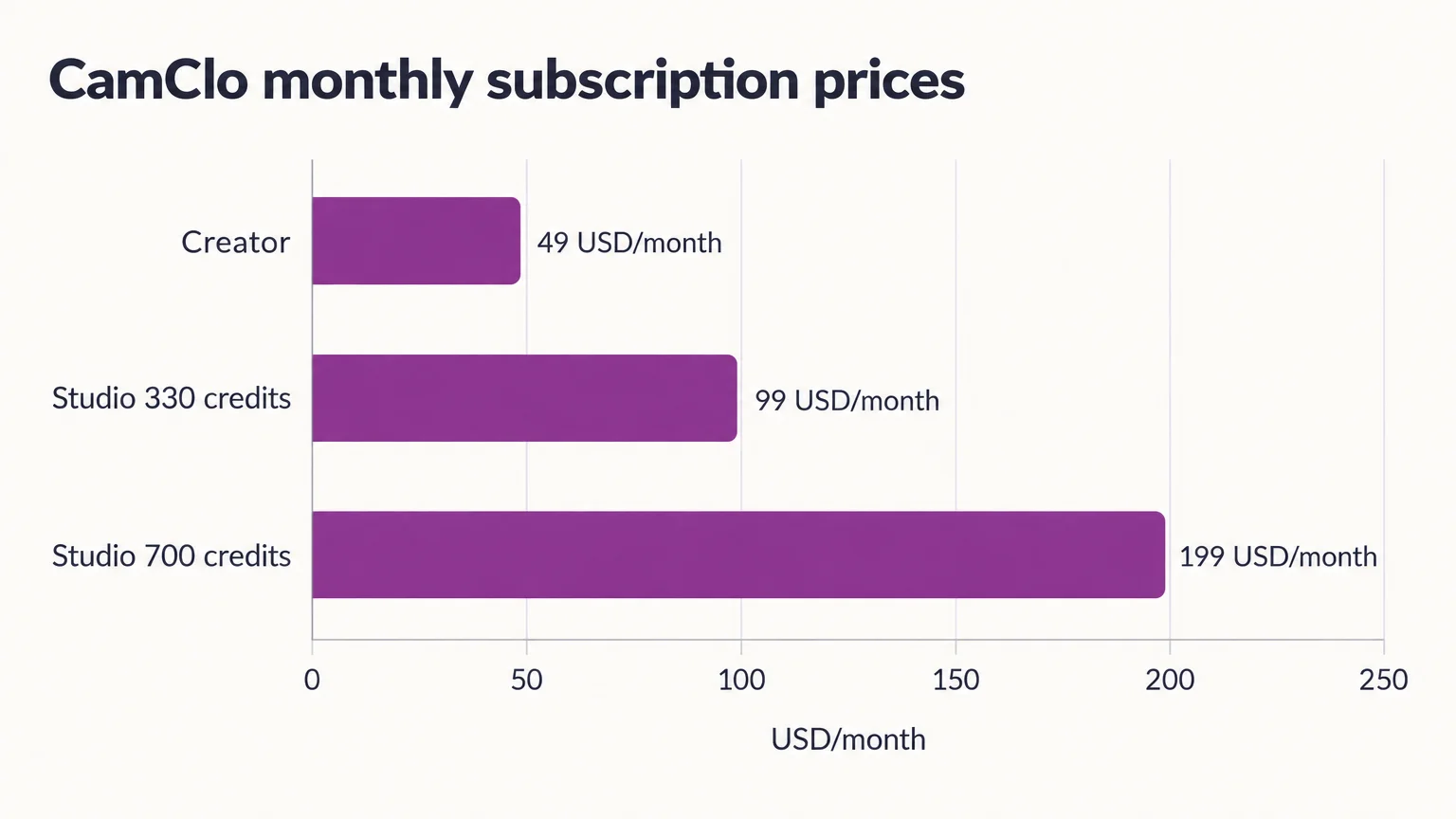
Our current trial pricing and monthly plans are in US dollars, with applicable taxes additional:
| Plan | Price | Included credits |
|---|---|---|
| Seven-day trial | $1 | 20 |
| Creator | $49/month | 150 |
| Studio | $99/month | 330 |
| Studio | $199/month | 700 |
The trial requires a card; cancel before it ends to avoid the selected subscription charge. Trial outputs are watermarked and restricted to non-commercial evaluation. Charges appear before generation, and failed generations receive automatic credit refunds.
Step 4: Generate once and compare with the original
Generate the first candidate only after the garment reference passes the readiness checks. When scheduling production, allow time for photography, preparation, review, corrections, and downloading, not just generation.
Compare the full garment in the candidate and original side by side, then inspect close-ups of the neckline, closures, print, and hem. Download for listing use only after approval. Product fidelity takes priority over model styling.
A Springer Nature research review identifies missing multi-view information and incomplete garments as difficulties for reconstruction. Use an actual back photograph to verify back details.
Step 5: Apply the acceptance checklist and fix the right problem
Check the product, not just the picture
Pass a feature only when its visible details match the original garment reference. Record each decision as Pass, Fail, or Not verifiable. For hidden details, obtain a clearer reference. Complete one checklist for each candidate image.
| Feature | Source visibility | Output agreement | Next action |
|---|---|---|---|
| Neckline | Full or obscured | Shape and depth match | Retake obstruction; retry distortion |
| Fastenings | Complete or partial | Count and placement match | Reject changed closures |
| Print/logo | Complete or hidden | Wording and layout match | Reject invented branding |
| Hem | Whole or cropped | Length and shape match | Retake cropped source |
| Sleeve length | Separated or overlapped | Length and cuffs match | Separate and retake |
| Color | Even light or cast | Shade matches | Correct source lighting |
| Texture | Readable or unclear | Weave and sheen match | Obtain clearer reference |
| SKU/product identity | Confirmed or unrecorded | Product and variant match | Correct file association |
Regenerate, retake, obtain a reference or use a professional
Choose the response that fixes the cause. Regeneration can address a distorted result, but missing garment details need a clearer photograph:
| Problem | Next action |
|---|---|
| Clear source; distorted rendering or obstructive pose | Regenerate with a model reference that leaves garment details visible |
| Hidden neckline, overlapping sleeves, cropped hem, ambiguous edges | Reposition and retake |
| Back details absent from front photograph | Obtain an actual back photograph |
| Unreliable branding, sheer fabric, reflections, or construction | Use a photographer or skilled retoucher |
Watch for changed button counts, plausible but invented details, and SKU mix-ups. Google Merchant Center’s image requirements say the primary image must clearly display the exact item sold. Follow each marketplace’s placement rules before publishing generated imagery.
Keep model identity and catalogue records consistent
Record the model reference, garment view, framing, background, source filename, output filename, and SKU for every approved image. Compare face, hair, proportions, and styling across products to catch inconsistencies before publishing.
Our AI Assistant coordinates broader creative workflows for up to 500 products. For an individual Virtual Try-On image, upload the garment, select a model, and generate. When planning catalogue production, account for product submission, shared settings, review queues, and SKU mapping as well as image generation.
Test a small representative group first. Track spending, preparation time, and review effort per approved image before scaling up.
Start with one clear garment and one approved result
Start with one garment in our Virtual Try-On and approve the result before expanding to your catalogue. Keep accurate product photographs and measurements alongside generated imagery: simulated drape does not establish actual fit or sizing.


