
Table of Contents
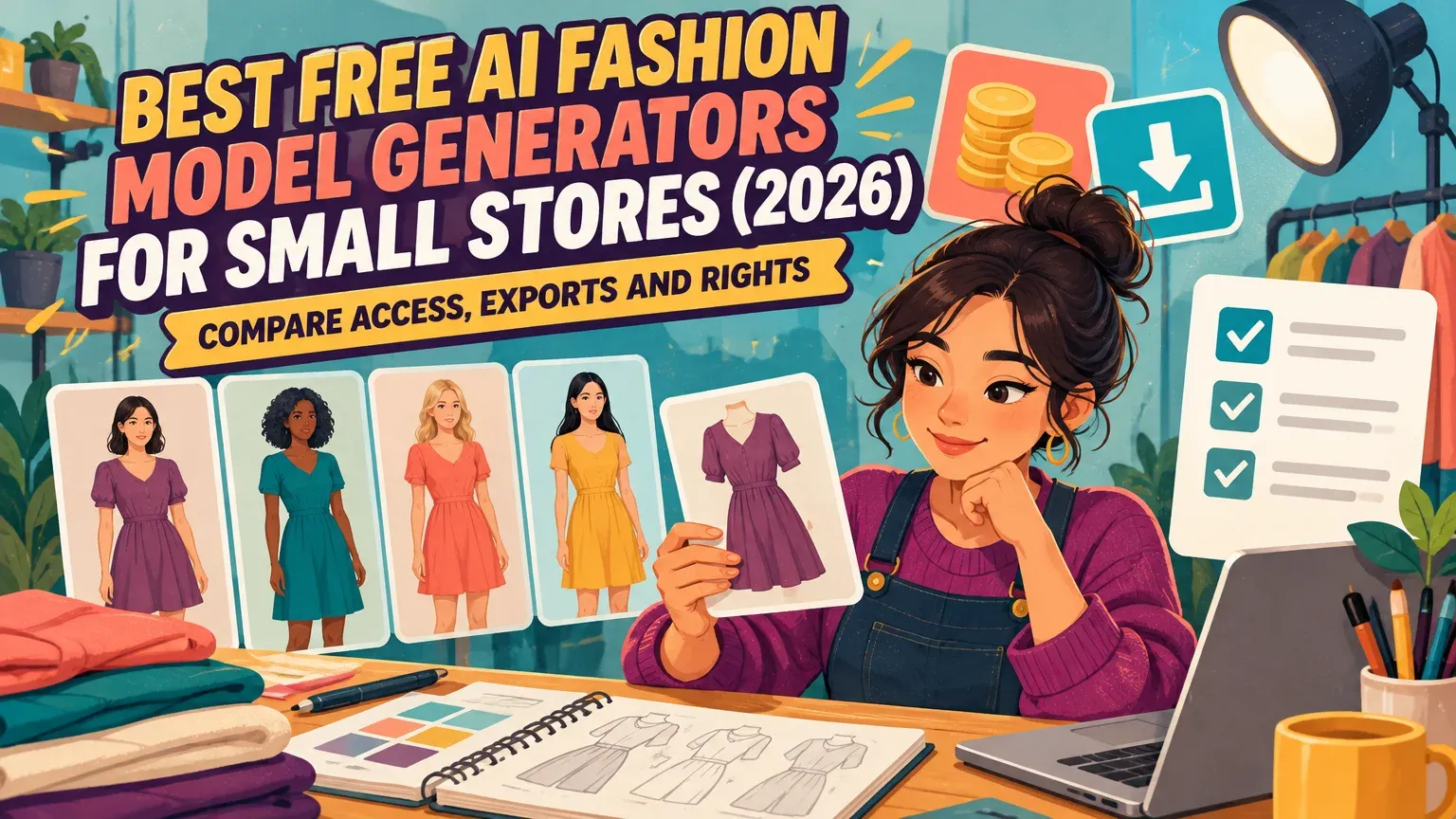
Start with FASHN if you want to test an existing garment photo for free: FASHN's app pricing includes 10 introductory credits. Claid's pricing table lists 50 trial credits, enough for 12 AI Fashion attempts at four credits each. KOOZEE's fashion generator offers registration-free test credits, but its stated commercial permission covers paid subscribers. For a paid alternative, we offer our Virtual Try-On through a $1, 7-day trial with 20 credits. Before choosing, distinguish free generation from permission to download and publish.
Free AI fashion model generators: quick picks and access comparison
For a small store, the useful test is whether you can upload an existing garment, preserve its details and export an image you can use commercially. Compare flat-lay or mannequin support, model choices, pose consistency and backgrounds alongside credit allowances, export restrictions and the cost after testing.
Keep four offers clear: ongoing free access remains available without a trial expiry, through unlimited use or a recurring allowance; introductory credits are a one-time allowance; a free trial provides temporary evaluation access; a paid trial charges before testing.
| Tool and garment inputs | Access and signup | Generation cost and attempts | Exports and commercial permission | Next paid step, USD |
|---|---|---|---|---|
| FASHN Product to Model: flat-lay, hanger and ghost mannequin. | 10 one-time introductory app credits. Account required; no card required. | Check the Product to Model credit rate before estimating attempts. | Check trial watermarks and download resolution. FASHN's mobile FAQ permits images created with FASHN for product pages, catalogs, advertisements and other commercial work. | FASHN Basic pricing: $19/month, 200 credits. |
| Claid Flat-lay garment photos. | Free web trial: 50 credits. Check signup, card requirements and whether credits renew. | AI Fashion: four credits per generation; 12 complete attempts. | Check trial watermarks, download resolution and commercial permission. | Check current paid pricing. |
| KOOZEE Clothing uploader: product photos, flat lays and catalog images. | Free test credits without registration. Check the allowance, renewal and card requirements. | Check the credit cost and how many attempts the allowance covers. | Check trial watermarks and download resolution. Stated digital commercial permission covers eligible images for paid subscribers. | Check current paid pricing. |
| Our Virtual Try-On: paid alternative Flat-lay product photo. | No free allowance. Paid trial: $1, seven days, 20 credits. Signup required. | 20 trial credits. | Trial outputs: watermarked. Paid exports: watermark-free. | Creator $49/month, 150 credits; entry Studio $99/month, 330 credits. |
For more options beyond free-access tools, see the AI virtual try-on comparison.
What's the best AI fashion model generator for turning flat-lay photos into on-model images?
FASHN is the strongest starting point for introductory credits, commercial permission and support for flat-lay, hanger or ghost-mannequin photos. Choose Claid if you want to plan around a quantified trial allowance, or KOOZEE if you want to explore the upload workflow without registering.
1. FASHN: first for introductory access
Best for: testing an existing garment through a product-to-model workflow. Its main advantage is support for multiple product-photo formats, so you can begin with a flat lay, hanger photo or ghost-mannequin image.
The drawback is finite access: use the 10 introductory credits to test one garment before subscribing. Basic then costs $19/month for 200 credits.
The API requires a separate credit purchase and offers no free credits. Start with the app's introductory allowance and open FASHN Product to Model for the garment-photo workflow.
2. Claid: best for a quantified fashion-generation trial
Best for: planning how many fashion-generation attempts a trial covers. Claid lists an explicit credit cost for AI Fashion, making it easier to budget your test.
The 50-credit trial covers 12 complete attempts at four credits each, with 2 credits left. Rejected outputs still count as attempts, so count usable listing images only after checking the garment.
The pricing page also mentions five trial images. Check your account allowance before starting, and use the AI Fashion rate to budget generations. Open Claid's fashion studio.
3. KOOZEE: best for registration-free experimentation
Best for: exploring the garment-photo upload workflow before creating an account. Free test credits let you try it without registration.
The main limitation is publishing: KOOZEE's stated digital commercial permission covers eligible images for paid subscribers. Use the free credits to assess the workflow, then check publishing terms before upgrading. Start KOOZEE's clothing try-on.
Compare pose, model and background controls
Garment-to-model generation changes how clothing is presented; model swapping changes the person; pose generation changes posture. Look for controls that retain the garment, model identity and scene across variations.
Claid's fashion studio offers eight preset poses. KOOZEE's pose changer accepts up to five pose-reference images and can generate five model poses simultaneously.
Compare one change at a time: model, pose, then scene. Check the available body types, skin tones and customization controls against the customers you serve.
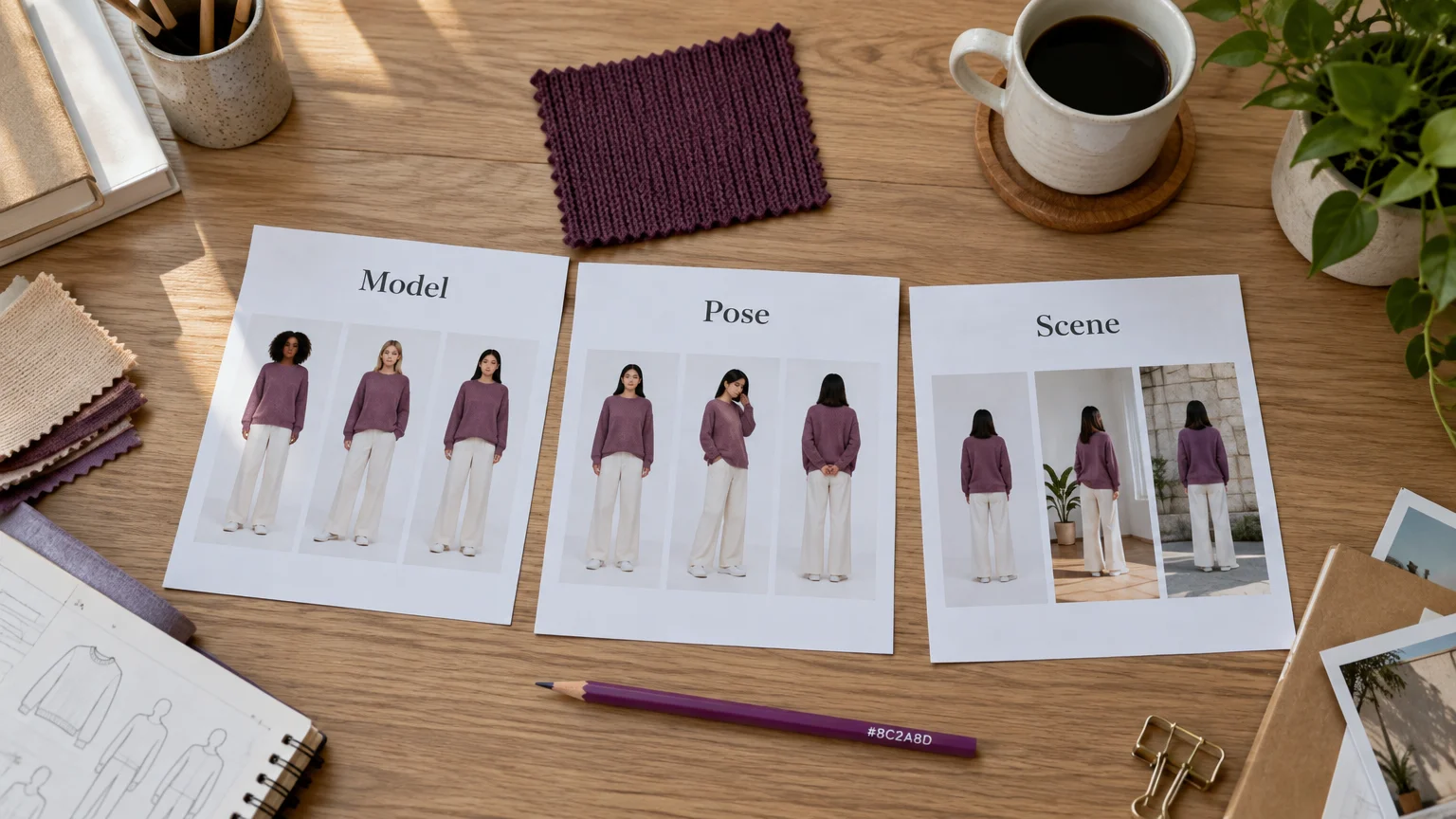
Begin with a neutral studio background. Evaluate lifestyle scenes only after approving the garment, so scenery does not distract from product changes.
Catalog prompt: Use the uploaded garment as the product reference. Front-facing standing model, arms clear of the garment, neutral studio background, even lighting. Preserve visible logos, print, seams, fastenings and color.
Variation prompt: Keep the selected model and outfit consistent. Create a three-quarter standing pose against the same studio background; do not add accessories or product details.
Which virtual try-on apps should a small clothing store use instead of a photoshoot?
FASHN, Claid and KOOZEE are options for creating store catalog images, provided their export and commercial terms fit your needs. Choose a garment-photo tool when you need to show an existing SKU accurately, rather than invent a fashion concept.
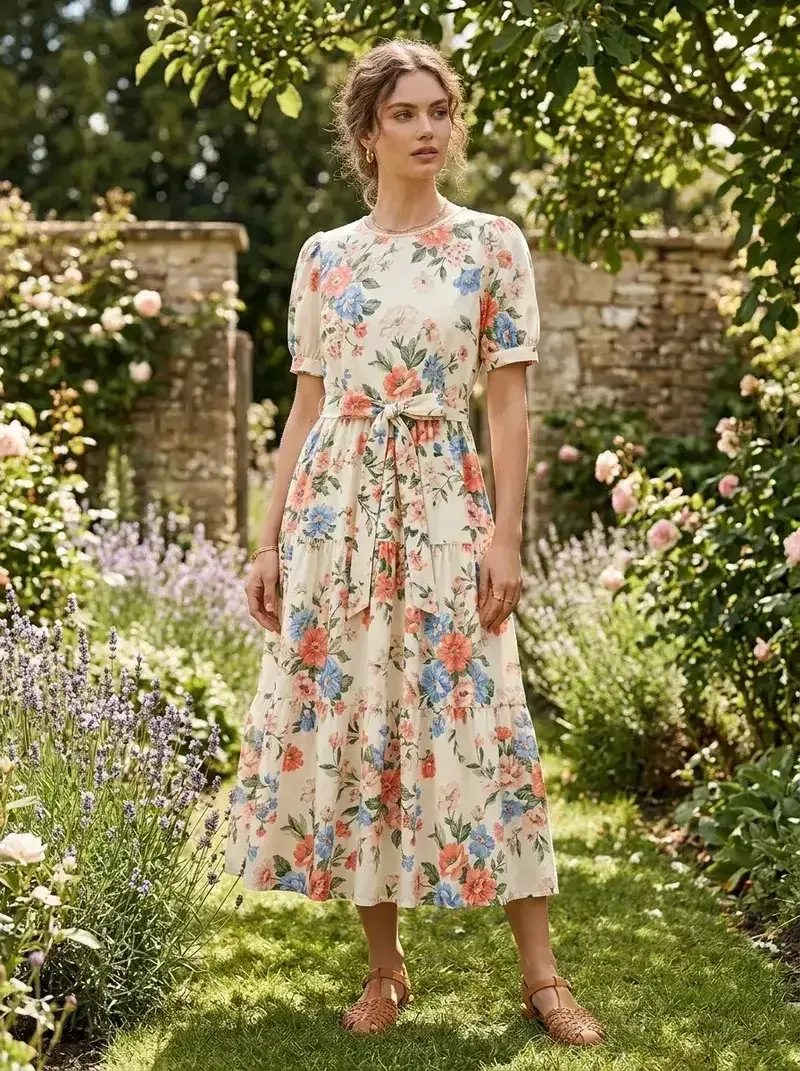
Flat-lay, hanger and mannequin photographs give the generator a product reference. Text-to-image generation creates a concept; shopper fitting rooms serve the customer's purchase experience. For a catalog, the priority is an accurate representation of the item you sell.
- Upload an existing SKU photograph and choose or supply a model.
- Generate a neutral reference image and inspect product details.
- Create pose or scene variations only after approval.
Keep original product photos available. Use real photographs whenever generation misrepresents the item, especially an unseen back, fastening or construction detail.
Paid alternative: our Virtual Try-On
Our Virtual Try-On accepts flat-lay photos and offers 100+ diverse models or your own model photo. It suits stores considering a paid workflow that can extend into editing, poses and advertising creatives.
Our trial costs $1 for seven days and 20 credits and produces watermarked results. Under our trial renewal terms, the selected Creator or Studio plan continues at $49/month or $99/month unless canceled before the trial ends. Paid plans include watermark-free exports; applicable taxes are extra.
Our AI Assistant helps keep models and outfits consistent across creative steps. Model Swap changes the model while preserving the garment, pose and lighting, while Change Background lets you replace the scene. Check garment fidelity before moving from an initial result to further variations.
Prepare one garment photo and check every output
Before uploading
Use clear, even lighting and show the whole garment with visible edges. Claid's input guidance recommends an uncropped product with minimal wrinkles or heavy shadows. Make logos, seams, prints and fastenings readable, and keep the original beside every output.
Before downloading or publishing
Accept accurate product details, revise presentation problems and reject changes to the SKU. Use this checklist at close-up and full-image views.
| Check | Pass | Revise | Reject |
|---|---|---|---|
| Logo | Lettering and placement match | Obscured by pose | Misspelled or moved branding |
| Pattern and alignment match | Insufficient visibility | Changed motif or scale | |
| Seams | Construction lines match | Unclear lighting | Added or relocated seams |
| Fastenings | Buttons and zips match | Hand blocks inspection | Changed count or type |
| Color | Matches the reference | Distracting scene lighting | Materially different color |
| Texture | Visible fabric character matches | Detail too soft | Different fabric appearance |
| Invented details | Only reference-supported features | Unseen area needs evidence | Added pockets or invented back |
Also inspect hands, garment boundaries and areas hidden by the pose. Check garment accuracy independently of anatomy, and use real garment measurements to assess sizing.
Before publishing, verify your exact tier's commercial permission, watermark treatment and downloadable resolution. Google Merchant Center guidance warns that promotional elements or overlays can cause product-image disapproval. Check platform image rules as well as the generator's license.
For the complete preparation workflow, follow the flat-lay to try-on guide.
Choose the next test, not the biggest free claim
Test one garment before committing to a subscription. Budget for accepted images, not generation attempts, and confirm publishing terms before using an output. If a paid trial and broader creative workflow fit your next step, explore our AI marketing studio.