

Table of Contents
What Is an AI Avatar Video Generator?
An AI avatar video generator turns a static photo and a text script into a video of a speaking digital human. In 2026, platforms use facial landmark analysis to match phonetic audio with exact mouth movements. Businesses use these tools to replace video shoots, create social media ads, and scale corporate training.
You no longer need a camera, a studio, or an actor to create professional video content. You upload a portrait photo, type a script, and the software produces a realistic talking-head video in minutes.
Data shows 60% of searches now end without a click, as search engines provide direct answers on the results page. Video content delivers those answers more effectively than text alone. If you can scale video production without a film crew, you gain a serious competitive edge.
We reviewed the top platforms on the market, compared their features side by side, and built a step-by-step guide to help you create your first avatar video. This guide focuses strictly on tools that generate speaking human faces, not full-body clothing models or general image-to-video converters.
Quick Comparison: Top 5 AI Avatar Video Generators
We evaluated each platform on lip-sync precision, ease of use, target audience fit, and cost. Here is the summary.
| Tool | Best For | Standout Feature | Lip-Sync Quality | Starting Price |
|---|---|---|---|---|
| InVideo AI | Social media creators | Auto-script generation | Medium | Free / $25/mo |
| Adobe Firefly | Corporate design teams | Copyright-safe training data | High | Free / $9.99/mo |
| Jogg AI | Mobile ad buyers | TikTok/Reels templates | Medium | Free / $29/mo |
| HeyGen | Enterprise teams | Custom voice cloning | Very High | Free / $29/mo |
| CamClo | E-commerce & marketers | Portrait-to-talking-video | High | Free / $29/mo |
Detailed Tool Reviews
Each tool serves a different purpose. Your choice depends on your business goals, budget, and the type of content you need to produce.
1 InVideo AI
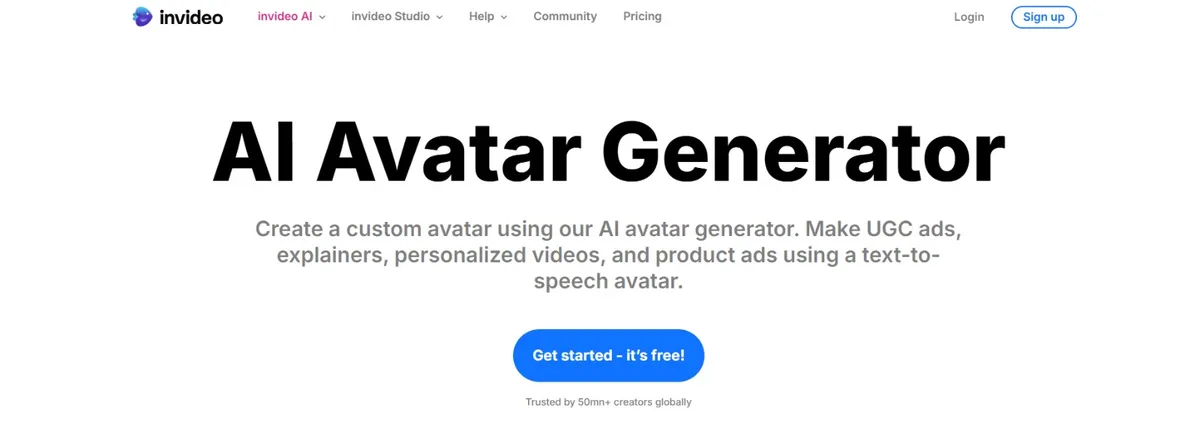
InVideo AI focuses on speed and volume for social media creators. You give the software a text prompt, and it writes the script, selects a digital speaker, and renders the video in minutes. It is built for creators who need high-volume output for platforms like YouTube Shorts and Instagram Reels.
Key Features
- Text-to-video automation with AI-generated scripts
- Pre-built digital characters and voiceover generation
- Full editing timeline for post-production tweaks
Pros
- Saves significant time on script writing
- Handles the entire video creation pipeline
- Generous free tier for testing
Cons
- Digital faces lack the realism of premium tools
- Limited control over phonetic mouth movements
Pricing
Free: 10 min AI generation/week, watermarked, 720p. Plus: $25/mo ($20/mo annual), 50 min/mo, 1080p, no watermark. Max: $60/mo ($48/mo annual), 200 min/mo, 4K exports, priority support.
Best For: High-volume social media creators who prioritize speed over realism2 Adobe Firefly
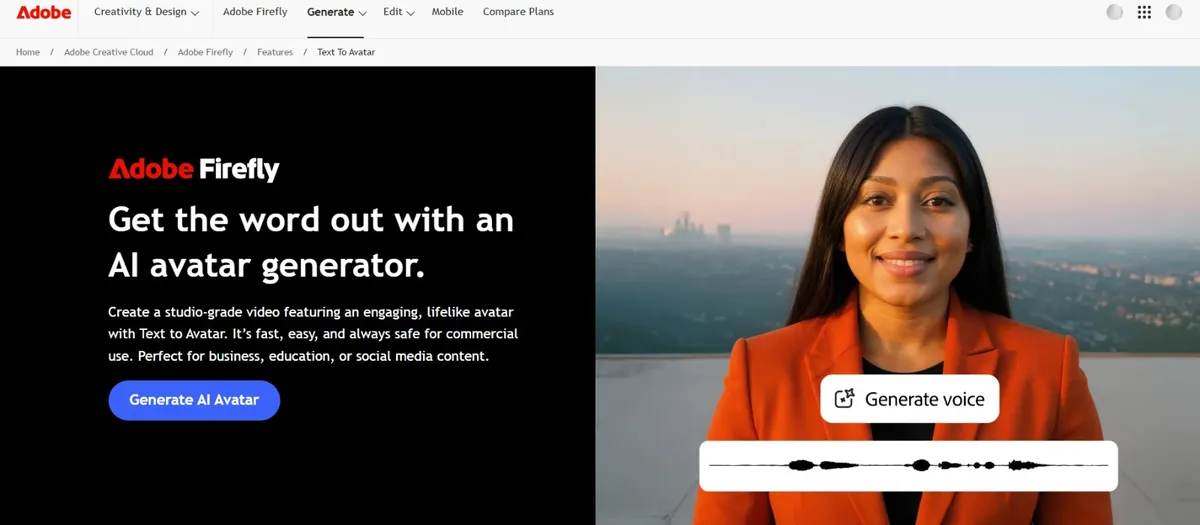
Adobe Firefly targets enterprise companies where copyright compliance is non-negotiable. Adobe trains its models exclusively on licensed images, which means you avoid intellectual property risks. The speaking-face feature integrates directly into Premiere Pro and the broader Creative Cloud ecosystem.
Key Features
- Copyright-safe: trained only on licensed content
- Direct integration with Adobe Premiere Pro and Creative Cloud
- High-quality lighting and rendering
Pros
- Legal peace of mind for commercial use
- Fits into existing Adobe design workflows
- High lip-sync accuracy
Cons
- Steep learning curve for non-Adobe users
- Expensive subscription cost
Pricing
Free: 25 credits/mo, watermarked. Standard: $9.99/mo, 2,000 credits, ~20 video clips/mo, no watermark. Pro: $19.99/mo, 4,000 credits. Premium: $199.99/mo, 50,000 credits for heavy usage.
Best For: Corporate teams that need copyright-safe video production at scale3 Jogg AI
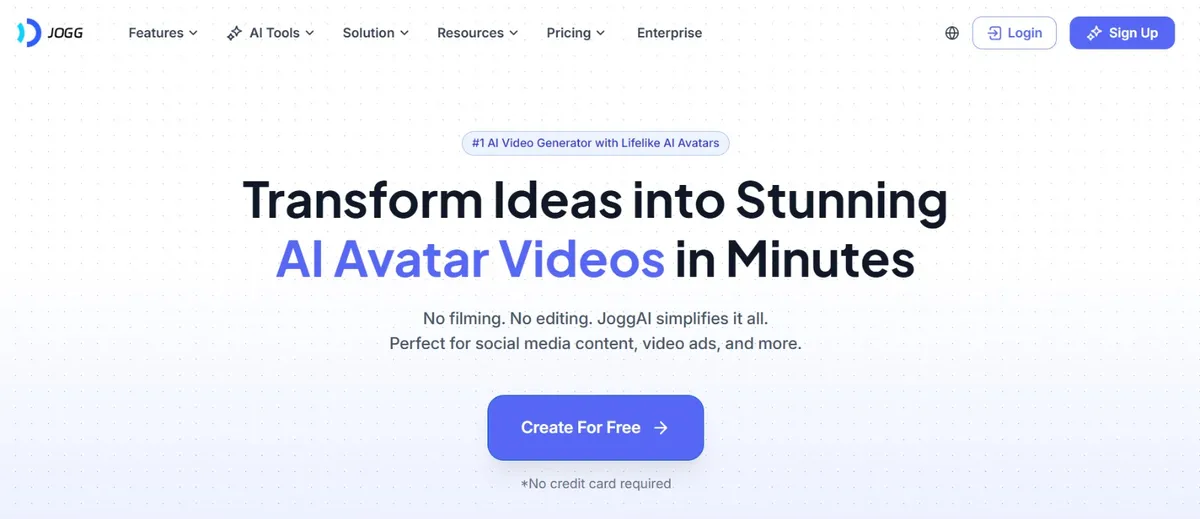
Jogg AI targets mobile marketers and media buyers. It specializes in vertical video formats for TikTok and Instagram Reels. You paste a product URL, and the tool generates a short video with a speaking avatar. It is purpose-built for rapid ad testing.
Key Features
- Vertical video templates optimized for mobile platforms
- URL-to-video conversion for product pages
- Dynamic text overlays and ad-format outputs
Pros
- Optimized specifically for mobile ad formats
- Helps media buyers test ad creatives fast
- Affordable entry-level pricing
Cons
- Not suitable for long-form content
- Video styles can feel repetitive over time
Pricing
Free: 3 avatar videos, watermarked. Starter: $29/mo ($24/mo annual), 200 videos/yr. Creator: $69/mo ($36/mo annual), unlimited videos. Team: $89/seat/mo, multi-user workspace.
Best For: Performance marketers running paid social media ad campaigns4 HeyGen
HeyGen is the market leader for custom avatar cloning. You upload a training video of yourself, and HeyGen creates a digital clone of your face and voice. The result is remarkably realistic: it looks and sounds like you, but generated entirely by AI.
Key Features
- Custom human and voice cloning from uploaded footage
- Industry-leading lip-sync precision
- Multi-language translation with your cloned voice
Pros
- Most authentic-looking output in the market
- Supports 60+ languages with your own cloned voice
- Strong enterprise integrations (Zapier, Canva)
Cons
- Custom clone feature costs extra
- Longer rendering times due to high-fidelity processing
- Premium pricing may not suit small teams
Pricing
Free: 3 videos/mo, watermarked, 720p. Creator: $29/mo ($24/mo annual), unlimited videos, 1080p, voice cloning. Pro: $99/mo ($79/mo annual), 4K, 2,000 credits/mo. Business: $149/mo, SSO, SCORM export, 5 custom avatars.
Best For: Businesses that want a realistic digital clone of a real person5 CamClo AI Avatar Video Generator
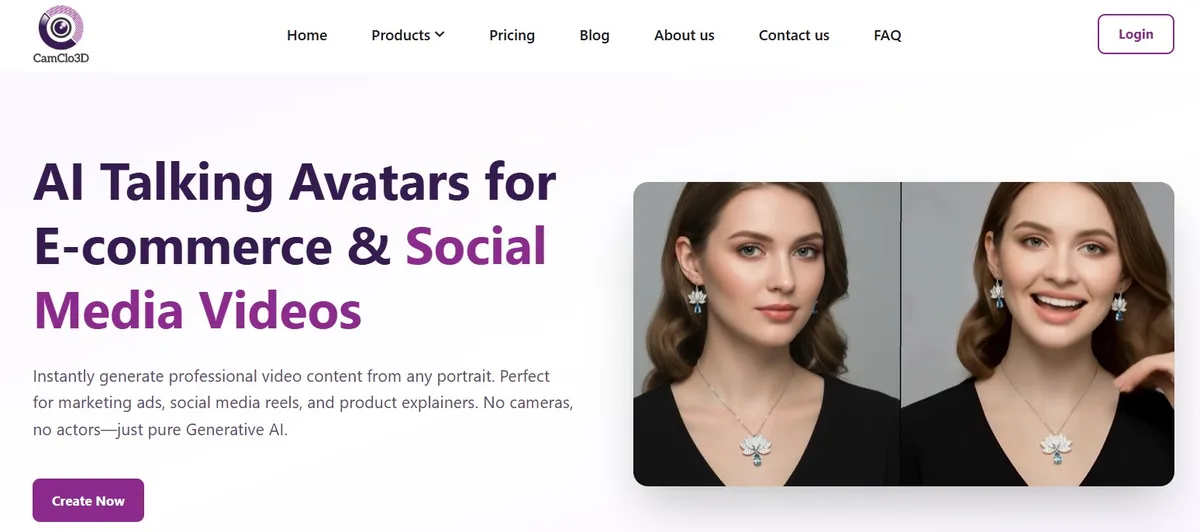
CamClo is built for e-commerce brands and social media marketers. Unlike general-purpose avatar tools, it focuses on creating product explainers, marketing ads, and social media reels from a single portrait photo. The platform provides precise phonetic lip-syncing and supports both text scripts and custom audio uploads.
Key Features
- Dual Input Modes: Script Mode for typed text, or Audio Mode for custom voice recordings (MP3, WAV, M4A, OGG)
- Global Voice Library: 80+ AI voices across 15+ regional accents
- Two Quality Levels: Standard Mode for fast content; Pro Mode for enhanced facial expressions
- Single-Photo Input: No base video required, one portrait is enough
Pros
- Accurate lip-sync from a single static image
- No base video upload needed
- Maintains consistent brand identity across videos
- Competitive mid-range pricing
Cons
- Focuses on single-person talking formats, not cinematic scenes
- Pro Mode renders slower than Standard Mode
Pricing
CamClo uses a credit-based subscription model with monthly and yearly plans. Yearly plans include 2 months free. Check the CamClo pricing page for current rates. Plans cover Virtual Try-On, Smart Edit, Model Swap, Avatar Video, and more.
Best For: E-commerce brands creating product explainers and marketing reels at scaleHow AI Avatar Technology Works
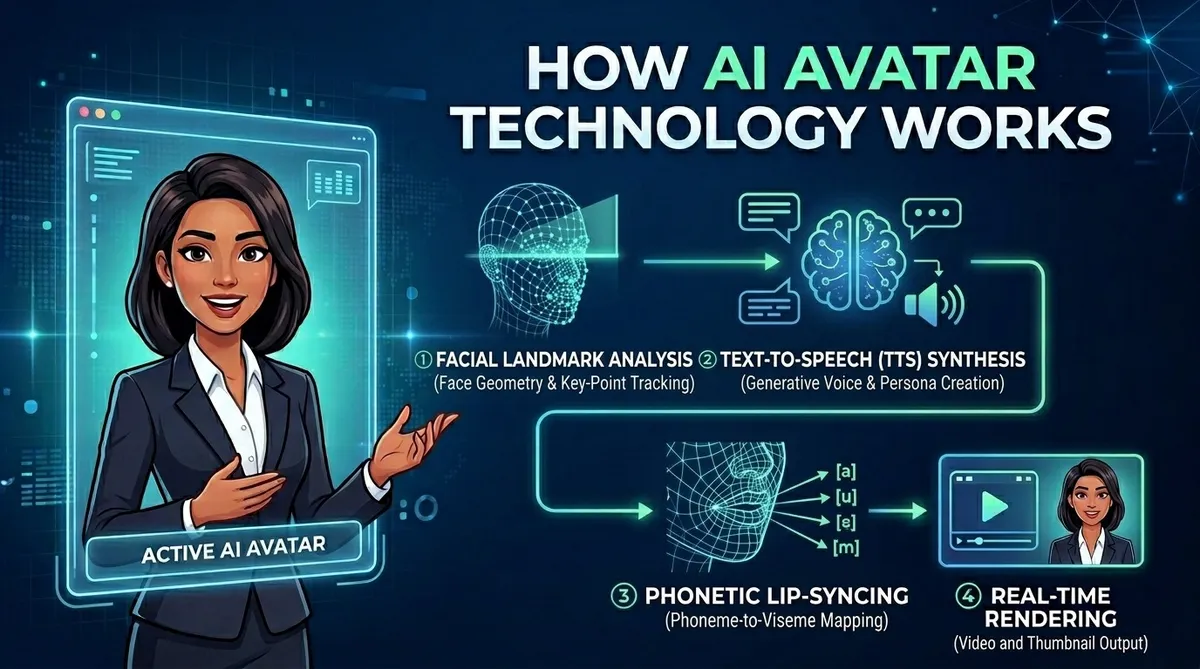
Understanding the underlying technology helps you evaluate tool quality. Every AI avatar video generator relies on three core systems working together.
1. Facial Landmark Analysis
The software scans your uploaded photo and identifies key points on the eyes, nose, jaw, and mouth. These create a digital 3D map that determines how the face should move.
2. Text-to-Speech Synthesis
Your text script is converted into natural-sounding audio. Modern TTS engines understand context: they add pauses at commas, raise pitch at question marks, and replicate human breathing patterns.
3. Phonetic Lip-Syncing
The audio is broken into phonemes (individual sound units). Each phoneme maps to a specific mouth shape. The digital face moves its lips to match these shapes in sync with the audio.
4. Real-Time Rendering
The system combines the animated facial map with the original image and audio track to produce a seamless video output in MP4 format.
Step-by-Step: How to Make Your First Avatar Video
The workflow below uses the CamClo platform as a reference, but the general steps apply to most tools on this list.
Upload a Portrait
Prepare a front-facing photo in JPG, PNG, or WebP format. Drag and drop the image into the dashboard. The software analyzes the facial landmarks to prepare for animation. Tip: Use a high-resolution photo with even lighting for the best results.
Choose Your Input Method
Script Mode: Type your script directly. Example: "Welcome to our product demo. Today I will show you our latest collection." Select a voice and language from the library.
Audio Mode: Record your own voice or upload an MP3/WAV file. The software uses your exact voice tone for the avatar.
Select Voice and Accent
If using Script Mode, choose from the voice library. Options include American, British, Indian, Australian, Spanish, German, French, and more. Match the voice to your target audience.
Choose Quality Level
Standard Mode: Fast processing with good lip-sync accuracy. Best for high-volume social media content.
Pro Mode: Ultra-realistic results with enhanced facial expressions and smoother animations. Best for professional marketing ads.
Generate and Download
Press generate. The software synthesizes the audio with the static image and produces a lip-synced video. Download the final file in MP4 format. Most videos under 60 seconds render in 5 to 10 minutes.
Business Use Cases
AI avatar videos serve multiple departments and business functions. Here are the most impactful applications.
E-commerce Product Listings
Add a virtual spokesperson to your product pages. A speaking avatar explains product benefits, increasing time on page and conversion rates compared to static text descriptions.
Social Media Ads
Create talking-head videos for TikTok and Instagram Reels. Test multiple hooks and scripts by simply changing the text and regenerating. Find winning ad creatives in hours, not weeks.
Corporate Training
Scale employee onboarding with digital instructors. Update training content by editing the script text. No need to re-film with actors. Translate into multiple languages instantly.
Customer Support
Create "How-to" explainer videos where an avatar walks customers through product setup or troubleshooting. This reduces support tickets and improves the customer experience.
Cost Comparison: Traditional vs. AI Video Production
The economics of AI avatar video generation are compelling, especially for teams producing content at scale.
Traditional Video Production
- Studio space rental: ~$500/day
- Camera & lighting: ~$300/day
- Human actor: ~$1,000/day
- Video editor: ~$500/project
- Timeline: ~2 weeks
AI Avatar Method
- Platform subscription: $50-$200/month
- Script writing: ~1 hour
- Rendering: ~10 minutes
- No equipment or talent costs
- Timeline: same day
Best Practices for Avatar Video Scripts
The quality of your output depends heavily on the input. Follow these guidelines for the best results.
Write for the Ear, Not the Eye
People hear spoken audio differently than they read text. Read your script aloud before pasting it into the tool. If you run out of breath mid-sentence, it is too long. Use periods instead of commas. Keep sentences short and direct.
Control Pronunciation
AI voices sometimes mispronounce brand names or technical terms. Use phonetic spelling in the script editor to fix this. For example, if your brand name is "CamClo," you might type "Cam-klo" to get the correct pronunciation.
Use High-Quality Portrait Images
The final video quality depends on the starting image. Use a high-resolution photo where the subject faces the camera directly. Avoid images with heavy shadows on the face. Clear, even lighting produces the best facial landmark mapping.
Keep Videos Short
Online attention spans are short. Keep videos under 60 seconds for social media. Deliver your main value proposition in the first 10 seconds. End with a clear call to action.
Common Mistakes to Avoid
- Ignoring audio quality: A realistic face paired with a robotic voice undermines the whole video. Spend time testing voice options to find one that matches your brand.
- Uploading low-quality photos: Blurry or poorly lit source images produce poor lip-sync results. The software needs clear facial features to map accurately.
- Using complex vocabulary: Overly technical language confuses TTS engines and viewers alike. Write in plain, conversational language.
- Background noise in Audio Mode: If uploading custom audio, record in a quiet environment. Background noise disrupts the phoneme-to-mouth mapping process.
- Skipping disclosure: Audiences increasingly recognize AI-generated content. Being transparent about AI use builds trust rather than eroding it.
Ethical Considerations
Use AI Avatar Technology Responsibly
As these tools become more powerful, responsible use matters:
- Only use photos you own or have rights to. Do not upload photos of public figures without authorization. Most platforms include moderation filters to block this.
- Be transparent. Consider disclosing that your video uses AI-generated content. This builds consumer trust and sets clear expectations.
- Check commercial rights. Verify that your platform's terms of service allow commercial use on your plan tier before publishing.
- Respect your audience. Use the technology to deliver clear, helpful information, not to deceive or manipulate.
Choosing the Right Tool: Decision Framework
Still unsure which tool fits your needs? Use this quick decision framework:
- Need speed and volume for social media? Start with InVideo AI or Jogg AI.
- Need copyright-safe content for a large organization? Choose Adobe Firefly.
- Need a realistic clone of yourself or a team member? Go with HeyGen.
- Need e-commerce product videos from a single photo? Try CamClo.
We recommend testing at least two or three tools with the same short script. Compare the lip-sync quality, voice naturalness, and rendering speed. Most platforms offer free trials. Use them before committing to a paid plan.
Create Your First AI Avatar Video
Upload a portrait photo, type your script, and generate a professional talking-head video in minutes. No cameras, no actors, no editing skills required.
Try CamClo for $1 →

